
Introdución
The Xmenha YX36 RGB Mecha True Wireless Gaming Earbuds are designed to provide an immersive audio experience for gaming and music. Featuring Bluetooth 5.4 connectivity, low latency, and a unique mecha-inspired design, these earbuds offer enhanced sound quality and comfortable wear. This manual provides instructions for setup, operation, maintenance, and troubleshooting to ensure optimal performance.
Contido do paquete
Marque a caixa para os seguintes elementos:
- Gaming Earbuds (L/R)
- 2 Sizes of Ear Caps
- Estuche de carga
- Cable de carga USB (tipo C)
- User Manual (2 copies)
Produto rematadoview
The Xmenha YX36 earbuds feature a distinctive mecha design with RGB lighting, housed in a compact charging case. They are engineered for comfort and performance, especially for gaming.

Image: The Xmenha YX36 Winter-Blue earbuds are shown inside their open charging case, highlighting the unique design and glowing elements.
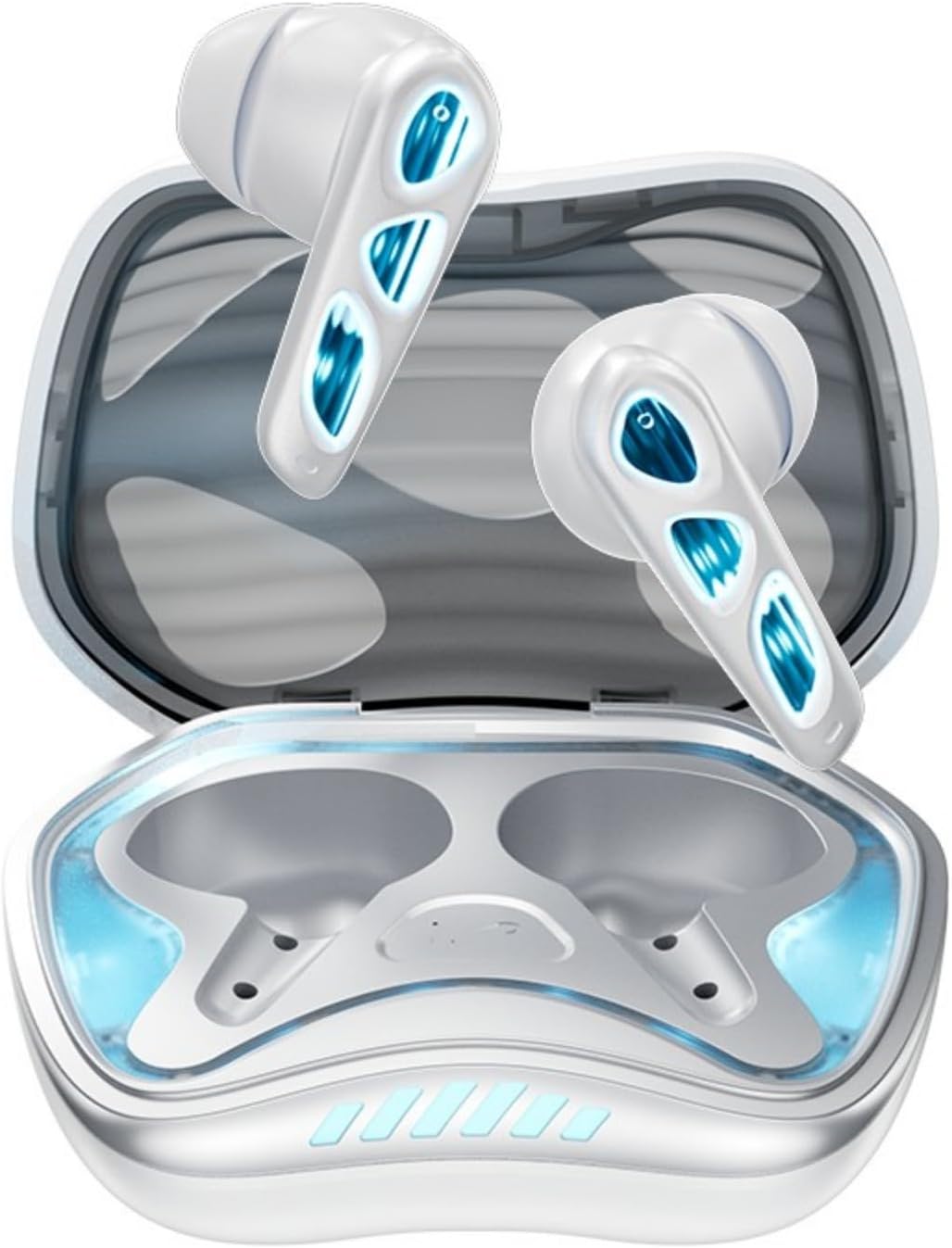
Imaxe: De arriba abaixo view of the Winter-Blue earbuds resting in their charging case, showcasing the internal layout and design details.

Image: This graphic highlights the gaming-specific features of the earbuds, including Bluetooth 5.4 for smooth connection, a polymer diaphragm for sound quality, super heavy bass, and comfortable noise reduction.
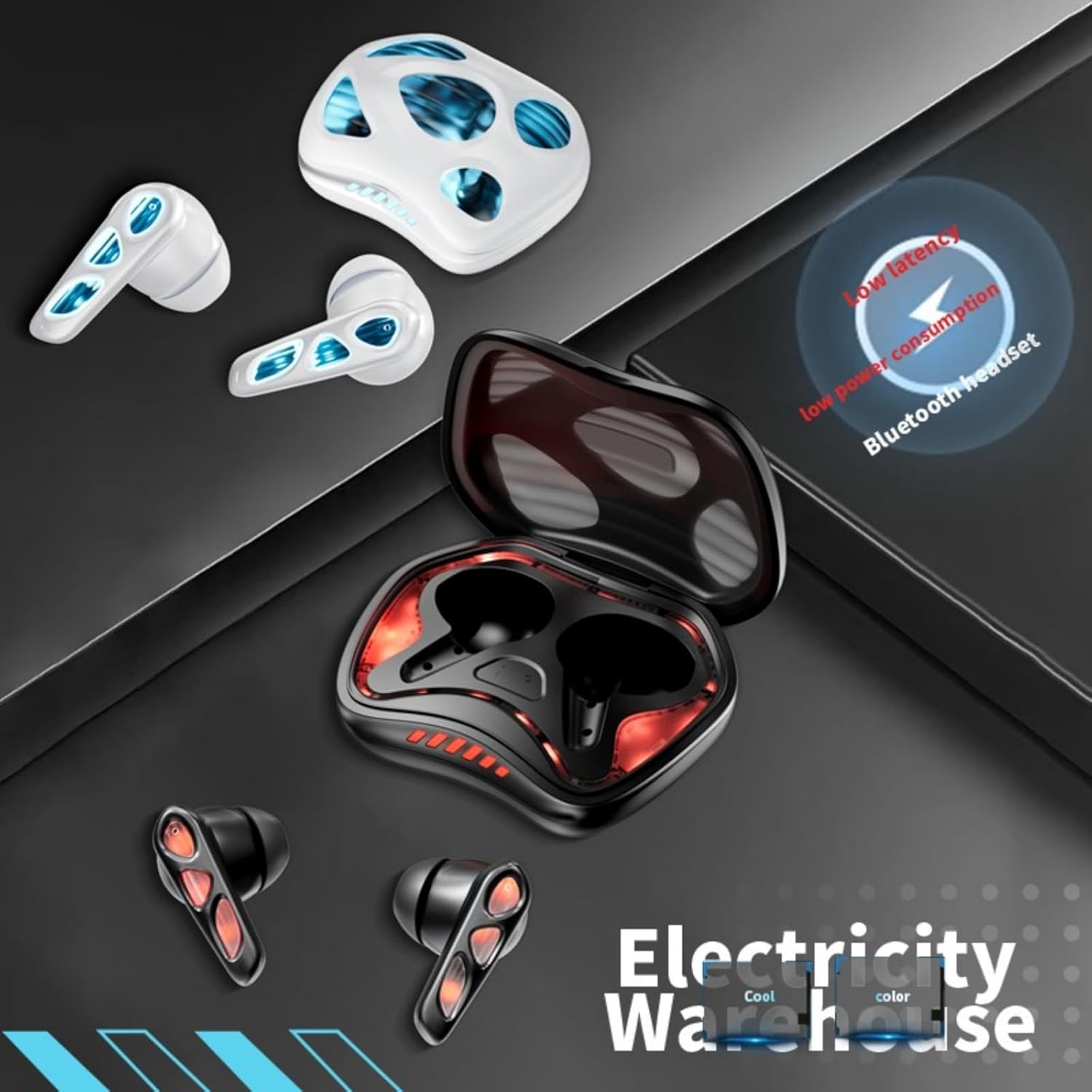
Image: The earbuds and charging case are depicted alongside text indicating low latency and low power consumption, emphasizing efficient performance for gaming and extended use.
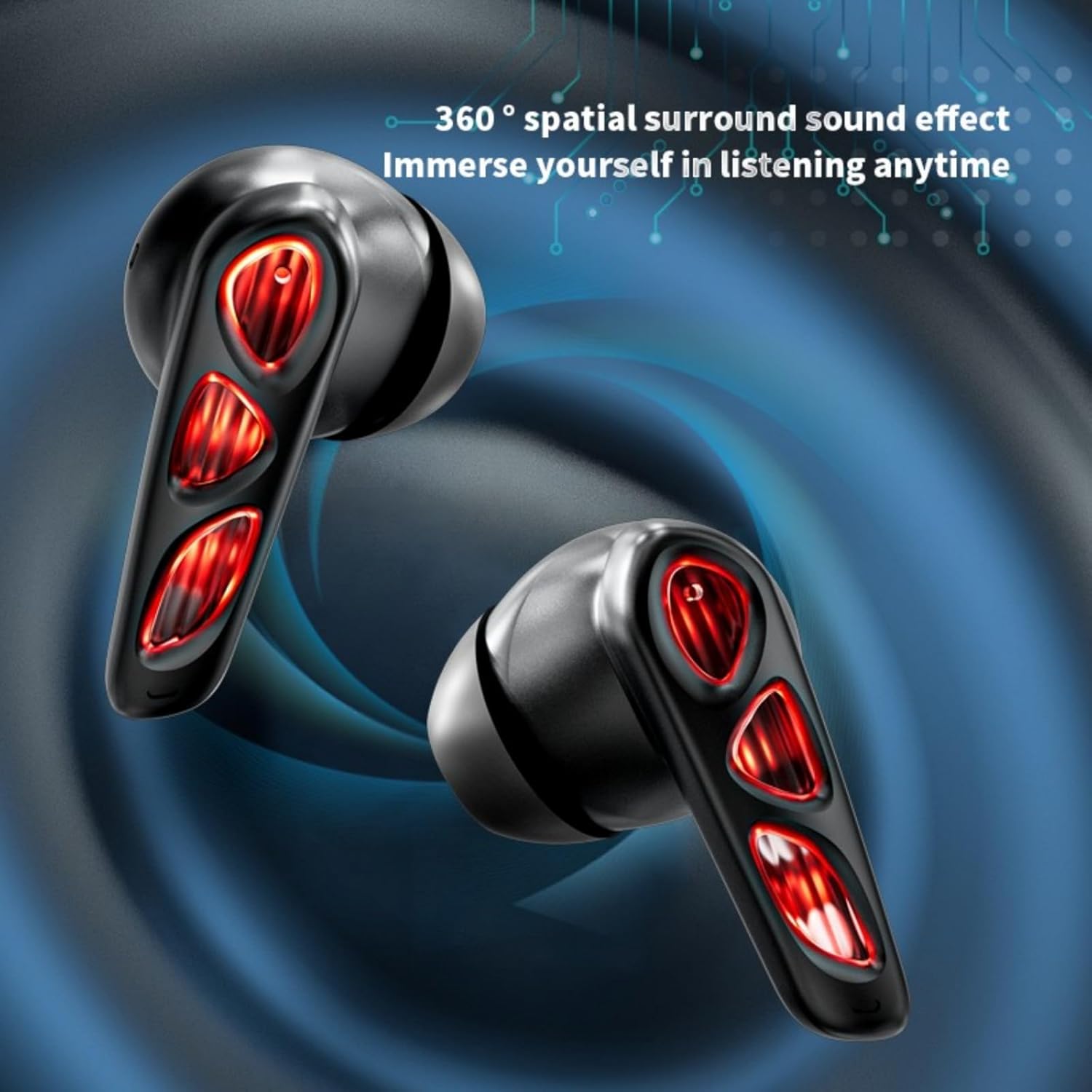
Image: A close-up of the earbuds (in the Flame-Red variant) highlights the 360-degree spatial surround sound effect, designed to immerse the user in their audio experience.

Image: This image showcases the Winter-Blue earbuds in their charging case, emphasizing the ultra-long battery life and strong power reserve for extended gaming sessions.

Image: A person is shown wearing the earbuds, illustrating the ergonomic design for comfortable and worry-free use during play.
Configuración
1. Carga dos auriculares e da funda
Antes do primeiro uso, carga completamente os auriculares e a caixa de carga.
- Conecta o cable de carga USB tipo C fornecido ao porto de carga da carcasa e a unha fonte de alimentación.
- The charging case will indicate its charging status. A full charge for the case typically takes approximately 2 hours.
- Place the earbuds into the charging case. They will begin charging automatically. The earbuds provide approximately 5.5 hours of continuous playtime on a single charge, with the charging case offering an additional 36 hours of battery life.
2. Emparellamento Bluetooth
The earbuds feature one-step pairing for convenience.
- Abre a caixa de carga. Os auriculares acenderanse automaticamente e entrarán no modo de emparellamento.
- No teu dispositivo (teléfono intelixente, tableta, PC), activa o Bluetooth e busca os dispositivos dispoñibles.
- Select "YX36" (or similar name) from the list of found devices to connect.
- Unha vez emparellados, os auriculares conectaranse automaticamente co último dispositivo emparellado ao retiralos da funda.
Instrucións de funcionamento
Controis táctiles
The Xmenha YX36 earbuds utilize intelligent touch controls for various functions:
- Reproducir/pausar música: Toca un só auricular en calquera dos auriculares.
- Próxima canción: Toca dúas veces no auricular dereito.
- Canción anterior: Toca dúas veces no auricular esquerdo.
- Responder/Finalizar chamada: Un só toque en calquera dos auriculares durante unha chamada entrante.
- Rexeitar a chamada: Manteña premido calquera dos auriculares durante 2 segundos durante unha chamada entrante.
- Activar o asistente de voz: Triple tap on either earbud (functionality may vary by device).
Modo de xogo
The earbuds are designed with a low-latency connection (55ms) for an optimized gaming experience. This ensures audio and video synchronization with near-zero delay.
Mantemento
Limpeza
Para manter un rendemento e unha hixiene óptimos:
- Limpe con coidado os auriculares e a funda de carga cun pano suave, seco e sen fiapos.
- Non empregue produtos de limpeza abrasivos, alcol nin disolventes químicos.
- Asegúrate de que os contactos de carga dos auriculares e da funda estean limpos e secos.
Almacenamento
When not in use, store the earbuds in their charging case to protect them and keep them charged. Avoid storing in extreme temperatures or humid environments.
Resolución de problemas
If you encounter issues with your Xmenha YX36 earbuds, please refer to the following common solutions:
| Problema | Solución |
|---|---|
| Os auriculares non se emparejan |
|
| Non hai son dun auricular |
|
| O estuche de carga non se está cargando |
|
| Volume baixo ou mala calidade de son |
|
Especificacións
| Característica | Detalle |
|---|---|
| Número de modelo | YX36 |
| Versión Bluetooth | 5.4 |
| Distancia de transmisión | > 10 metros |
| Capacidade da batería dos auriculares | 30 mAh (cada un) |
| Capacidade da batería do estuche de carga | 380 mAh |
| Tempo de xogo | Approx. 5.5 hours (earbuds), 36 hours (with charging case) |
| Tempo de carga | Aprox. 2 horas (estuche de carga) |
| Porto de carga | Tipo-C |
| Baixa latencia | 55 ms |
| Método de control | Toca |
| Nivel de resistencia á auga | Impermeable |
| Dispositivos compatibles | iPhone, Android, PC |
| Material | Plástico |
| Peso do elemento | 3.8 onzas |
Garantía e Soporte
Xmenha is committed to providing quality products and customer satisfaction. While specific warranty details are not provided in this manual, if you receive a defective product or have any questions during use, please contact Xmenha customer support. We aim to respond and provide a solution within 24 hours.
For support, please refer to the contact information provided with your purchase or visit the official Xmenha store page on Amazon.