
YEBOS T2S
YEBOS T2S Stylus Pen Tips User Manual
Model: T2S Replacement Nibs
1. Introdución
This manual provides essential information for the proper use, installation, and maintenance of your YEBOS T2S Stylus Pen Replacement Tips. These tips are designed exclusively for the YEBOS T2S stylus model to ensure optimal performance and a smooth writing experience. Please read this manual thoroughly before use.
2. Produto rematadoview
The YEBOS T2S Stylus Pen Tips are precision-engineered replacement nibs made from durable Acrylonitrile Butadiene Styrene (ABS) material, designed to restore the original feel and accuracy of your YEBOS T2S stylus. Each pack contains multiple tips for extended use.

Image: The YEBOS T2S Stylus Pen Tips, showing the product packaging and five individual replacement tips.
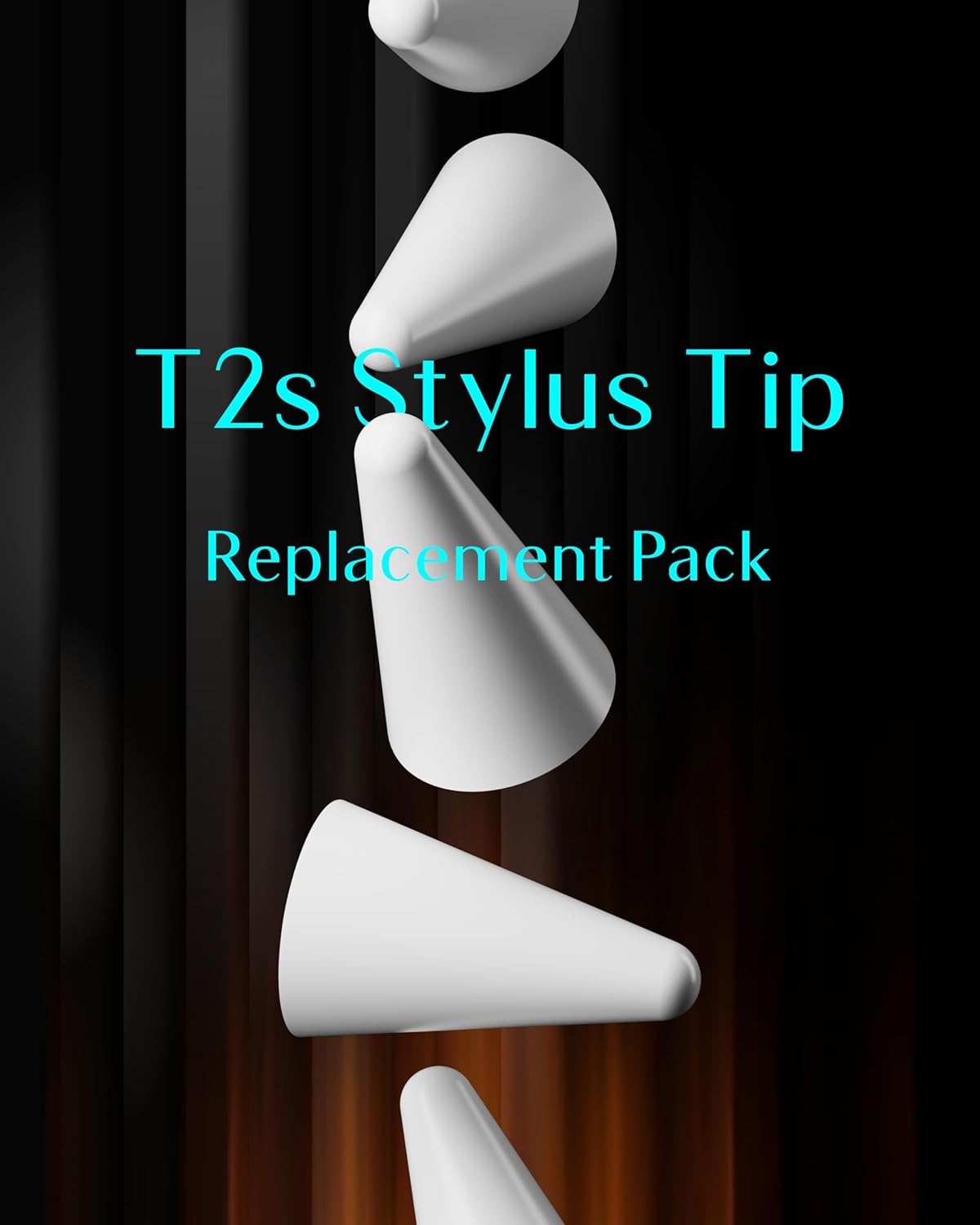
Imaxe: Primeiro plano view of several YEBOS T2S Stylus Pen Tips, highlighting their conical shape and smooth finish.
2.1. Compatibilidade
These replacement tips are exclusively compatible with the YEBOS T2S stylus model. They are not designed for use with other stylus models or brands. Using these tips with incompatible devices may result in damage to the stylus or the tips themselves.

Image: A visual representation emphasizing that the tips are compatible only with the T2S stylus, showing the tip and the stylus's internal connection point.
3. Configuración e instalación
Replacing the stylus tip is a simple process. Follow these steps carefully to ensure proper installation and avoid damage.
- Prepare the Stylus: Ensure your YEBOS T2S stylus is powered off before beginning the replacement process.
- Remove the Old Tip: Gently pull the existing tip straight out from the stylus. Avoid twisting or bending, as this could damage the internal components. If the tip is stuck, try wiggling it slightly while pulling.
- Insert the New Tip: Take a new YEBOS T2S replacement tip. Align the tip with the opening on the stylus and gently push it straight in until you feel a slight click or resistance, indicating it is securely seated. Do not force the tip.
- Test the Stylus: Power on your YEBOS T2S stylus and test its functionality on a compatible device to ensure the new tip is working correctly.

Image: A graphic illustrating the process of inserting a new tip into the YEBOS T2S stylus, showing the tip and the stylus's connection point.
4. Instrucións de funcionamento
Once installed, the YEBOS T2S replacement tips function identically to the original tip. Use your stylus as normal for writing, drawing, and navigating on your compatible device. The tips are designed for smooth and precise interaction.
5. Mantemento
Proper maintenance can extend the lifespan of your stylus tips and ensure consistent performance.
- Limpeza: If the tip accumulates dust or debris, gently wipe it with a soft, dry, lint-free cloth. Do not use abrasive materials or harsh chemicals.
- Almacenamento: Store unused tips in a clean, dry place, away from direct sunlight and extreme temperatures. Keep them in their original packaging or a protective container to prevent damage.
- Substitución: Replace the tip when you notice a decrease in responsiveness, scratching on your screen, or visible wear and tear on the tip's surface.
6 Solución de problemas
If you encounter issues after replacing a tip, consider the following common solutions:
- Tip Not Responding:
- Ensure the tip is fully inserted and seated correctly.
- Verify that your stylus is powered on and properly connected to your device.
- Check if the stylus itself is functioning correctly with another tip, if available.
- Tip Feels Loose:
- Remove the tip and re-insert it firmly, ensuring it clicks into place.
- If the issue persists, the tip may be damaged or worn. Replace it with a new one.
- Scratching Screen:
- Immediately stop using the tip.
- Inspect the tip for any deformities, cracks, or embedded debris. Replace if damaged.
- Ensure your device screen is clean and free of particles that could cause scratching.
7. Especificacións
| Característica | Detalle |
|---|---|
| Compatibilidade de modelos | YEBOS T2S Stylus |
| Material | Acrilonitrilo Butadieno Estireno (ABS) |
| Dimensións do paquete | 3.11 x 2.21 x 0.67 polgadas |
| Peso do elemento | 0.95 ounces (for the package) |
| Pilas necesarias | Non |
| Fabricante | YEBOS |
8. Garantía e soporte
For information regarding warranty coverage and customer support for your YEBOS T2S Stylus Pen Tips, please refer to the purchase documentation or visit the official YEBOS websitio. Garda o comprobante de compra para calquera reclamación de garantía.
Ask a question about this manual
Ask about setup, troubleshooting, compatibility, parts, safety, or missing instructions. Manuals+ will review the question and use this page’s manual context to help answer it.