
1. Introdución
The XIAOMI Pad 7 Ai WiFi Version (Model 2410CRP4CG) is a high-performance tablet designed for productivity and entertainment. It features an 11.2-inch 3.2K 144Hz crystal-clear display, offering detailed visuals and an immersive viewing experience. The device supports Dolby Vision® with 800 nits peak brightness for stunning HDR content. Eye comfort is prioritized with multi-dimensional eye-care functions, including 4096 levels of brightness adjustment and TÜV Rheinland eye comfort certifications. Audio is enhanced by quad speakers with Dolby Atmos® support and 200% volume boost. Powered by the Snapdragon 7+ Gen 3 Mobile Platform and HyperOS 2, it offers seamless multitasking and AI capabilities for various office tasks, text/image generation, and meetings. The tablet boasts a sleek unibody design crafted from high-strength aluminum alloy, combining sophistication with portability.
2. Que hai na caixa
Upon unboxing your XIAOMI Pad 7 Ai, please ensure all the following items are present:
- Cable USB Tipo-C
- Manual
- Cargador de coche rápido
Note: A 45W power adapter is not included in the box and is sold separately. Using a Xiaomi 45W power adapter is recommended for turbo charging.
3. Dispositivo rematadoview
The XIAOMI Pad 7 Ai features a sleek and durable unibody design. Familiarize yourself with the device's layout:
- Visualización: 11.2-inch 3.2K 144Hz crystal-clear screen.
- Cámaras: Rear 13MP camera and Front 8MP camera.
- Relatores: Catro altofalantes para unha experiencia de son envolvente.
- Portos: Porto USB tipo C para carga e transferencia de datos.
- Sensores: Accelerometer, Gyroscope, Ambient light (front/rear), Flicker sensor, Hall sensor, Magnetic sensor, Proximity sensor, RGB LED, IR remote control.

Figura 3.1: Parte dianteira e traseira view of the XIAOMI Pad 7 Ai.
4. Configuración
Follow these steps to set up your XIAOMI Pad 7 Ai for the first time:
- Encendido: Press and hold the Power button until the XIAOMI logo appears.
- Configuración inicial: Sigue as instrucións na pantalla para seleccionar o teu idioma, rexión e conectarte a unha rede wifi.
- Conta de Google: Inicia sesión coa túa conta de Google ou crea unha nova.
- Seguridade: Set up a screen lock (PIN, pattern, or password). Face unlock is also available.
- Actualizacións de software: The tablet may prompt you to download and install available software updates. It is recommended to keep your device's software up-to-date for optimal performance and security.
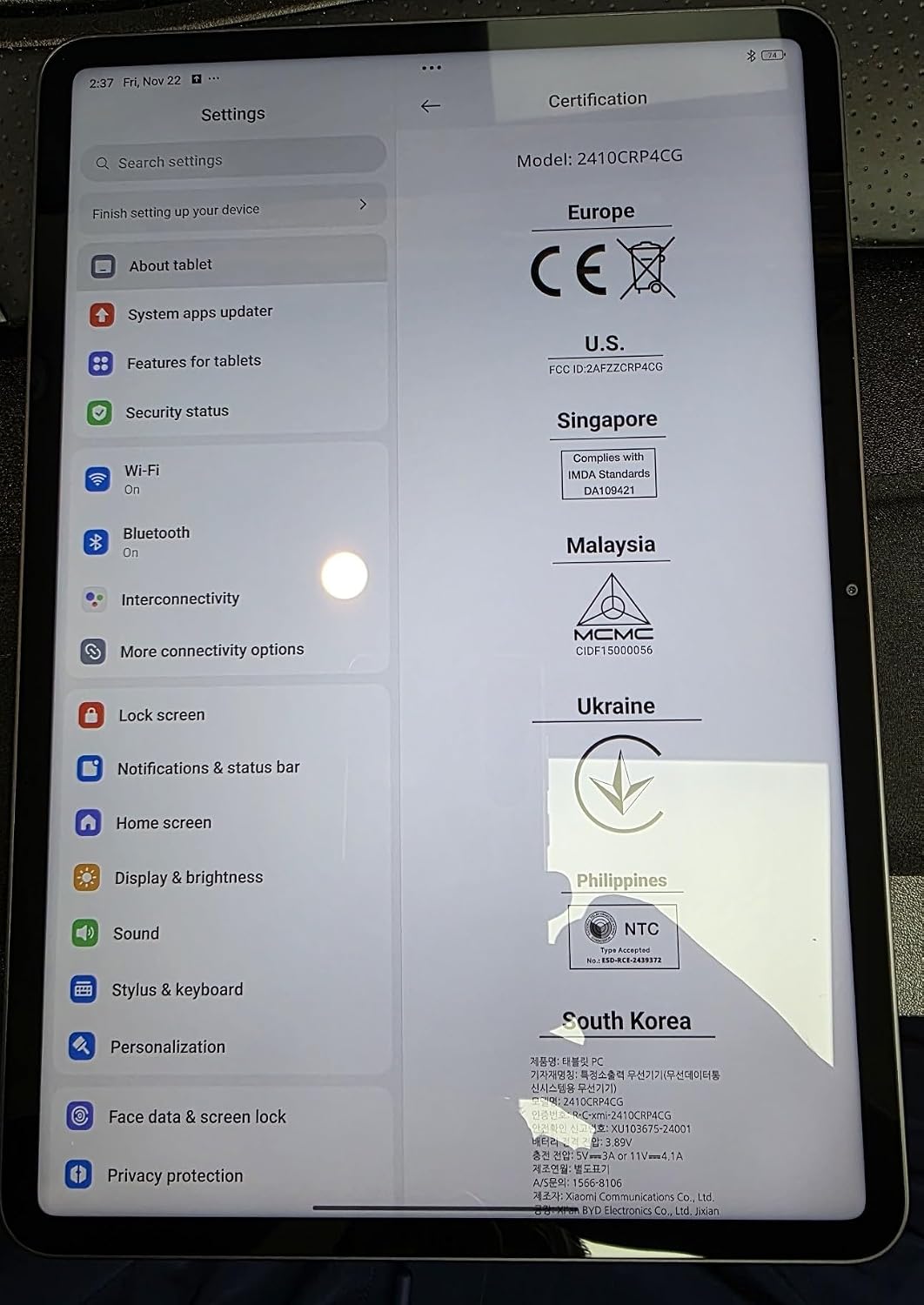
Figure 4.1: Device settings screen displaying certification information.
5. Instrucións de funcionamento
The XIAOMI Pad 7 Ai runs on HyperOS 2, offering a user-friendly interface and advanced features:
- Navegación: Use gestures for navigation (swipe up for home, swipe from edge to go back) or switch to 3-button navigation in Settings.
- Notifications & Control Panel: Swipe down from the top-left for notifications and from the top-right for the control panel (quick settings).
- Multitarefa: HyperOS 2 supports split-screen and floating windows, allowing you to run multiple applications simultaneously for enhanced productivity.
- Caixón de aplicacións: You can choose between a classic home screen layout or one with an app drawer for organizing your applications.
- Configuración da pantalla: Adjust brightness, enable Sunlight mode for outdoor visibility, and customize color schemes.
6. Uso da cámara
Capture moments with the integrated cameras:
- Cámara traseira: 13MP with f/2.2 aperture and PDAF. Supports 4K video recording at 30fps, and 1080P/720P video at 30fps/60fps.
- Cámara frontal: 8MP with f/2.28 aperture. Supports 1080P/720P video recording at 30fps.
- Modos da cámara: Photo, Video, Portrait, Document, Dual video, Director mode, Teleprompter, Dynamic shot, HDR.
7. Performance & Battery
The XIAOMI Pad 7 Ai is built for robust performance and extended usage:
- Procesador: Snapdragon 7+ Gen 3 Mobile Platform (4nm manufacturing process, Octa-core up to 2.8GHz, Adreno GPU, Qualcomm AI engine).
- RAM: 8 GB.
- Almacenamento interno: 128 GB.
- Batería: 8850mAh (typical) with 45W turbo charging support (charger sold separately).
- Conectividade: Wi-Fi 6E (2x2 MIMO, 8x8 Sounding for MU-MIMO, Wi-Fi Direct, Miracast), Bluetooth 5.4 (AAC / LDAC / LHDC 5.0, IPv6).
8. Especificacións
| Tamaño da pantalla de pé | 11.2 polgadas |
| Resolución de pantalla | 3200 x 2136 píxeles |
| Resolución máxima de pantalla | 3200 x 2136, 345 ppi Pixels |
| Procesador | 2800 MHz |
| Descrición da tarxeta | Integrado |
| Tipo sen fíos | 802.11a, 802.11ac, 802.11b, 802.11g, 802.11n |
| Marca | XIAOMI |
| Serie | Xiaomi Pad 7 |
| Número de modelo do artigo | a2d4d7f2-14eb-447b-bfaa-03a30748b3a3 |
| Sistema Operativo | Android 14 HyperOS |
| Peso do elemento | 1 libras |
| Dimensións do produto | 9.89 x 0.24 x 6.83 polgadas |
| Dimensións do artigo LxWxH | 9.89 x 0.24 x 6.83 polgadas |
| Cor | Azul |
| Traseira WebResolución de cámara | 13 MP |
| Marca de procesador | Snapdragon |
| Tamaño da memoria flash | 128 GB |
| Baterías | 1 pilas de polímero de litio necesarias. (incluído) |
9. Mantemento
To ensure the longevity and optimal performance of your XIAOMI Pad 7 Ai, follow these maintenance guidelines:
- Limpeza: Usa un pano suave e sen fiapos para limpar a pantalla e a carcasa. Evita produtos químicos agresivos ou materiais abrasivos.
- Actualizacións de software: Comprobe e instale regularmente actualizacións do sistema para aproveitar as últimas funcións, parches de seguranza e melloras de rendemento.
- Condicións ambientais: Avoid exposing the tablet to extreme temperatures, direct sunlight for prolonged periods, or high humidity.
- Coidado da batería: For optimal battery health, avoid fully discharging the battery frequently. Charge your device using the recommended charger.
10 Solución de problemas
If you encounter any issues with your XIAOMI Pad 7 Ai, try the following solutions:
- O dispositivo non responde: Mantén premido o botón de acendido/apagado durante uns 10 segundos para forzar un reinicio.
- Problemas de conectividade wifi: Ensure Wi-Fi is enabled and you are within range of a known network. Try restarting your router.
- Fallo da aplicación: Clear the cache and data of the problematic app in Settings > Apps. If the issue persists, try reinstalling the app.
- Rendemento lento: Close unused apps, clear storage space, and restart the device.
- Restablecemento de fábrica: As a last resort, you can perform a factory reset via Settings > System > Reset options. Back up all important data before proceeding, as this will erase all data on the device.
11. Garantía e soporte
Your XIAOMI Pad 7 Ai is covered by a manufacturer's warranty. Please refer to the warranty card included in your product packaging for detailed terms and conditions. For technical support, service, or inquiries about protection plans, please visit the official XIAOMI support websitio ou póñase en contacto co seu servizo de atención ao cliente.