Introdución
Thank you for choosing the ZEBRONICS EnergiPod 10MR1 Power Bank. This device is designed to provide portable and efficient charging for your electronic devices. With its 10000mAh capacity, 22.5W super fast charging, and multiple output ports, it ensures your devices stay powered on the go. This manual provides essential information on how to set up, operate, maintain, and troubleshoot your power bank.

Image: The ZEBRONICS EnergiPod 10MR1 Power Bank, a sleek black device, is shown held comfortably in a hand, highlighting its compact and portable design.
O que hai na caixa
Upon unboxing your ZEBRONICS EnergiPod 10MR1 Power Bank, please ensure all the following items are present:
- Power bank - 1 unit
- Charging Cable - 1 unit
- Guía de códigos QR - 1 unidade
Produto rematadoview e Características
The ZEBRONICS EnergiPod 10MR1 is engineered with several key features to enhance your charging experience:
Batería de alta capacidade
Featuring a 10000mAh battery capacity, it ensures efficient charging for your devices, providing ample power para uso prolongado.
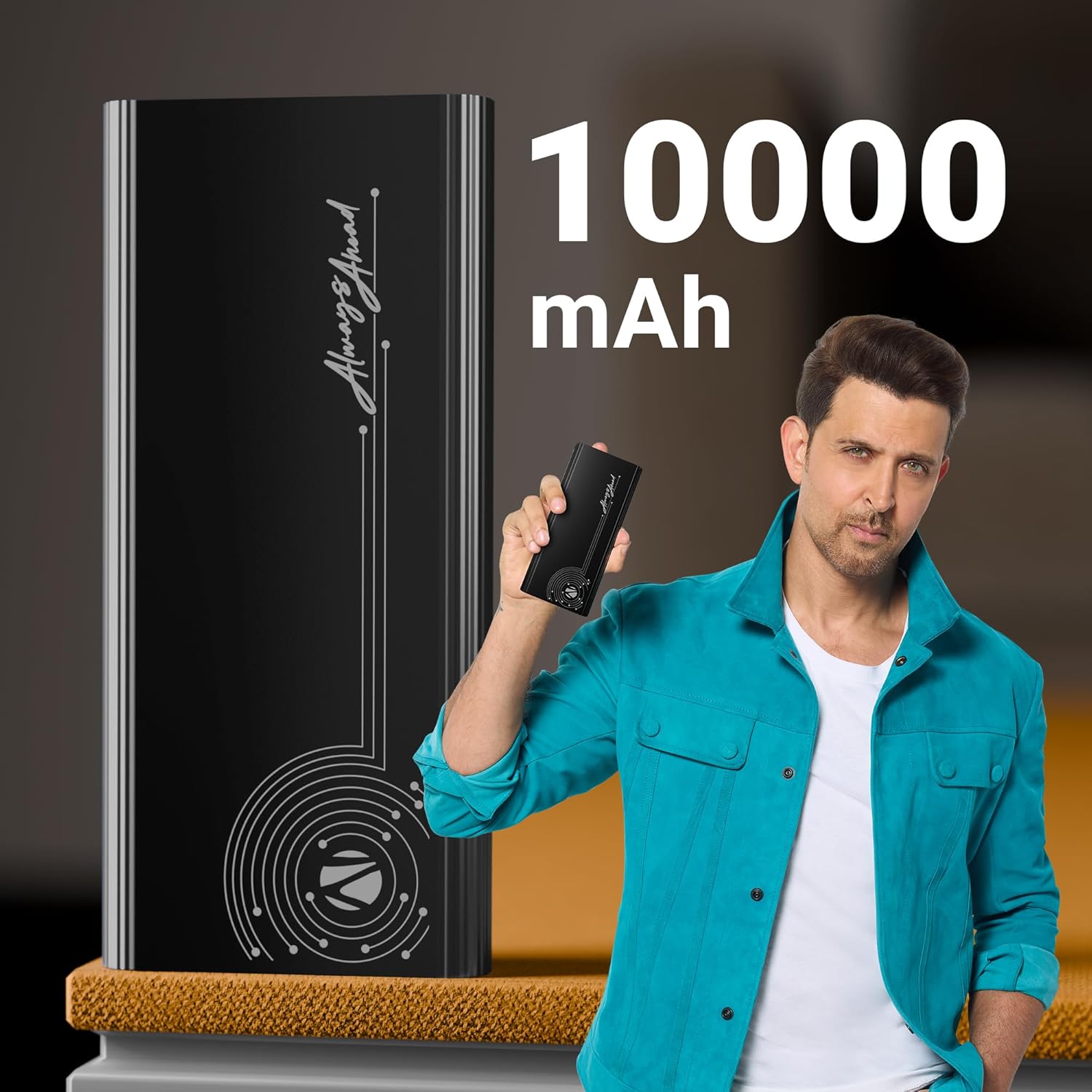
Image: The power bank is displayed alongside text indicating its 10000 mAh capacity, emphasizing its substantial power reserve.
Super Fast Charging Output
Efficiently charges a range of compatible smartphones and tablets with a maximum output of 22.5W. The PD3.0 Type-C output ensures rapid charging for supported devices.
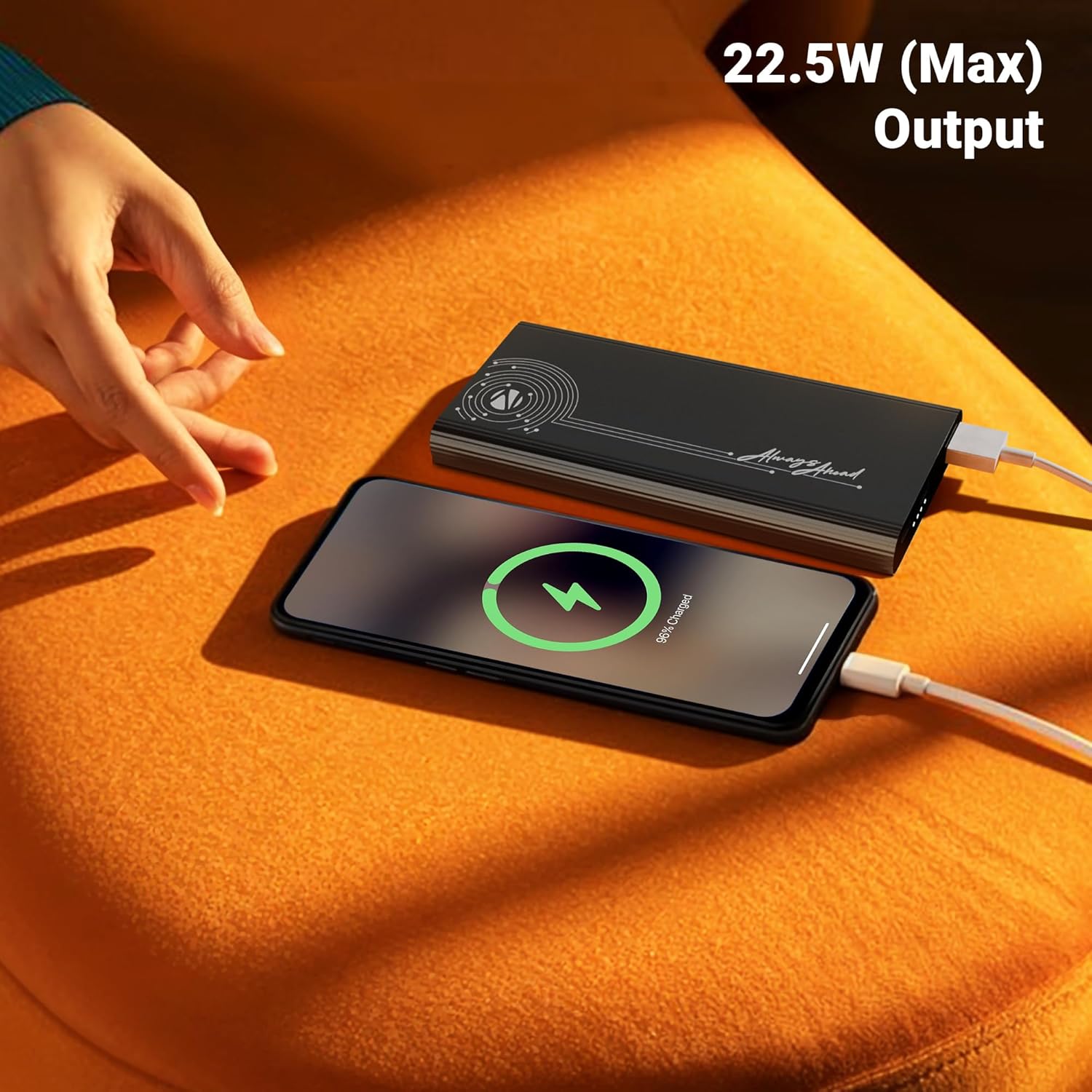
Image: A smartphone is shown connected to the power bank, displaying a charging icon, with text highlighting the 22.5W maximum output for fast charging.
Múltiples portos de saída
Distinguished by its DC 5V/3A, 9V/2.22A, 12V/1.67A, 5~11V/2A PPS Type-C2 Output, PD 3.0 (with PPS) Type-C Output, and USB-A port output (DC 5V/3A, 9V/2A, 12V/1.85A), it facilitates the charging of multiple devices simultaneously.

Image: The power bank is shown connected to both a smartphone and a tablet, demonstrating its capability to charge multiple devices using its Type-C output ports.
Conectividade de entrada
The power bank comes with DC 5V/3A, 9V/2A, 12V/1.5A Input via Type-C1 / C2 input ports for convenient recharging.
Protección de seguridade
Incorporates overcharge, overload, and short-circuit protection to ensure a safe charging process for both the power bank and your connected devices.
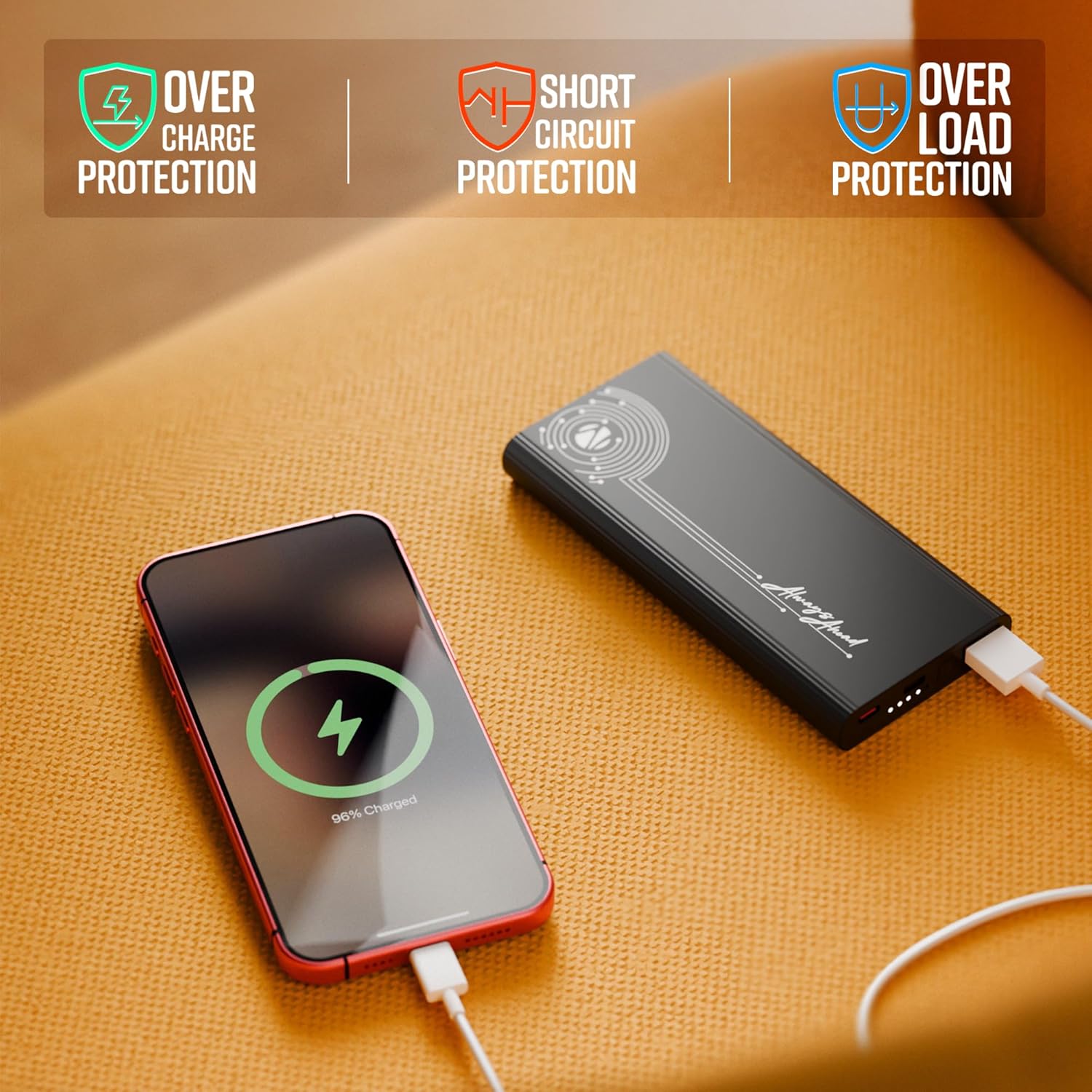
Image: The power bank is shown with visual indicators for its built-in safety features: overcharge protection, short circuit protection, and overload protection.
Indicador LED
A clear LED indicator shows information on the remaining battery percentage, allowing you to monitor the power bank's charge level easily.
Deseño Premium
Carry this compact and stylish metal-outlook power bank effortlessly. It features a premium finish outlook with patterned edges for a better grip.

Image: A collage of close-up shots highlighting the power bank's design elements: patterned edges for grip, durable metal body, sleek profile, LED battery indicators, and its rapid charging capability.
Configuración
Cargando o Power Bank
- Connect the provided charging cable to one of the Type-C input ports (Type-C1 or Type-C2) on the power bank.
- Connect the other end of the charging cable to a compatible USB wall adapter (not included) or a computer's USB port. For optimal charging speed, use a fast-charging adapter.
- The LED indicator lights will illuminate to show the charging progress. When all indicators are solid, the power bank is fully charged.
Nota: Recoméndase cargar completamente a batería externa antes do seu primeiro uso para garantir un rendemento óptimo.
Instrucións de funcionamento
Cargando os teus dispositivos
- Identify the appropriate charging cable for your device (USB-A to your device, or Type-C to your device).
- Connect one end of your device's charging cable to the corresponding output port on the power bank (USB Out, Type C Out).
- Conecte o outro extremo do cable ao dispositivo.
- O banco de enerxía comezará a cargar o dispositivo automaticamente. Os indicadores LED mostrarán o nivel de batería restante do banco de enerxía.

Imaxe: Unha detallada view of the power bank's ports, including USB Out, Power Button, Type C In, and Type C In/Out, illustrating the various connectivity options.
Comprobando o nivel da batería
Press the power button once to activate the LED indicators, which will display the current battery level of the power bank.
Mantemento
- Limpeza: Usa un pano suave e seco para limpar a superficie da batería externa. Evita o uso de produtos químicos agresivos ou materiais abrasivos.
- Almacenamento: Garda a batería externa nun lugar fresco e seco, lonxe da luz solar directa, de temperaturas extremas e da humidade.
- Coidado da batería: To prolong battery life, avoid fully discharging the power bank frequently. Recharge it when the battery level is low.
- Manexo: Non deixes caer, desmonte nin intentes reparar a batería externa ti mesmo. Isto podería anular a garantía e causar danos.
Resolución de problemas
| Problema | Causa posible | Solución |
|---|---|---|
| O banco de enerxía non se está cargando |
|
|
| O dispositivo non se carga desde o banco de enerxía |
|
|
| Carga lenta |
|
|
Se o problema persiste despois de probar estas solucións, póñase en contacto co servizo de atención ao cliente.
Especificacións
| Número de modelo | Zeb-PB 13 |
| Capacidade da batería | 10000 mAh |
| Potencia máxima de saída | 22.5 W |
| Input (Type-C1 / C2) | DC 5 V/3 A, 9 V/2 A, 12 V/1.5 A |
| Saída (Tipo C2) | DC 5V/3A, 9V/2.22A, 12V/1.67A, 5~11V/2A PPS |
| Saída (USB-A) | DC 5 V/3 A, 9 V/2 A, 12 V/1.85 A |
| Tipo de conector | 1 x USB A, 2 x USB Type C |
| Cor | Negro |
| Peso do elemento | 628 g |
| País de Orixe | India |
Garantía e Soporte
This product is covered by a standard manufacturer's warranty. For specific warranty terms and conditions, please refer to the QR Code Guide included in the box or visit the official ZEBRONICS websitio.
For technical support, troubleshooting assistance, or any inquiries regarding your ZEBRONICS EnergiPod 10MR1 Power Bank, please contact ZEBRONICS customer service. Contact details can typically be found on the manufacturer's websitio ou a embalaxe do produto.
Tamén podes atopar axuda adicional e preguntas frecuentes en Tenda ZEBRONICS en Amazon.


