
1. Introdución
This manual provides detailed instructions for the setup, operation, and maintenance of your XElectron Techno Android 13 Smart Projector. Please read this manual thoroughly before using the product to ensure proper function and to extend its lifespan.
The XElectron Techno portable projector features a powerful LED light source and supports 4K decoding. With a native resolution of 1280×720 and a high dynamic contrast ratio of 5000:1, it delivers enhanced brightness, clarity, and color depth. It includes a built-in Android 13 operating system for instant access to a vast array of content, supports a massive 200” screen projection, dual-band 2.4/5G WiFi 6 for reduced latency, and Bluetooth 5.0 for effortless pairing with external audio devices. The built-in bass speakers provide excellent audio quality.
2. Que hai na caixa
Comprobe que todos os elementos estean presentes na embalaxe:
- XElectron Techno Smart Projector
- Cable de alimentación
- Control remoto
- Manual de usuario
- Tarxeta de garantía
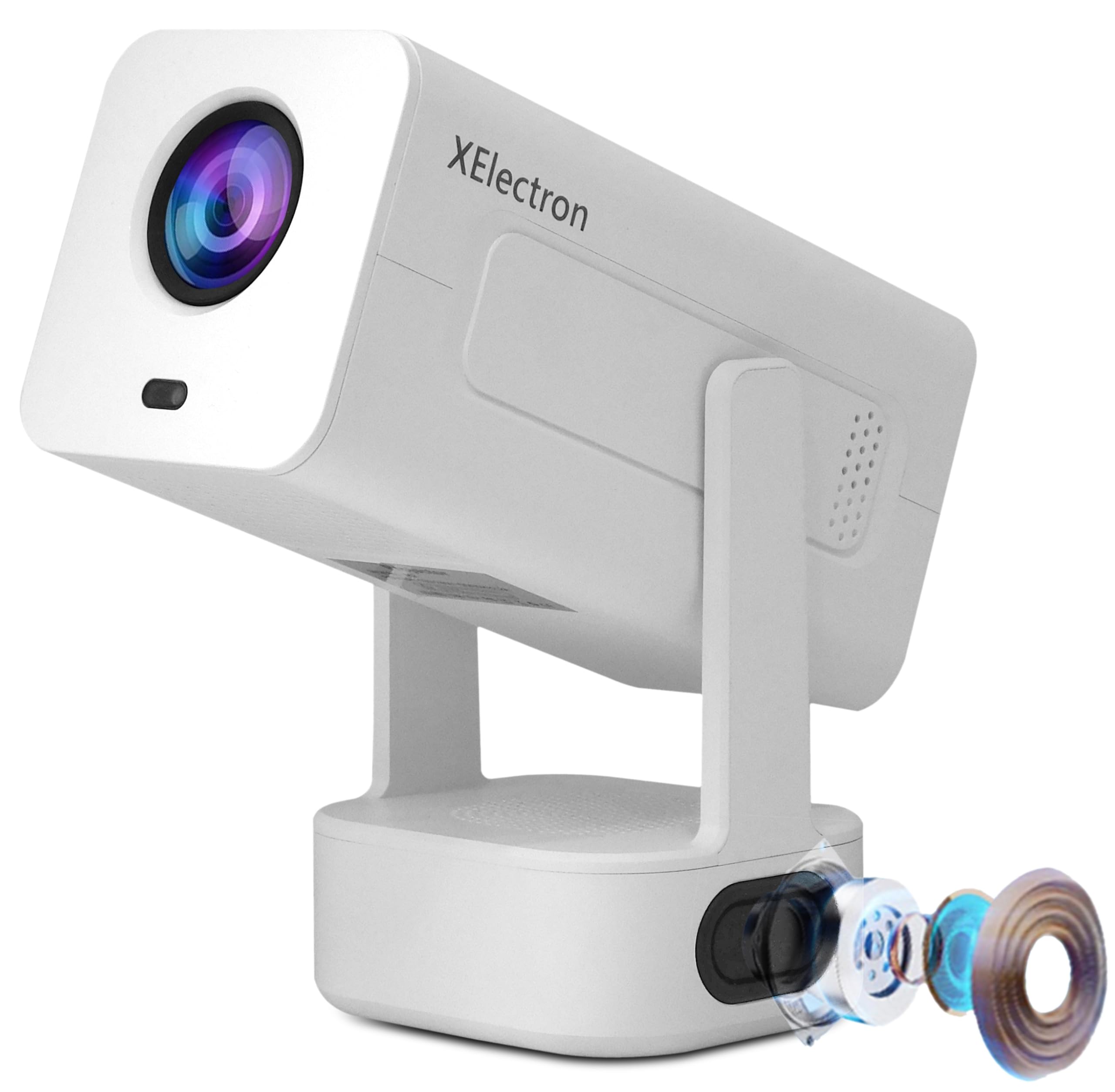
Image: The XElectron Techno Smart Projector, remote control, and power cord.
3. Produto rematadoview
The XElectron Techno projector is designed for versatile home cinema use, offering advanced features in a portable form factor.
Características principais:
- Resolución nativa: 1280 x 720P, with support for 1080P and 4K decoding.
- Brillo: 9000 Lumens (660 ANSI Lumens).
- Relación de contraste: 5000:1.
- Sistema operativo: Android 13 (1GB RAM + 8GB ROM).
- Conectividade: Dual-Band WiFi 6 (2.4/5G), Bluetooth 5.0, HDMI, USB, 3.5mm Audio Jack.
- Tamaño da proxección: De 40 a 200 polgadas.
- Vida da fonte de luz: Ata 50,000 horas.
- Audio: Built-in 20 Watt Bass Speaker.
- Axustes: 210° Rotatable Design, Auto Keystone Correction, 4D Keystone Correction, Electronic Remote Focus.
- Portabilidade: Deseño lixeiro e compacto.

Image: Visual representation of the projector's key features including Android 13, 4K support, 210° rotation, auto keystone, and connectivity options.
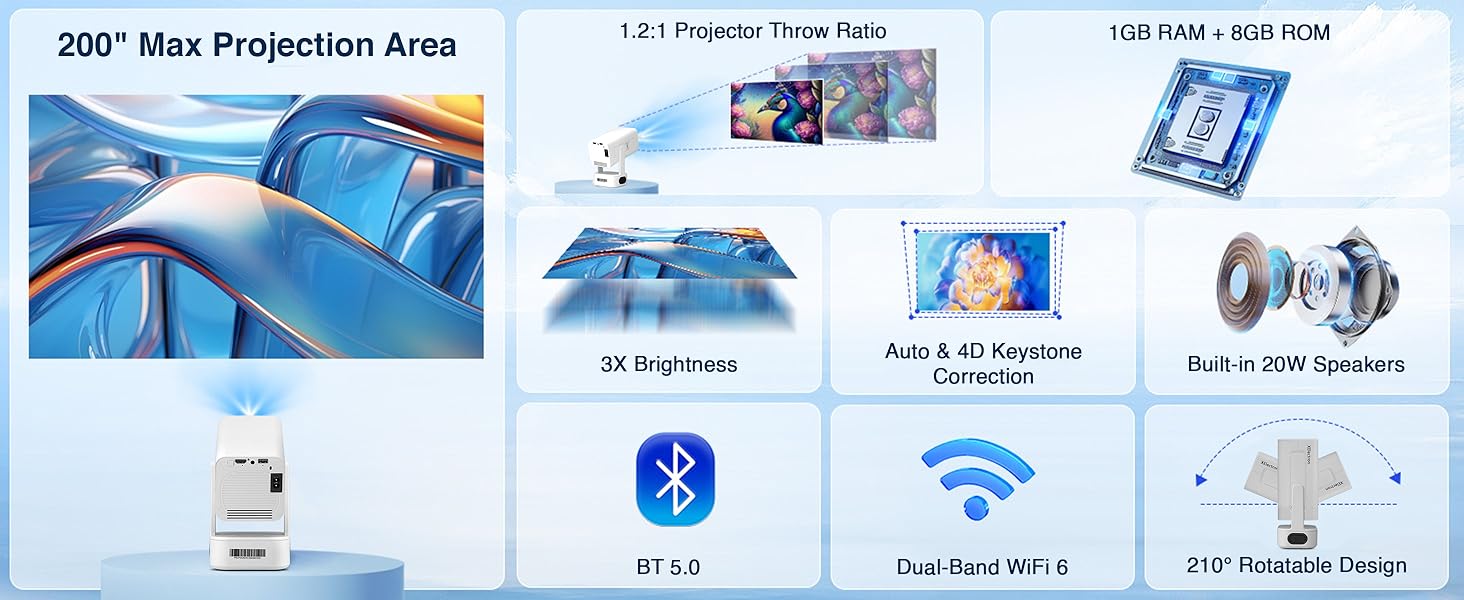
Image: Detailed diagram illustrating the projector's maximum projection area, throw ratio, brightness, keystone correction, audio, and connectivity.
4. Configuración
4.1 Colocación inicial
Place the projector on a stable, flat surface. The 210° rotatable design allows for flexible placement, including projecting onto walls or ceilings. Ensure there are no obstructions between the projector lens and the projection surface.

Image: The projector demonstrating projection flexibility with various screen sizes (20" to 120") at different distances.
4.2 Conexión de alimentación
- Conecte o cable de alimentación ao porto de entrada de alimentación do proxector.
- Conecte o outro extremo do cable de alimentación a unha toma de corrente axeitada.
- Prema o botón de acendido do proxector ou do mando a distancia para acendelo.
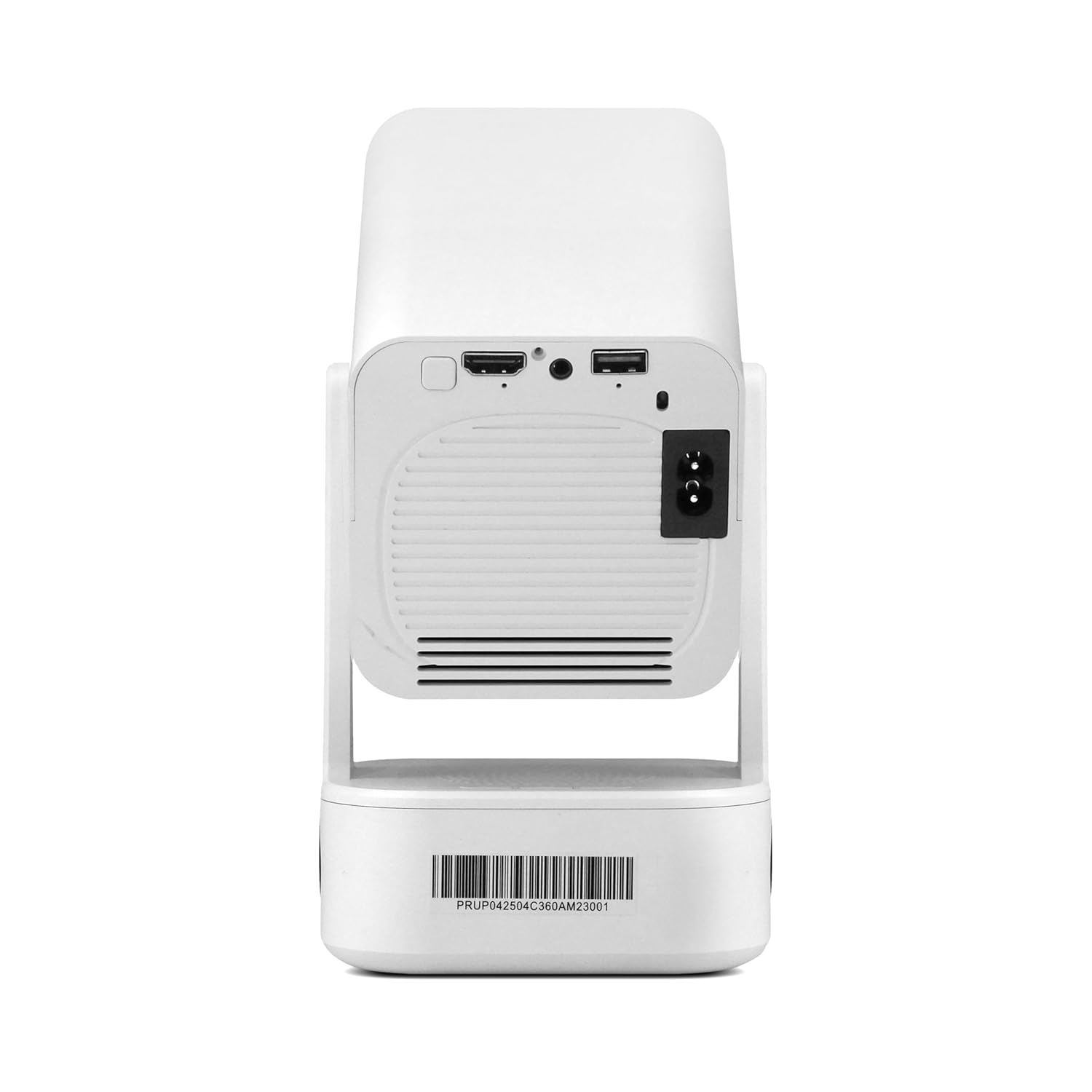
Image: The rear panel of the projector, highlighting the HDMI, USB, and power input connections.
4.3 Enfoque inicial e corrección trapezoidal
Upon startup, the projector will automatically perform keystone correction. Use the remote control to fine-tune the focus electronically for a sharp image.

Image: The projector adjusting its image with automatic 4D keystone correction and electronic remote focus.
Video: Demonstration of the projector displaying content on a ceiling, highlighting its flexible projection capabilities.
5. Instrucións de funcionamento
5.1 Navegando por Android 13
The projector runs on Android 13, providing a smart interface. Use the remote control to navigate through menus, select applications, and adjust settings. Popular streaming apps like Netflix, Prime Video, and YouTube are pre-installed or can be downloaded from the app store.
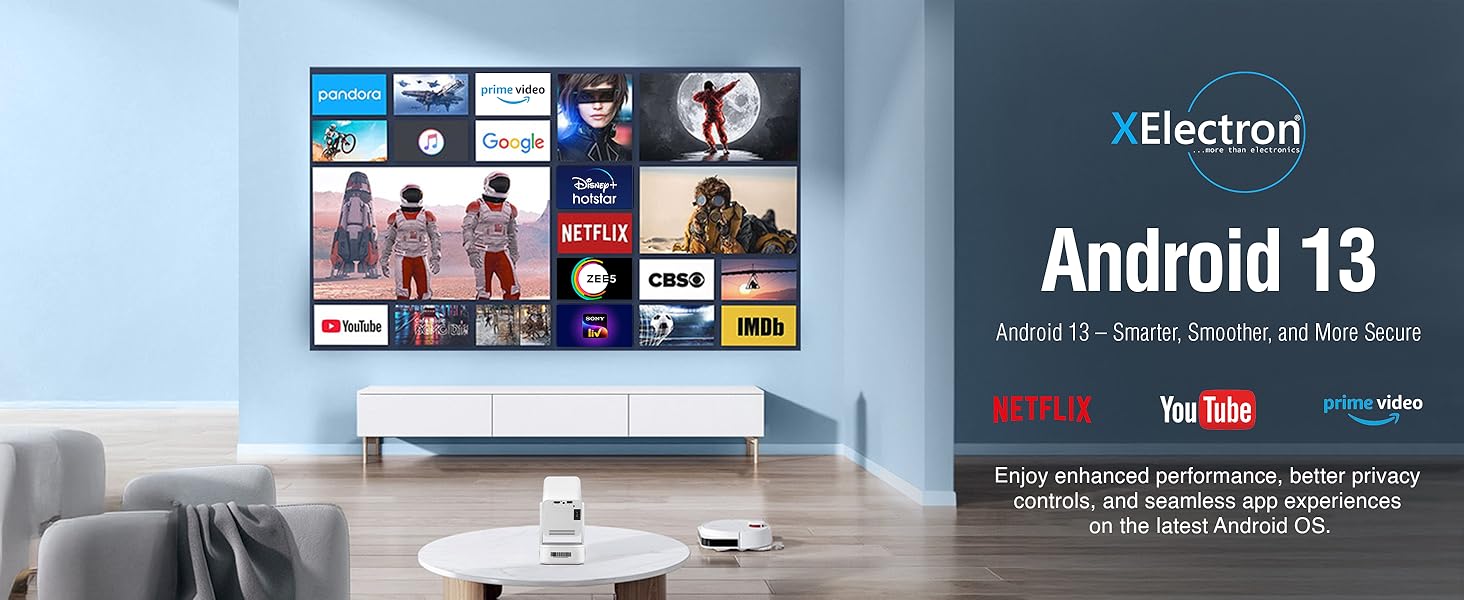
Image: The projector's display showing the Android 13 interface with various streaming applications.
5.2 Espello da pantalla
The projector supports seamless screen mirroring from iOS, Android, and Windows devices via Dual-Band WiFi 6. Ensure your device and the projector are connected to the same Wi-Fi network. Select the screen mirroring option on the projector and follow the on-screen instructions to connect your device.

Image: The projector demonstrating wireless screen mirroring from various mobile devices.
5.3 Axustar a proxección
The projector features a 210° rotatable design, allowing you to adjust the projection angle easily. Use the remote for electronic focus and auto keystone correction to maintain a clear and rectangular image from various positions.
Vídeo: Un breve resumoview of the projector's key features, including its rotatable design and automatic adjustments.
6. Conectividade
6.1 Conexión Wi-Fi
The projector supports Dual-Band WiFi 6 (2.4GHz and 5GHz) for a stable and fast internet connection. Navigate to the 'Settings' menu, select 'Network & Internet', and connect to your preferred Wi-Fi network.
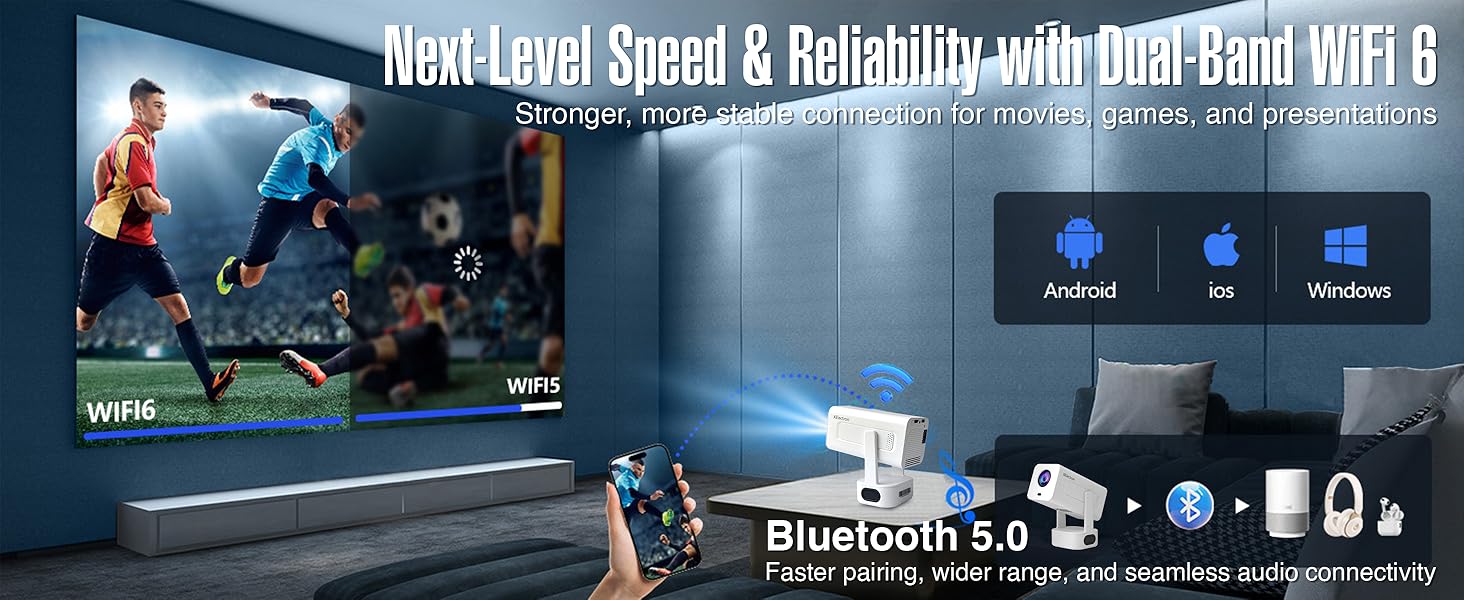
Image: Illustration of the projector's WiFi 6 and Bluetooth 5.0 capabilities, supporting various operating systems.
6.2 Conexión Bluetooth
Utilize Bluetooth 5.0 to connect external audio devices such as wireless speakers or headphones. Go to 'Settings', select 'Connected Devices', and pair your Bluetooth device. The built-in 20W bass speaker provides robust audio without external connections.
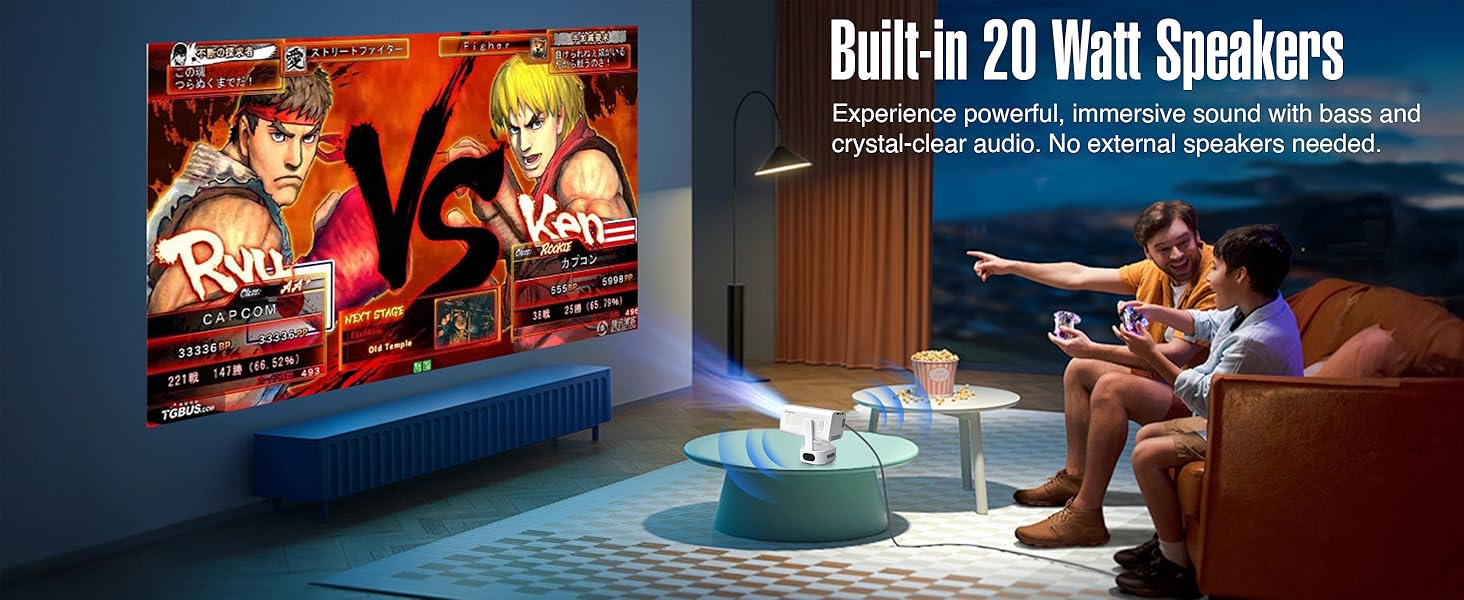
Image: The projector displaying a game, emphasizing the powerful built-in 20 Watt speakers.
6.3 Wired Connections (HDMI, USB, 3.5mm Audio)
The projector includes HDMI and USB ports for connecting various devices like gaming consoles, laptops, TV sticks, and external storage. A 3.5mm audio jack is available for wired audio output.
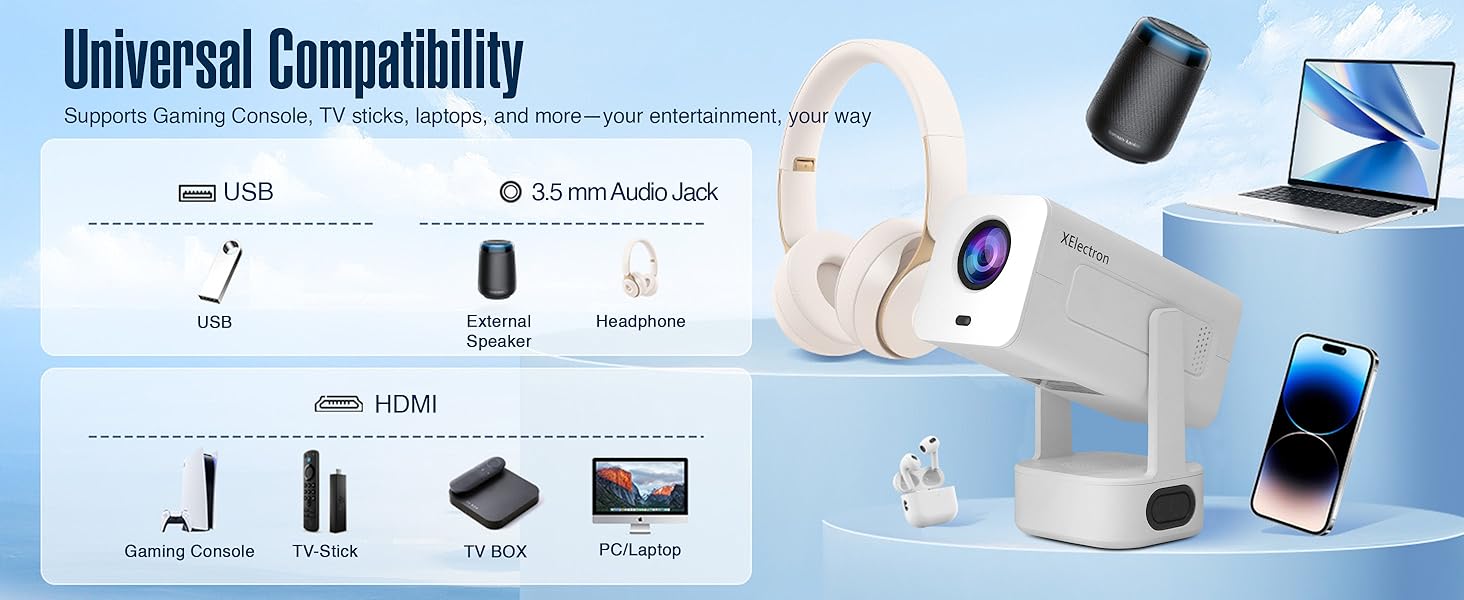
Image: An illustration of the projector's universal compatibility with various devices via USB, 3.5mm audio, and HDMI ports.
7. Mantemento
7.1 Limpeza da lente
Gently wipe the projector lens with a soft, lint-free cloth. Do not use abrasive cleaners or solvents, as they can damage the lens coating.
7.2 Limpeza do corpo do proxector
Use un pano suave e seco para limpar o exterior do proxector. Para marcas difíciles, un pano lixeiramente secoamp pódese usar un pano, seguido dun pano seco.
7.3 Ventilación
Ensure the projector's ventilation openings are clear and unobstructed to prevent overheating. Do not place the projector on soft surfaces that may block airflow.
8 Solución de problemas
8.1 Sen imaxe ou imaxe distorsionada
- Comprobar a potencia: Asegúrate de que o proxector estea conectado correctamente á alimentación e acendido.
- Axuste do foco: Use the remote control to adjust the electronic focus.
- Corrección Keystone: The projector features auto keystone correction. If the image is still distorted, manually adjust it via the settings menu.
- Fonte de entrada: Verify the correct input source (HDMI, USB, Screen Mirroring) is selected.
8.2 Sen son ou son baixo
- Nivel de volume: Increase the volume on the projector and the connected source device.
- Función de silencio: Check if the projector or source device is muted.
- Conexión Bluetooth: If using Bluetooth speakers, ensure they are properly paired and connected.
- Conexión por cable: For wired connections, ensure audio cables are securely connected.
8.3 Wi-Fi or Bluetooth Connection Issues
- Reiniciar dispositivos: Restart the projector, your router, and the device you are trying to connect.
- Potencia do sinal: Ensure the projector is within range of your Wi-Fi router or Bluetooth device.
- Interferencia: Afástese doutros dispositivos electrónicos que poidan causar interferencias.
9. Especificacións
| Característica | Especificación |
|---|---|
| Marca | XElectron |
| Nome do modelo | Tecno |
| Resolución nativa | 1280 x 720 píxeles |
| Resolución máxima de visualización | 1920 x 1080 Pixels (4K Support) |
| Lúmenes | 9000 lúmenes |
| Relación de contraste | 5000:1 |
| Sistema Operativo | Android 13 |
| Tecnoloxía de conectividade | 3.5mm Jack, Bluetooth 5.0, HDMI, USB, Wi-Fi 6 |
| Vida de funcionamento da fonte de luz | 50000 horas |
| Tamaño máximo da imaxe | 200 polgadas |
| Tamaño mínimo da imaxe | 40 polgadas |
| Características especiais | Auto Keystone Correction, Built-In Wi-Fi, Lightweight, Portable, 210° Rotatable Design, Remote Focus |
| Altavoz incorporado | 20 Watts Bass Speaker |
| Peso do elemento | 0.95 quilogramos |
| Dimensións do artigo L x W x H | 25L x 9.2W x 10H Centímetros |
10. Garantía e soporte
10.1 Información da garantía
The XElectron Techno Smart Projector comes with a 1 anos de garantía do fabricante desde a data de compra. Conserve o recibo de compra para reclamacións de garantía.
10.2 Atención ao cliente
For technical assistance, troubleshooting, or warranty inquiries, please contact XElectron Customer Support:
- Fabricante: Xelectron Technologies Pvt Ltd
- Enderezo: 2417, Tower A, The Corenthum, Sector 62, Noida-201301, India
- Teléfono: 0120-4550655, 85273-12304