
Samsung QN55QN80FAFXZA
Samsung 55-Inch Neo QLED 4K Smart TV QN80F Series User Manual
Modelo: QN55QN80FAFXZA
Introdución
This user manual provides comprehensive instructions for setting up, operating, and maintaining your Samsung 55-Inch Class Neo QLED 4K QN80F Series Smart TV. Samsung Vision AI enhances amazingly detailed picture powered by individual mini-LED zones, multi-dimensional sound that tracks to the action, and breakthrough TV experiences. Enjoy vivid color and motion handling for 4K clarity without compromise.
Note: AI-Based formulas are utilized to upscale to 4K resolution. Resulting picture may vary based on source content. 4K 144Hz is only available with PC connected games that support such specifications (PC graphic card required). Performance may vary.
O que hai na caixa
Verifique que todos os compoñentes estean presentes na embalaxe do produto:
- Cable de alimentación
- Manual de usuario
- Control remoto (control remoto SolarCell™ TM2560E)
- Stand

Figura 1: Package Contents and TV Dimensions. This image illustrates the physical dimensions of the 55-inch Samsung QN80F TV with and without its stand, along with a visual representation of the items included in the box: the TV unit, user manual, SolarCell remote control, and power cable.
Configuración
1. Montaxe do soporte (opcional)
If you are not wall-mounting your TV, attach the included stand. Ensure the stand is securely fastened to the TV following the instructions provided in the physical user manual. Place the TV on a stable, level surface.
2. Conectando Dispositivos Externos
Connect your external devices such as cable boxes, Blu-ray players, gaming consoles, and sound systems to the appropriate ports on the back of your TV.

Figura 2: Rear Panel Connections. This diagram details the various input and output ports available on the back of the Samsung QN80F TV, including USB-A for power or media playback, Audio Out (Optical) for soundbars, HDMI 1, 2, 3 (eARC), and 4 (all 4K@144Hz for gaming), Ethernet for wired internet, EX-Link for service, and Cable/ANT for antenna signals.
- HDMI Ports (1, 2, 3, 4): Connect devices like gaming consoles (HDMI 3 and 4 support 4K@144Hz, HDMI 3 supports eARC), Blu-ray players, or set-top boxes.
- Portos USB: For connecting USB storage devices for media playback or powering small accessories.
- Porto Ethernet (LAN): For a wired internet connection, providing stable streaming and updates.
- Saída de audio dixital óptica: Para conectar a unha barra de son ou a un receptor de audio.
- Entrada de antena/cable: Para conectar unha antena ou unha fonte de alimentación de televisión por cable.
3. Conexión de alimentación
Plug the power cable into the TV's power input, then plug the other end into a wall outlet. The TV will automatically power on or enter standby mode.
Funcionamento da TV
Control remoto
The Samsung 55QN80F comes with a SolarCell™ Remote (TM2560E). This remote can be charged by indoor lighting or USB-C. Familiarize yourself with the button layout for navigation, volume, channel control, and smart hub access.
Smart Features and Picture Quality
Your Samsung Neo QLED TV is equipped with advanced technologies for an immersive viewexperiencia ing.

Figura 3: Acabadoview of Key Features. This image highlights the core technologies of the Samsung QN80F TV, such as the NQ4 AI Gen2 Processor for enhanced clarity, Quantum Matrix Technology with Mini LED for precise contrast, 4K AI Upscaling, Dolby Atmos for immersive sound, Motion Xcelerator 144Hz for smooth motion, and Auto HDR Remastering for improved picture quality.
- Procesador NQ4 AI Gen2: Emprega 20 redes neuronais para mellorar a calidade da imaxe a 4K e optimizar o son.

Figura 4: NQ4 AI Gen2 Processor. This image shows the NQ4 AI Gen2 Processor, which powers AI-enhanced clarity and 4K upscaling for superior picture and sound performance.
- Quantum Matrix Technology Core with Mini LED: Concentrated zones of Mini LEDs provide increased contrast and brightness for vivid viewing.

Figura 5: Quantum Matrix Technology Core. This image illustrates the Quantum Matrix Technology Core, which uses concentrated zones of proprietary Quantum Mini LEDs to deliver increased contrast and brightness for an extra vivid viewexperiencia ing.
- Mellora da escalabilidade con IA 4K: Boosts content to captivating 4K resolution using AI neural networks.
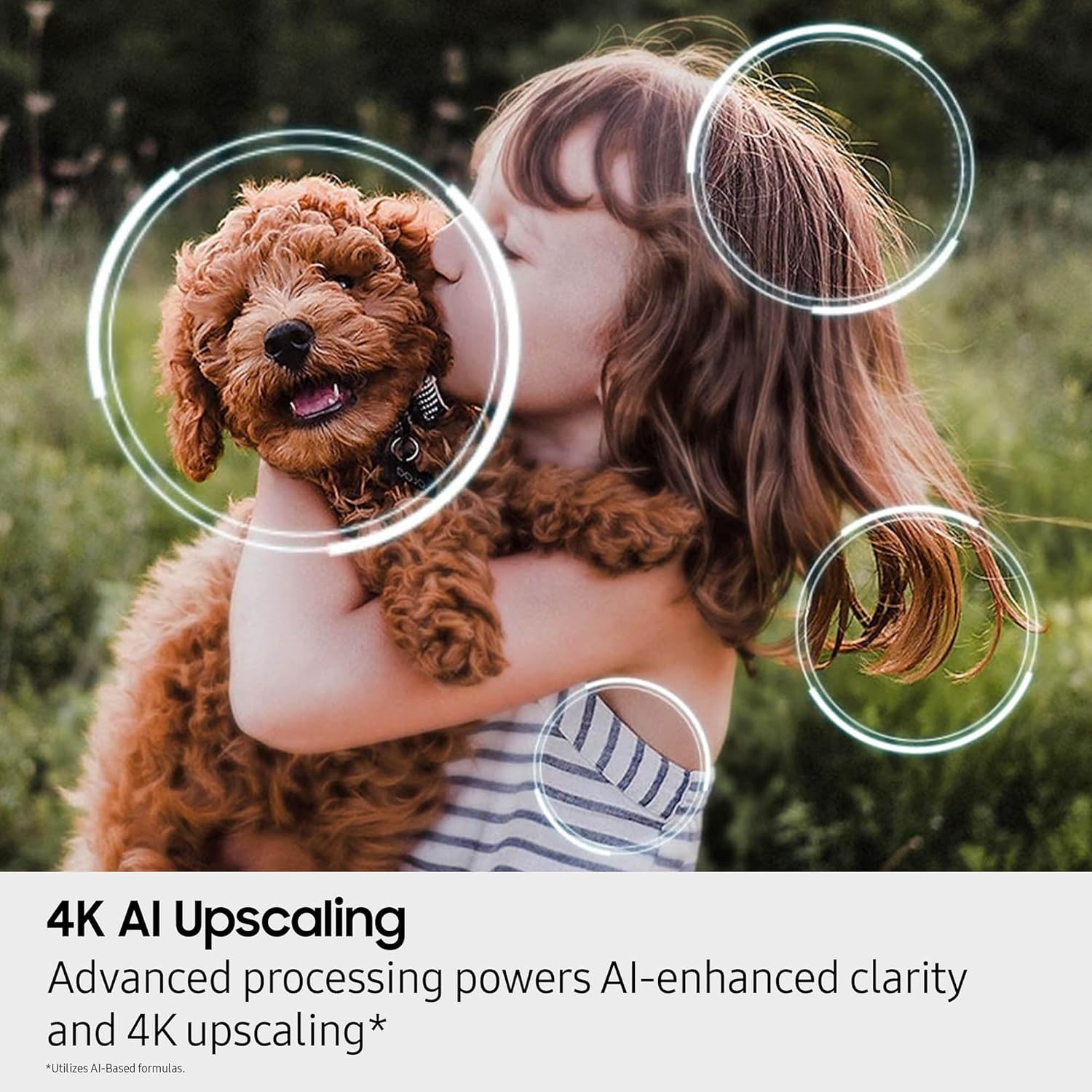
Figura 6: 4K AI Upscaling. This image visually represents the 4K AI Upscaling feature, which enhances content to a captivating 4K resolution, ensuring sharp and smooth picture quality.
- Dolby Atmos®: Provides theatrical multidimensional sound that puts you at the center of the action.

Figura 7: Dolby Atmos. This image depicts the immersive audio experience provided by Dolby Atmos, delivering theater-style 3D sound from around and above the viewer for next-level immersion.
- Motion Xcelerator 144 Hz: Ensures smooth visuals for sports and tear-free gaming.

Figura 8: Motion Xcelerator 144Hz. This image illustrates the Motion Xcelerator 144Hz feature, which brings smooth motion to sports and tear-free gaming, ensuring crisp visuals and ultra-smooth performance.
- Remasterización HDR automática: Transforma intelixentemente o contido SDR a unha calidade similar á HDR con reflexos máis brillantes, cores máis vibrantes e detalles máis nítidos.

Figura 9: Auto HDR Remastering. This image demonstrates the Auto HDR Remastering feature, which intelligently transforms SDR content to HDR-like quality, resulting in brighter highlights, more vibrant colors, and clearer details for a dazzling picture.
- Centro de xogos de Samsung: Access thousands of games without a console.

Figura 10: Samsung Gaming Hub. This image displays the Samsung Gaming Hub interface, allowing users to access a wide variety of games and streaming services directly from their TV without needing a separate console.
- Endless Free Content (Samsung TV Plus): Stream over 2,700 free channels.

Figura 11: Endless Free Content. This image shows the Samsung TV Plus interface, highlighting the availability of over 2,700 free channels and a wide range of content for streaming.
Mantemento
Para garantir a lonxevidade e o rendemento óptimo do teu televisor Samsung, segue estas pautas de mantemento:
- Limpeza da pantalla: Limpe a pantalla con suavidade cun pano de microfibra suave e seco. Para manchas difíciles, pase un pano lixeiramenteampEnxágüe o pano con auga ou cunha solución de limpeza específica para pantallas (nunca pulverice directamente sobre a pantalla).
- Limpeza da estrutura e do soporte: Use un pano suave e seco para limpar o po da estrutura e do soporte do televisor.
- Ventilación: Asegúrese de que haxa unha ventilación axeitada arredor do televisor. Non bloquee as aberturas de ventilación da parte traseira do televisor.
- Cable de alimentación: Comprobe regularmente o cable de alimentación para ver se está danado. Se está danado, substitúao inmediatamente por unha peza autorizada de Samsung.
Resolución de problemas
Se tes problemas co teu televisor, consulta os seguintes consellos comúns para a resolución de problemas:
| Problema | Posible Solución |
|---|---|
| Sen Poder | Comprobe se o cable de alimentación está conectado correctamente tanto ao televisor como á toma de corrente. Probe cunha toma diferente. |
| Sen imaxe/son | Verify the correct input source is selected. Check all cable connections (HDMI, etc.). Restart connected devices. |
| O control remoto non funciona | Ensure the SolarCell remote is charged. Point the remote directly at the TV's remote sensor. |
| Mala calidade de imaxe | Adjust picture settings (brightness, contrast, sharpness). Check the source content resolution. Ensure cables are high-quality. |
| Sen conexión a Internet | Check Wi-Fi settings or Ethernet cable connection. Restart your router and modem. |
For more detailed troubleshooting, refer to the full user manual PDF or Samsung's official support websitio.
Especificacións
| Característica | Detalle |
|---|---|
| Marca | Samsung |
| Número de modelo | QN55QN80FAFXZA |
| Tamaño da pantalla | 55 polgadas |
| Tecnoloxía de visualización | QLED |
| Resolución | 4K |
| Taxa de actualización | 120 Hz (ata 144 Hz para xogos conectados a PC) |
| Dimensións do produto (P x A x A) | 9.7" D x 48.3" W x 30.1" H |
| Peso do elemento | 37.9 libras |
| Nome da cor | Negro de titán |
| Características especiais | Built-In Speaker, Game Mode, Vision AI, Mini LED, Neo Quantum HDR, Object Tracking Sound Lite, NQ4 AI Gen2 Processor, Alexa Built-in |
| Tecnoloxía de conectividade | Bluetooth, Ethernet, HDMI, USB, Wi-Fi |
| Compoñentes incluídos | Cable de alimentación, control remoto, soporte, manual de usuario |
| Pilas necesarias | 2 pilas AAA (para o mando a distancia) |
| Consumo de enerxía en modo | 175 vatios |
| Diagonal de pantalla visible | 55 polgadas / 140 centímetros |
Garantía e Soporte
Para obter información detallada sobre a garantía, consulte a tarxeta de garantía incluída co produto ou visite o servizo de asistencia oficial de Samsung. websitio.
Descargar o manual de usuario completo (PDF)
For further assistance, technical support, or service inquiries, please contact Samsung Customer Support or visit their official websitio.
Ask a question about this manual
Ask about setup, troubleshooting, compatibility, parts, safety, or missing instructions. Manuals+ will review the question and use this page’s manual context to help answer it.