
Introdución
Thank you for choosing the TCL 65Q6C 65-inch 4K QD-Mini LED Google TV. This manual provides essential information for the safe and efficient use of your television. Please read it thoroughly before operating the device and retain it for future reference.
Características clave
- Tecnoloxía QD-Mini LED: Enhances color accuracy and contrast, improving overall display quality. Precise dimming reaches 512 zones, with over a billion shades of perfect vivid colors.
- High Brightness HDR: Enjoy unparalleled brightness with high HDR technology, offering deep contrast and stunning highlights for an immersive viewexperiencia inigualable. Vexa como cada detalle cobra vida cunha claridade incrible e cores vibrantes.
- Pantalla QLED: Features 93% DCI-P3 color gamut coverage, providing unparalleled color for stunning and vibrant visuals and enhanced color accuracy.
- Frecuencia de actualización nativa de 144 Hz: Experience ultra-smooth motion with a native 144Hz refresh rate, ideal for gaming and fast-paced scenes.
- Onkyo 2.1 Hi-Fi Audio System: Delivers rich and immersive sound for a complete home entertainment experience.

Figura 1: Fronte view of the TCL 65Q6C 65-inch 4K QD-Mini LED Google TV.

Figure 2: Illustrates the advantages of QD-Mini LED technology over ordinary LED TVs, highlighting improvements in color, brightness, and contrast.

Figura 3: Un excesoview of the key technologies and design elements integrated into the TCL 65Q6C TV.
Configuración
1. Desembalaxe e inspección
Carefully remove the TV from its packaging. Inspect for any damage. Ensure all accessories are present: remote control, power cable, stand components, and screws.
2. Instalación do soporte (opcional)
If using the TV stand, place the TV face down on a soft, flat surface. Attach the stand bases to the TV using the provided screws, ensuring they are securely fastened.
3. Montaxe na parede (opcional)
For wall mounting, refer to the VESA mounting standard: 600 x 400 mm. Use a compatible wall mount bracket (sold separately) and follow its instructions carefully. Professional installation is recommended for safety.

Figura 4: Pro lateralfile of the TV, illustrating its slim design and port locations.
4. Dispositivos de conexión
- Potencia: Conecta o cable de alimentación ao televisor e despois a unha toma de corrente.
- Dispositivos HDMI: Use HDMI cables to connect external devices like gaming consoles, Blu-ray players, or set-top boxes to the HDMI ports. This model supports HDMI connectivity.
- Dispositivos USB: Connect USB drives for media playback or other compatible devices to the USB ports. This model includes USB 3.0 ports.
- Sistemas de son: For external audio, connect via HDMI (ARC/eARC) or Bluetooth. The TV features an Onkyo 2.1 Hi-Fi audio system with Dolby Atmos support.

Figura 5: Traseira view of the TV, highlighting the VESA mounting points and various input/output connections.
5. Acendido inicial e configuración de Google TV
After connecting power, press the power button on the remote control. Follow the on-screen instructions to complete the initial setup, including network connection, Google account login, and channel scanning.
En funcionamento
1. Funcións de control remoto
The remote control allows you to navigate the Google TV interface, adjust volume, change channels, select inputs, and access smart features. Familiarize yourself with the button layout for optimal use.
2. Interface de Google TV
Your TV runs on Google TV, providing a personalized home screen with content recommendations, access to streaming apps, and Google Assistant voice control. Use the directional pad on your remote to navigate menus and select items.
3. Selección de entrada
To switch between connected devices (e.g., HDMI 1, USB), press the 'Input' button on your remote and select the desired source from the on-screen menu.
4. Control de voz
Press the Google Assistant button on your remote and speak into the microphone to search for content, control smart home devices, get answers, and more.
5. Características dos xogos
The TCL 65Q6C is optimized for gaming with its 144Hz native refresh rate and Game Master mode. Ensure your gaming console is connected to an HDMI port that supports high refresh rates for the best experience.
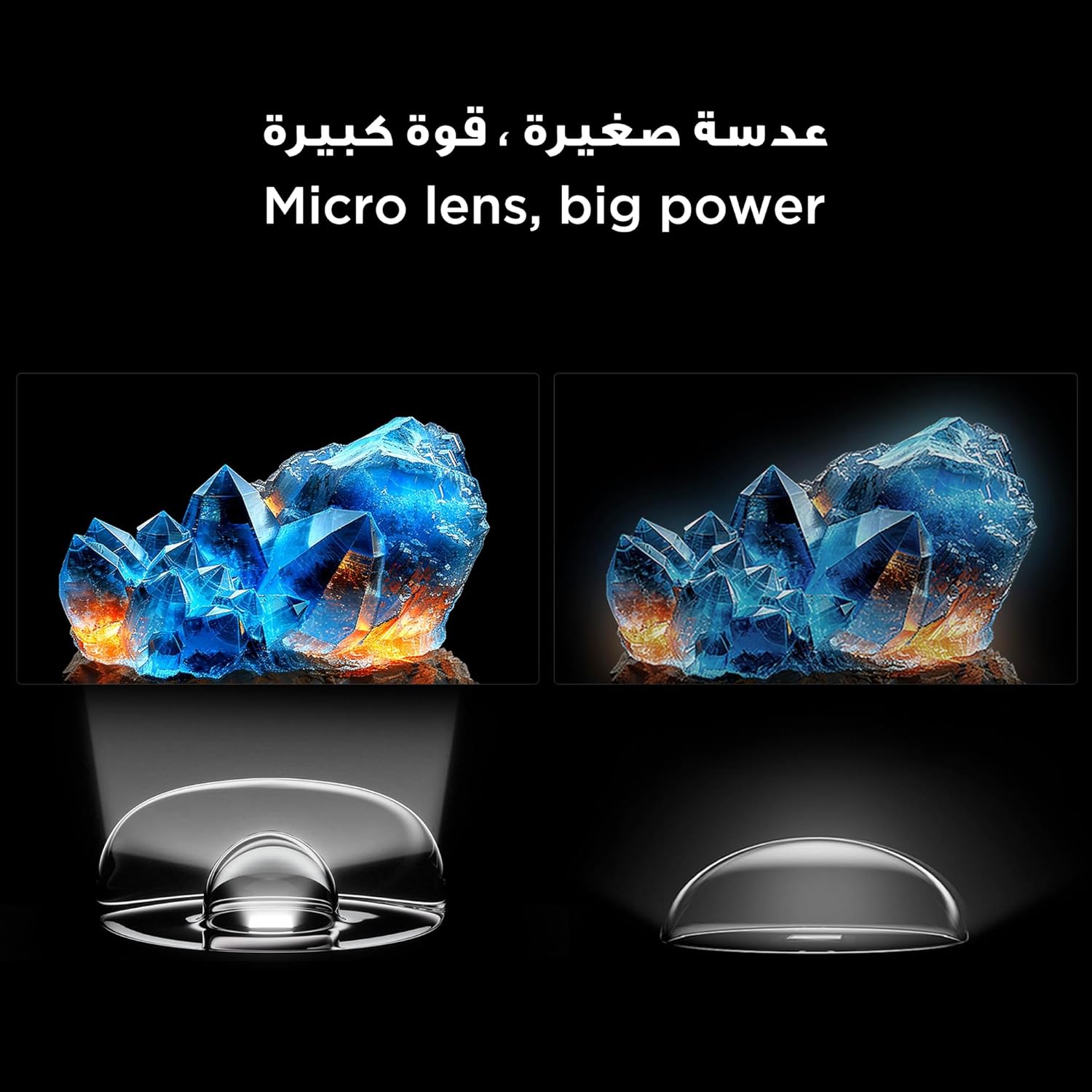
Figure 6: Demonstrates the smooth and clear motion provided by the 144Hz native refresh rate, ideal for fast-paced content and gaming.
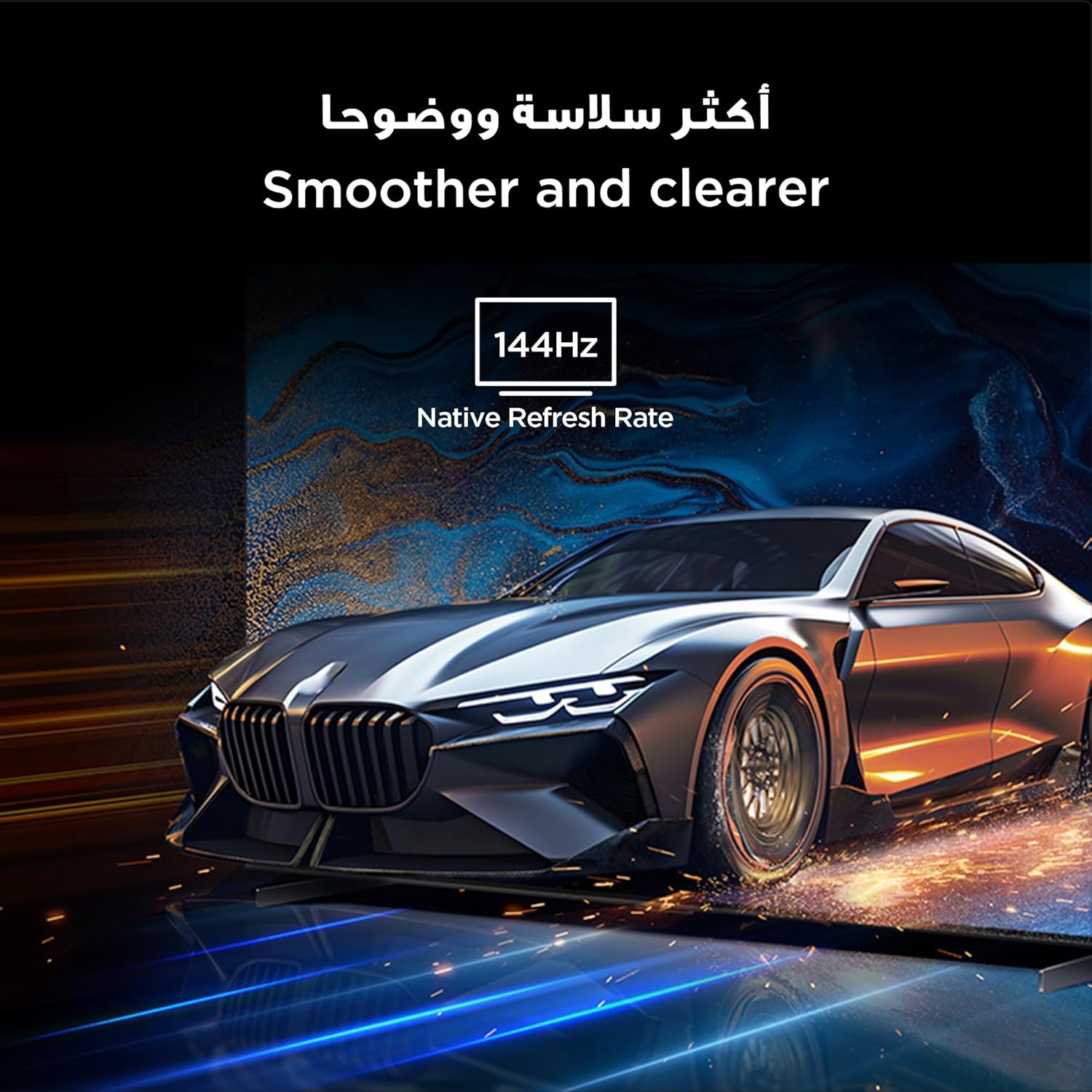
Figure 7: Highlights the immersive audio experience delivered by the integrated Onkyo 2.1 sound system, defining a new standard for home theater.
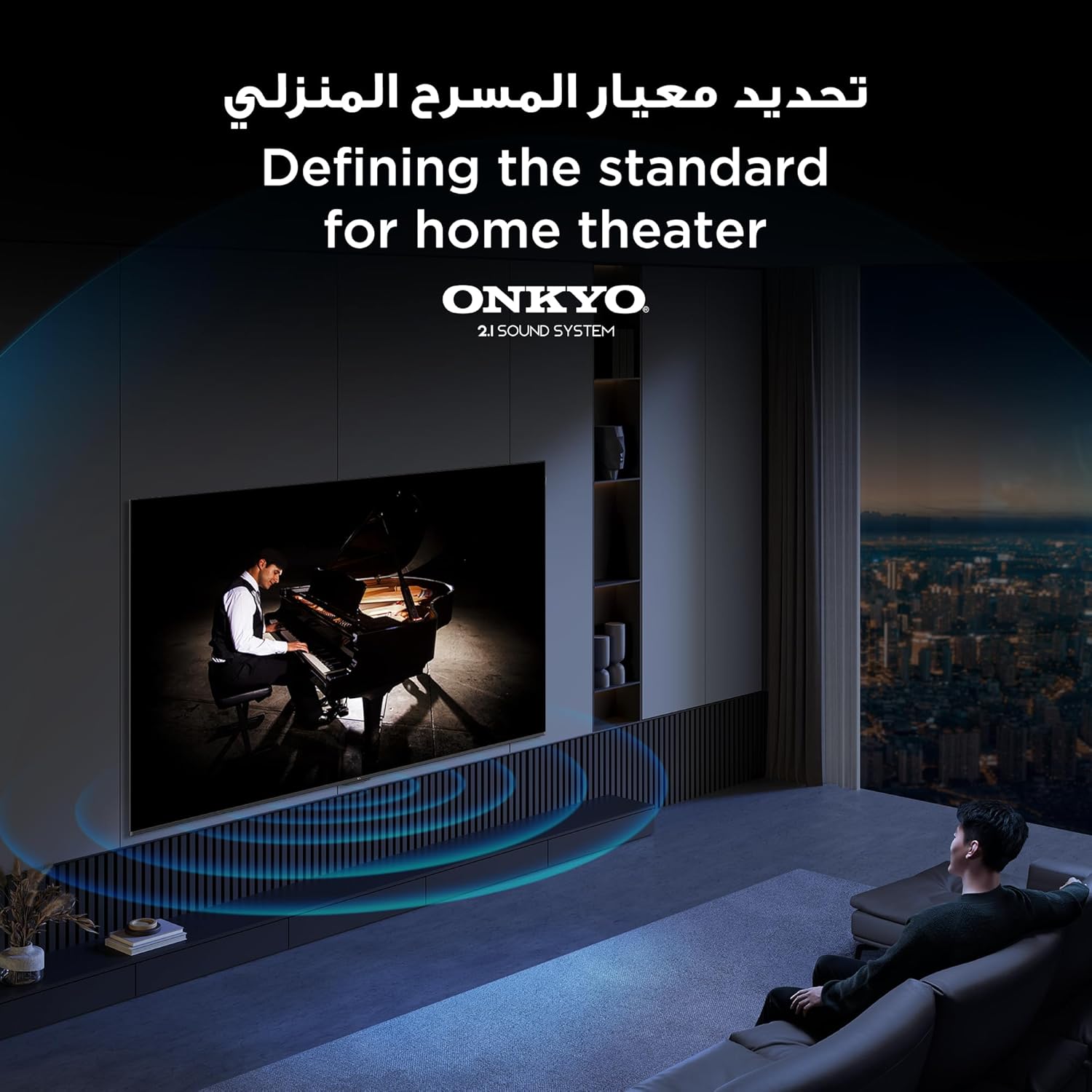
Figure 8: Visual representation of the AiPQ Pro Processor, which intelligently perceives, thinks, and produces optimized visuals and audio.

Figure 9: Illustrates the smart control capabilities of the TCL TV, allowing users to manage other TCL smart devices within their home.
Mantemento
1. Limpeza da pantalla
Limpa a pantalla con suavidade cun pano suave e sen pelusa. Para as marcas difíciles, usa unha solución de limpeza de pantallas deseñada especificamente para televisores, aplícaa sobre o pano e non directamente sobre a pantalla.
2. Cleaning the Frame
Limpe a estrutura e o soporte do televisor cun pano suave e seco. Evite o uso de produtos de limpeza abrasivos ou solventes.
3. Actualizacións de software
Ensure your TV is connected to the internet to receive automatic software updates. These updates improve performance and add new features. You can also manually check for updates in the TV's settings menu.
4. Safe Handling
Avoid placing heavy objects on the TV. Do not block ventilation openings. Disconnect the power cable during lightning storms or when the TV will be unused for extended periods.
Resolución de problemas
This section addresses common issues you might encounter with your TCL 65Q6C TV.
Sen Poder
- Comprobe se o cable de alimentación está conectado correctamente tanto ao televisor como á toma de corrente.
- Asegúrate de que a toma de corrente funciona conectando outro dispositivo.
- Preme o botón de acendido do propio televisor, non só o mando a distancia, para descartar un problema co mando a distancia.
Sen imaxe / Imaxe distorsionada
- Verifique que estea seleccionada a fonte de entrada correcta (por exemplo, HDMI 1, HDMI 2).
- Comprobe se todas as conexións dos cables (HDMI, antena) están soltas ou danadas.
- Try connecting a different device to the same HDMI port to see if the issue is with the source device.
- Axuste os axustes da imaxe (brillo, contraste, cor) no menú da TV.
Sen son / Son distorsionado
- Asegúrate de que o volume non estea silenciado nin demasiado baixo.
- Check audio output settings in the TV menu to ensure the correct output (e.g., TV speakers, external audio system) is selected.
- Se usas altofalantes externos, comproba a súa alimentación e as conexións.
O control remoto non funciona
- Substitúe as pilas do control remoto.
- Asegúrate de que non haxa obstrucións entre o mando a distancia e o sensor de infravermellos do televisor.
- If it's a Bluetooth remote, try re-pairing it with the TV (refer to the TV's settings for pairing instructions).
Problemas de conexión de rede
- Reinicia o teu enrutador e módem Wi-Fi.
- Check the Wi-Fi password if connecting wirelessly.
- Se é posible, tenta conectar o televisor a Internet mediante un cable Ethernet.
- Go to the TV's network settings to diagnose the connection.
Restablecemento de fábrica
If problems persist, a factory reset may resolve them. Be aware that this will erase all your settings and installed apps. Navigate to Settings > System > About > Reset > Factory data reset.
Especificacións
| Característica | Descrición |
|---|---|
| Marca | TCL |
| Nome do modelo | 65Q6C |
| Número de modelo | 65Q6C |
| Serie modelo | Q6C |
| Ano de fabricación | 2025 |
| Tamaño da pantalla | 65 polgadas |
| Tecnoloxía de visualización | Mini LED, LED |
| Resolución | 4K |
| Taxa de actualización | 144 Hz |
| Relación de contraste da imaxe | Alto |
| Soporte de formato HDR | HDR10+ |
| Motion Enhancement Technology | Native 144Hz Refresh Rate |
| Image Quality Enhancement Technology | QD-Mini LED, QLED, HDR 10+ |
| Screen Backlight Technology | Mini LED |
| Sistema Operativo | Google TV |
| Servizos de Internet compatibles | Google TV for Gaming |
| Tecnoloxía de conectividade | HDMI, USB, Bluetooth |
| Interface de hardware | HDMI, USB, Bluetooth |
| Total de portos HDMI | 1 |
| Total de portos USB | 1 |
| Total USB 3.0 Ports | 1 |
| Tecnoloxía de comunicación sen fíos | Bluetooth |
| Descrición do orador | Onkyo 2.1 Channel Hi-Fi Speakers |
| Configuración da canle de son envolvente | 2.1 |
| Built-in Surround Sound Format | Dolby Atmos |
| Método de control | Mando a distancia |
| Tipo de montaxe | Soporte de parede |
| Estándar de montaxe VESA | 600 x 400 mm |
| Peso do elemento | 24.2 quilogramos |
Garantía
This TCL television comes with a limited warranty. The specific terms and duration of the warranty may vary by region and retailer. Please refer to the warranty card included in your product packaging or visit the official TCL website for detailed warranty information. Keep your purchase receipt as proof of purchase for any warranty claims.
Apoio
For further assistance, technical support, or service inquiries, please utilize the following resources:
- Oficial de TCL Websitio: Visita www.tcl.com for product information, FAQs, and support contact details specific to your region.
- Atención ao cliente: Refer to the contact information provided in your warranty documentation or on the TCL websitio web para atención directa ao cliente.
- Recursos en liña: Many common issues can be resolved by consulting the online support sections or user forums available on the TCL websitio.