
1. Introdución
Thank you for choosing the Ctronics CTIPC-930 4K 8MP WiFi Outdoor Security Camera. This camera is designed to provide high-definition surveillance with advanced features for enhanced security. It captures ultra-clear images day and night, offers intelligent detection, and supports various connectivity and storage options. Please read this manual carefully before installation and operation to ensure proper use and optimal performance.
2. Contido do paquete
Please check the package contents upon receipt. If any items are missing or damaged, contact Ctronics customer support.
- Ctronics CTIPC-930 Camera Unit
- Adaptador de alimentación
- Parafusos de montaxe e tacos de parede
- Kit impermeable
- Manual de instrucións
3. Configuración
3.1 Acendido inicial
- Connect the camera to the power adapter.
- Plug the power adapter into a power outlet. The camera will initiate its self-test sequence.
3.2 Descarga da aplicación e rexistro da conta
Download the "Ctronics Pro" app from your smartphone's app store (iOS or Android). Register for a new account or log in if you already have one.
3.3 Connecting the Camera to WiFi
The CTIPC-930 supports dual-band WiFi (2.4 GHz and 5 GHz) for flexible and stable connectivity. Bluetooth pairing is available for quick setup.

Image: Dual-band WiFi connectivity for stable signal.
- Open the Ctronics Pro app and tap "Add Device".
- Follow the on-screen instructions to select your camera model and connect it to your WiFi network. The app will guide you through the Bluetooth pairing process for initial connection.
- Ensure your camera is within range of your WiFi router for a strong signal.
4. Funcionamento da cámara
4.1 En directo View e Reprodución
Access the live feed and recorded footage through the Ctronics Pro app on your smartphone, tablet, or via client software on your PC/Mac.

Image: Broad compatibility across multiple devices and operating systems.
4.2 4K Ultra HD Resolution and Color Night Vision
The camera features 4K (3840x2160) resolution for clear, detailed images. Its starlight lens and F1.6 aperture provide full-color night vision up to 30 meters, even in low-light conditions without additional illumination.
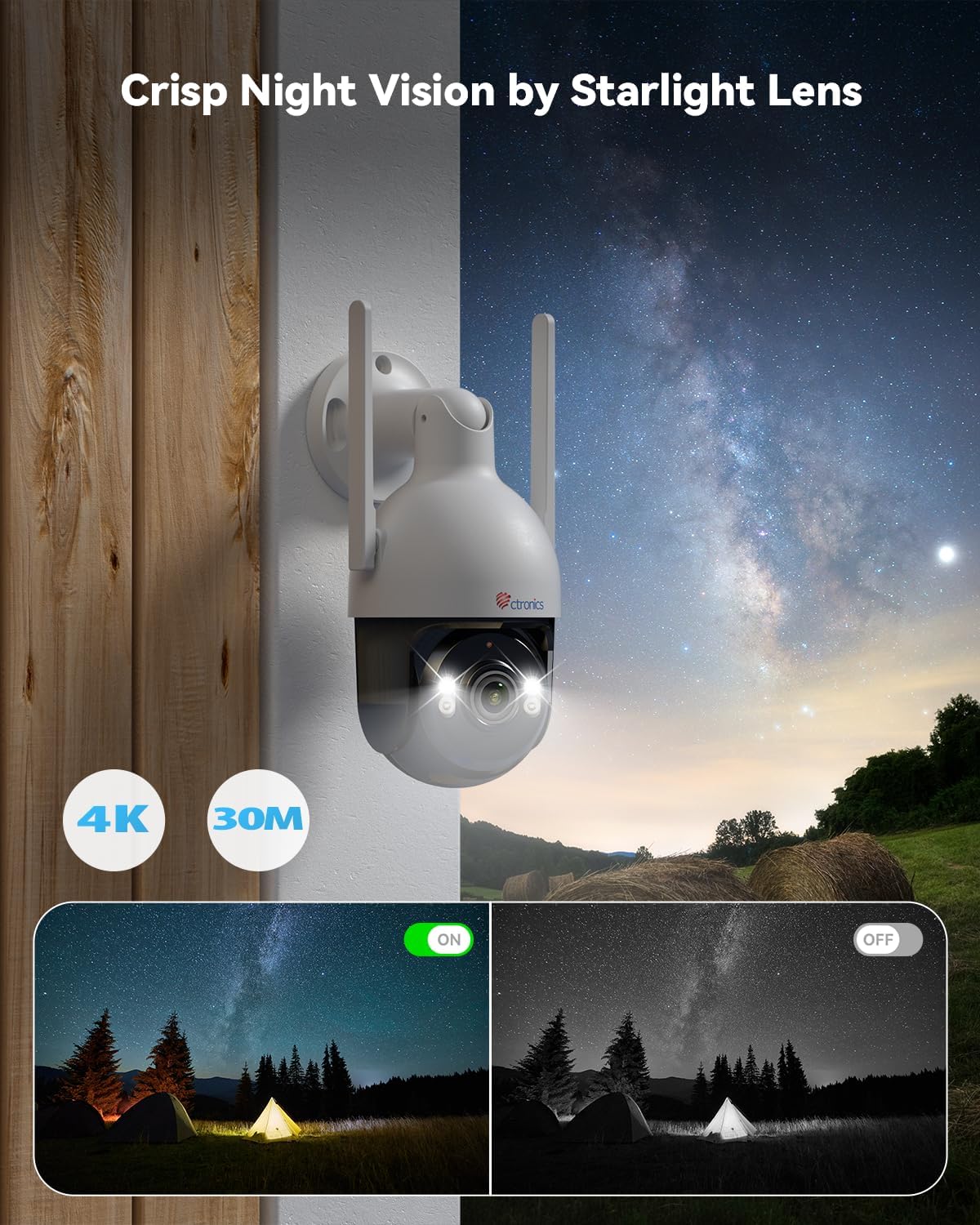
Image: Crisp night vision capabilities with color and infrared options.
4.3 AI Smart Detection and Auto Tracking
Utilize advanced AI technology to accurately detect humans, vehicles, and pets. Customize detection modes to minimize false alarms. When an event is detected, the camera captures snapshots and sends real-time alerts via email and the Ctronics Pro app. The camera also supports automatic tracking of detected subjects.

Image: Smart AI detection and auto-tracking of humans, cars, and pets with instant alerts.
4.4 Audio bidireccional
The built-in microphone and speaker enable clear two-way communication, allowing you to interact with visitors or deter intruders remotely.
4.5 Pan-Tilt-Zoom (PTZ) Functionality
Control the camera's movement remotely with 355° horizontal rotation and 90° vertical tilt, providing extensive coverage of your surveillance area.

Image: Wide area coverage with 355° pan and 90° tilt.
4.6 Opcións de almacenamento
The camera offers multiple recording and storage solutions:
- Almacenamento local: Supports TF (MicroSD) cards up to 256GB (not included).
- Almacenamento na nube: Encrypted cloud backup with a 30-day trial available.
- NVR/FTP: Compatible with Network Video Recorders (NVR) and File Transfer Protocol (FTP) for continuous recording and storage.
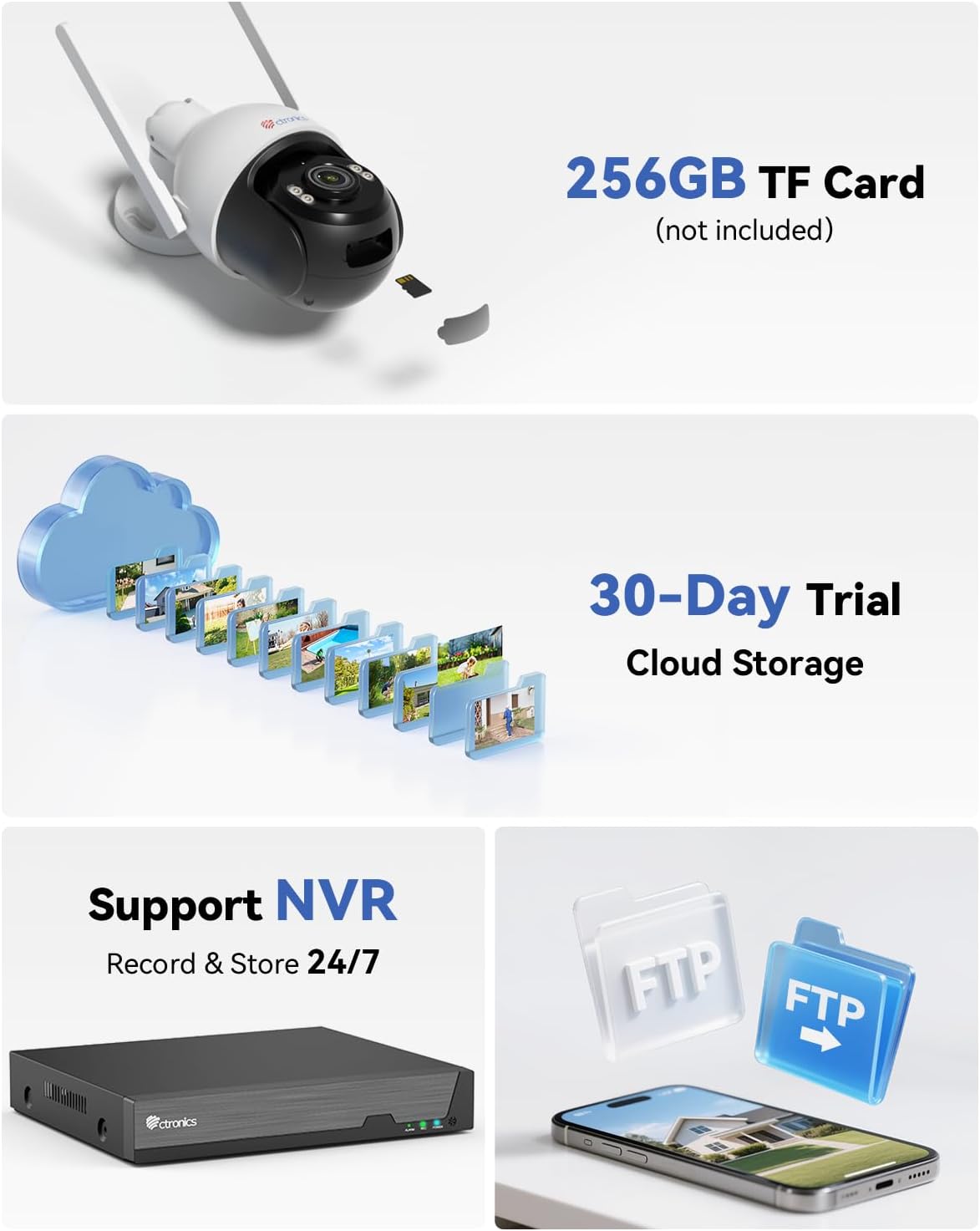
Image: Multiple storage options including TF card, cloud, NVR, and FTP.
5. Instalación
The Ctronics CTIPC-930 camera is designed for outdoor use with an IP66 weatherproof rating, ensuring resistance to rain, dust, and heat. It supports both wall and ceiling mounting.

Image: Durable metal construction and IP66 weatherproof rating for wall or ceiling mounting.
5.1 Localización de montaxe
Escolla unha localización que proporcione o desexado viewing angle and is within range of your WiFi network. Ensure the mounting surface is sturdy enough to support the camera's weight.
5.2 Pasos de montaxe
- Use the provided mounting template (if available) or the camera base to mark the drill holes on the wall or ceiling.
- Fai buratos e coloca os tacos de parede.
- Fixe a base da cámara á superficie usando os parafusos de montaxe.
- Adjust the camera angle as needed after installation.
6. Mantemento
Un mantemento regular garante a lonxevidade e o rendemento óptimo da túa cámara.
- Limpeza: Periodically clean the camera lens with a soft, dry cloth to ensure clear image quality. Do not use harsh chemicals.
- Actualizacións de firmware: Check the Ctronics Pro app regularly for firmware updates. Keeping your camera's firmware up-to-date ensures access to the latest features and security enhancements.
- Fonte de alimentación: Ensure the power supply is stable and free from damage.
7 Solución de problemas
Se tes problemas, consulta os seguintes pasos comúns para a resolución de problemas:
- Cámara sen conexión: Check WiFi connection, power supply, and router status. Try restarting the camera and your router.
- Mala calidade da imaxe: Clean the lens. Ensure sufficient lighting for optimal night vision. Check network bandwidth.
- Falsas alarmas: Adjust AI detection sensitivity and detection zones in the app.
- Sen gravación: Verify TF card insertion and format. Check cloud storage subscription status or NVR/FTP configuration.
- Non se pode conectar á aplicación: Ensure Bluetooth is enabled on your phone for initial pairing. Re-attempt the connection process.
For further assistance, please contact Ctronics customer support.
8. Especificacións
| Característica | Especificación |
|---|---|
| Resolución de gravación de vídeo | 4K (3840 x 2160) |
| Número de modelo | CTIPC-930 |
| Tecnoloxía de comunicación sen fíos | Bluetooth, Wi-Fi (2.4 GHz / 5 GHz) |
| Factor de forma | Cúpula |
| Range de visión nocturna | 30 metros |
| Material | Metal |
| Voltage | 12 voltios |
| Poder | 12 vatios |
| Dimensións do artigo (L x W x H) | 16 x 14 cm (aprox. 6.3 x 5.5 polgadas) |
| Nivel de resistencia á auga | IP66 (Impermeable) |
| Tipo de bulbo | Infrared & LED |
| Características especiais | Two-way audio, Human/Vehicle/Animal Detection, HD Resolution, PTZ Technology, Color Night Vision |
| Usos recomendados | Seguridade ao aire libre |
| Dispositivos compatibles | Smartphone, Tablet, PC, Mac |
| Fonte de enerxía | Eléctrico con cable |
| Tipo de montaxe | Soporte de parede |
9. Garantía e soporte
Ctronics products come with a standard manufacturer's warranty. Please refer to the warranty card included in your package or visit the official Ctronics websitio web para obter información detallada sobre os termos e condicións da garantía.
For technical support, product inquiries, or warranty claims, please contact Ctronics customer service through their official website or the contact information provided in the app. Have your model number (CTIPC-930) and purchase details ready when contacting support.