
Introdución
This manual provides detailed instructions for the setup, operation, maintenance, and troubleshooting of your Dytole Wireless Headset Model DY-109. Please read this manual thoroughly before using the product to ensure optimal performance and longevity.
O que hai na caixa
- Auriculares sen fíos
- Base de carga
- Cable de carga USB-C
- Dongle USB 2.4G
Produto rematadoview
The Dytole Wireless Headset DY-109 is designed for professional communication, featuring AI noise cancellation, flexible connectivity options, and a smart multi-function charging dock.

Figure 1: Dytole Wireless Headset with Smart Multi-Function Charging Dock.
Configuración
1. Cargando os auriculares
The headset can be charged using two methods: via the USB-C cable directly or by placing it on the included charging dock. The charging dock features an intuitive LED power display to indicate battery status.
- Carga USB-C: Connect the USB-C cable to the headset's charging port and to a power source.
- Base de carga: Place the headset onto the charging dock. Ensure proper alignment for charging to begin. The LED display on the dock will show the charging status.
A full charge provides up to 65 hours of use. A quick 5-minute charge can provide approximately 2 hours of talk time.

Figure 2: Headset charging on the smart dock with battery indicator.
2. Opcións de conectividade
The Dytole Wireless Headset supports both Bluetooth 5.3 and a 2.4G USB dongle for versatile connection to various devices.
- Conexión Bluetooth:
- Asegúrese de que os auriculares están acendidos.
- Activate Bluetooth on your device (laptop, mobile phone, tablet).
- Busca "Dytole DY-109" in the list of available Bluetooth devices and select it to pair.
- 2.4G USB Dongle Connection:
- Conecta o dongle USB de 2.4 G a un porto USB dispoñible do teu ordenador.
- Acenda os auriculares. Conectarase automaticamente ao dongle.
Note: Only one device can be connected at a time. The 2.4G USB dongle provides a stable connection, especially for computers without built-in Bluetooth.

Figure 3: Headset connected via 2.4G USB dongle to a laptop.
Instrucións de funcionamento
1. Usar os auriculares
The headset features an ultra-lightweight single-ear design with memory foam ear cushions for comfort during extended use. The adjustable headband ensures a balanced fit.
- Micrófono axustable: The microphone can be rotated 270 degrees, allowing you to wear the headset on either your left or right ear. Position the microphone close to your mouth for optimal voice pickup.
- Auriculares xiratorios: The earcups are designed to rotate for a perfect fit and comfort.
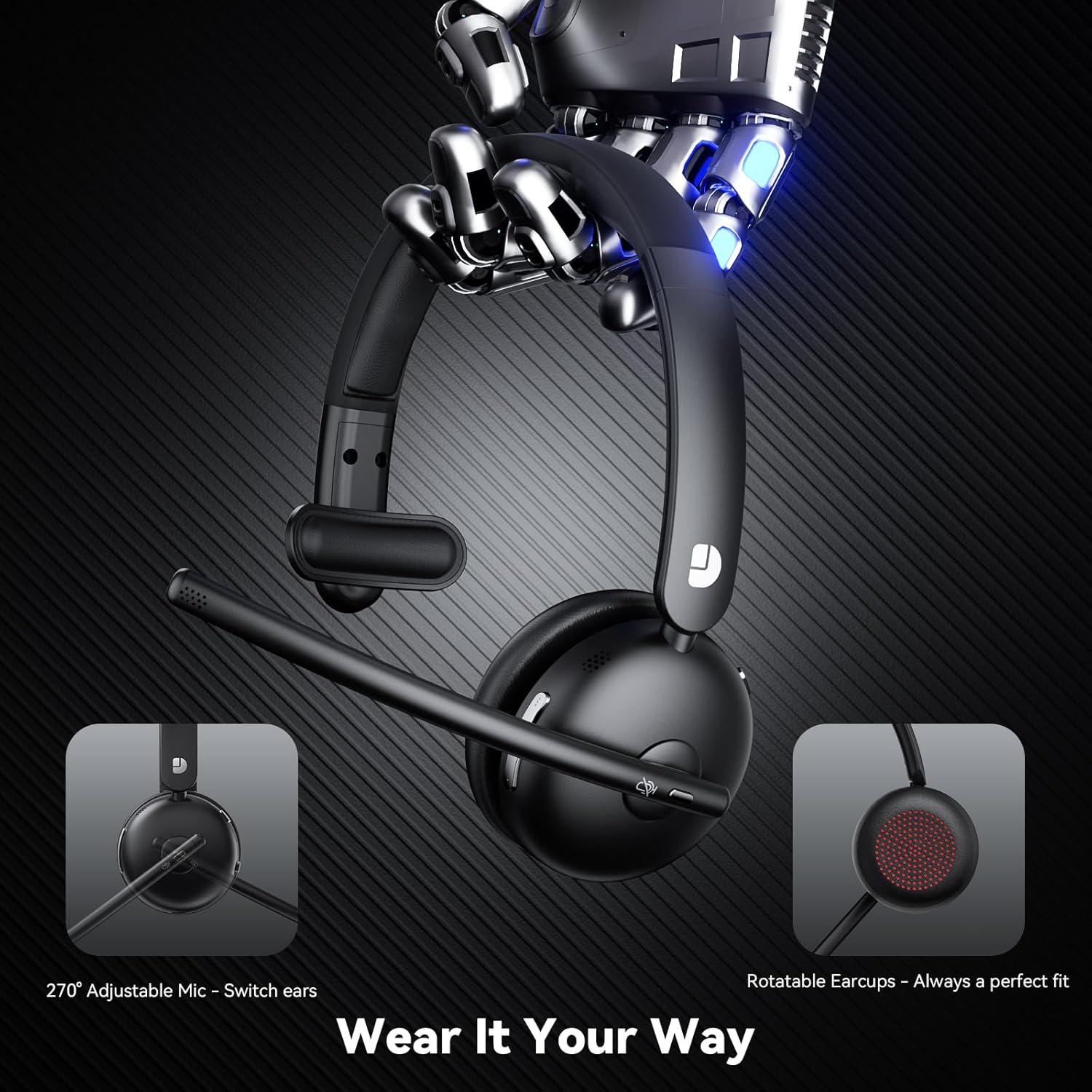
Figure 4: Adjustable microphone and rotatable earcups for personalized fit.
2. AI Noise Cancelling
The integrated AI noise-cancelling technology filters out background noise, ensuring clear voice transmission during calls and meetings. This feature is automatically active to enhance communication clarity in various environments.
3. Controis
The headset includes easy-to-access controls:
- Botón multifunción (MFB): Used for power on/off, play/pause audio, answer/end calls.
- Botón de silencio: Silencia ou activa rapidamente o micrófono durante as chamadas.
- Controis de volume: Adjust audio volume up or down.
4. Compatibilidade
The Dytole Wireless Headset is compatible with a wide range of communication platforms and devices, including:
- Zoom
- Microsoft Teams
- Google Meet
- Portátiles
- Teléfonos móbiles
- Escritorios
- Tabletas
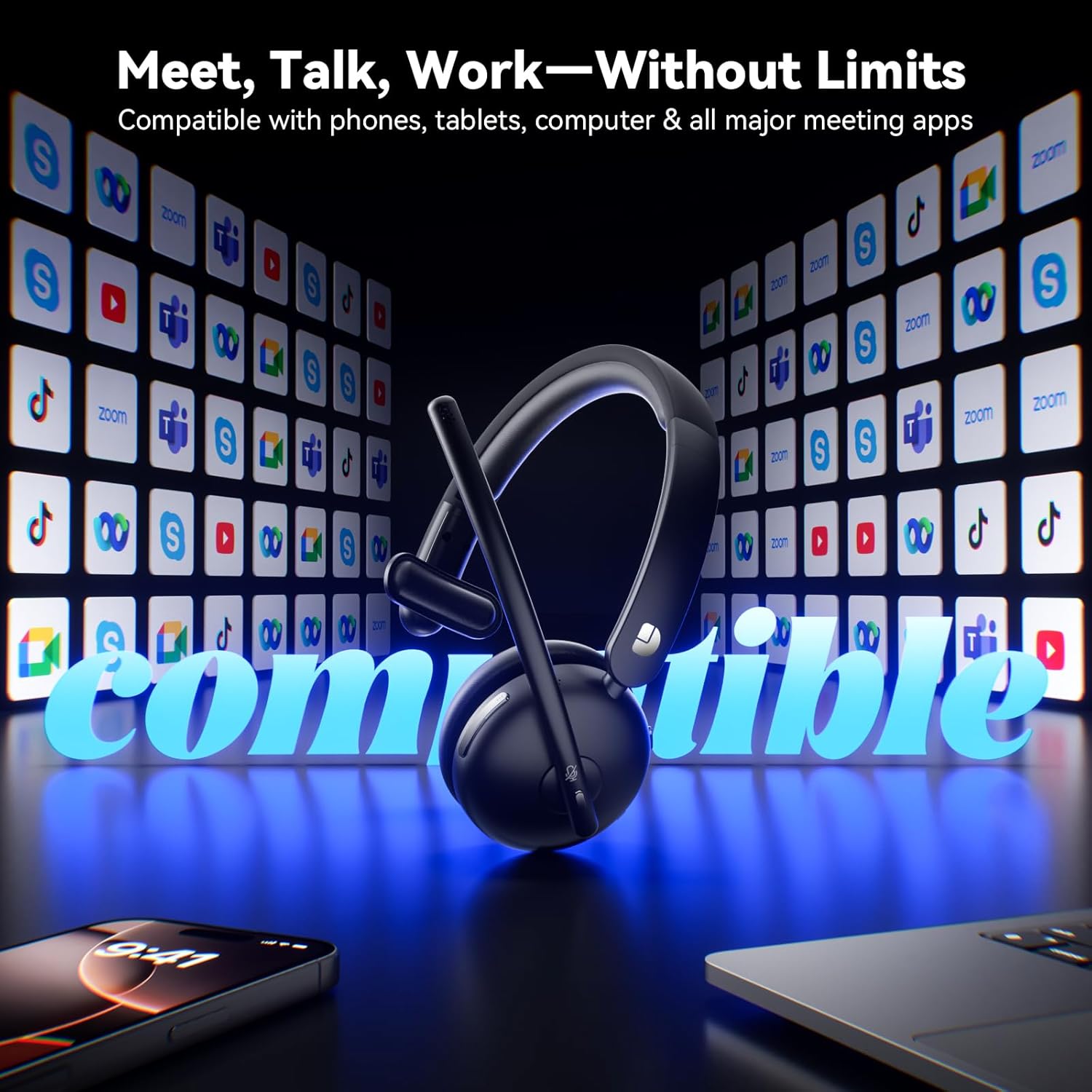
Figure 5: Headset compatibility with major communication platforms.
Mantemento
1. Limpeza
To maintain the headset's condition, wipe it regularly with a soft, dry cloth. Avoid using harsh chemicals or abrasive materials. Ensure no moisture enters the charging ports or speaker grilles.
2. Almacenamento
When not in use, store the headset on its charging dock. The 3-in-1 smart dock also functions as a phone/tablet stand and an organizer for the USB dongle, helping to keep your workspace tidy. The dock can fold flat for travel.
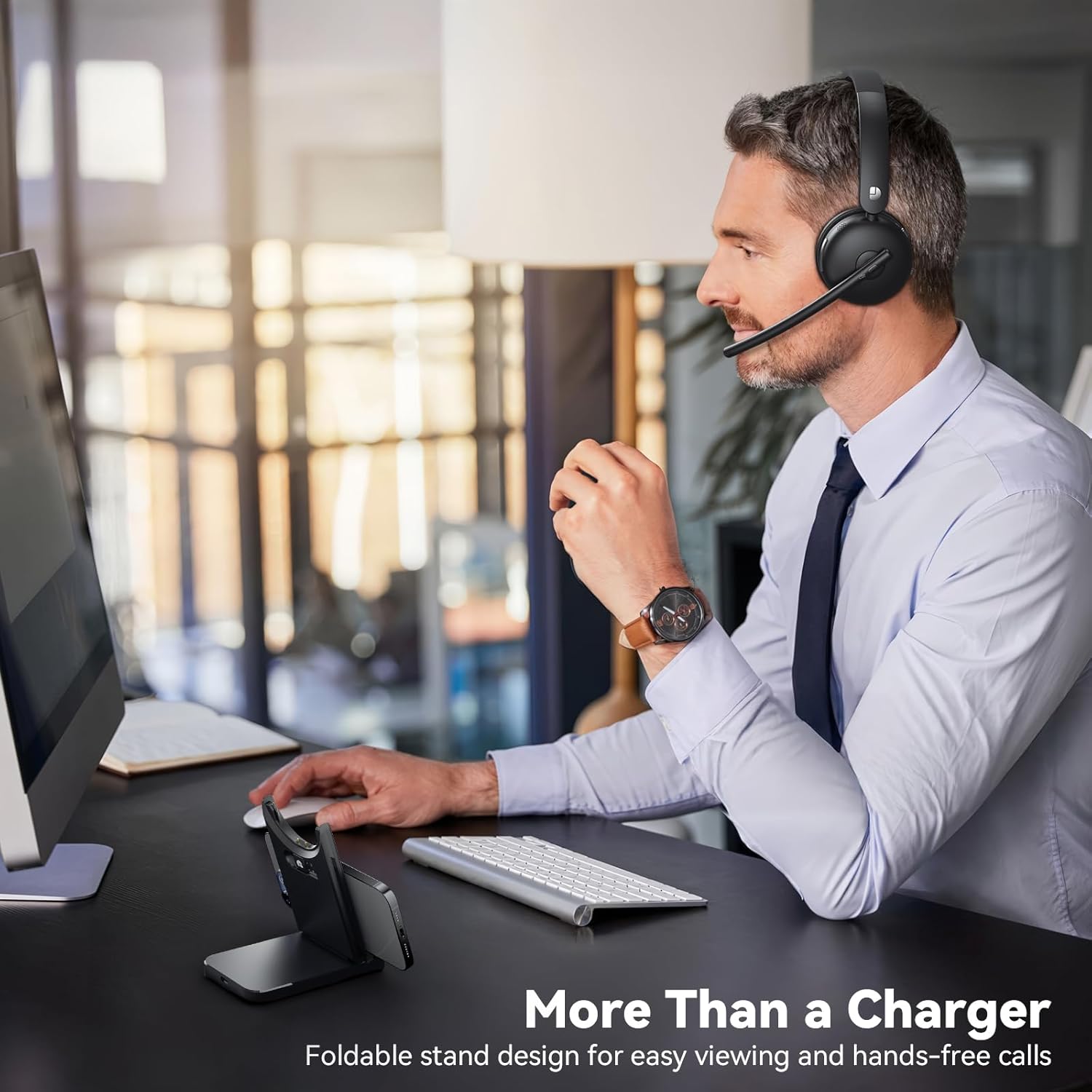
Figure 6: Smart dock used as a phone stand while the headset is in use.
Resolución de problemas
- Sen enerxía: Ensure the headset is fully charged. Connect it to the charging cable or dock and allow sufficient time to charge.
- Non se pode emparellar/conectar:
- Ensure the headset is in pairing mode (refer to device-specific instructions for entering pairing mode if needed).
- Verifica que o Bluetooth estea activado no teu dispositivo.
- If using the USB dongle, ensure it is securely plugged in and the headset is powered on.
- Reinicie tanto os auriculares como o dispositivo de conexión.
- Mala calidade de audio:
- Check the connection range (up to 49 feet). Move closer to your connected device.
- Ensure there are no obstructions or strong interference sources between the headset and the device.
- Adjust the volume on both the headset and the connected device.
- O micrófono non funciona:
- Asegúrate de que o micrófono non estea silenciado.
- Check the microphone settings on your connected device to ensure the Dytole Headset is selected as the input device.
- Position the microphone correctly near your mouth.
Especificacións
| Característica | Descrición |
|---|---|
| Nome do modelo | DY-109 |
| Tecnoloxía de conectividade | Sen fíos (Bluetooth 5.3, llave USB de 2.4G) |
| Características de control de ruído | Cancelación de ruído AI |
| Duración da batería | Ata 65 horas |
| Tempo de carga | Approximately 1.5 days for full charge (5 min quick charge for 2 hours talk time) |
| Alcance Bluetooth | Ata 14.92 metros (49 pés) |
| Forma do auricular | On-Ear (Single-ear design) |
| Material | Memory Foam, Plastic/Aluminum |
| Peso do elemento | 0.46 quilogramos (1.01 libras) |
| Dispositivos compatibles | Laptops, Mobile Phones, Desktops, Tablets, Telephones, Smart Speakers, Televisions |
Garantía e Soporte
For warranty information and customer support, please refer to the product packaging or contact Dytole customer service through the official website or your retailer. Keep your purchase receipt for warranty claims.

