
1. Introdución
This manual provides essential information for setting up, operating, and maintaining your Xiaomi X Series 4K Ultra HD Smart Google TV. Please read this manual thoroughly before using your television to ensure proper and safe operation.
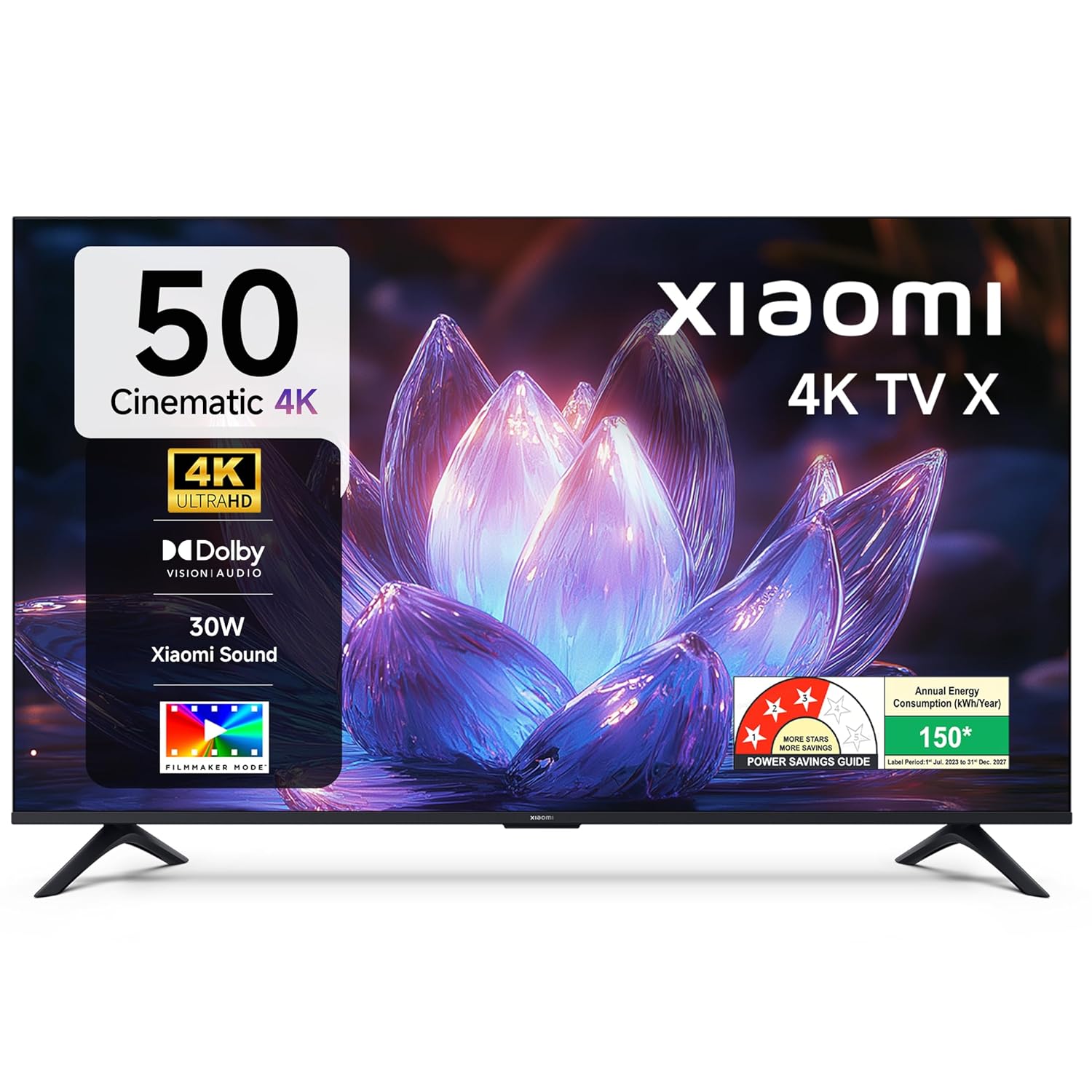
Imaxe 1.1: Fronte view of the Xiaomi X Series 50-inch 4K Ultra HD Smart Google TV.
The Xiaomi X Series TV offers a cinematic 4K viewing experience with advanced features including Dolby Vision, HDR10, Filmmaker Mode, and a 120Hz Game Booster. It runs on Google TV, providing a smart and intuitive user interface with access to various streaming services and Google Assistant.
2. Configuración
2.1. Desembalaxe e contido da embalaxe
Carefully unpack your television and check for all included components. Ensure the packaging is handled responsibly.

Image 2.1: Included accessories with your Xiaomi TV.
O paquete debe conter:
- 1 LED TV Unit
- 1 Control remoto
- 1 Manual de usuario (este documento)
- 2 Stand Units
- 4 Screws for stand assembly
- 2 x AAA batteries for the remote control
- 1 cable de alimentación
2.2. Instalación física
You can install your TV using the included stands for table mounting or a compatible wall mount (sold separately).
Table Mount Installation:
- Coloque a pantalla do televisor coa pantalla cara abaixo sobre unha superficie suave e plana para evitar danala.
- Attach the two stand units to the designated slots at the bottom of the TV.
- Fixe cada soporte cos parafusos proporcionados.
- Levante con coidado o televisor e colóqueo sobre unha superficie estable e nivelada.
Instalación de montaxe en parede:
For wall mounting, it is recommended to use a professional installation service. Refer to the wall mount kit instructions for specific details. Ensure the wall mount is compatible with the TV's VESA mounting pattern.
2.3. Initial Power On and Connectivity
- Conecte o cable de alimentación ao televisor e despois a unha toma de corrente.
- Insira as pilas AAA no control remoto.
- Preme o botón de acendido do control remoto ou da televisión para acendelo.
- Follow the on-screen instructions for initial setup, including language selection, network connection (Wi-Fi or Ethernet), and Google account sign-in.

Imaxe 2.2: Acabadoview of connectivity ports on the Xiaomi TV.
Portos de conectividade:
- Portos HDMI (x3): Connect gaming consoles, set-top boxes, Blu-ray players. One port supports eARC for enhanced audio return.
- Portos USB (x2): Conecta discos duros, unidades flash USB ou outros dispositivos USB.
- Porto Ethernet: Para conexión a internet por cable.
- Conector de audio de 3.5 mm: Para conectar auriculares ou dispositivos de son externos.
- Saída de audio óptico: Para conectar a barras de son ou sistemas de cine na casa.
- Antenna Inputs (x2): For connecting terrestrial or cable TV antennas.
- Entrada AV: Para conectar dispositivos antigos con vídeo composto e audio estéreo.
3. Instrucións de funcionamento
3.1. Control remoto
The included remote control provides easy access to all TV functions. It features dedicated buttons for popular streaming services and Google Assistant.

Image 3.1: The all-new remote control for your Xiaomi TV.
- Botón de encendido: Acende ou apaga o televisor.
- Botón do Asistente de Google: Activa os comandos de voz.
- Pad de navegación: Para a navegación polo menú.
- Botón Atrás: Volve á pantalla anterior.
- Botón de inicio: Accede á pantalla de inicio de Google TV.
- Subir/Baixar o volume: Axusta o volume do son.
- Canle arriba/abajo: Cambia as canles de televisión.
- Botóns de aplicación dedicados: Quick access to Netflix, Prime Video, YouTube, and other services.
- Botón de silencio: Silencia o son do televisor.
3.2. Google TV Interface and Navigation
Your Xiaomi TV runs on Google TV, offering a personalized and intuitive user experience. The home screen provides content recommendations, quick access to apps, and personal profiles.

Image 3.2: Google TV interface with key features.
- Content First UI: Prioritizes content discovery.
- Pro persoalfiles: Crear un profesional individualfiles for tailored recommendations.
- Asistente de Google: Usa comandos de voz para buscar, controlar e obter información.
- Google Cast Built-In: Stream content directly from your phone or tablet.
- Lista de vixilancia: Keep track of movies and shows you want to watch.
- Modo ambiente: Display photos or useful information when the TV is idle.
- Kids Profile: Curated content and parental controls for children.
The TV also features PatchWall, which provides customized recommendations and content curation, enhancing your viewexperiencia ing.
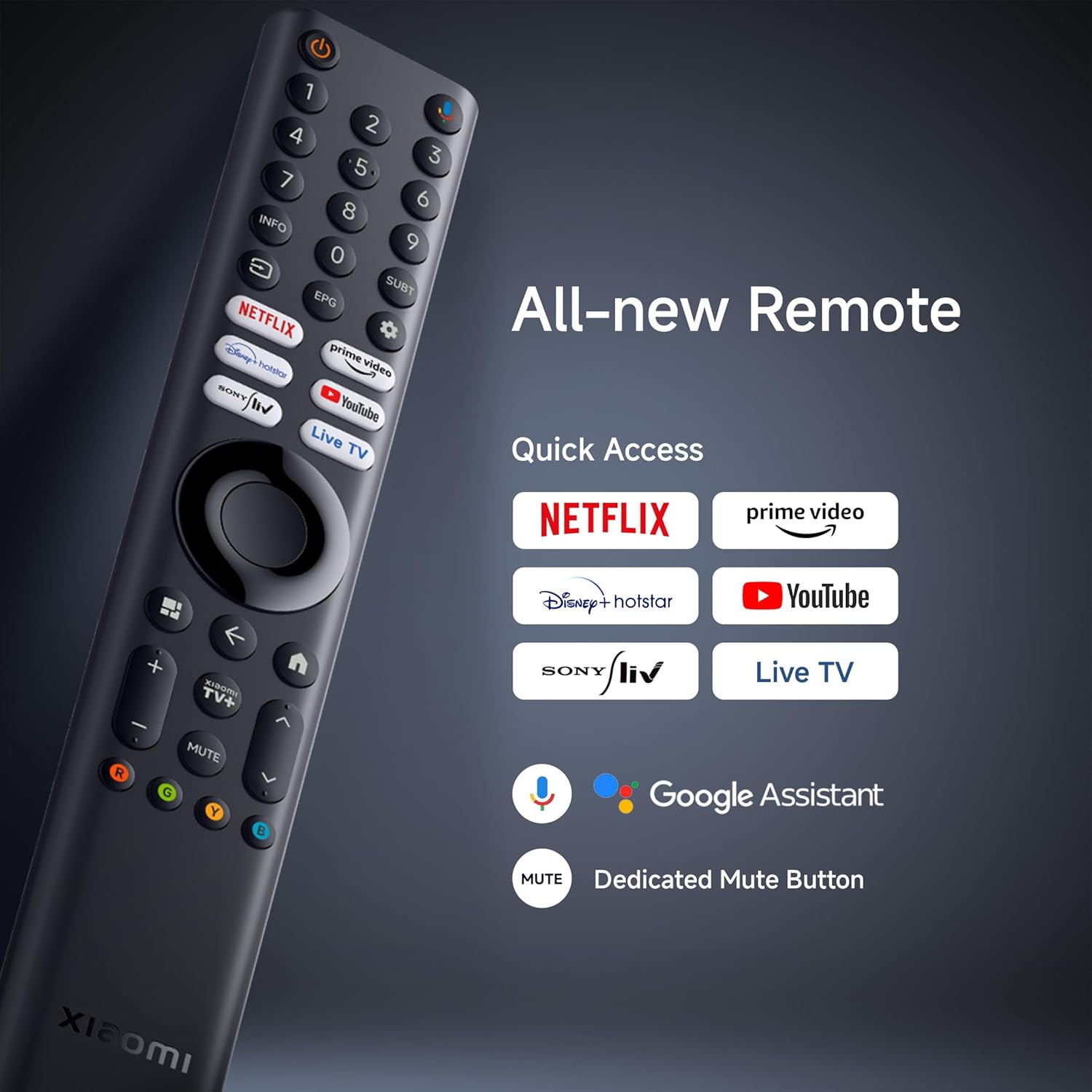
Image 3.3: PatchWall interface for content discovery.
3.3. Configuración da pantalla
Optimice o seu viewing experience with various display technologies and settings.
- 4K Ultra HD: Enjoy crisp, detailed images with 3840 x 2160 resolution.
- Dolby Vision: Experience enhanced brightness, contrast, and color with dynamic HDR optimization frame by frame.

Image 3.4: Dolby Vision technology for dynamic image quality.
- HDR10: Delivers high brightness and contrast for realistic visuals.
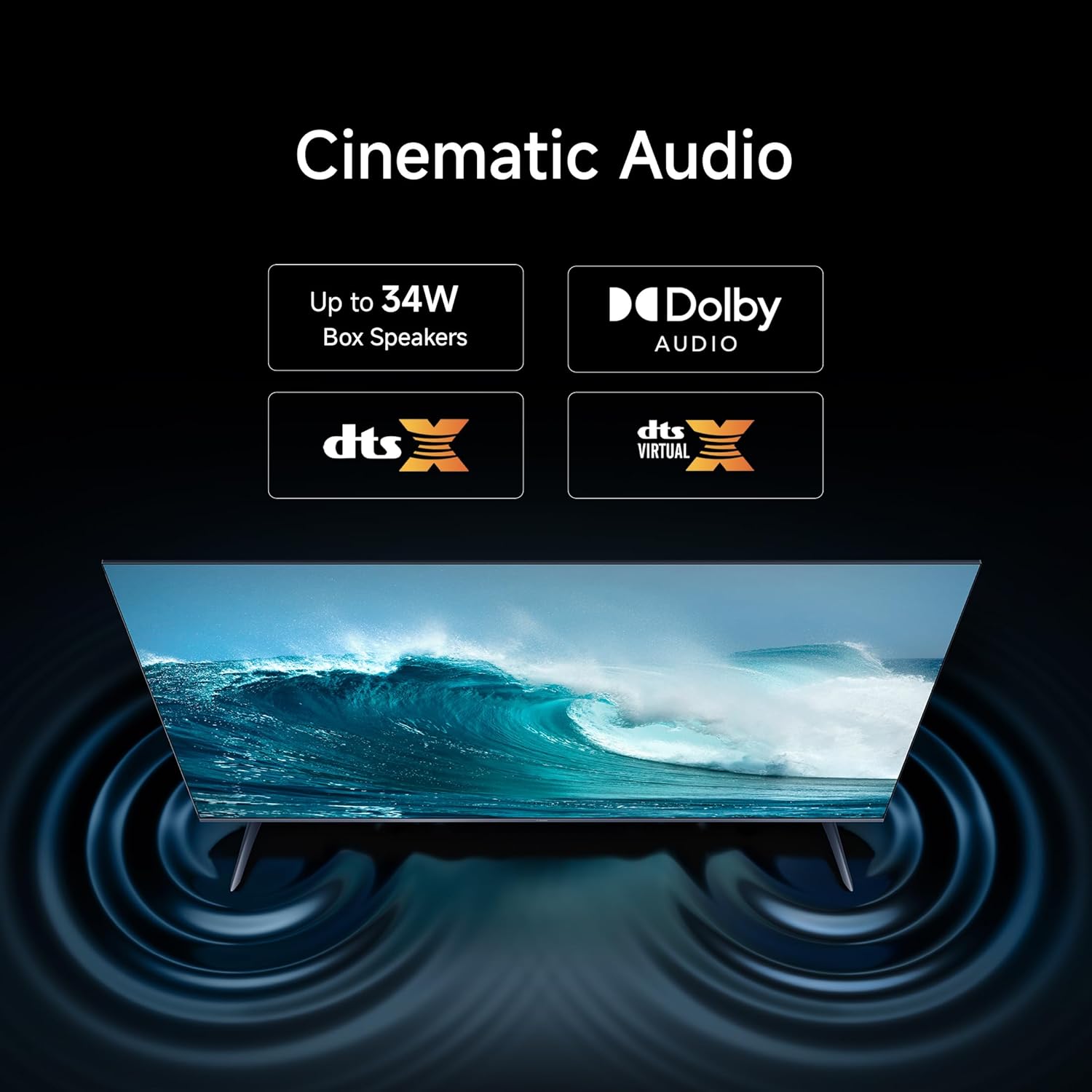
Image 3.5: HDR10 for detailed and realistic visuals.
- Modo cineasta: Disables post-processing effects to present content as the director intended.

Image 3.6: Filmmaker Mode for authentic content viewing.
- Vivid Picture Engine 2: Enhances color and clarity, supporting 1.07 billion colors and 94% DCI-P3 color gamut.
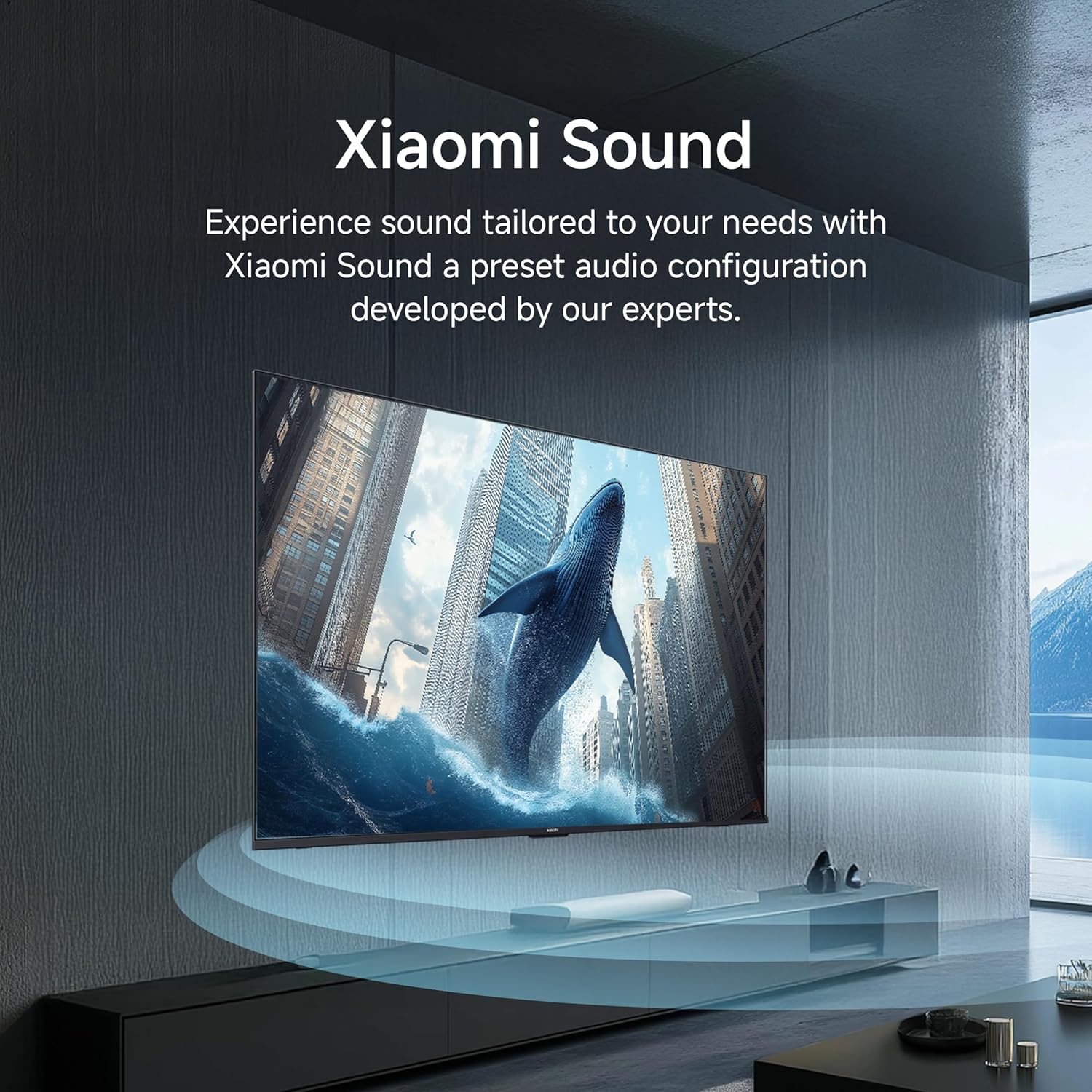
Image 3.7: Vivid Picture Engine 2 for rich and accurate colors.
- Modo confort ocular: Reduces blue light emission for comfortable viewing.
3.4. Configuración de audio
The TV features 30 watts output with Dolby Audio, DTS-X, and DTS Virtual:X for an immersive sound experience.
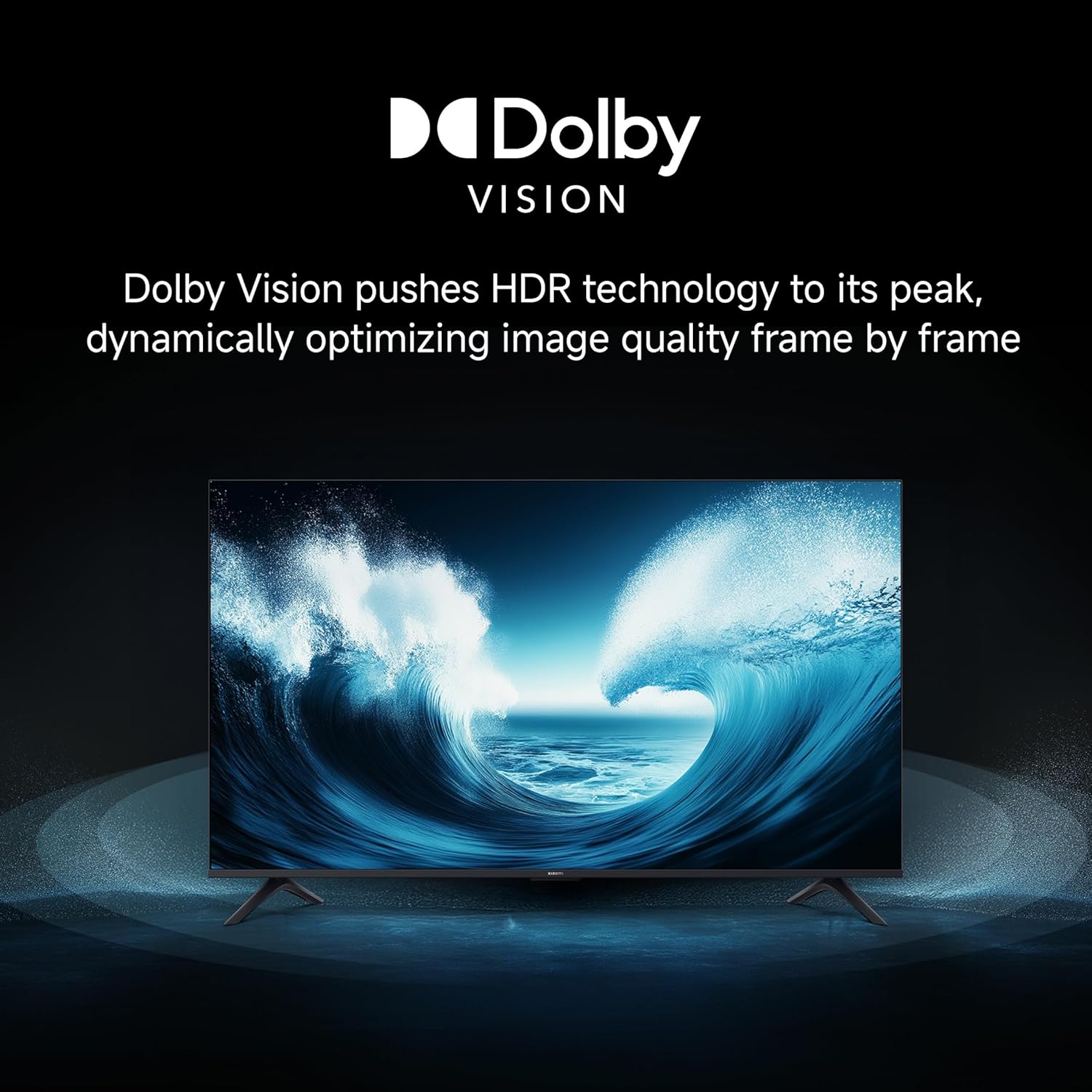
Image 3.8: Cinematic Audio technologies for enhanced sound.
Xiaomi Sound: Experience sound tailored to your needs with a preset audio configuration developed by experts.

Image 3.9: Xiaomi Sound for a customized audio experience.
3.5. Características dos xogos
Enhance your gaming with dedicated features:
- 120Hz Game Booster: Boosts the refresh rate to 120Hz (DLG) for ultra-low latency and a more responsive gaming experience.

Image 3.10: 120Hz Game Booster for smoother gaming.
- MEMC Engine: Motion Estimation, Motion Compensation for smoother motion in fast-paced content.
3.6. Streaming and Casting
Stream content from your phone or tablet directly to your TV using Google Cast or Apple AirPlay 2.

Image 3.11: Stream content from your phone to the TV.
The TV also supports various pre-installed apps like Netflix, Prime Video, YouTube, and Zee5. For additional content, consider the OTTplay subscription offer:

Image 3.12: OTTplay subscription offer for extended content access.
For more details on the OTTplay offer, scan the QR code or visit https://qr-codes.io/sbzPOa.
4. Mantemento
4.1. Limpeza do televisor
- Desconecte sempre o televisor antes de limpalo.
- Usa un pano suave, seco e sen fiapos para limpar con coidado a pantalla e a carcasa.
- Para marcas difíciles, espolvoree lixeiramenteampEnxágüe o pano con auga ou cun limpador de pantallas especializado. Non pulverice o limpador directamente sobre a pantalla.
- Avoid using abrasive cleaners, waxes, or solvents as they can damage the TV's surface.
4.2. Actualizacións de software
Your Xiaomi TV will periodically receive software updates to improve performance and add new features. Ensure your TV is connected to the internet to receive these updates. You can check for updates manually through the TV's settings menu.
5 Solución de problemas
Se tes problemas co teu televisor, consulta as seguintes solucións habituais:
| Problema | Posible Solución |
|---|---|
| Sen electricidade / a televisión non se acende | Check if the power cord is securely connected to both the TV and the power outlet. Ensure the power outlet is working. Try a different outlet. |
| Sen imaxe / Pantalla negra | Asegúrate de que estea seleccionada a fonte de entrada correcta. Comproba todas as conexións dos cables (HDMI, AV). Tenta reiniciar o televisor. |
| Sen son | Check the volume level and ensure the TV is not muted. Verify audio cable connections if using external speakers. Check audio output settings in the TV menu. |
| O control remoto non funciona | Replace the batteries. Ensure there are no obstructions between the remote and the TV. Re-pair the Bluetooth remote if necessary (refer to TV settings). |
| Slow or laggy interface | Close unused applications. Clear cache from app settings. Perform a factory reset as a last resort (this will erase all data). Ensure sufficient internal storage is available (8 GB ROM). |
| Problemas de conectividade wifi | Restart your router and modem. Ensure the TV is within range of your Wi-Fi network. Re-enter the Wi-Fi password. Try a wired Ethernet connection if possible. |
Se o problema persiste despois de probar estas solucións, póñase en contacto co servizo de atención ao cliente.
6. Especificacións
Detailed technical specifications for your Xiaomi X Series 4K Ultra HD Smart Google TV (L50MB-AIN).

Image 6.1: Physical dimensions and weight of the TV.
| Característica | Detalle |
|---|---|
| Marca | XIAOMI |
| Modelo | L50MB-AIN |
| Ano modelo | 2025 |
| Tamaño da pantalla | 50 polgadas (126 cm) |
| Tecnoloxía de visualización | LED |
| Resolución | 4K Ultra HD (3840 x 2160 píxeles) |
| Taxa de actualización | 60 Hz / 120Hz DLG |
| Viewángulo ing | 178 graos |
| Tipo de visualización | Dolby Vision | HDR 10 | HLG |
| Relación de aspecto da imaxe | 16:9 |
| Relación de contraste da imaxe | 5000:1 |
| Tempo de resposta | 7 milisegundos |
| Sistema Operativo | Android 14 OS | Google TV |
| Memoria RAM | 2 GB |
| Almacenamento interno | 8 GB |
| Potencia de saída de audio | 30 vatios |
| Configuración do altofalante | Dolby Audio | DTS - X | DTS Virtual : X |
| Formatos de audio admitidos | Dolby, DTS, MP3, FLAC, AAC, OGG, ADPCM, OPUS |
| Conectividade | Dual Band Wi-Fi, Bluetooth, Ethernet, 3 HDMI ports (1 eARC), 2 USB ports, Optical, 3.5mm Audio, AV |
| Características especiais | Filmmaker Mode, MEMC, Eye Comfort Mode, Google Cast built-in, Google Assistant |
| Dimensións do produto (LxWxH) | 111.1 x 28 x 70 cm |
| Peso do elemento | 7.4 kg |
| Consumo de enerxía en modo activado | 75 vatios |
| Voltage | 240 voltios |
7. Garantía e soporte
7.1. Información da garantía
Your Xiaomi X Series 4K Ultra HD Smart Google TV comes with a Garantía completa de 2 anos. This warranty covers the cost of parts and labor for the product on an on-site service basis. Local transportation costs are covered if the unit needs to be transported to a service center for repairs that cannot be performed at your location.
To avail warranty services, please retain your purchase invoice.
7.2. Atención ao cliente
For further assistance, technical support, or warranty claims, please visit the official Xiaomi India website or contact their customer service. The user manual can also be accessed from the brand's official websitio para información detallada.
Fabricante: DIXON TECHNOLOGIES (INDIA) LIMITED