
Introdución
This manual provides essential information for the assembly, operation, maintenance, and troubleshooting of your Deli Gaming Table E91511. Please read these instructions carefully before assembly and use to ensure proper function and longevity of your product.
Avisos de seguridade
- Monta sempre o escritorio segundo as instrucións proporcionadas.
- Ensure the desk is properly anchored to the floor to prevent tipping, especially when using heavy setups.
- Be cautious when moving the desk, as it may require two people due to its size and weight.
- Non sobrecargues a mesa máis alá da súa capacidade de peso especificada.
- Manteña as pezas pequenas lonxe dos nenos durante a montaxe.
Contido do paquete
Before beginning assembly, verify that all components are present and undamaged. Refer to the included assembly instructions for a detailed list of parts and hardware. Typically, the package includes:
- Desktop surface (Metal and Composite)
- Desk legs (K-type carbon steel frame)
- Crossbars and support beams
- Assembly hardware (screws, bolts, washers)
- Assembly tools (if included, otherwise standard tools like a screwdriver may be required)
- Manual de instrucións
Configuración e montaxe
The Deli Gaming Table E91511 is designed for quick assembly with minimal tools. Follow the step-by-step instructions provided in the separate assembly guide included with your product. Ensure you have adequate space for assembly and consider having a second person assist with lifting and positioning larger components.
Pasos da Asemblea Xeral:
- Desembala todos os compoñentes e colócaos sobre unha superficie limpa e suave para evitar rabuñaduras.
- Attach the K-shaped table legs to the main support frame using the provided hardware. Ensure all connections are secure.
- Carefully place the desktop surface onto the assembled leg frame. Align the pre-drilled holes.
- Secure the desktop to the frame using the remaining hardware. Do not overtighten.
- Verify all screws and bolts are tightened and the desk is stable before placing any equipment on it.

Image: Close-up of the K-shaped table legs, demonstrating the stable structure.
Instrucións de funcionamento
The Deli Gaming Table E91511 offers a spacious and stable surface for various uses, including gaming, streaming, home office work, and student workstations.
- Wider Gaming Surface: The 120 cm width accommodates dual monitors or extra peripherals, providing ample espazo para a súa configuración.
- Deseño ergonómico: The desk is designed for comfortable use, allowing for extended periods of activity without discomfort.
- Xestión de cables Utilize the integrated 3D cable management box (if applicable) to keep your cables organized and your workspace tidy.
- Capacidade de carga: The desk is engineered for heavy setups and consistent use. Ensure weight is distributed evenly.
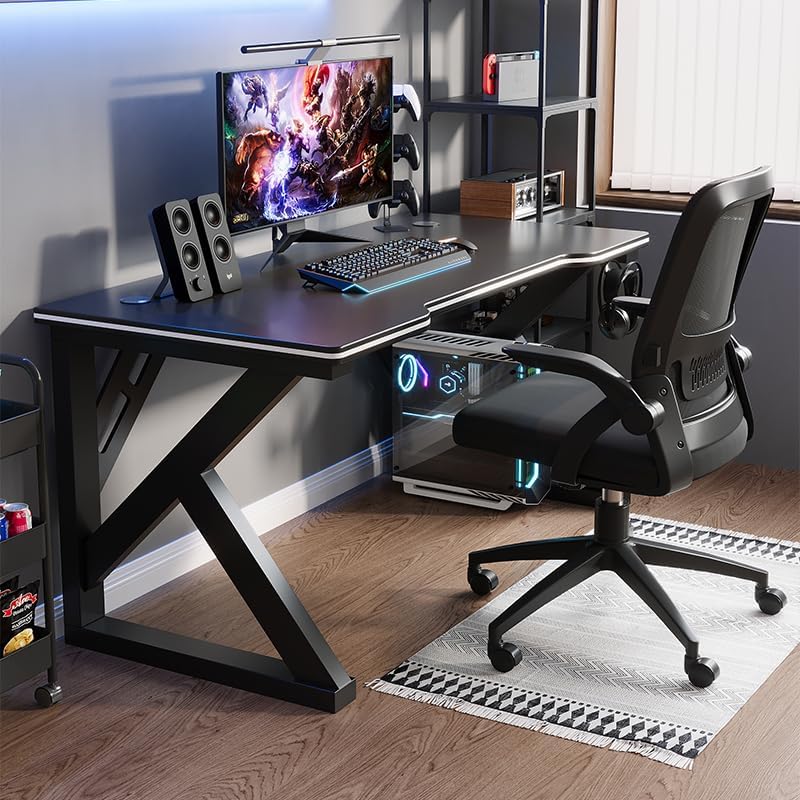
Image: A gaming setup on the Deli Gaming Table, illustrating its spacious surface.

Imaxe: De arriba abaixo view of a user at the Deli Gaming Table, highlighting ergonomic design.
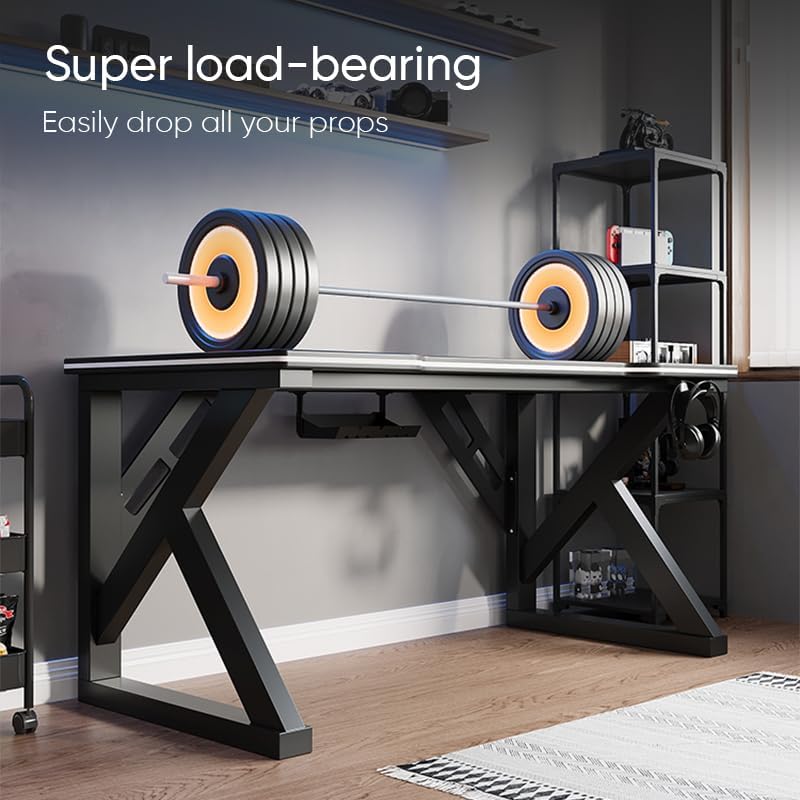
Image: The Deli Gaming Table demonstrating its load-bearing capability.
Mantemento
Regular maintenance will help preserve the appearance and functionality of your Deli Gaming Table.
- Limpeza: Wipe the desktop surface and legs with a soft, damp cloth. Avoid abrasive cleaners or harsh chemicals that could damage the painted finish or material.
- Verquidos: Limpe os derrames inmediatamente para evitar manchas ou danos na superficie.
- Verificación de hardware: Comprobe periodicamente todos os parafusos e bulóns para asegurarse de que permanecen axustados. Volva apertalos se é necesario para manter a estabilidade.
- Prevención da ferruxe: While the desk is made of metal, prolonged exposure to moisture can lead to rust. Keep the desk in a dry environment and wipe away any moisture promptly.
Resolución de problemas
O escritorio é inestable ou tambaleante:
- Asegúrese de que todos os parafusos e pernos de montaxe estean completamente axustados.
- Comprobe que o escritorio estea sobre unha superficie nivelada. Axuste os deslizadores do chan se os hai.
- Verify that all parts are correctly assembled according to the instruction manual.
Parts are missing or damaged:
- Review the package contents list in your assembly manual.
- Contact customer support with your model number and a description of the missing or damaged part.
Dificultade coa montaxe:
- Re-read the assembly instructions carefully, paying attention to diagrams.
- Asegúrate de usar os accesorios correctos para cada paso.
- If issues persist, consider seeking assistance from another person.
Especificacións

Image: Dimensions of the Deli Gaming Table.
| Característica | Detalle |
|---|---|
| Número de modelo | E91511 |
| Dimensións (ancho x profundo x alto) | 120 cm x 60 cm x 75 cm |
| Cor | Negro |
| Tipo de material | Metal and Composite (E1 grade material) |
| Material do marco | K-type Carbon Steel Frame |
| Tipo de acabado | Pintado |
| Peso do elemento | 13000 gramos |
| Requírese montaxe | Si |
| Usos recomendados | Gaming, Streaming, Home Office, Student Workstation |
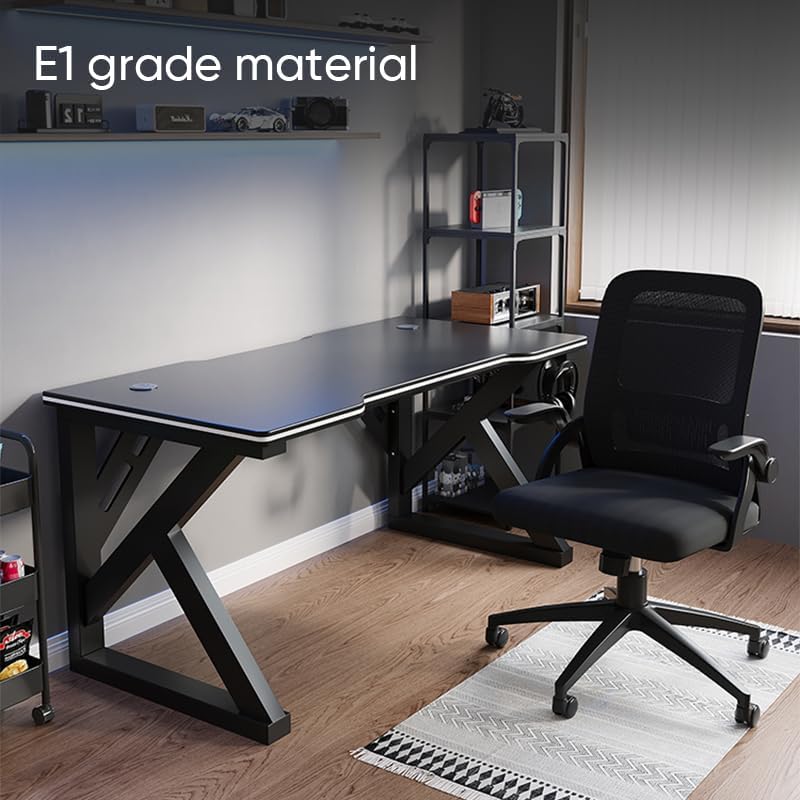
Image: The Deli Gaming Table highlighting E1 grade material.
Información da garantía
For specific warranty details regarding your Deli Gaming Table E91511, please refer to the warranty card included with your purchase or visit the official Deli websitio. Os termos da garantía adoitan cubrir defectos de fabricación en condicións de uso normais.
Atención ao cliente
If you have any questions, require assistance with assembly, or need to report a missing/damaged part, please contact Deli customer support through the following channels:
- Websitio: Visit the official Deli websitio web con recursos de apoio e formularios de contacto.
- Correo electrónico: Refer to your purchase documentation for customer service email addresses.
- Teléfono: Check the product packaging or official websitio web con números de teléfono de atención ao cliente.
Please have your model number (E91511) and proof of purchase ready when contacting support.