
Retevis EHK007, RT22
Manual do usuario dos auriculares tácticos Retevis EHK007 e dos walkie-talkies RT22
Model: EHK007 Tactical Headset, RT22 Rechargeable Walkie Talkies
1. Introdución
This manual provides detailed instructions for the Retevis EHK007 Tactical Headset and RT22 Rechargeable Walkie Talkies bundle. This product is designed for various activities including hunting, shooting, airsoft sports, and tactical games, offering clear communication and effective hearing protection. Please read this manual thoroughly before using the product to ensure proper operation and safety.
2. Contido do paquete
Ao abrir o paquete, comproba que inclúa todos os seguintes elementos:
- 1 x Retevis EHK007 Tactical Headset
- 1 x U94 K Head 2 Pin PTT Cable
- 2 x Battery Covers (for headset)
- 4 x Retevis RT22 Walkie Talkies (Orange)
- 4 x Li-ion Batteries (for RT22)
- 4 x Belt Clips (for RT22)
- 2 x Dual Port USB Charger Adapters
- 4 x cables USB
- 2 x User Manuals (for RT22)

Figure 2.1: Complete package contents of the Retevis EHK007 and RT22 bundle.
3. Produto rematadoview
3.1 Retevis EHK007 Tactical Headset
The EHK007 Tactical Headset is designed for communication and hearing protection. It features sound amplification for ambient sounds and automatic noise reduction for loud impulses like gunshots. It includes a microphone and connects via a U94 K Head 2 Pin PTT cable.

Figure 3.1: Components of the EHK007 Tactical Headset.
- Head-Mounted Band: Adjustable for comfortable fit.
- Adjustable Frame: Allows for precise positioning of the earcups.
- Micrófono: For clear voice transmission.
- PTT (Push-to-Talk) Unit: External unit for activating transmission.
- Kenwood 2 Pin Connector: Standard connector for compatible radios.
- Pickup Mics: Ambient sound microphones for sound amplificación.

Figure 3.2: EHK007 Headset ear cushion detail.
The earcups feature comfortable leather ear cushions and soundproof sponges for effective noise isolation and comfort during extended use.
3.2 Retevis RT22 Rechargeable Walkie Talkies
The RT22 walkie talkies are compact, license-free FRS radios designed for ease of use and reliable communication. They feature 16 channels, USB charging, and an adjustable VOX function.
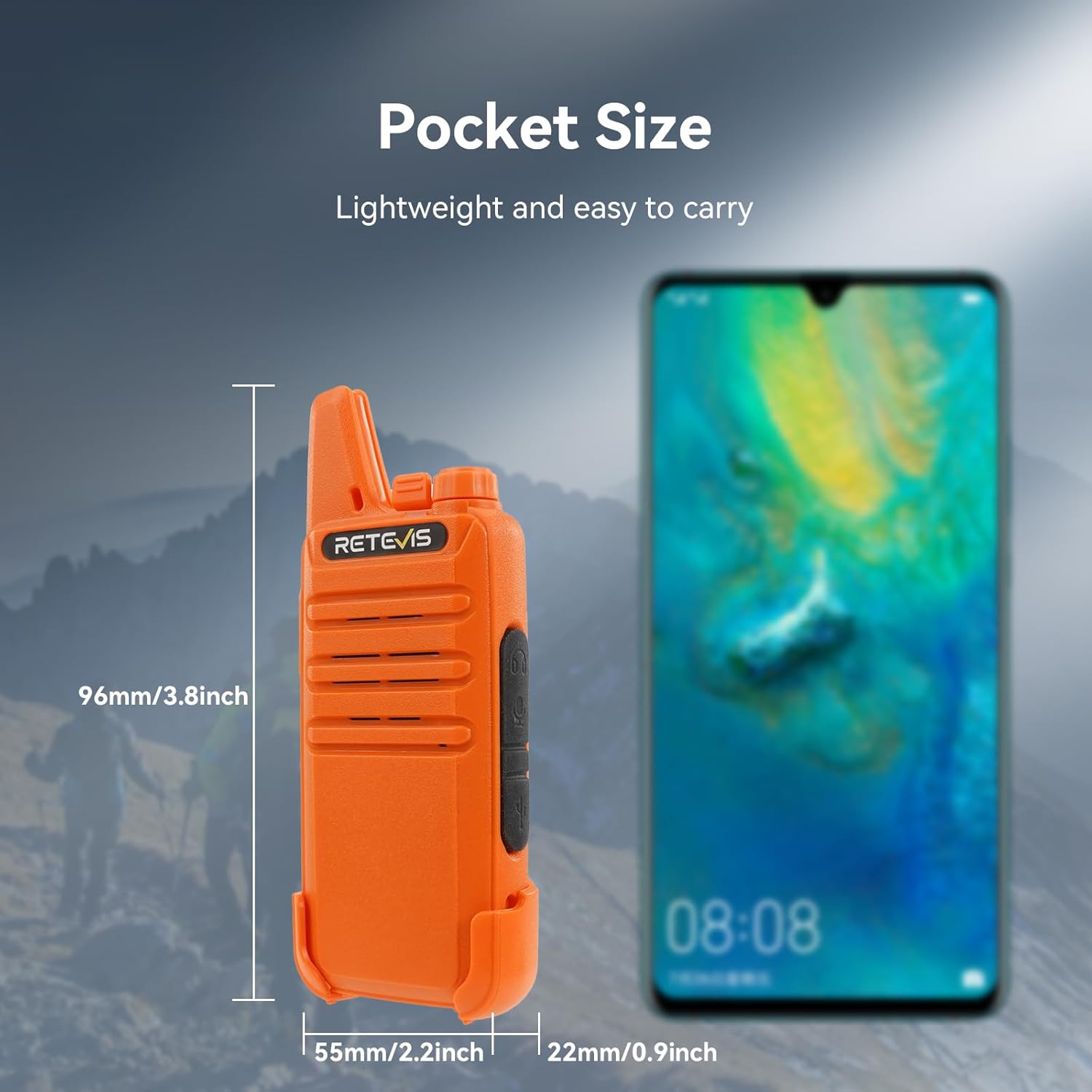
Figure 3.3: Retevis RT22 Walkie Talkie.
- Deseño compacto: Extremely compact and slim, making them easy to carry.
- License-Free FRS: Operates on FRS frequencies, requiring no license for use.
- 16 canles: Provides multiple channels for communication.
- Carga USB: Convenient charging via standard USB ports.
- Función VOX: Voice-activated transmission, adjustable from 0 to 9 levels.
- Bloqueo de teclas: Evita cambios accidentais na configuración.
- Material duradeiro: Constructed from ABS material for ruggedness.

Figure 3.4: RT22 USB Charging options.
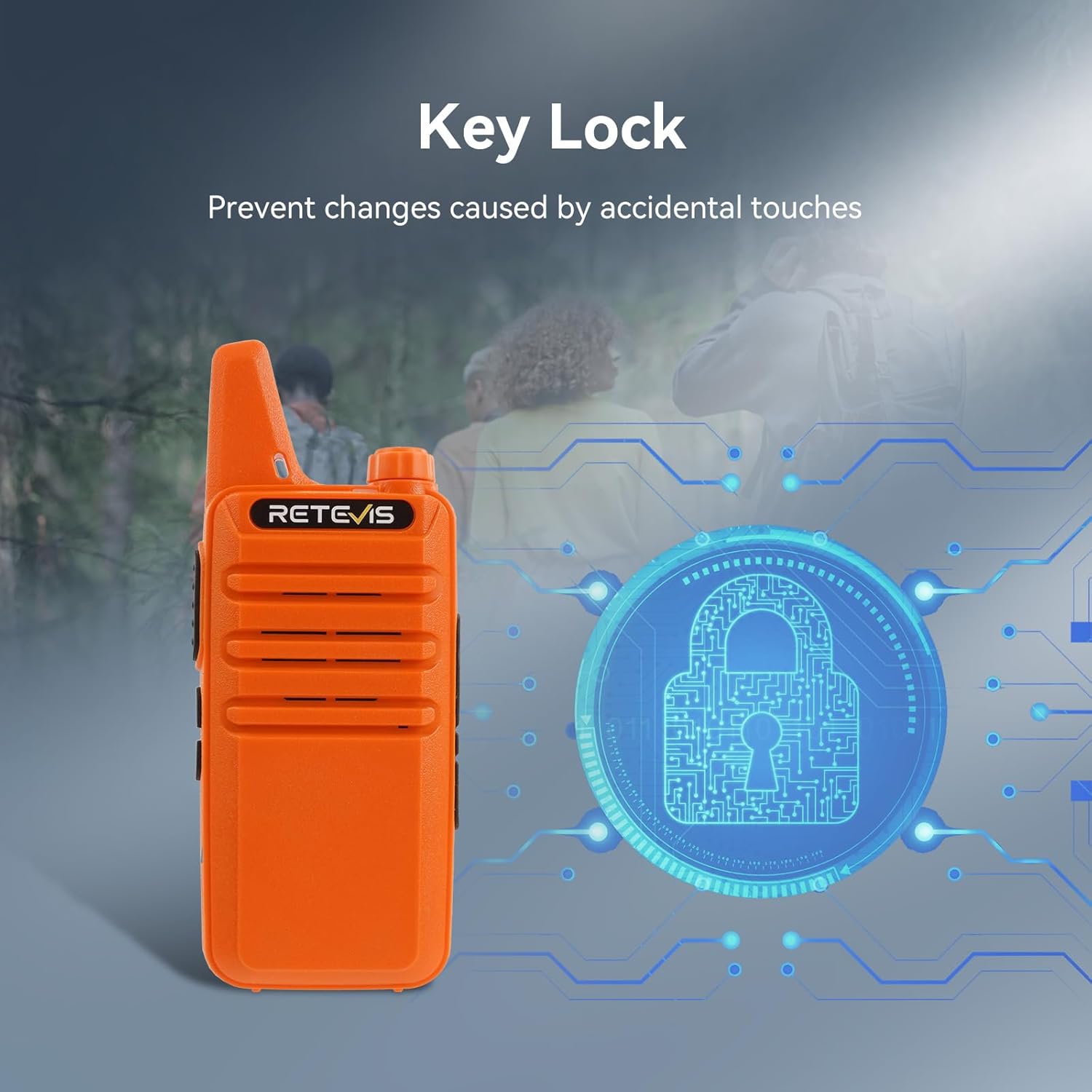
Figure 3.5: RT22 Key Lock feature.
4. Configuración
4.1 Charging the RT22 Walkie Talkies
- Insert the Li-ion battery into each RT22 walkie talkie, ensuring it clicks into place.
- Connect one end of the provided USB cable to the charging port on the RT22 walkie talkie.
- Connect the other end of the USB cable to a USB charger adapter, computer USB port, or power bank.
- The charging indicator light on the walkie talkie will illuminate during charging and change color or turn off when fully charged.
- Agarde aproximadamente de 3 a 4 horas para unha carga completa.
4.2 Connecting the EHK007 Headset to RT22 Walkie Talkie
- Locate the 2-pin audio jack on the side of the RT22 walkie talkie.
- Connect the Kenwood 2 Pin connector of the U94 K Head PTT cable to the audio jack on the RT22 walkie talkie. Ensure a secure connection.
- Connect the 7.1mm connector from the PTT unit to the EHK007 Tactical Headset.
- Adjust the headset's head-mounted band and microphone position for comfort and optimal voice pickup.

Figure 4.1: Headset connected to walkie talkie in use.
5. Instrucións de funcionamento
5.1 RT22 Walkie Talkie Basic Operation
- Encendido/apagado: Xira o botón de acendido/volume no sentido das agullas do reloxo para acender a radio. Xira no sentido contrario ás agullas do reloxo ata que escoites un clic para apagala.
- Axuste de volume: Xire o botón de acendido/volume para axustar o volume de escoita.
- Selección de canles: Use the channel selector knob on top of the radio to choose one of the 16 available channels. Ensure all radios in your group are on the same channel for communication.
- Transmitindo: Press and hold the PTT (Push-to-Talk) button on the side of the radio (or on the external PTT unit if using the headset) to transmit your voice. Speak clearly into the microphone. Release the PTT button to receive.
- Recibindo: Cando non está transmitindo, a radio está en modo de recepción.
- Bloqueo de teclas: To prevent accidental changes, activate the key lock function (refer to the RT22 specific user manual for exact steps, typically a long press of a specific button).
5.2 EHK007 Headset Features
- Son Amplificación: The headset's pickup microphones amplify ambient sounds, allowing you to hear your surroundings clearly.
- Redución de ruído: When sudden loud noises (e.g., gunshots, explosions) occur, the headset's noise reduction function automatically activates to protect your hearing by reducing the sound level.
- Comunicación: Use the integrated microphone and external PTT unit to communicate through the connected walkie talkie.
5.3 Función VOX (central telefónica operada por voz)
The RT22 walkie talkies support VOX, allowing hands-free transmission without pressing the PTT button. When VOX is enabled, the radio will automatically transmit when it detects your voice.
- Adjusting VOX Level: The VOX sensitivity can be adjusted from level 0 (off) to 9 (most sensitive). A higher level means the radio will transmit with softer voice input.
- Enabling/Disabling VOX: Refer to the RT22 specific user manual for instructions on how to enable or disable the VOX function and adjust its sensitivity. This typically involves a combination of button presses during power-on or programming via software.
6. Mantemento
- Limpeza: Use un suave, damp cloth to clean the surfaces of the headset and walkie talkies. Do not use harsh chemicals or abrasive cleaners.
- Almacenamento: Garde os dispositivos nun lugar fresco e seco, lonxe da luz solar directa e de temperaturas extremas cando non os estea a usar.
- Coidado da batería: For optimal battery life, avoid fully discharging the Li-ion batteries frequently. Recharge them regularly. If storing for extended periods, charge them to about 50% capacity.
- Headset Ear Cushions: Periodically inspect the ear cushions for wear and tear. Replace if damaged to maintain comfort and acoustic performance.
7 Solución de problemas
| Problema | Causa posible | Solución |
|---|---|---|
| No power on RT22 walkie talkie | Batería descargada ou mal instalada. | Ensure battery is correctly inserted and fully charged. |
| Non se pode transmitir nin recibir | Incorrect channel, out of range, low battery, PTT not pressed. | Verify all radios are on the same channel. Move closer to other radios. Charge battery. Press PTT firmly. |
| Headset microphone not working | Headset not properly connected to PTT unit or PTT unit to radio. | Check all cable connections between headset, PTT, and radio. Ensure PTT button is pressed during transmission. |
| Headset noise reduction not activating | Sound not loud enough to trigger, or unit malfunction. | Ensure the sound is sufficiently loud (e.g., a gunshot). If issue persists, contact support. |
| Mala calidade de son / Estática | Weak signal, interference, or damaged antenna/cable. | Move to an open area. Avoid sources of electronic interference. Check antenna and cables for damage. |
8. Especificacións
8.1 Retevis EHK007 Tactical Headset
- Marca: Retevis
- Cor: Armygreen
- Colocación do oído: Sobre orella
- Factor de forma: Sobre orella
- Impedancia: 32 ohmios
8.2 Retevis RT22 Rechargeable Walkie Talkies
- Modelo: RT22
- Cor: Laranxa
- Número de canles: 16
- Característica especial: Good sound quality, license free
- Rango de frecuencia: FRS
- Rango de conversación máximo: 3 quilómetros (aprox. 1.86 millas)
- Tecnoloxía do sintonizador: FRS
- Voltage: 3.7 voltios
- Nivel de resistencia á auga: Non resistente á auga
- Dimensións do produto: 0.83" de profundidade x 2.2" de ancho x 5.35" de alto (2.1 cm de profundidade x 5.6 cm de ancho x 13.6 cm de alto)
9. Garantía e soporte
This product is manufactured by Retevis. For warranty information, technical support, or service inquiries, please refer to the official Retevis websitio web ou póñase en contacto directamente co servizo de atención ao cliente. Garde o recibo da compra como proba de compra.
Fabricante: Retevis
Data de primeira dispoñibilidade: 30 de maio de 2024
Para obter máis axuda, pode visitar o Tenda Retevis en Amazon.
Ask a question about this manual
Ask about setup, troubleshooting, compatibility, parts, safety, or missing instructions. Manuals+ will review the question and use this page’s manual context to help answer it.