
1. Produto rematadoview
The Uniden USB-C to RJ11 Power Cord is designed to provide a reliable power connection for your Uniden radar detector. This cable allows you to power your radar detector using a modern USB-C port, commonly found in newer vehicles, offering a clean and convenient alternative to traditional cigarette lighter adapters or complex hardwire installations.
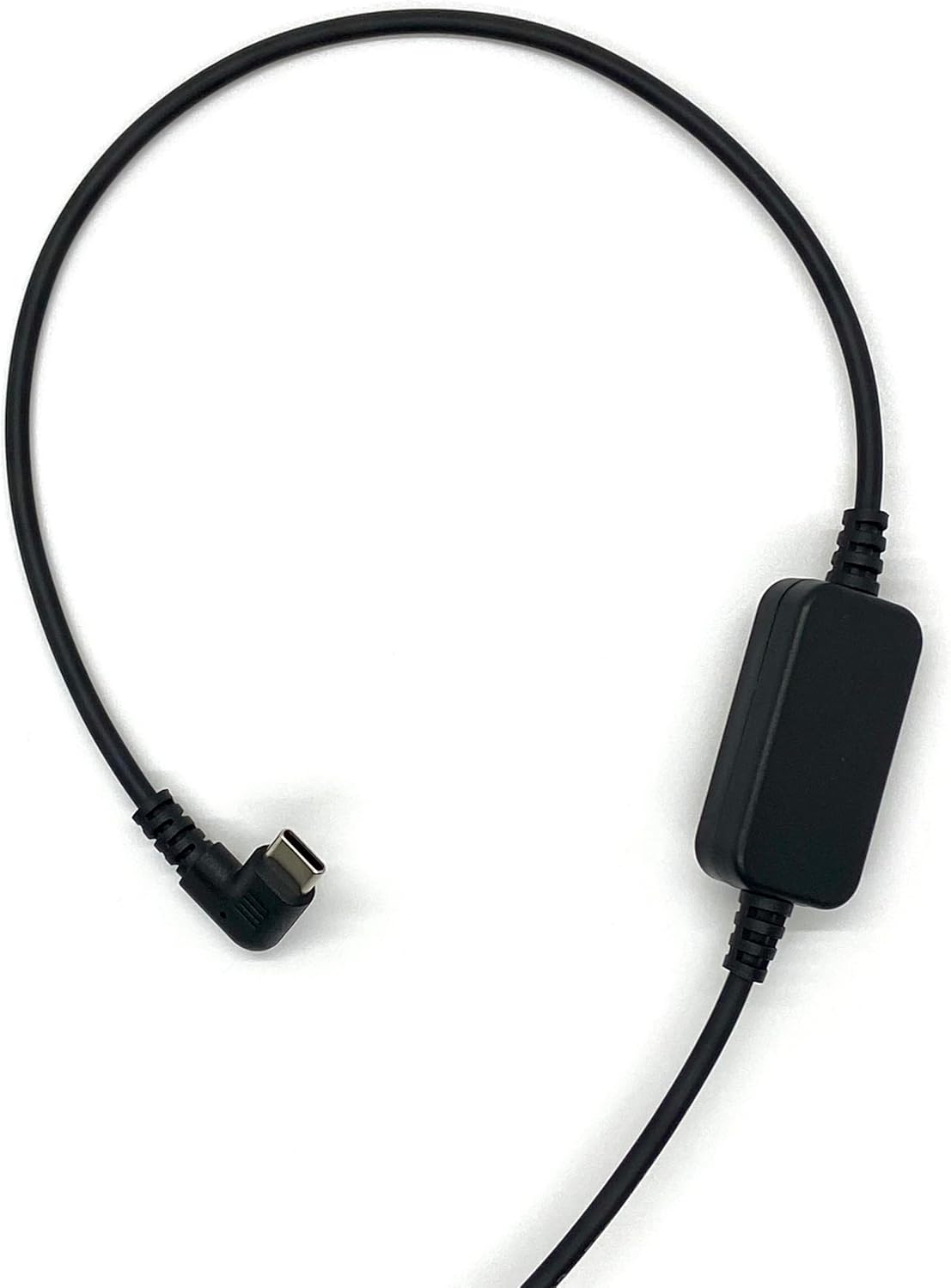
Figure 1: The Uniden USB-C to RJ11 Power Cord, showing its full length and both connectors.
Características principais:
- Compatibilidade USB-C: Designed for newer vehicles equipped with USB-C power ports, eliminating the need for traditional power sources.
- Conexión directa: Provides a direct and stable power connection to your radar detector.
- Instalación limpa: The 6-foot cable length allows for flexible routing, helping to prevent tangles and offering a tidy setup without a hardwire kit.
- Construción duradeira: Made with high-quality materials for enhanced durability and long-term reliability.
- Official Uniden Product: Ensures compatibility and quality, backed by a one-year warranty.
2. Instrucións de configuración
Follow these steps to connect your Uniden USB-C to RJ11 Power Cord to your radar detector and vehicle.
- Identificar conectores: Locate the USB-C connector and the RJ11 connector on the power cord. The USB-C connector is reversible and typically smaller, while the RJ11 connector resembles a telephone jack.
- Connect to Radar Detector: Insert the RJ11 end of the power cord into the power input port of your Uniden radar detector. Ensure it clicks securely into place.
- Conectar á alimentación do vehículo: Insert the USB-C end of the power cord into a compatible USB-C power outlet in your vehicle.
- Verificar potencia: Once both ends are connected, your radar detector should power on, indicating a successful connection.

Figura 2: Detalle view of the USB-C connector (left) and the RJ11 connector (right) of the power cord.
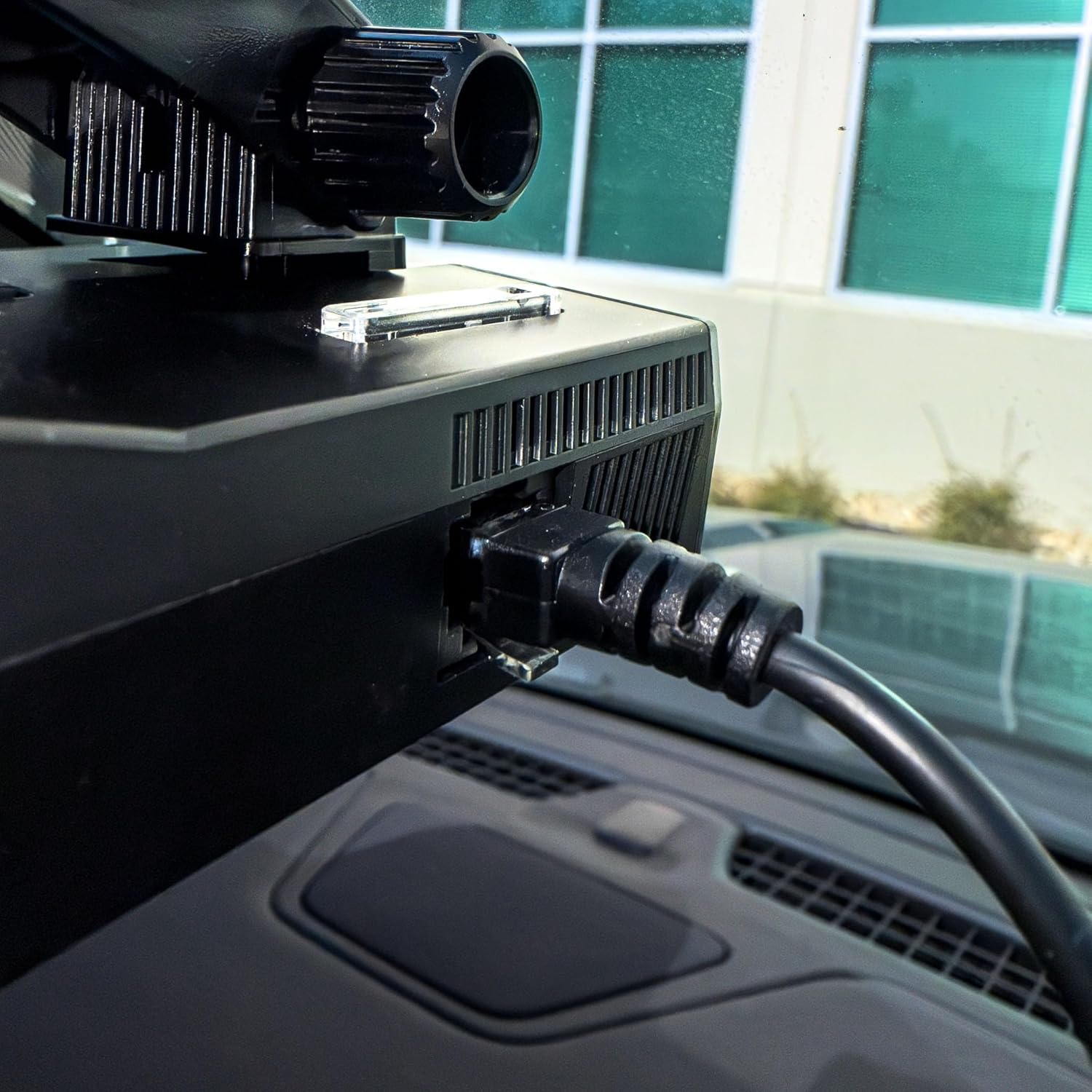
Figure 3: The RJ11 end of the power cord securely connected to the power input port of a Uniden radar detector.

Figure 4: The USB-C end of the power cord connected to a compatible USB-C power outlet in a vehicle.
3. Funcionamento
The Uniden USB-C to RJ11 Power Cord functions as a dedicated power supply for your compatible Uniden radar detector. Once properly connected, it continuously delivers the necessary power for the detector to operate. There are no user-adjustable settings or controls on the power cord itself; its operation is automatic upon connection to a powered USB-C port.
4. Coidados e mantemento
To ensure the longevity and optimal performance of your Uniden USB-C to RJ11 Power Cord, please observe the following care and maintenance guidelines:
- Manipular con coidado: Avoid excessive bending, twisting, or pulling on the cable, especially near the connectors, to prevent internal damage.
- Manter limpo: Limpe periodicamente o cable e os conectores cun pano suave e seco para eliminar o po e os residuos. Non empregue produtos químicos agresivos nin produtos de limpeza abrasivos.
- Almacenar correctamente: When not in use, coil the cable loosely to prevent kinks and tangles. Avoid storing it in extreme temperatures or direct sunlight.
- Evitar a exposición á auga: This product is designed for indoor vehicle use. Do not expose the cable or connectors to water or excessive moisture.
5 Solución de problemas
If you encounter issues with your Uniden USB-C to RJ11 Power Cord, refer to the following troubleshooting steps:
| Problema | Causa posible | Solución |
|---|---|---|
| Radar detector does not power on. | Loose connection, vehicle USB-C port not active, or faulty cable/detector. | Ensure both the USB-C and RJ11 connectors are firmly seated. Check if the vehicle's USB-C port is active (e.g., by testing with another device). Test the radar detector with its original power cord if available. |
| Intermittent power to radar detector. | Loose connection, damaged cable, or unstable power from vehicle port. | Check all connections for tightness. Inspect the cable for visible damage (frays, cuts). Try a different USB-C port in the vehicle if available. |
| Cable does not fit into port. | Incorrect port or obstruction. | Verify you are using a USB-C port in the vehicle and an RJ11 port on the radar detector. Check for any debris in the ports. |
6. Especificacións do produto
| Especificación | Detalle |
|---|---|
| Marca | Uniden |
| Modelo | USBCRJ11-2M |
| Tipo de conector (entrada) | USB tipo C |
| Tipo de conector (saída) | RJ11 |
| Tipo de cable | USB |
| Dispositivos compatibles | Uniden Radar Detectors (R8w, R8, R7, R4w, R4, R3, DFR9, DFR8, DFR7 & Additional Models) |
| Característica especial | Tangle Free, High Quality Materials |
| Xénero do conector | De varón a varón |
| Vol. Máximotage | 12 voltios (DC) |
| Usos recomendados | Powering radar detectors in vehicles |
| Cor | Negro |
| Peso do elemento | 0.07 quilogramos |
| Lonxitude do cable | 6.0 pés |
| UPC | 050633806449 |
7. Garantía e soporte
This Uniden USB-C to RJ11 Power Cord comes with a garantía dun ano desde a data de compra. Esta garantía cobre defectos de materiais e fabricación en condicións de uso normal.
For warranty claims, technical support, or additional product information, please visit the official Uniden website or contact Uniden customer service.
Podes atopar máis información e recursos de apoio visitando o Tenda Uniden en Amazon.


