
1. Rematadoview
The Roku Select Series HD TV provides a streamlined entertainment experience. This 32-inch 720p HD television integrates the Roku operating system for easy access to streaming content, live TV, and various applications. It features a voice remote for convenient control and includes technologies like Bluetooth Headphone Mode and Dolby Audio for enhanced sound.
Características clave
- Transmisión sen interrupcións: Fast Wi-Fi and quick app launches for immediate entertainment access.
- Extensive Content: Access to thousands of streaming apps, free movies, shows, and live TV channels.
- Pantalla de inicio personalizable: Organize apps and content for personalized viewing.
- Actualizacións automáticas de software: Ensures access to the latest features and applications.
- Integración do fogar intelixente: Compatible with Roku Voice, Siri, Alexa, and Google Assistant for voice control. Supports Apple AirPlay for content sharing.
- Clear HD Picture: 720p HD resolution with Roku Smart Picture technology for optimized visuals.
- Control remoto por voz: Search, play, and control streaming with voice commands.
- Audio mellorado: Designed for clear speech and louder sound with Dolby Audio technology.
- Modo de auriculares Bluetooth: Private listening with wireless headphones.
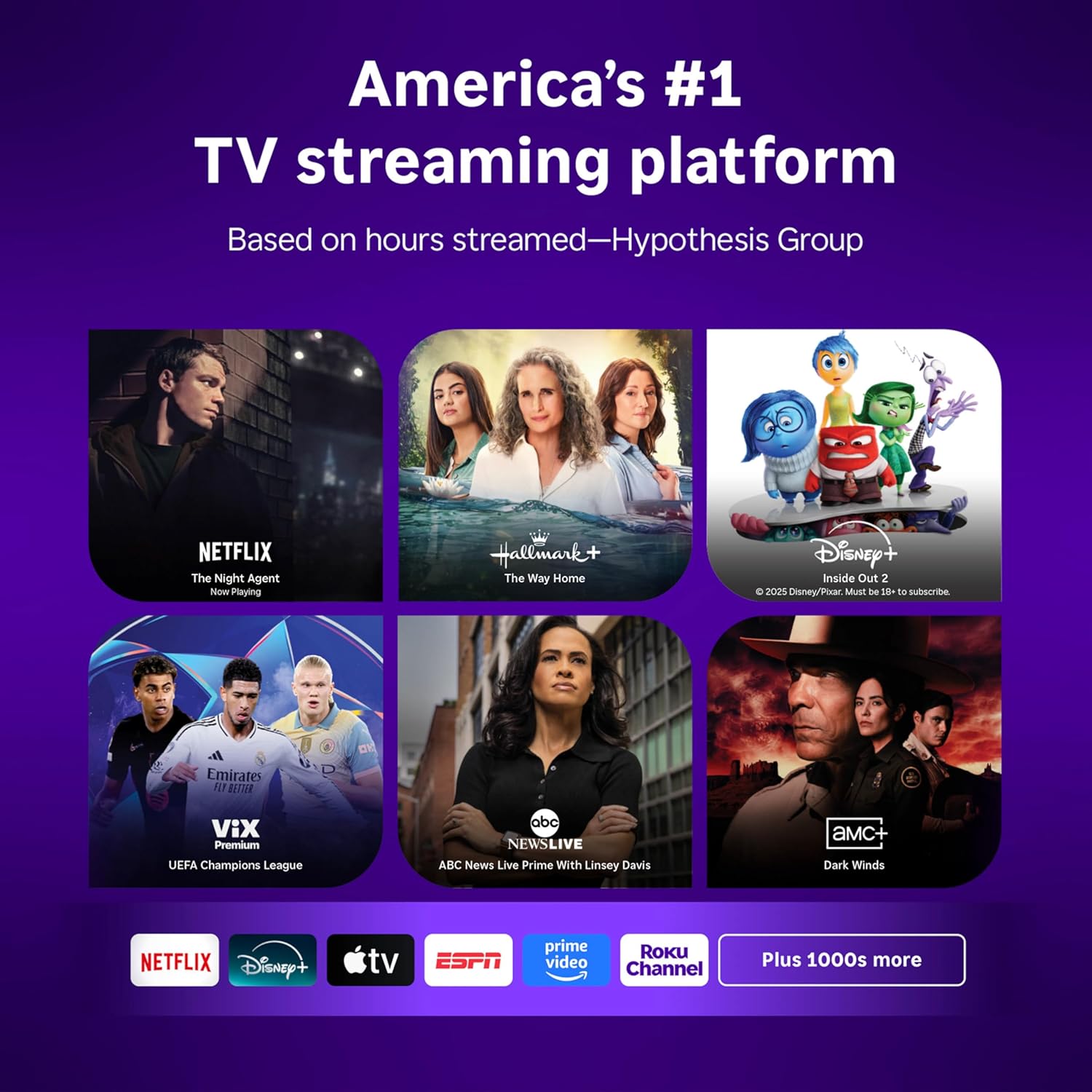
Image: Roku 32-inch Select Series HD Smart TV with included remote control.
2. Que hai na caixa
Verifique que estean presentes todos os compoñentes antes de continuar coa configuración.
- Roku Select Series 32" HD TV
- Soportes e parafusos
- Roku Voice Remote with batteries (2 AAA)
- Cable de alimentación
- Manual de usuario (este documento)

Image: Contents of the Roku Select Series TV packaging.
3. Configuración
3.1 Desembalaxe
Retire con coidado o televisor e todos os accesorios da embalaxe. Garde a embalaxe para futuras necesidades de transporte ou mantemento.
3.2 Colocación do soporte
- Coloque a pantalla do televisor coa pantalla cara abaixo sobre unha superficie suave e limpa para evitar rabuñaduras.
- Aliñe os soportes do televisor cos orificios dos parafusos da parte inferior do televisor.
- Fixe os soportes cos parafusos proporcionados. Asegúrese de que estean ben axustados.
3.3 Conexión de periféricos
Conecta os teus dispositivos aos portos axeitados na parte traseira do televisor.
- HDMI: Connect up to three HDMI devices (e.g., cable box, gaming console, Blu-ray player) to the HDMI ports.
- USB: Use the USB port for media playback or connecting compatible accessories.
- Óptico (S/PDIF): Para conectar un sistema de son externo.
- Cable de alimentación: Conecta o cable de alimentación ao televisor e despois a unha toma de corrente.
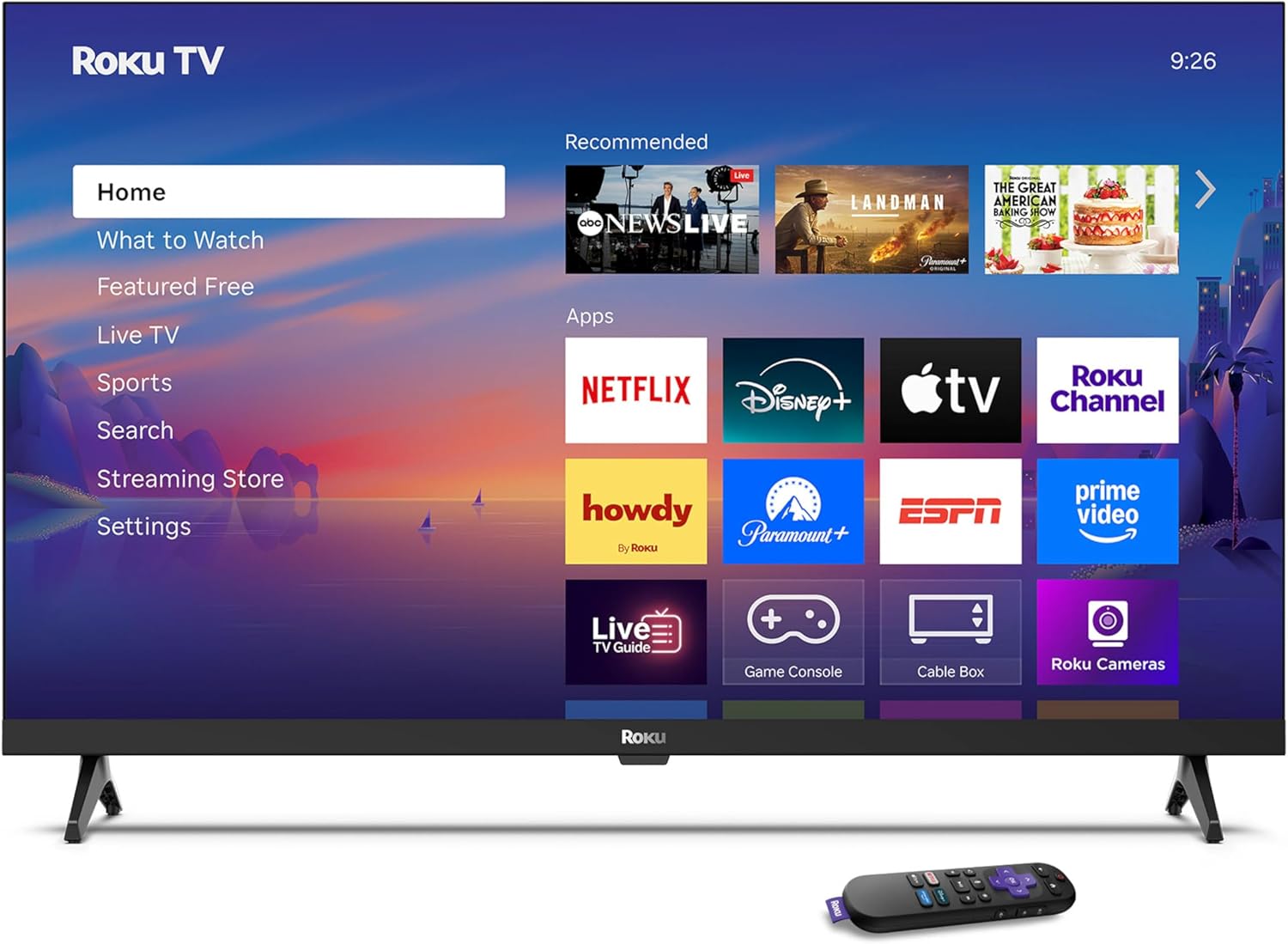
Image: Rear panel connections including HDMI, USB, and optical ports.
3.4 Acendido inicial e conexión de rede
- Plug in the TV and press the power button on the remote or TV.
- Follow the on-screen instructions to select your language and connect to your Wi-Fi network.
- Activate your Roku account or create a new one.
Vídeo: Un overview of the Roku TV operating system, demonstrating its user interface and features. This video is provided by Roku, Inc.
4. Instrucións de funcionamento
4.1 Uso do control remoto por voz
The Roku Voice Remote allows for intuitive control of your TV and streaming content.
- Busca por voz: Press and hold the voice button and speak your command to search for content, launch apps, or control playback.
- Navegación: Use the directional pad to move through menus and select items.
- Atallos da aplicación: Dedicated buttons provide quick access to popular streaming services.

Image: Features of the Roku Voice Remote, highlighting voice control and shortcut buttons.
4.2 Navigating the Home Screen
The Roku Home Screen provides access to all your installed apps, inputs, and settings.
- Casa: Devolve á pantalla de inicio principal.
- Que ver: Discover recommended content.
- TV en directo: Access free live television channels.
- Tenda de transmisión en directo: Browse and add new streaming channels.
- Configuración: Adjust TV and system preferences.

Image: The Roku TV home screen interface.
4.3 Axustar a configuración da imaxe e do son
Personaliza o teu viewing and listening experience through the settings menu.
- Modo de imaxe: Select from predefined modes like Standard, Vivid, Sports, or Movie. Roku Smart Picture automatically optimizes settings.
- Modo de son: Escolla son profesionalfiles or enable features like Night Mode for reduced volume fluctuations.
- Modo de auriculares Bluetooth: Pair your wireless headphones for private audio.

Image: Picture mode settings on the Roku TV.

Image: Bluetooth Headphone Mode in use.

Image: Dolby Audio technology for clear sound.
5. Mantemento
5.1 Limpeza da pantalla
Para limpar a pantalla do televisor, limpe suavemente cun pano suave, seco e sen pelusa. Para manchas difíciles, limpe lixeiramenteampLimpa o pano con auga ou cunha solución de limpeza apta para pantallas. Evita o uso de produtos químicos agresivos ou materiais abrasivos.
5.2 Actualizacións de software
Your Roku TV automatically receives software updates when connected to the internet. These updates provide new features, performance improvements, and bug fixes. Ensure your TV remains connected to the internet for optimal performance.
6 Solución de problemas
If you encounter issues with your Roku TV, refer to the following common solutions:
- Sen enerxía: Asegúrate de que o cable de alimentación estea conectado correctamente tanto ao televisor como a unha toma de corrente que funcione. Proba cunha toma diferente.
- Sen imaxe/son: Verify that the correct input source is selected. Check all cable connections (HDMI, audio). Restart the TV by unplugging it for 30 seconds and plugging it back in.
- O control remoto non funciona: Replace the AAA batteries in the remote. Ensure there are no obstructions between the remote and the TV. For voice remote issues, re-pair the remote if necessary (refer to Roku support for specific steps).
- Problemas de conexión á rede: Restart your Wi-Fi router and modem. Go to the TV's settings menu, then Network, and try reconnecting to your Wi-Fi network.
- App Not Loading/Crashing: Try restarting the app. If the issue persists, remove the app from the home screen, restart the TV, and then re-add the app from the Streaming Store.
7. Especificacións
| Característica | Detalle |
|---|---|
| Tamaño da pantalla | 32 polgadas |
| Tecnoloxía de visualización | LED |
| Resolución | 720 p |
| Taxa de actualización | 60 Hz |
| Características especiais | Bluetooth Headphone Mode, Dolby Audio, Voice Remote |
| Tecnoloxía de conectividade | Bluetooth, WiFi |
| Total de portos HDMI | 3 |
| Total de portos USB | 1 |
| Entrada de audio | HDMI |
| Sistema Operativo | Roku OS |
| Tipo de montaxe | Soporte de mesa, soporte de parede |
| Estándar de montaxe VESA | 200 x 200 mm |
| Dimensións do produto (P x A x A) | 7" D x 28.3" W x 18.3" H |
| Peso do elemento | 7.5 libras |
| Número de modelo | 32R2D5 |
| UPC | 829610008974 |
8. Información da garantía
8.1 Garantía limitada
Roku warrants the hardware against defects in materials and workmanship under normal use for a period of one (1) year from the date of purchase ("Warranty Period"). If Roku determines that the device’s hardware is defective during the Warranty Period, Roku’s sole obligation, and your exclusive remedy, will be to either repair or replace the unit with either a new or rebuilt device, at its option. This warranty applies if the product is used in accordance with the provided documentation.
8.2 Política de devolucións
You may return a device for any reason:
- Within thirty (30) days from the date of purchase from Roku.
- Within the applicable return period if purchased from an authorized reseller or distributor.
Additional details regarding product returns can be found on the Roku support site.
9. Apoio
For further assistance, troubleshooting guides, and frequently asked questions, please visit the official Roku support websitio: