
Introdución
Thank you for choosing kurdene SP9i Wireless Over-Ear Bluetooth Earbuds. These earbuds are designed to provide a high-quality audio experience with exceptional comfort and stability, making them ideal for sports, meetings, workouts, and everyday use. Featuring advanced Bluetooth 5.3 technology, deep bass sound, and an impressive 60-hour total playtime, your kurdene SP9i earbuds are built for performance and convenience.
This manual will guide you through the setup, operation, maintenance, and troubleshooting of your new earbuds to ensure you get the most out of your listening experience.
O que hai na caixa
Upon opening your kurdene SP9i package, you should find the following items:
- kurdene SP9i Wireless Over-Ear Earbuds (Left and Right)
- Estuche de carga portátil
- Cable de carga USB-C
- Interchangeable Ear Tips (Various Sizes)
- Manual de usuario

Image: kurdene SP9i Wireless Over-Ear Bluetooth Earbuds in Hot Pink, shown with their charging case.
Guía de configuración
1. Carga dos auriculares e da funda
Antes do primeiro uso, carga completamente tanto os auriculares como a caixa de carga.
- Place the earbuds into the charging case. Ensure they are correctly seated; the indicator lights on the earbuds will illuminate to confirm charging.
- Connect the USB-C charging cable to the charging port on the case and plug the other end into a compatible USB power source.
- The charging case's indicator light will show charging status. A full charge for the case typically takes about 1.5 hours.
The earbuds offer up to 12 hours of continuous playtime on a single charge, and the charging case provides an additional 48 hours, totaling 60 hours of playtime.

Image: Visual representation of the earbud and charging case battery life, highlighting 60 hours total playtime and USB-C charging.
2. Emparellamento co teu dispositivo
Your kurdene SP9i earbuds utilize Bluetooth 5.3 for a stable and efficient connection.
- Open the charging case. The earbuds will automatically enter pairing mode, indicated by flashing LED lights on the earbuds.
- No teu dispositivo (teléfono intelixente, tableta, portátil), vai á configuración de Bluetooth.
- Busca available devices and select "kurdene SP9i" from the list.
- Once connected, the earbud indicator lights will stop flashing or show a steady light, and you will hear an audio confirmation.
The Bluetooth 5.3 technology ensures faster data transfer and a reliable connection up to 33 feet, perfect for seamless audio and video synchronization.
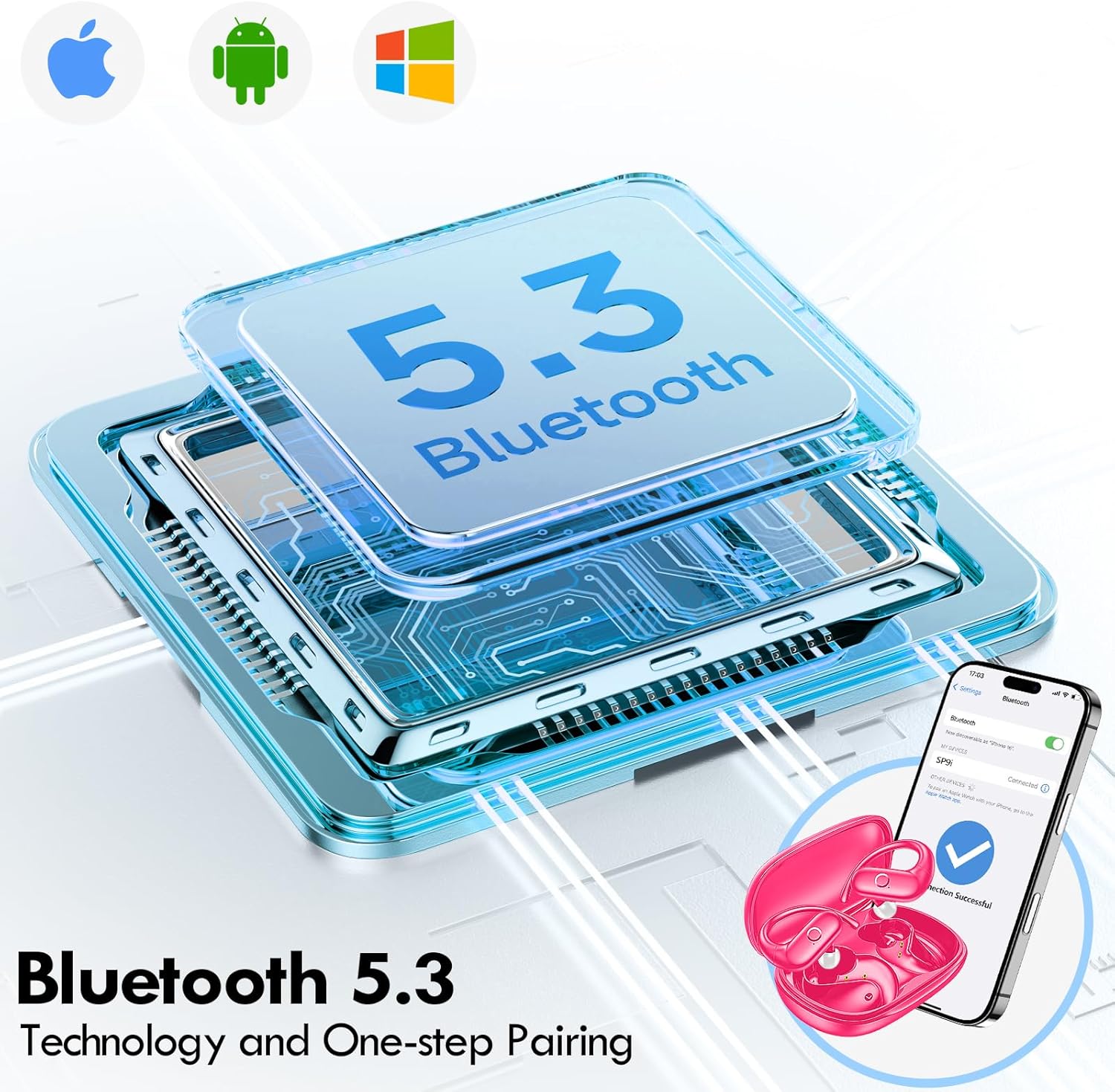
Image: Illustration of Bluetooth 5.3 technology and the one-step pairing process with a mobile device.
Instrucións de funcionamento
1. Usando os auriculares
The kurdene SP9i earbuds feature an over-ear design with soft silicone ear hooks for a secure and comfortable fit, especially during active use.
- Identifica os auriculares esquerdo (E) e dereito (D).
- Gently place the earbud into your ear canal and hook the ear hook over the top of your ear.
- Adjust the earbud and hook until it feels snug and comfortable. The flexible design ensures a natural, pressure-free listening experience.
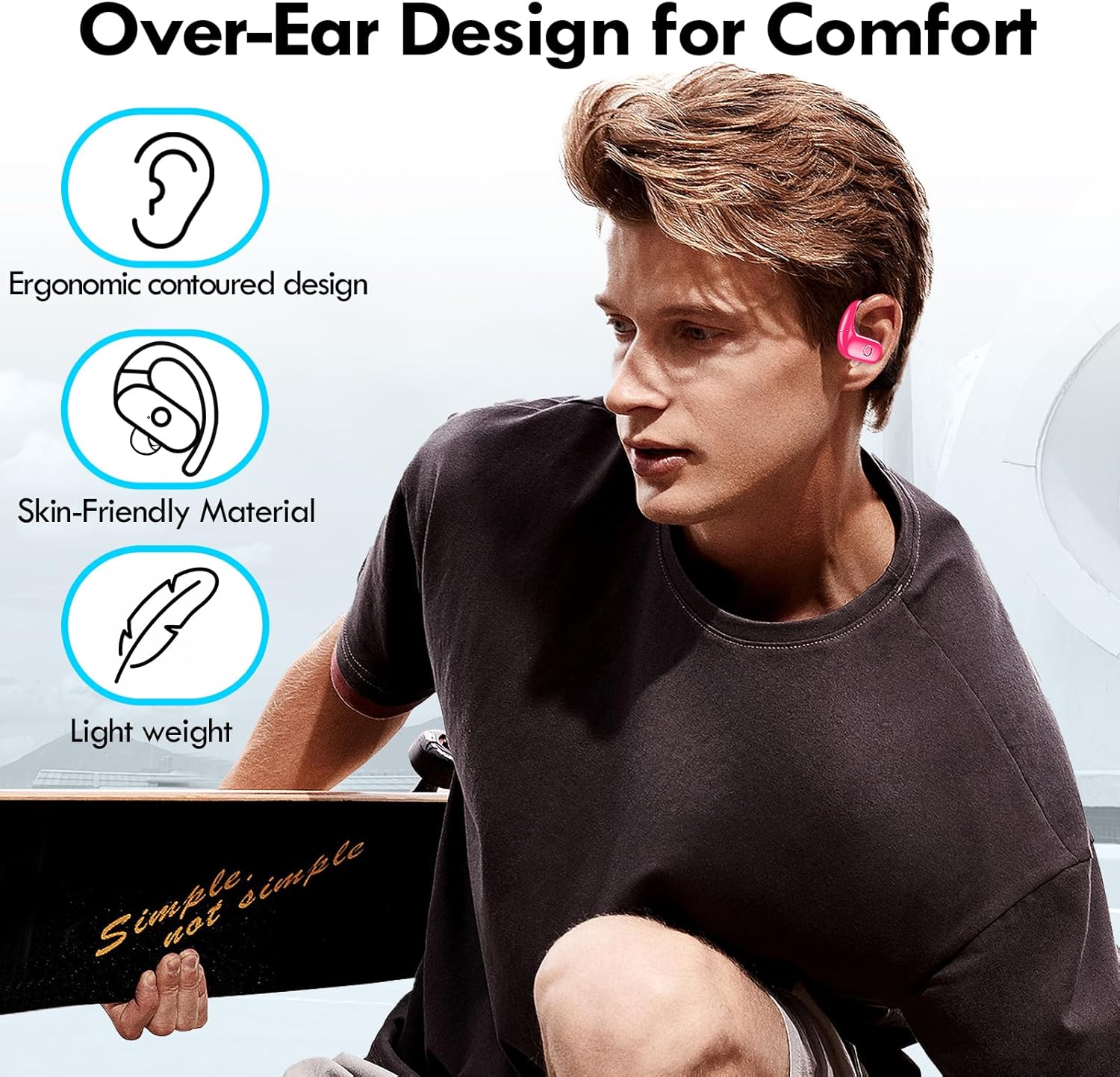
Image: Visual guide to the over-ear design, emphasizing comfort and secure fit.

Image: A user wearing the earbuds during physical activity, showcasing their suitability for active lifestyles.
2. Controis táctiles intelixentes
Os auriculares inclúen controis táctiles intuitivos para xestionar facilmente o son e as chamadas:
- Reproducir/Pausa: Toca un só auricular en calquera dos auriculares.
- Próxima pista: Toca dúas veces no auricular dereito.
- Pista anterior: Toca dúas veces no auricular esquerdo.
- Subir volume: Toca tres veces no auricular dereito.
- Baixar volume: Toque tres veces no auricular esquerdo.
- Responder/Finalizar chamada: Un só toque en calquera dos auriculares durante unha chamada entrante.
- Rexeitar a chamada: Manteña premido calquera dos auriculares durante 2 segundos durante unha chamada entrante.
- Activar o asistente de voz: Mantén premido calquera dos auriculares durante 3 segundos.
3. Sound Quality and Microphones
Equipped with 16.1mm vibrating diaphragm drivers, these earbuds deliver powerful bass, crisp mids, and clear treble for a rich, immersive sound. The built-in microphones are designed to isolate your voice, ensuring crystal-clear call quality even in noisy environments.
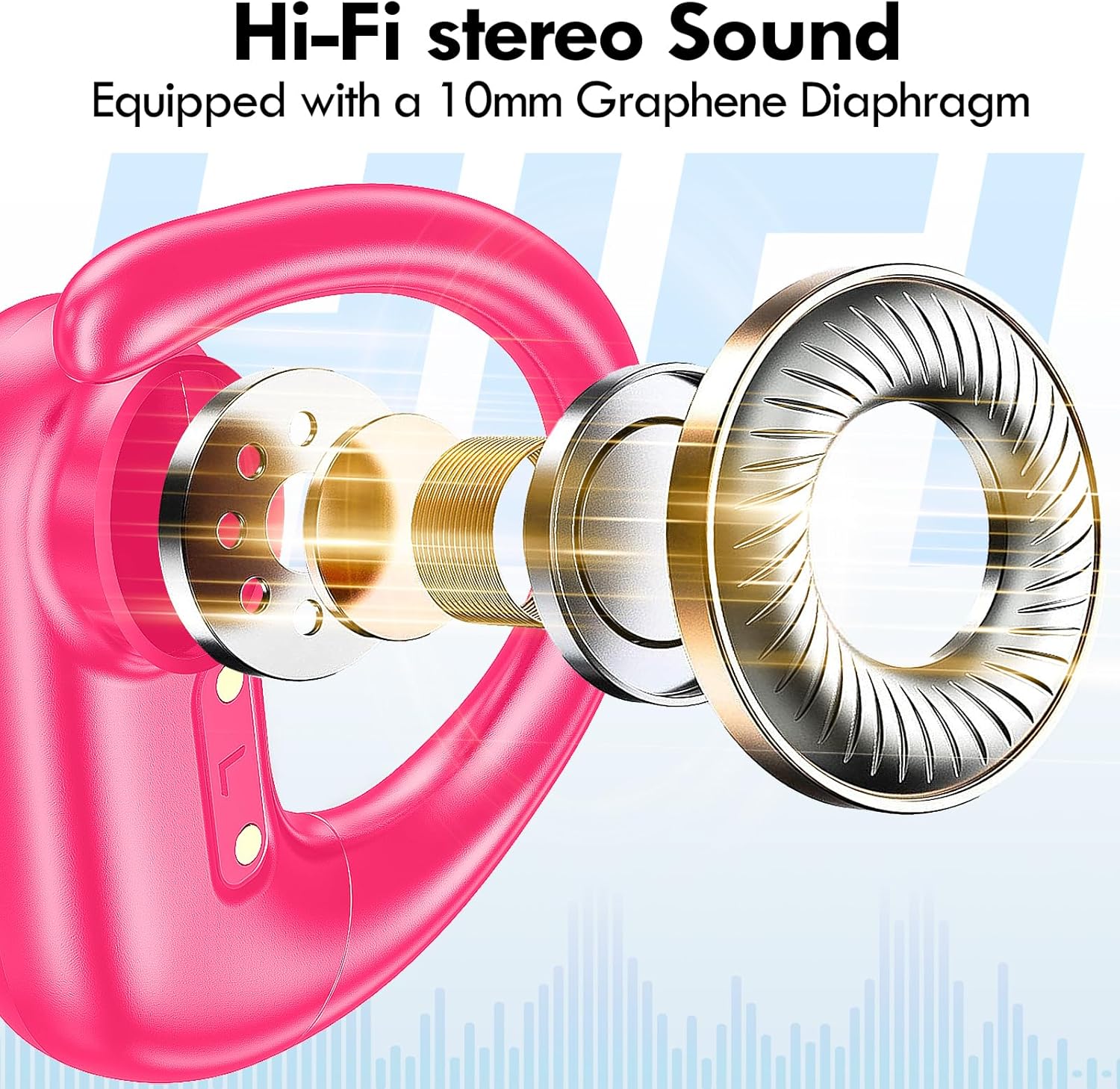
Imaxe: Explosión view of the earbud's internal structure, emphasizing the Hi-Fi stereo sound components.
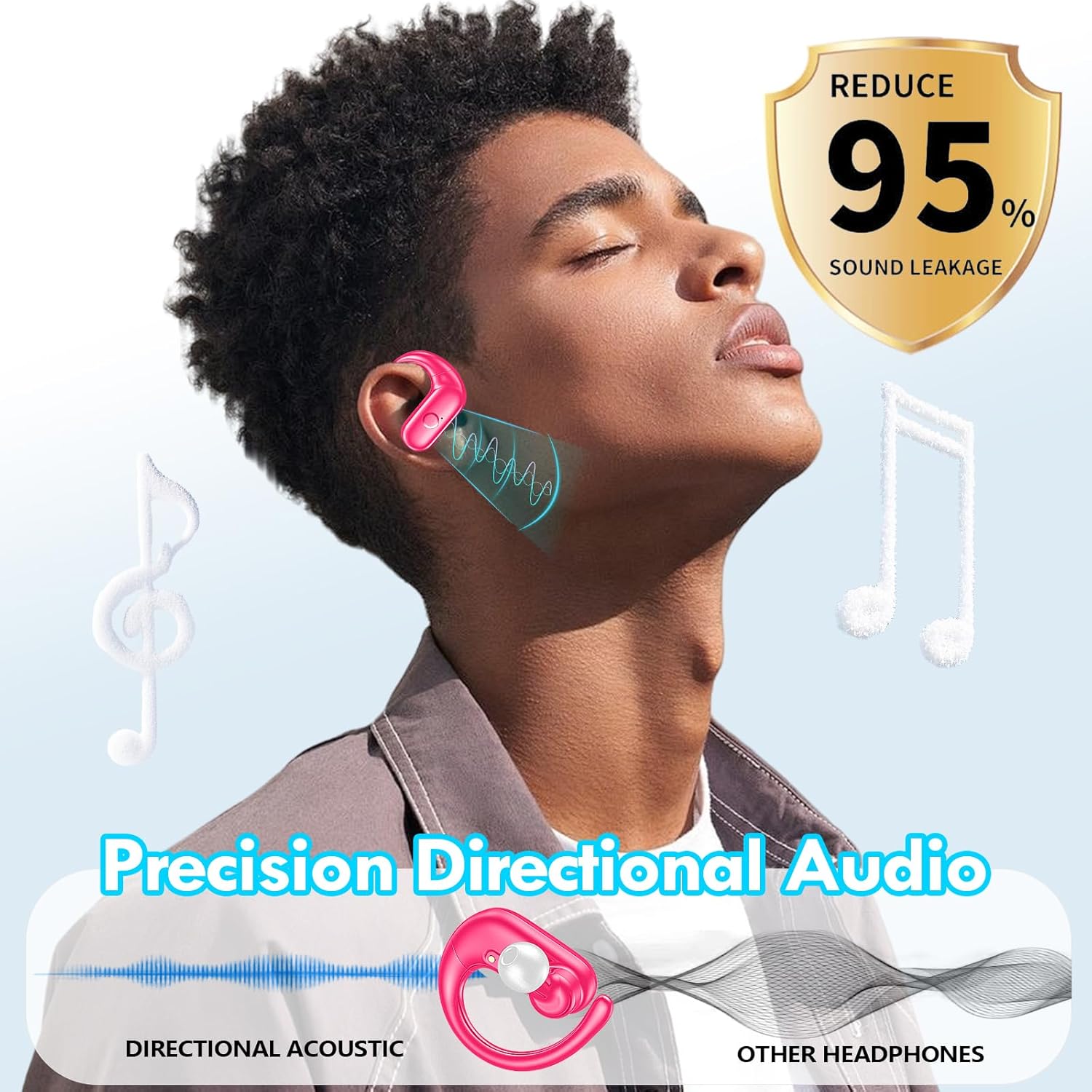
Image: Depiction of precision directional audio and 95% sound leakage reduction for an enhanced listening experience.
Mantemento
To ensure the longevity and optimal performance of your kurdene SP9i earbuds, follow these maintenance guidelines:
- Limpeza: Limpe os auriculares e a funda de carga regularmente cun pano suave, seco e sen pelusa. Non empregue produtos químicos agresivos nin materiais abrasivos.
- Consellos para oídos: Retire e limpe as almofadas dos auriculares periodicamente con auga e xabón suave. Asegúrese de que estean completamente secas antes de volver colocalas nos auriculares.
- Portos de carga: Keep the charging contacts on the earbuds and inside the case clean and free of debris. Use a dry cotton swab if necessary.
- Almacenamento: Cando non os uses, garda os auriculares no seu estoxo de carga para protexelos do po e dos danos, e para mantelos cargados.
- Evita condicións extremas: Do not expose the earbuds to extreme temperatures, humidity, or direct sunlight for extended periods.
Resolución de problemas
If you encounter any issues with your kurdene SP9i earbuds, please refer to the following common solutions:
- Auriculares sen emparellamento:
- Asegúrate de que os dous auriculares estean completamente cargados.
- Desactiva o Bluetooth no teu dispositivo e volve activalo.
- Forget/delete "kurdene SP9i" from your device's Bluetooth list and attempt to pair again.
- Volva colocar os auriculares na funda, peche a tapa, agarde uns segundos e logo ábraa para volver entrar no modo de emparellamento.
- Sen son ou volume baixo:
- Comproba os niveis de volume tanto no teu dispositivo como nos auriculares.
- Asegúrate de que os auriculares estean correctamente asentados nas orellas.
- Try cleaning the ear tips and speaker mesh to remove any obstructions.
- Volve conectar os auriculares ao teu dispositivo.
- Auriculares sen cargar:
- Asegúrate de que o cable de carga estea conectado correctamente tanto á carcasa como á fonte de alimentación.
- Verifica que os contactos de carga dos auriculares e do interior da funda estean limpos e libres de residuos.
- Proba a usar un cable USB-C ou un adaptador de alimentación diferente.
- Conexión intermitente:
- Ensure your device is within the 33-foot Bluetooth range.
- Evita obstrucións físicas entre o dispositivo e os auriculares.
- Minimizar as interferencias doutros dispositivos sen fíos.
If these steps do not resolve your issue, please contact kurdene customer support for further assistance.
Especificacións do produto
| Característica | Especificación |
|---|---|
| Nome do modelo | SP9i |
| Marca | kurdene |
| Tecnoloxía de conectividade | Sen fíos (Bluetooth 5.3) |
| Tecnoloxía de comunicación sen fíos | Bluetooth |
| Versión Bluetooth | 5.3 |
| Alcance Bluetooth | 10 metros (33 pés) |
| Colocación do oído | Sobre orella |
| Factor de forma | Sobre orella |
| Control de ruído | Sound Isolation, Passive Noise Isolation |
| Tipo de controlador de audio | Driver dinámico |
| Duración da batería (auriculares) | 12 horas |
| Tempo de reprodución total (co estoxo de carga) | 60 horas |
| Método de control | Toca |
| Material | Silicona |
| Peso do elemento | 3.52 onzas (0.1 quilogramos) |
| Cor | Rosa quente |
| Compoñentes incluídos | Microphone Earphones (Earbuds, Charging Case, USB-C Cable, Ear Tips) |
Garantía e Soporte
kurdene products are manufactured with high-quality standards. For information regarding warranty coverage and customer support, please refer to the warranty card included in your product packaging or visit the official kurdene website. If you require assistance with your SP9i earbuds, our customer support team is ready to help.
Para obter a información e a asistencia máis recentes, visite: kurdene Official Store on Amazon