
Introdución
Thank you for choosing the JOOAN W3-Dual Lens Outdoor Security Camera. This camera features a unique dual-lens design, providing comprehensive surveillance with 2K HD resolution. It supports both 2.4Ghz and 5Ghz dual-band WiFi, wired connectivity, PTZ rotation, two-way audio, and advanced motion detection with various alert options. This manual provides detailed instructions for installation, operation, and maintenance to ensure optimal performance and security.
Información de seguridade
- Ensure the camera is powered by the provided adapter and power cord. This device is not battery-powered.
- Install the camera in a location with stable WiFi signal for optimal performance.
- Avoid placing the camera near strong electromagnetic interference sources.
- Non intente desmontar nin modificar a cámara, xa que isto anulará a garantía e podería causar danos.
- Ensure all cables are properly secured and protected from environmental elements.
- For outdoor installation, ensure the camera is securely mounted to prevent accidental falls.
Contido do paquete
Verifica que todos os elementos estean presentes no teu paquete:
- JOOAN W3-Dual Lens Security Camera (x1)
- Adaptador de alimentación (x1)
- Cable de alimentación (x1)
- Screws Bag (x1)
- Manual de usuario (x1)

Image: Contents of the JOOAN W3-Dual Lens Security Camera package, including the camera, power adapter, power cord, mounting screws, and user manual.
Produto rematadoview
The JOOAN W3-Dual Lens camera features two independent lenses for comprehensive coverage. The upper lens is fixed, while the lower lens offers Pan-Tilt-Zoom (PTZ) functionality. It is designed for outdoor use with IP66 weather resistance.
Imaxe: Fronte view of the JOOAN W3-Dual Lens Security Camera, showing both lenses, LED lights, and antennas.

Imaxe: Primeiro plano view highlighting the MicroSD card slot and the reset button on the camera body.
Configuración
1. Montaxe da cámara
A cámara admite tanto a montaxe no teito como na parede. Escolla unha localización que proporcione a imaxe desexada viewing angle and has a stable WiFi signal. The camera is IP66 weatherproof, suitable for outdoor installation.
- Use the included screws to securely attach the mounting bracket to your chosen surface.
- Fixe a cámara ao soporte de montaxe.
- For ceiling mounting, the image can be flipped in the app settings if needed.

Imaxe: Examples of the camera installed on a wall and mounted on a ceiling, demonstrating its versatility.
2. Conexión de alimentación
Connect the provided power adapter to the camera's power input and plug it into a standard electrical outlet. The camera requires a continuous power supply and is not battery-operated.

Image: The camera connected to a power outlet via its power cable and adapter.
3. Conexión de rede
The camera supports dual-band WiFi (2.4Ghz and 5Ghz) and wired Ethernet connection. Follow the in-app instructions to connect your camera to your home network.
- Conexión WiFi: Open the app, select 'Add Device', and follow the prompts to connect to your WiFi network. Ensure your phone is connected to the same WiFi network during setup.
- Conexión por cable: Connect an Ethernet cable from your router to the camera's Ethernet port. The camera will automatically attempt to connect to the network.
- Modo AP: If direct connection fails, the camera may enter AP (Access Point) mode, allowing you to connect directly to its WiFi hotspot for initial configuration.

Image: Illustrates the camera's support for 5G/2.4G WiFi, Bluetooth, and Wired connectivity.
4. Instalación da aplicación
Download the official JOOAN camera app from your smartphone's app store (iOS App Store or Google Play Store). Register an account and log in to begin adding your device.

Imaxe: Un teléfono intelixente que mostra a imaxe en directo view from the JOOAN camera app, showing two camera feeds simultaneously.
5. Instalación da tarxeta MicroSD
The camera supports MicroSD cards from 8GB to 256GB for local storage. Power off the camera before inserting or removing the MicroSD card.
- Locate the MicroSD card slot on the camera body.
- Gently insert the MicroSD card into the slot until it clicks into place.
- Format the MicroSD card through the camera app settings after installation for proper functionality.
Instrucións de funcionamento
1. En directo View & Dual Lens Monitoring
Access the live feed from both lenses simultaneously through the app. The dual-lens design allows you to monitor two different areas at once, eliminating blind spots.
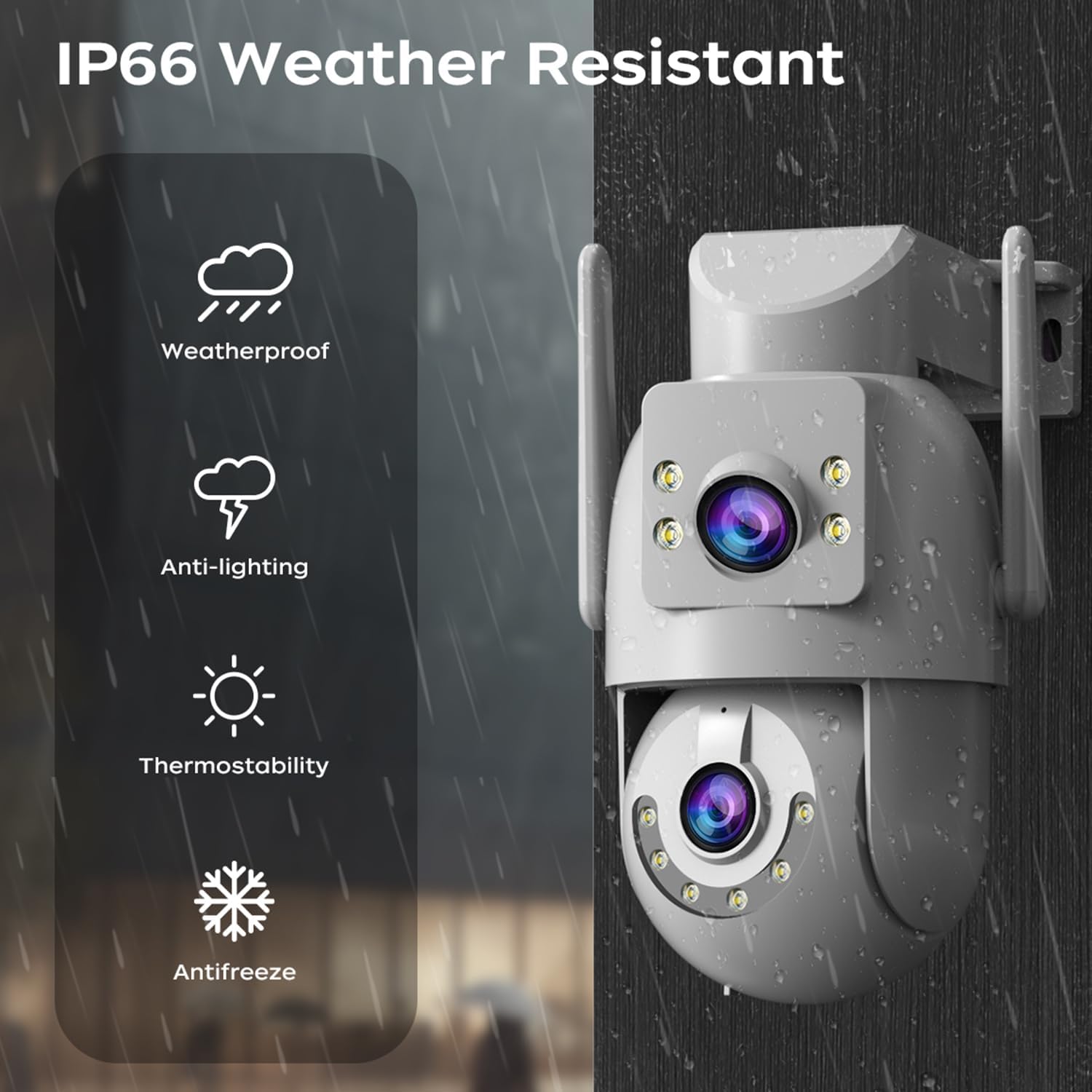
Image: A visual representation of the dual-lens camera monitoring two distinct areas simultaneously, displayed on a smartphone screen.
2. Control PTZ
The lower lens offers Pan-Tilt-Zoom (PTZ) capabilities. Use the controls within the app to remotely adjust the camera's viewángulo de ing.
- Pan: Rotate the camera horizontally up to 355 degrees.
- Inclinación: Adjust the camera vertically up to 90 degrees.
- Zoom dixital: Pinch to zoom on the live feed for closer inspection.

Image: A smartphone screen showing PTZ controls, with arrows indicating the camera's pan and tilt movement.
3. Audio bidireccional
Utilize the built-in microphone and speaker for two-way communication. This allows you to speak to visitors or deter intruders directly through the camera.
- Tap the microphone icon in the app to speak.
- Adjust audio volume as needed within the app.

Image: A person speaking into a smartphone, with a delivery person at the door, illustrating the two-way audio communication feature.
4. Modos de visión nocturna
The camera offers three night vision modes to suit different lighting conditions:
- Infrared Night Vision (B/W): Provides clear black and white images in complete darkness using infrared LEDs.
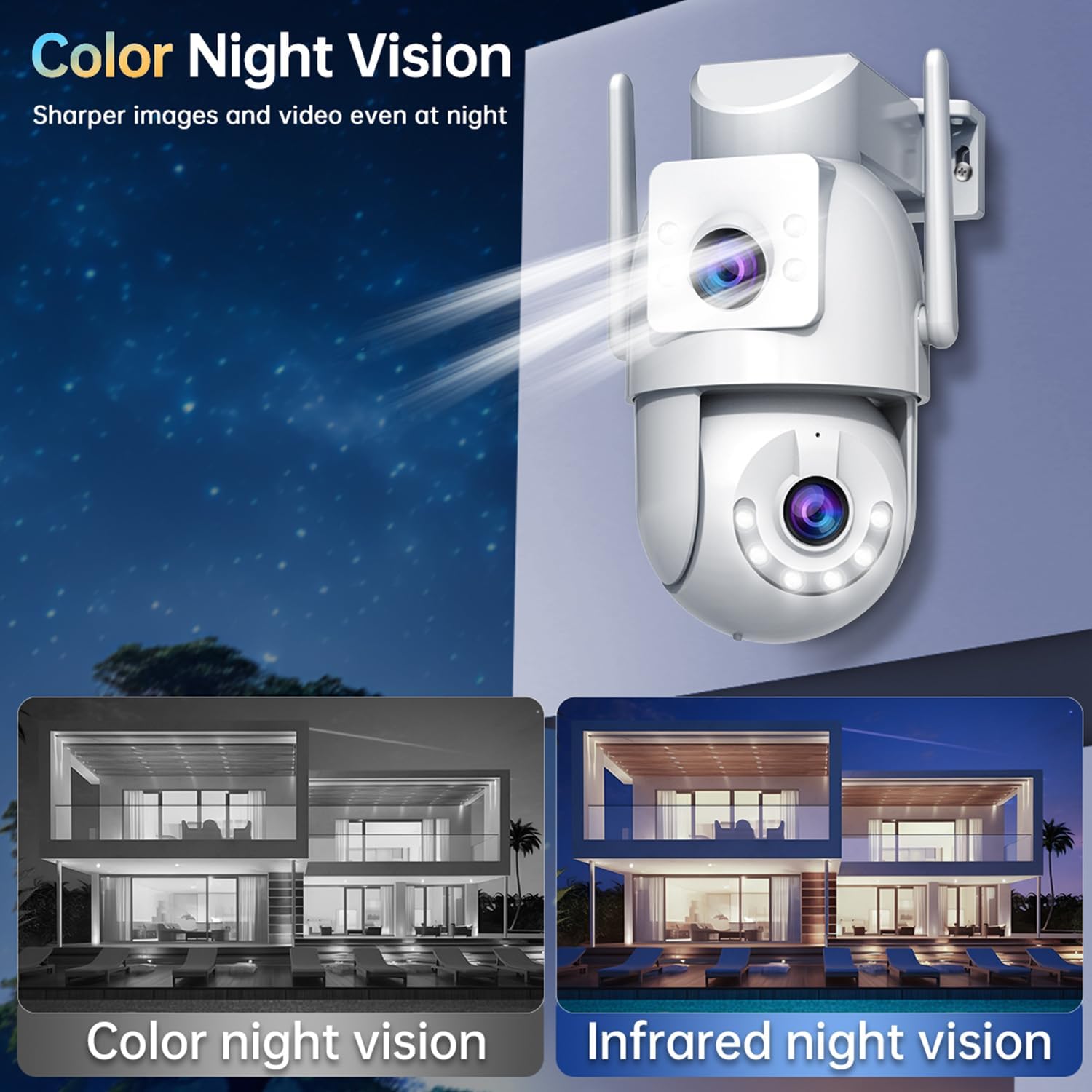
- Visión nocturna a toda cor: Utilizes white LEDs to provide full-color images at night.
- Visión nocturna intelixente en cor: The camera automatically switches from infrared to full-color vision when motion is detected, providing detailed color footage cando sexa necesario.
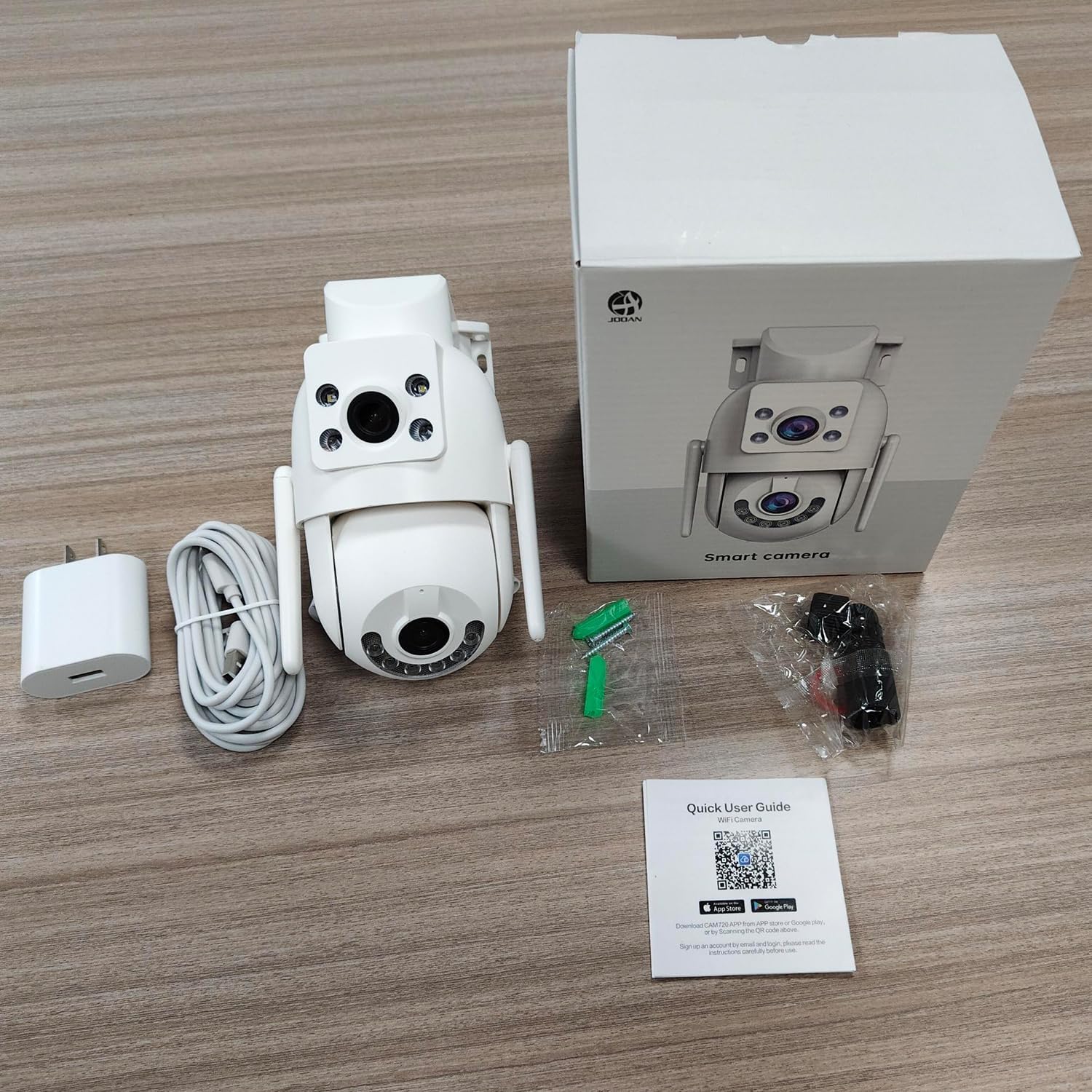
Image: Comparison of color night vision and infrared night vision, showing sharper and more detailed images in color at night.

Imaxe: Visual examples of Infrared Night Vision, Full Color Night Vision, and Smart Color Night Vision modes.
5. Detección de movemento e alertas
The camera features advanced motion and sound detection capabilities. Customize detection zones, sensitivity, and alert types within the app.
- Detección de movemento: Receive instant push notifications to your phone when motion is detected.
- Detección de choros: Alerts you to unusual sounds, such as crying, in the monitored area.
- Light & Sound Alarm: Configure the camera to activate a floodlight and/or siren upon detection to deter intruders.
- Customized Setup: Adjust detection methods, sensitivity levels, specific detection areas, and alert schedules.

Image: An illustration showing motion detection in action, with an alert notification on a smartphone.

Image: Depicts the camera's motion detection triggering a floodlight and siren, with a notification appearing on a phone.
6. Seguimento automático
Enable auto-tracking for the PTZ lens. When motion is detected, the camera will automatically pan to follow the moving object within its field of view.

Image: A visual demonstration of the auto-tracking feature, showing the camera panning to follow a moving person.
7. Opcións de almacenamento
A cámara admite dous métodos de almacenamento principais para o vídeo gravadotage:
- Almacenamento de tarxetas MicroSD: Records continuously or based on events to a locally installed MicroSD card (8-256GB, not included).
- Almacenamento na nube: Offers secure cloud storage for alarm records. This allows you to access footage even if the camera is lost or damaged. Cloud storage typically requires a subscription.

Image: Icons representing cloud storage and MicroSD card storage, with a visual of the MicroSD card slot on the camera.

Image: Illustrates MicroSD card storage and cloud storage options for recording and playback.
8. Sharing Access
You can share camera access with family members or trusted individuals through the app, allowing multiple users to view the live feed and receive alerts.

Image: Multiple individuals viewing the camera feed on their smartphones, demonstrating the sharing feature.
9. Integración do fogar intelixente
The JOOAN W3-Dual Lens camera is compatible with smart home platforms like Amazon Alexa, allowing for voice control and integration into your smart home ecosystem.
- Follow the instructions in the app to link your camera with your Alexa account.
- Usa comandos de voz para view a imaxe da cámara en pantallas intelixentes compatibles.

Image: A person interacting with an Alexa-enabled device to view the camera feed, indicating smart home compatibility.
Mantemento
- Limpeza: Regularly wipe the camera lenses with a soft, dry cloth to ensure clear image quality. Do not use harsh chemicals.
- Actualizacións de firmware: Check the app periodically for firmware updates. Keeping your camera's firmware up-to-date ensures optimal performance, security, and access to new features.
- Fonte de alimentación: Asegúrese de que a conexión de alimentación permaneza segura e libre de danos.
Resolución de problemas
| Problema | Posible Solución |
|---|---|
| Cámara sen conexión | Check WiFi signal strength, ensure power supply is connected, restart camera and router. |
| Non se pode conectar a WiFi | Ensure correct WiFi password, try 2.4Ghz network if 5Ghz fails, move camera closer to router, reset camera. |
| Mala calidade de imaxe | Clean the camera lenses, check network bandwidth, ensure adequate lighting for night vision. |
| Non hai alertas de detección de movemento | Verify motion detection is enabled in app settings, adjust sensitivity, check alert schedule. |
| A tarxeta microSD non grava | Ensure card is inserted correctly, format card in app, check card capacity and health. |
Especificacións
| Característica | Detalle |
|---|---|
| Número de modelo | W3-U |
| Resolución de captura de vídeo | 3 MP (2K*2) |
| Tecnoloxía de conectividade | Wi-Fi (2.4Ghz/5Ghz), Wired (Powerline) |
| Fonte de enerxía | Eléctrico con cable (5 V, 7.5 W) |
| Tipo de montaxe | Montaxe no teito, montaxe na parede |
| Viewángulo ing | 360 graos (PTZ) |
| Características especiais | Dual Lens, 2-Way Audio, Motion Detection, Auto Tracking, Color Night Vision, IP66 Weatherproof |
| Almacenamento | Tarxeta MicroSD (8-256 GB), almacenamento na nube |
| Dispositivos compatibles | Smartphone (Android/iOS) |
| Peso do elemento | 1.15 libras |
| Dimensións | 6.93 x 5.79 x 4.29 polgadas |
Garantía e Soporte
JOOAN products come with a standard manufacturer's warranty. For specific warranty details, please refer to the warranty card included in your package or contact JOOAN customer support.
If you encounter any issues or have questions regarding your JOOAN W3-Dual Lens Security Camera, please contact our customer support team. Contact information can typically be found on our official website or within the camera app's 'About Us' section.