
Introdución
The Skullcandy Crusher Evo Wireless Bluetooth Headphones deliver a powerful audio experience with patented Multi-Sensory Crusher Bass technology. Designed for comfort and extended use, these headphones feature up to 40 hours of battery life, Rapid Charge, and personalized sound tuning through the Skullcandy App. This manual provides essential information for setting up, operating, maintaining, and troubleshooting your Crusher Evo headphones.
O que hai na caixa
Upon opening your Skullcandy Crusher Evo package, you should find the following items:
- Crusher® Evo Wireless Headphones
- Cable de carga USB-C
- Cable de audio auxiliar
- Funda protectora
- Quick Start & User Guides

Image: The Skullcandy Crusher Evo headphones, USB-C charging cable, auxiliary cable, protective case, and user guide are neatly arranged, illustrating the complete package contents.
Configuración
1. Cargando os auriculares
Before initial use, fully charge your Crusher Evo headphones. Connect the provided USB-C charging cable to the headphone's charging port and a compatible USB power source. A full charge provides up to 40 hours of listening time. The Rapid Charge feature allows for 4 hours of listening with just a 10-minute charge.
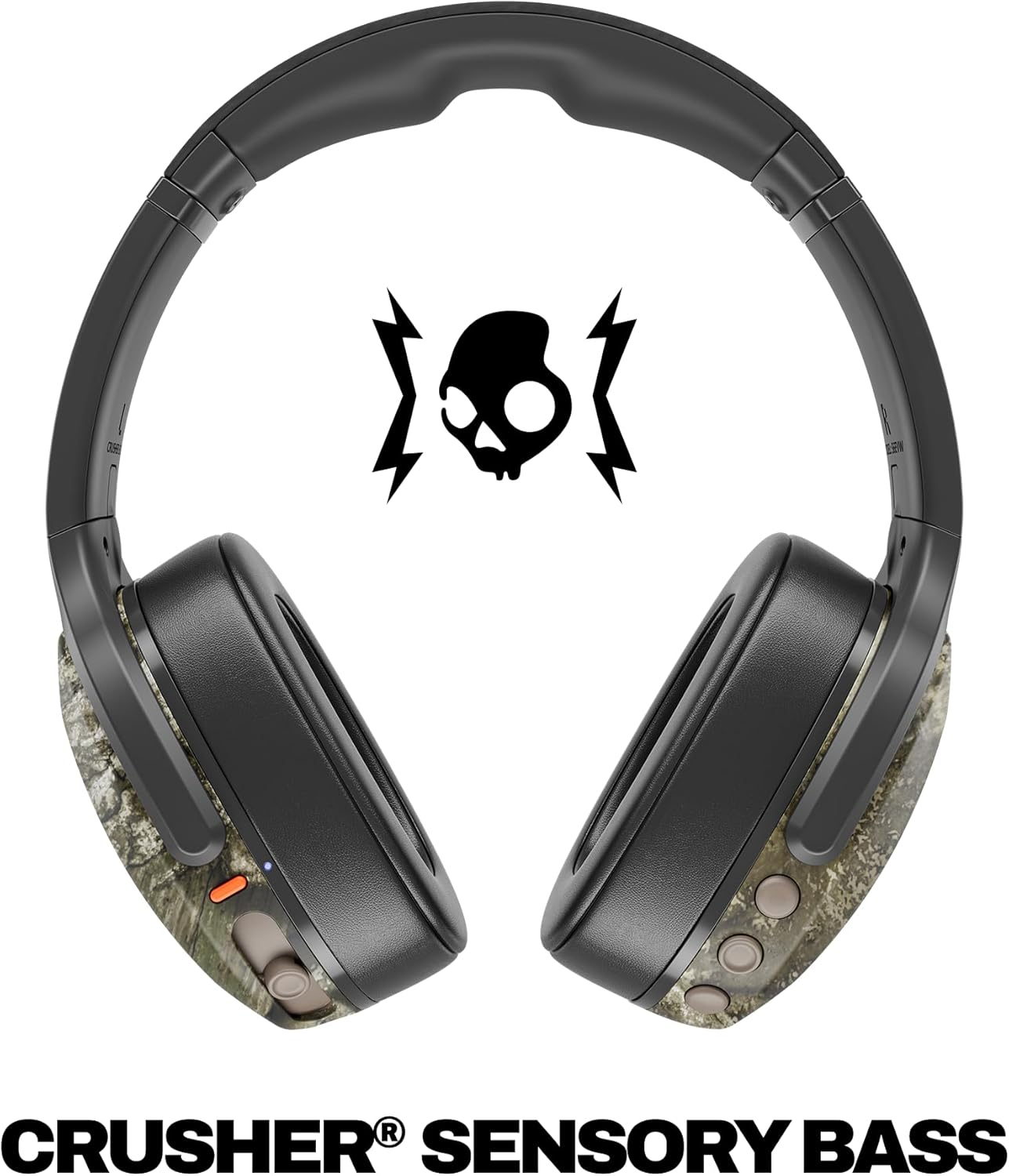
Image: A close-up of the Skullcandy Crusher Evo headphones showing the USB-C charging port and cable connected, indicating the charging process.
2. Emparellamento Bluetooth
- Asegúrate de que os teus auriculares estean apagados.
- Press and hold the main power button for 3-5 seconds until the LED indicator flashes blue and red, indicating pairing mode.
- No teu dispositivo (teléfono intelixente, tableta, ordenador), activa o Bluetooth e busca os dispositivos dispoñibles.
- Select "Crusher Evo" from the list of available devices.
- Once connected, the LED indicator will flash blue periodically.
3. Personal Sound Tuning (Skullcandy App)
Enhance your listening experience by downloading the Skullcandy App. The app features a Personal Sound analysis that customizes audio levels to your unique hearing profile, ensuring optimal sound quality.

Image: A woman wearing the headphones, illustrating the personalized sound feature. The accompanying text highlights the "Personal Sound tuned to you" capability via the Skullcandy app.
Uso dos auriculares
1. Controis básicos
The Crusher Evo headphones feature intuitive button controls located on the earcups:
- Encendido/apagado: Manteña premido o botón de acendido principal.
- Reproducir/Pausa: Single press the main power button.
- Subir/Baixar o volume: Usa os botóns de volume específicos.
- Saltar pista: Prema dúas veces para a seguinte pista, preme tres veces para a pista anterior.
- Responder/Finalizar chamada: Single press the main power button during a call.
- Activar o asistente de voz: Manteña premido o botón de acendido principal durante 2 segundos.
2. Multi-Sensory Crusher Bass
Experience deep, adjustable bass that you can feel. Use the slider on the earcup to increase or decrease the intensity of the Crusher Bass. This feature provides a tactile feedback that enhances your audio experience.
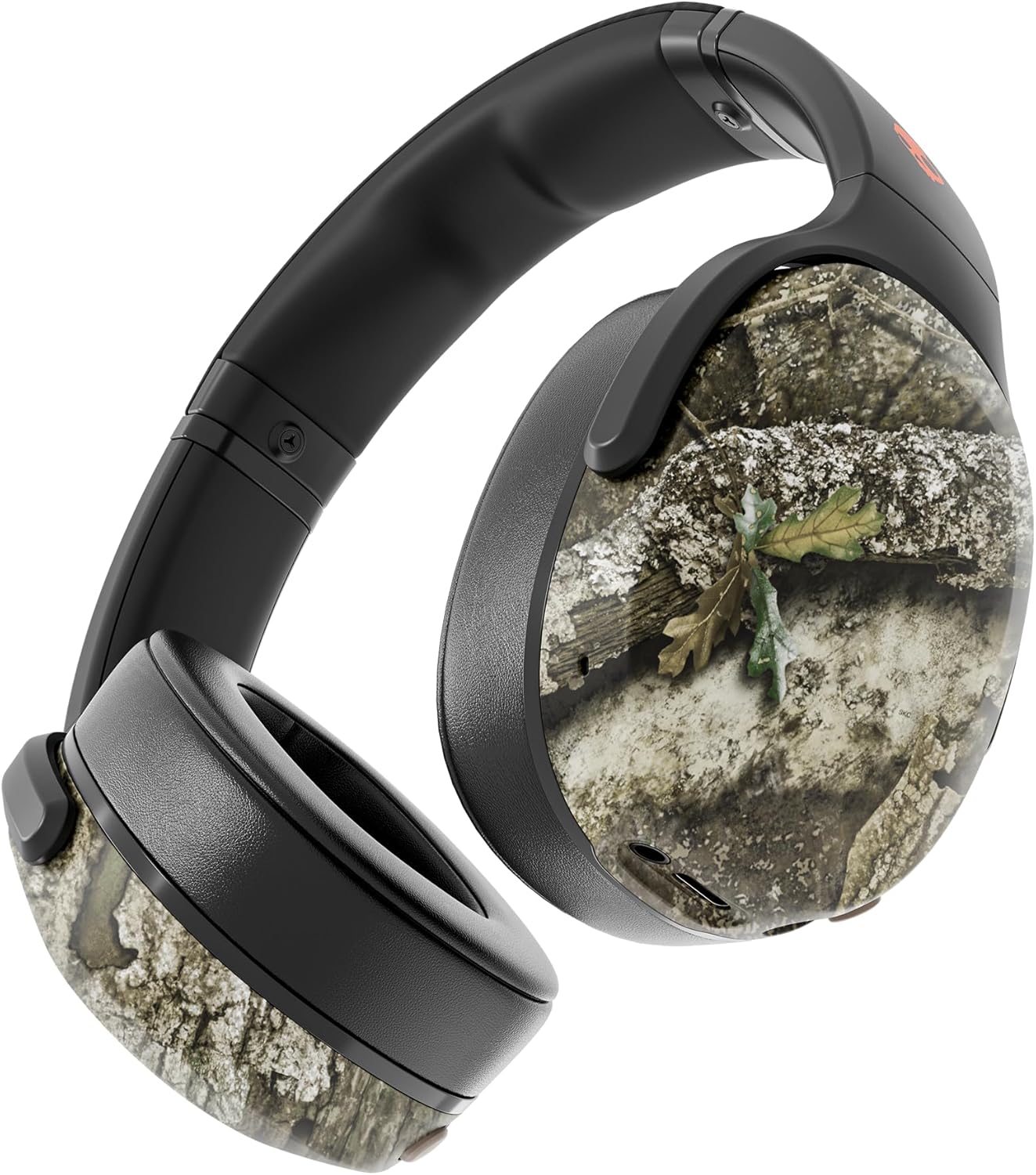
Image: The Skullcandy Crusher Evo headphones, highlighting the "Crusher Sensory Bass" feature, which allows users to feel the bass.
Video: This video demonstrates the multi-sensory bass feature of the Crusher Evo headphones by showing its effect on water, creating ripples. This illustrates how the bass can be physically felt.
Video: This video captures various individuals reacting to the Crusher Bass, showcasing the immersive and impactful experience provided by the headphones' unique bass technology.
3. Flat-Folding and Collapsible Design
The headphones are designed to fold flat and collapse for easy storage and portability. This compact design makes them convenient for travel and daily commutes.
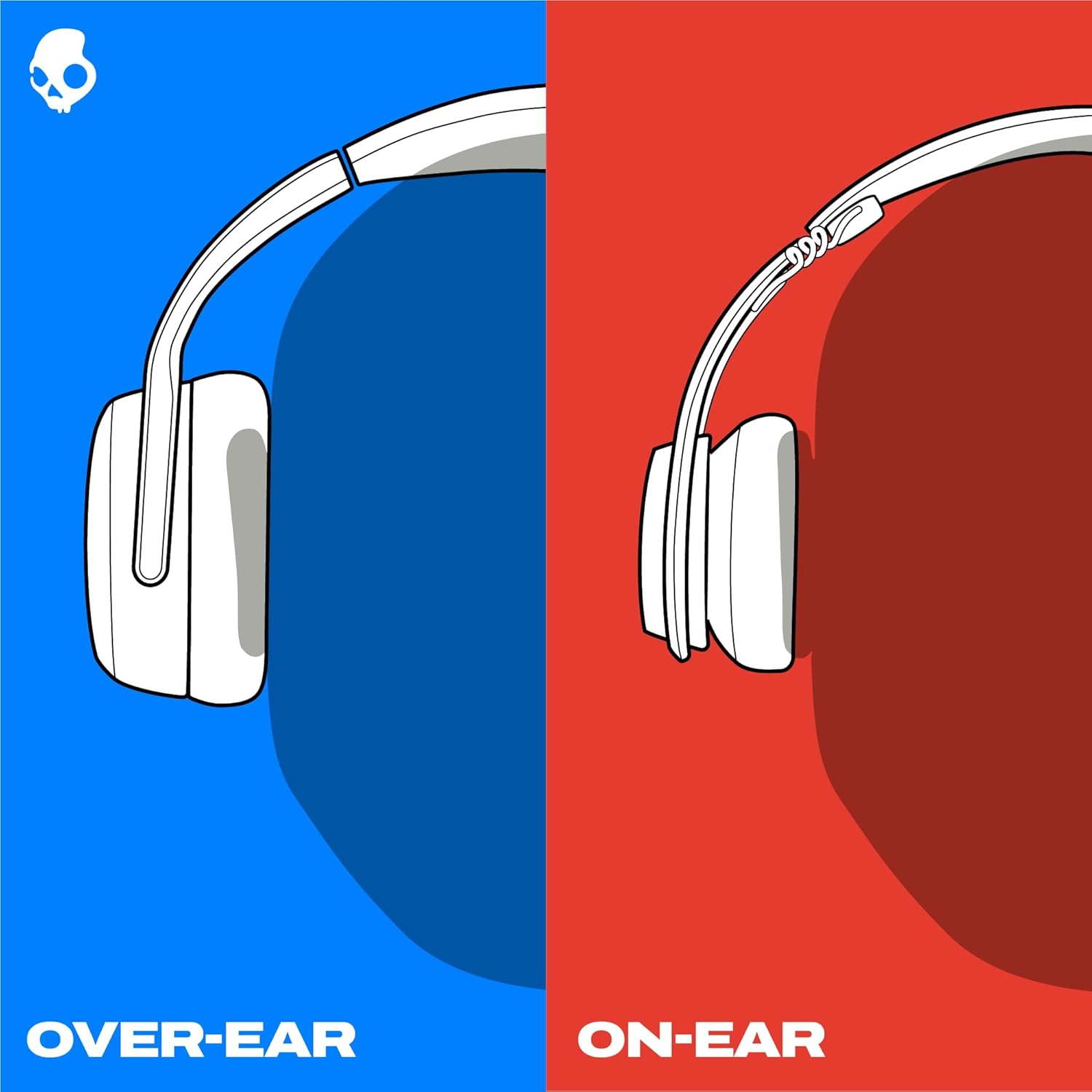
Image: The Skullcandy Crusher Evo headphones are shown folded flat, demonstrating their compact design for easy storage and travel.
Mantemento
- Limpeza: Usa un pano suave e seco para limpar os auriculares. Evita o uso de produtos químicos agresivos ou materiais abrasivos.
- Almacenamento: When not in use, store the headphones in their protective case to prevent damage. Keep them in a cool, dry place away from extreme temperatures.
- Coidado da batería: Para prolongar a duración da batería, evite descargar completamente os auriculares con frecuencia. Cárgueos regularmente, mesmo se non os usa durante períodos prolongados.
Resolución de problemas
No Power / Not Charging
- Ensure the USB-C charging cable is securely connected to both the headphones and a working power source.
- Proba cun cable USB-C e un adaptador de corrente diferentes.
- Comprobe o porto de carga por se hai restos ou danos.
Problemas de conexión Bluetooth
- Asegúrate de que os auriculares estean en modo de emparellamento (LED azul e vermello parpadeando).
- Asegúrate de que o Bluetooth estea activado no teu dispositivo.
- Forget "Crusher Evo" from your device's Bluetooth settings and attempt to re-pair.
- Move the headphones closer to your device to ensure they are within range.
Sen son / volume baixo
- Comprobe os niveis de volume tanto nos auriculares como no dispositivo conectado.
- Asegúrate de que os auriculares estean correctamente emparellados e conectados.
- If using the auxiliary cable, ensure it is fully plugged into both the headphones and the audio source.
- Proba cunha fonte ou dispositivo de son diferente.
Especificacións
| Marca | Skullcandy |
| Nome do modelo | Trituradora Evo |
| Número de modelo | S6EVW-T991 |
| Tecnoloxía de conectividade | Sen fíos (Bluetooth 5.0) |
| Colocación do oído | Sobre orella |
| Duración da batería | Ata 40 horas |
| Carga rápida | 10 minutos de carga para 4 horas de reprodución |
| Impedancia | 32 ohmios |
| Resposta en frecuencia | 20 Hz - 20,000 Hz |
| Sensibilidade | 100 dB |
| Control de ruído | Illamento acústico |
| Peso | 0.01 Ounces (approximately 0.28 grams) |
Garantía e Soporte
The Skullcandy Crusher Evo headphones come with a 1-Year USA Limited WarrantyEsta garantía cobre os defectos de fabricación e garante que o produto funcione como se espera en condicións de uso normal.
Para reclamacións de garantía, asistencia técnica ou máis axuda, visite o soporte oficial de Skullcandy. websitio web ou póñase en contacto co servizo de atención ao cliente. Garde o comprobante de compra para validar a garantía.