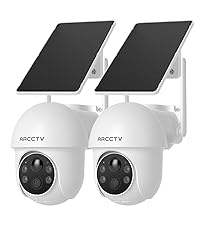
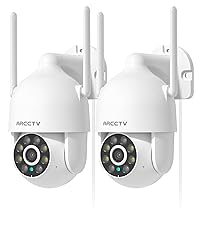
This manual provides detailed instructions for the installation, operation, and maintenance of your ARCCTV 2K Security Camera P2. Please read this manual thoroughly before using the product to ensure proper function and safety. The ARCCTV P2 camera offers advanced surveillance features including 2K Ultra HD video, 360° pan-tilt view, motion tracking, dual-band WiFi connectivity, two-way audio, and full-color night vision, all housed in an IP66 weatherproof design.
O que hai na caixa
ARCCTV 2K Security Camera P2 (2 Pack)
Manual de usuario
Adaptador de alimentación
Mounting Accessories (screws and anchors)
Mounting Sticker Template
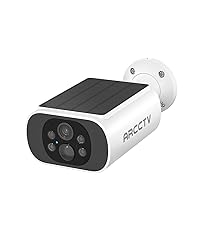
Image: The ARCCTV 2K Security Camera P2, showing its main unit and typical accessories like power cable and mounting hardware.
Características
1. 2K Ultra HD & Full Color Night Vision
The camera captures video in crystal-clear 2K resolution (2304x1296p), providing enhanced detail. It features a built-in spotlight that activates full-color night vision, allowing for vivid monitoring even in low-light conditions. Infrared night vision is also available for discreet surveillance.
Image: Visual comparison demonstrating the superior clarity of 2K resolution from the ARCCTV camera compared to standard 1080p.
Image: A split image showing the difference between full-color night vision (left) and traditional infrared night vision (right) in a residential setting.
2. 360° Pan-Tilt & Auto Motion Tracking
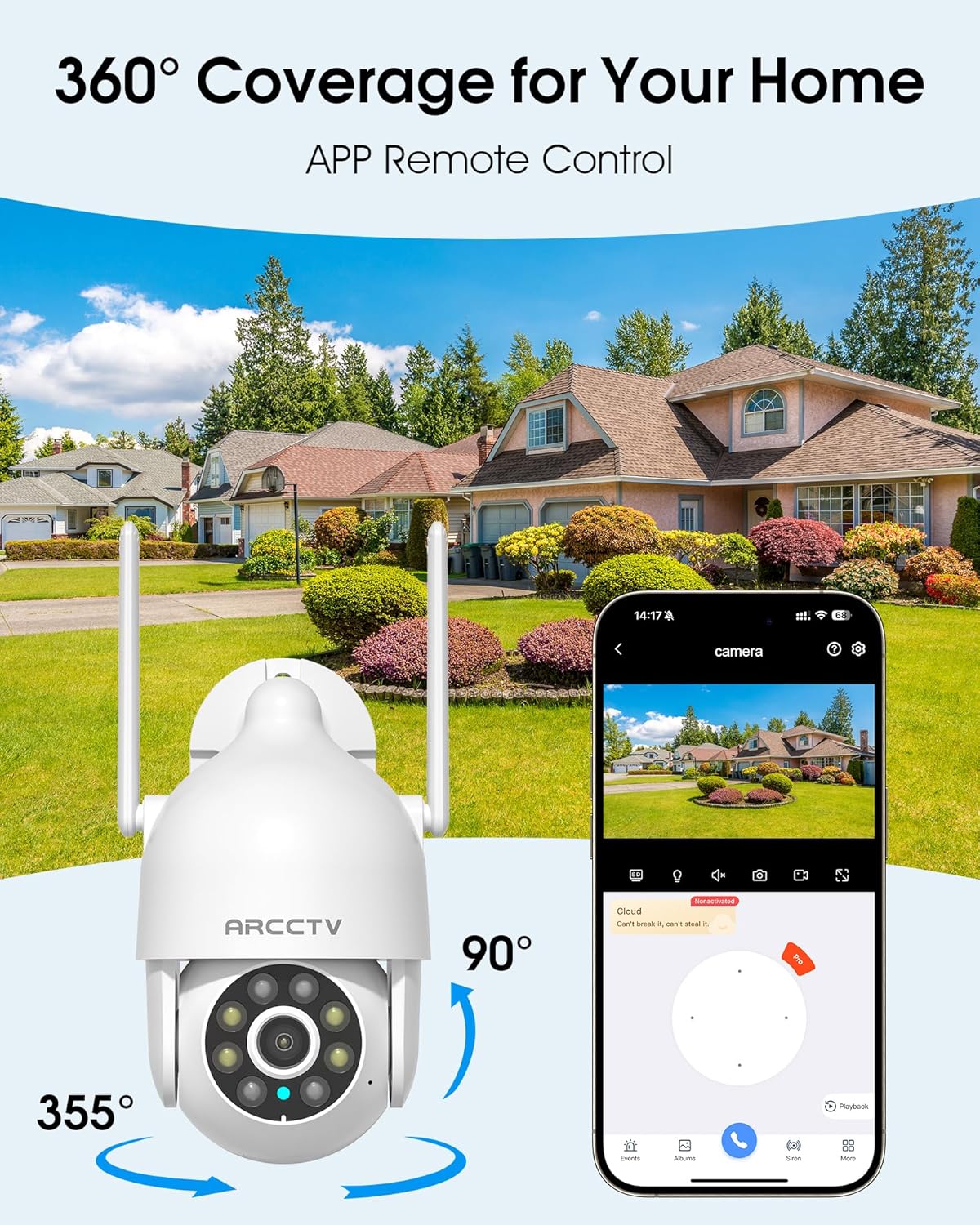
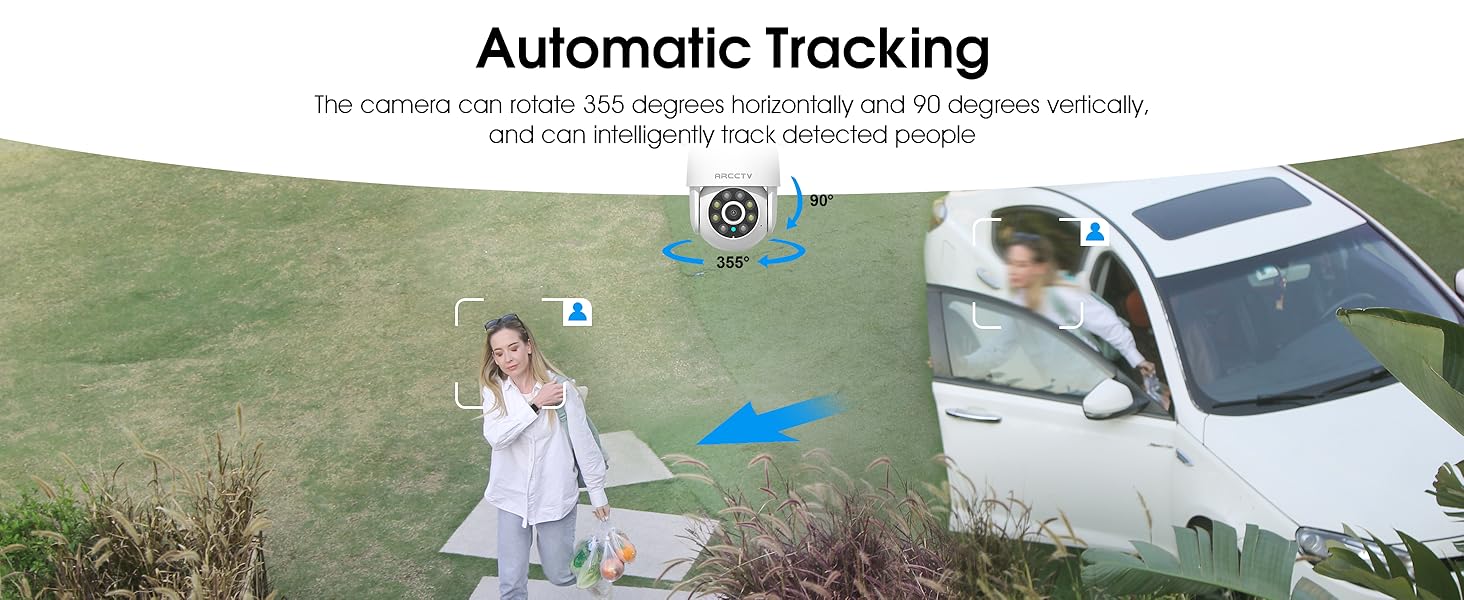
The camera can be controlled remotely to rotate 355° horizontally (pan) and 90° vertically (tilt), providing comprehensive coverage of your monitored area. Smart AI motion tracking automatically detects and follows movement, ensuring that any activity is recorded.
Image: An illustration of the camera's 360-degree pan and tilt capabilities, controlled via a smartphone application, overlooking a residential area.
Image: A person walking past a building, with the camera's smart motion tracking highlighting their movement.
Image: A security camera automatically tracking a person walking in a garden, demonstrating its intelligent tracking capabilities.
3. Dual-Band WiFi (2.4G/5G) & Stable Connection
The camera supports both 2.4GHz and 5GHz WiFi bands, offering faster and more reliable connectivity. This dual-band support helps reduce lag and ensures smooth live streaming and video playback.
Image: An illustration showing the camera's dual-band WiFi antennas, indicating support for both 2.4GHz (larger range) and 5GHz (faster speeds) networks.
4. Two-Way Audio & IP66 Weatherproof
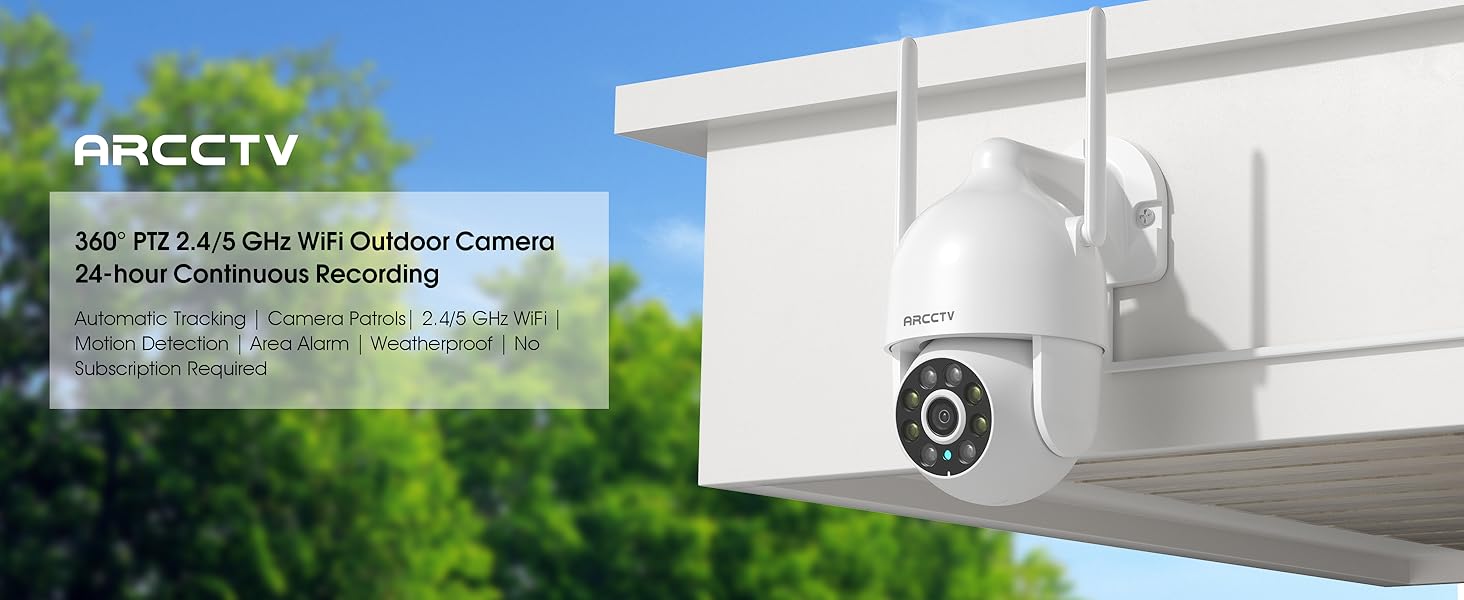
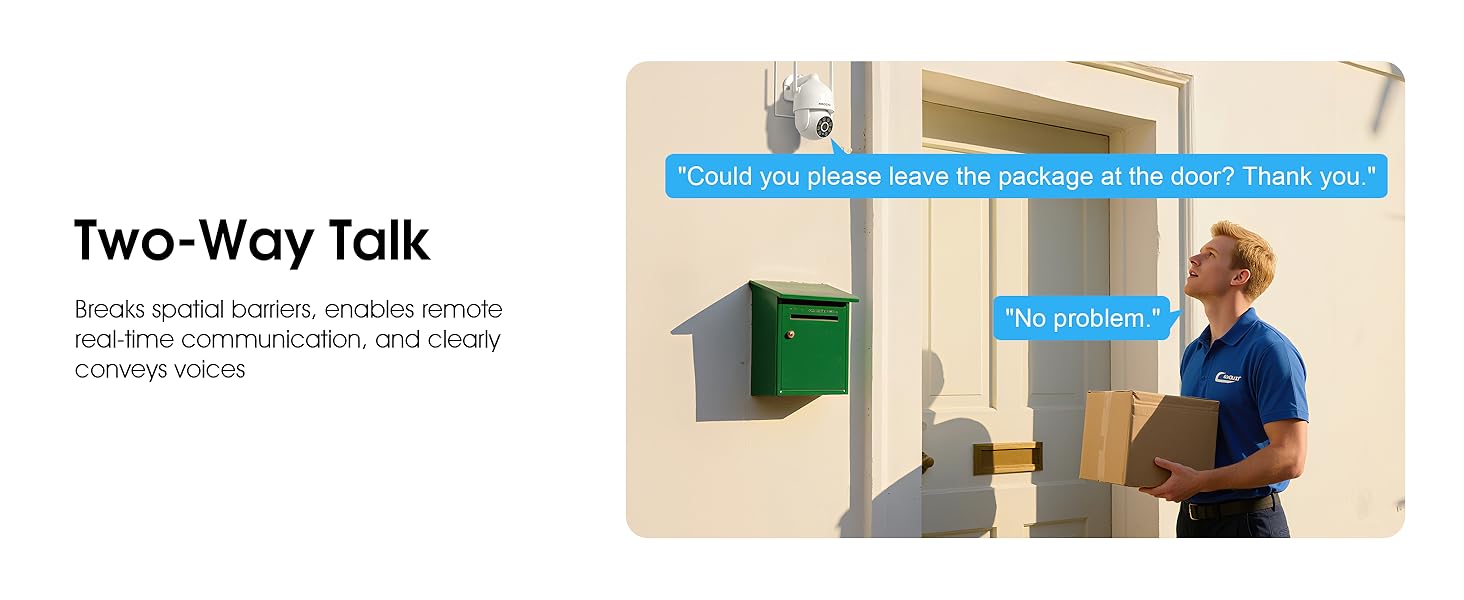
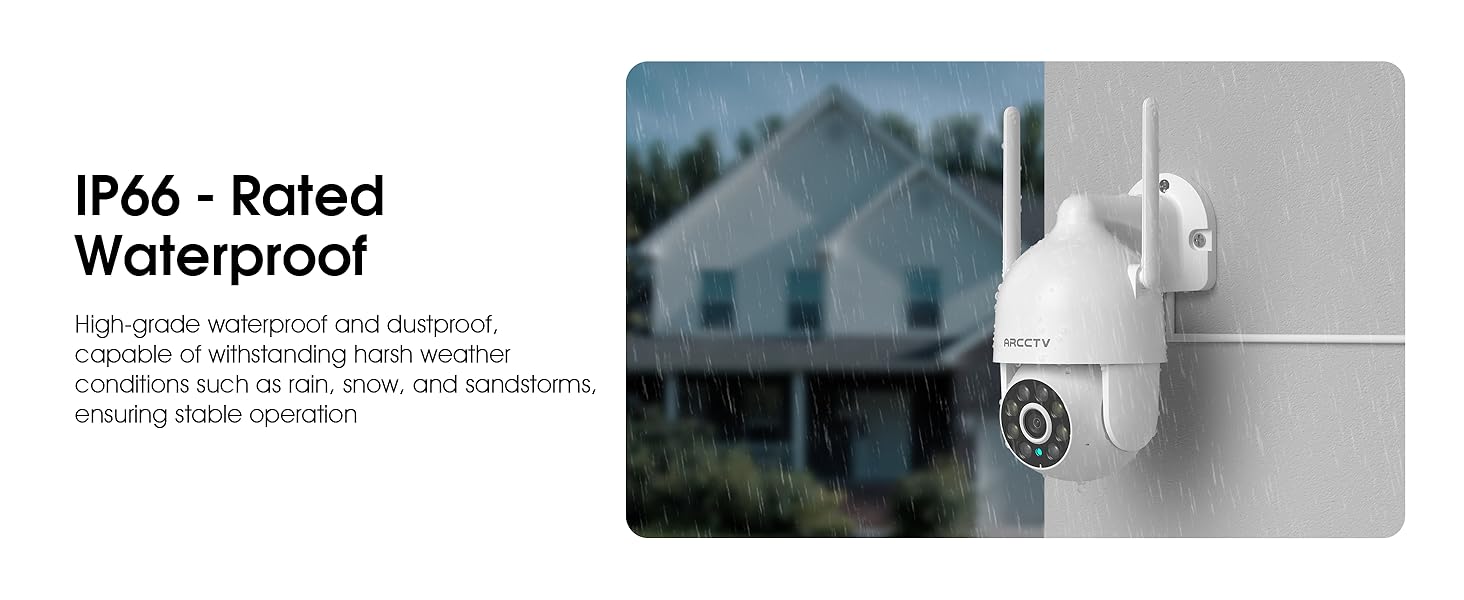
Equipped with a built-in microphone and speaker, the camera enables clear two-way communication. This feature is useful for greeting visitors or deterring intruders. The camera also boasts an IP66 waterproof rating, ensuring durability and reliable operation in various weather conditions, including rain, snow, and extreme temperatures (-4°F to 122°F).
Image: The ARCCTV camera mounted outdoors, with a visual representation of rain and snow, highlighting its IP66 weatherproof capability.
Image: A person speaking to a delivery driver via the camera's two-way audio feature, demonstrating remote communication.
5. Opcións de almacenamento flexibles
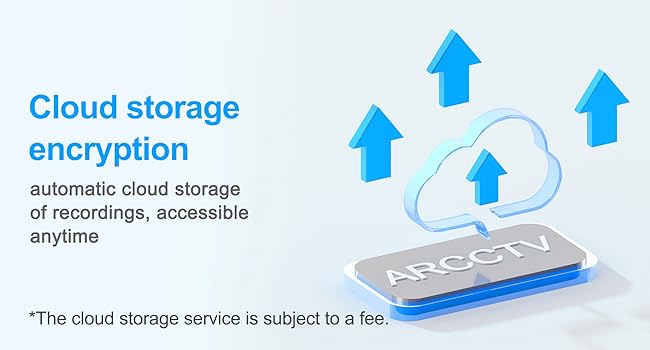
The camera supports local storage via a microSD card (up to 128GB, not included) for continuous recording. Additionally, secure cloud storage options are available (subscription may be required) for remote access and backup of your footage.
Image: A close-up of the camera showing the microSD card slot, indicating support for up to 128GB local storage.
Image: An illustration depicting cloud storage encryption, showing data being uploaded to a cloud server for secure access.
6. Instant Alerts & Siren
Receive real-time notifications on your smartphone when motion is detected. The camera can also activate a powerful spotlight (300 Lumens) and a siren warning to deter potential intruders, providing an immediate response to suspicious activity.
Image: A security camera detecting an intruder at night, activating its spotlight and siren, with icons for 300 Lumens, Siren Warning, and 2-Way Audio.
7. Integración do fogar intelixente
The ARCCTV P2 camera is compatible with Alexa, allowing you to check the monitoring screen at any time using voice control. This provides convenient access to your security feed.
Image: A person using an Alexa-enabled device to view the camera feed, demonstrating voice control compatibility.
Guía de configuración
Desempaquetar a cámara: Carefully remove all components from the packaging. Verify that all items listed in "What's in the Box" are present.
Encendido: Connect the camera to the provided 5V1A power supply. The camera will initiate its startup sequence.
Descarga a aplicación: Download the ARCCTV or Eseecloud app from your smartphone's app store (iOS or Android).
Rexistro da conta: Abre a aplicación e rexistra unha nova conta ou inicia sesión se xa tes unha.
Engadir dispositivo: Segue as instrucións da aplicación para engadir a túa nova cámara. Isto normalmente implica escanear un código QR na cámara ou introducir manualmente o seu ID.
Conexión de rede: Connect the camera to your home WiFi network. The camera supports both 2.4GHz and 5GHz bands. Ensure your smartphone is connected to the same network during setup.
Montaxe (opcional):
Choose a suitable outdoor or indoor location for optimal viewing and power access.
Use the provided mounting sticker template to mark drill holes on the wall.
Drill holes and insert the wall anchors.
Secure the camera's mounting base with the provided screws.
Configuración inicial: Adjust camera settings such as motion detection zones, alert preferences, and recording schedules within the app.
Image: A person installing the ARCCTV camera on an exterior wall, demonstrating the ease of setup.
Instrucións de funcionamento
En directo View and Pan-Tilt Control
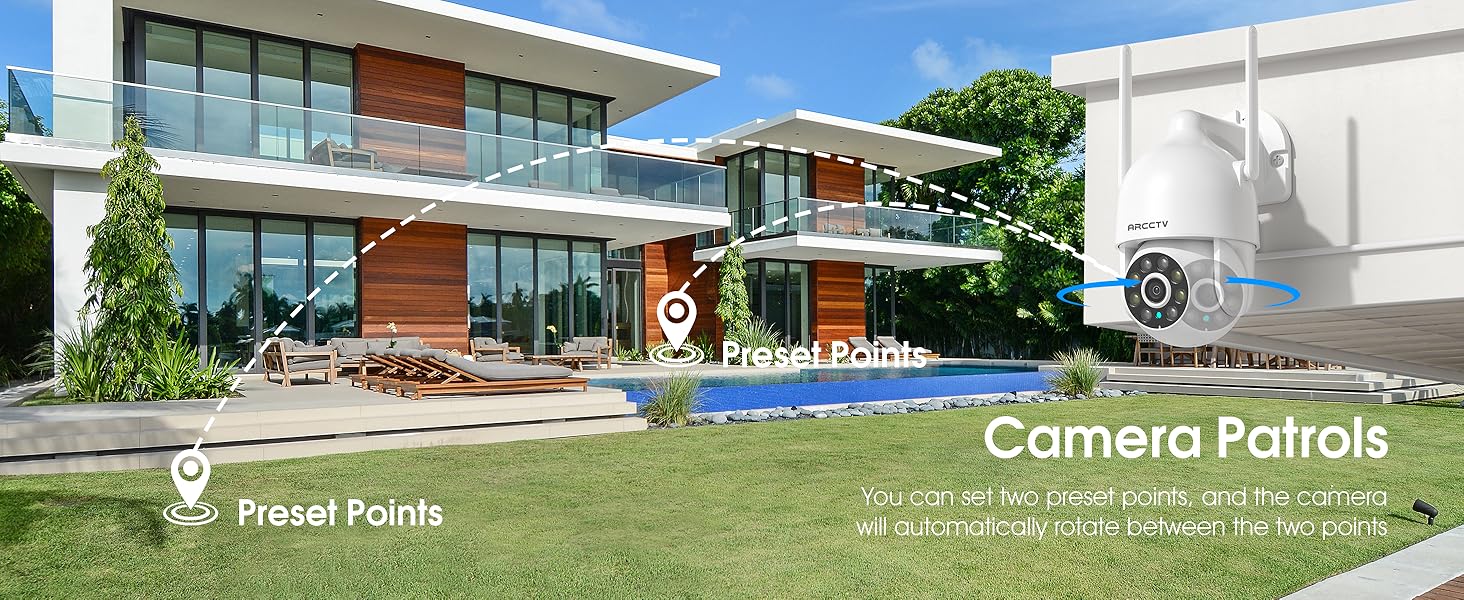
Open the ARCCTV/Eseecloud app and select your camera to access the live view. Use the on-screen joystick or swipe gestures to pan (355° horizontal) and tilt (90° vertical) the camera lens to adjust your viewing angle. You can also set preset points for quick navigation.
Audio bidireccional
Mentres está en directo view, tap the microphone icon in the app to speak through the camera's speaker. Tap the speaker icon to listen to audio from the camera's surroundings.
Detección e seguimento de movemento
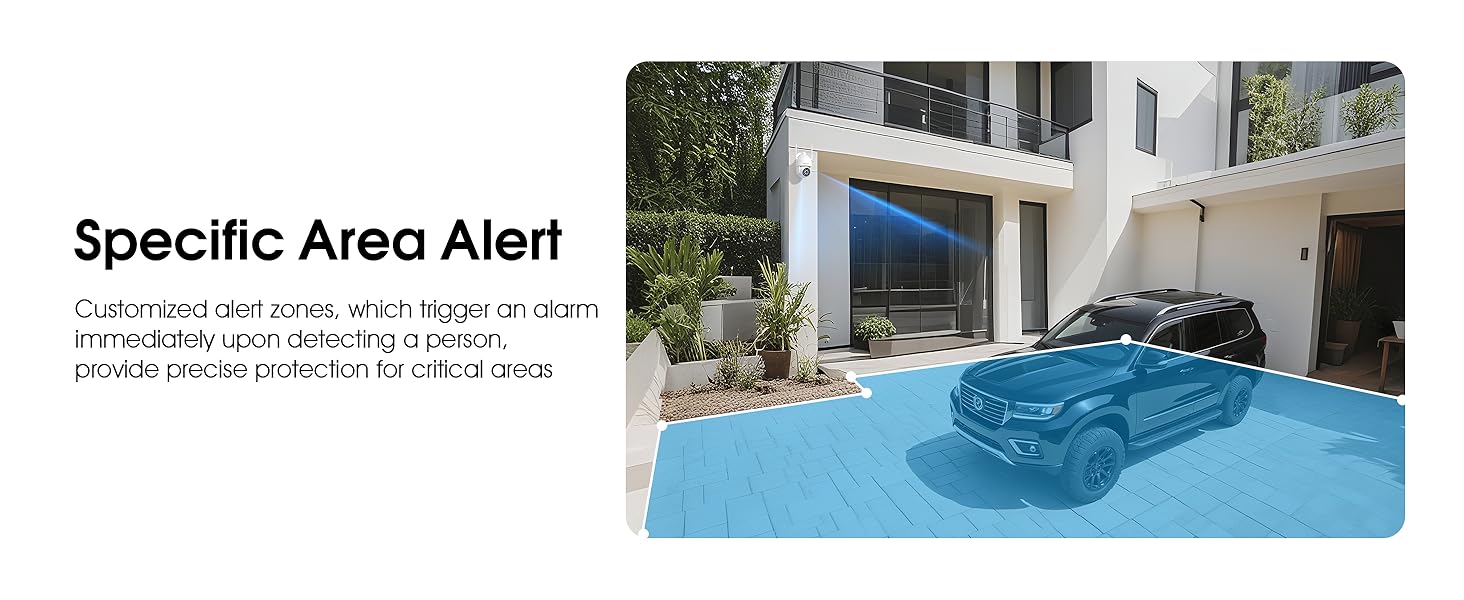
Enable motion detection in the app settings. The camera will automatically track detected movement and send real-time notifications to your phone. You can customize detection sensitivity and define specific alert zones to minimize false alarms.
Video: Demonstrates the ARCCTV 24/7 Security Camera's features, including motion detection, real-time notifications, two-way audio, and IP65 waterproof rating. This video highlights how the camera responds to detected movement with alerts and communication capabilities.
Modos de visión nocturna
The camera automatically switches to night vision in low light. You can configure it for full-color night vision (using the built-in spotlight) or infrared night vision (black and white) via the app settings.
Gravación e reprodución
Recordings are stored on the inserted microSD card or in the cloud (if subscribed). Access recorded footage through the app's playback feature. You can review events by date and time.
Activación da sirena
In case of an emergency or to deter intruders, you can manually activate the camera's siren and spotlight through the app.
Compartir en familia
The app supports multi-member sharing, allowing authorized family members to view the camera feed and receive alerts. This feature can be configured in the app's user management settings.
Image: An illustration showing multiple family members accessing the camera feed on their smartphones, highlighting the family sharing function.
Mantemento
Limpeza: Regularly wipe the camera lens with a soft, dry cloth to ensure clear image quality. Do not use harsh chemicals.
Actualizacións de firmware: Check the app periodically for firmware updates to ensure optimal performance and security.
Conexión de alimentación: Asegúrese de que o cable de alimentación estea conectado de forma segura e non presente danos.
Seguridade de montaxe: Periodically check the mounting screws to ensure the camera remains securely attached.
Xestión da tarxeta SD: If using a microSD card, consider formatting it periodically through the app to maintain performance.
Resolución de problemas
Problema
Posible Solución
Cámara sen conexión
Check WiFi connection and signal strength.
Asegúrate de que a cámara estea acendida.
Reinicia a cámara e o teu router.
Verify correct WiFi password in app settings.
Poca calidade de vídeo
Limpar a lente da cámara.
Ensure stable WiFi connection.
Adjust video resolution settings in the app.
Non hai alertas de detección de movemento
Enable motion detection in app settings.
Axusta os niveis de sensibilidade.
Check alert schedules and notification permissions on your phone.
Ensure no objects are obstructing the camera's view.
O audio bidireccional non funciona
Comproba os permisos do micrófono e do altofalante para a aplicación no teu teléfono.
Ensure volume levels are adequate.
Verificar a estabilidade da rede.
Especificacións
Característica
Detalle
Nome do modelo
P2
Resolución de captura de vídeo
2K (2304x1296p) / 1440p / 3 MP
Uso interior/exterior
Interior, Exterior
Tecnoloxía de conectividade
Sen fíos (Wi-Fi)
Tecnoloxía de comunicación sen fíos
Wi-Fi (2.4G/5G Dual-Band)
Fonte de enerxía
Fuente de alimentación 5V1A
Viewángulo ing
360 graos (panorámica de 355°, inclinación de 90°)
Características especiais
2-Way Audio, Auto Tracking, Spotlight, Siren, Full Color Night Vision
Clasificación impermeable
IP66
Opcións de almacenamento
Tarxeta Micro SD (ata 128 GB), almacenamento na nube
Dispositivos compatibles
Smartphone (iOS, Android), Alexa
Tipo de controlador
ARCCTV App, Eseecloud App
Tipo de montaxe
Soporte de parede
Dimensións do produto
7.8 x 6.6 x 5.3 polgadas
Peso do elemento
2.7 libras
Garantía e Soporte
For product support, technical assistance, or warranty inquiries, please contact ARCCTV customer service. While specific warranty details are not provided in this manual, general support can often be found through the manufacturer's official channels. For cloud service related inquiries, you may contact Support@arcctvlife.com.
Always refer to the official ARCCTV website or the app for the most up-to-date support information and resources.
Ask a question about this manual
Ask about setup, troubleshooting, compatibility, parts, safety, or missing instructions. Manuals+ will review the question and use this page’s manual context to help answer it.