
1. Introdución
Welcome to the RORSOU B8 Over-Ear Bluetooth Headphones. These headphones are designed to deliver a high-fidelity audio experience with deep bass, versatile connectivity, and exceptional comfort. This manual will guide you through the features and functions of your new headphones.
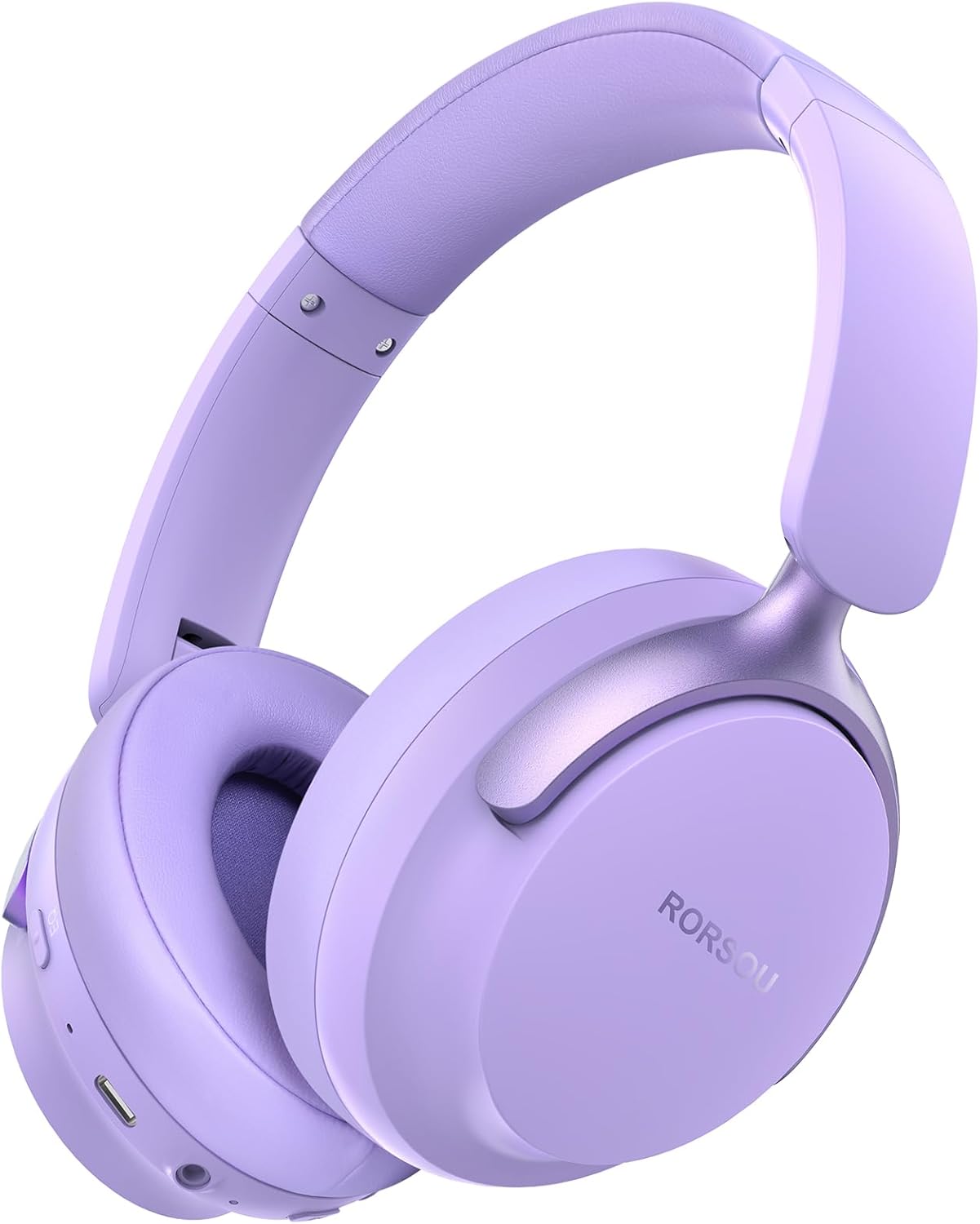
Figure 1: RORSOU B8 Over-Ear Bluetooth Headphones (Purple)
Características principais:
- Hi-Fi Stereo and Deep Bass Sound: Equipped with 40mm audio drivers and an advanced Bluetooth 5.4 chip for clear sound, full dynamic range, rich bass, and crisp mids.
- Strong Bluetooth 5.4 & Wired Connection: Offers faster, more stable data transmission, dual-device pairing, and a 3.5mm audio jack for wired use.
- Optimized Sound Quality with 6 EQ Modes: Allows switching between six preset EQ settings (Standard, Classical, Metal, Jazz, Rock, Bass) for different music styles. Features a built-in microphone for clear calls.
- Comodidade durante todo o día e deseño plegable: Ultra-soft protein leather earcups and an adjustable headband ensure comfort during extended use. The foldable and lightweight design enhances portability.
- Tempo de reprodución ampliado: 400mAh battery provides up to 50 hours of playtime. Can be used in wired mode when the battery is depleted.
2. Que hai na caixa
- RORSOU B8 Over-Ear Bluetooth Headphones
- Cable de carga USB-C
- Cable de audio de 3.5 mm
- Manual de usuario
- Bolsa de transporte
3. Configuración
3.1 Carga dos auriculares
Before first use, fully charge your RORSOU B8 headphones. Connect the provided USB-C charging cable to the charging port on the headphone and the other end to a USB power source (e.g., computer, wall adapter). The LED indicator will show charging status and turn off when fully charged. A full charge takes approximately 2 hours.
3.2 Acendido/Apagado
- Para acender: Manteña premido o botón de acendido durante 3 segundos ata que o indicador LED se acenda.
- Para apagar: Manteña premido o botón de acendido durante 3 segundos ata que se apague o indicador LED.
3.3 Emparejamento Bluetooth
To connect your RORSOU B8 headphones to a Bluetooth-enabled device:
- Asegúrese de que os auriculares estean apagados.
- Manteña premido o botón de acendido/apagado durante aproximadamente 5 segundos ata que o indicador LED parpadee en azul e vermello alternativamente. Isto indica o modo de emparellamento.
- No teu dispositivo (teléfono intelixente, tableta, PC), activa o Bluetooth e busca os dispositivos dispoñibles.
- Select "RORSOU B8" from the list of available devices.
- Once connected, the LED indicator on the headphones will flash blue slowly or remain solid blue.
The headphones can be paired with two devices simultaneously and seamlessly switch between them.
3.4 conexión por cable
For a wired connection, use the provided 3.5mm audio cable. Plug one end into the 3.5mm audio jack on the headphones and the other end into your audio source. This mode does not require battery power.
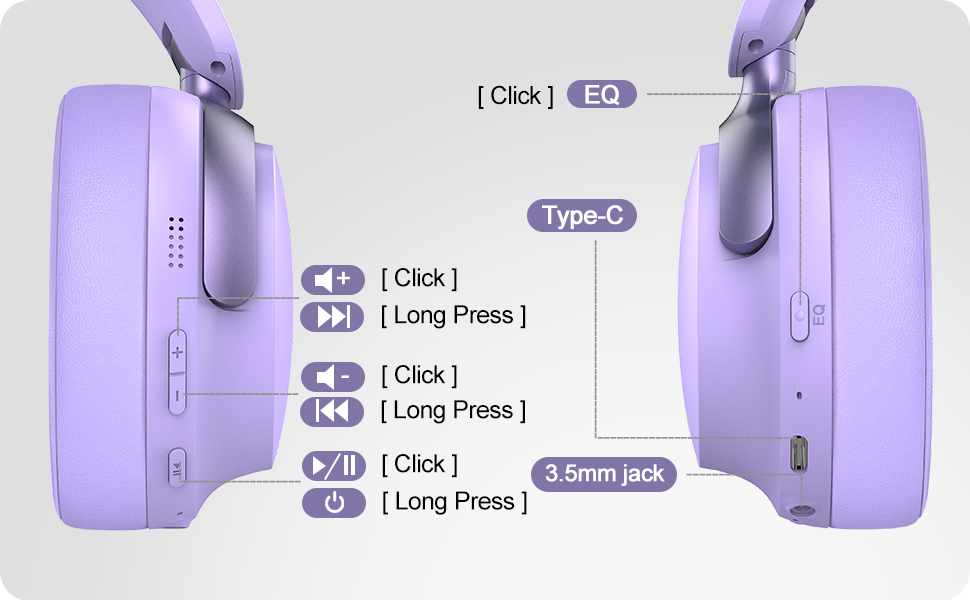
Figure 2: Bluetooth 5.4 Wireless vs. 3.5mm Wired Connection
4. Instrucións de funcionamento
4.1 Controisview
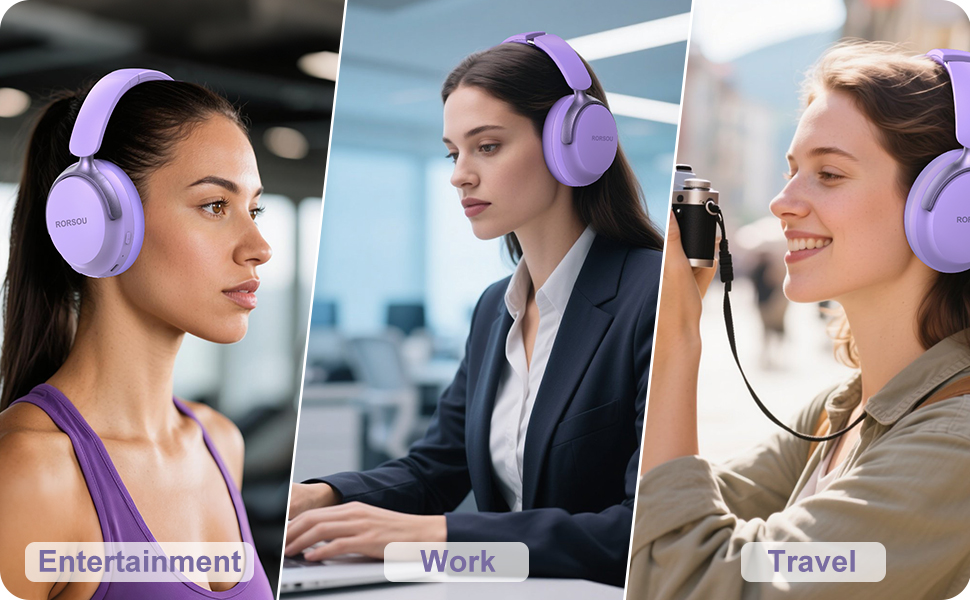
Figure 3: RORSOU B8 Headphone Controls
- Botón de encendido: Mantén premido para acender/apagar.
- Subir volume (+): Click to increase volume. Long press for next track.
- Baixar o volume (-): Click to decrease volume. Long press for previous track.
- Multi-function Button (Play/Pause): Click to play/pause music, answer/end calls. Long press to activate voice assistant.
- Botón EQ: Click to cycle through 6 preset EQ modes (Standard, Classical, Metal, Jazz, Rock, Bass).
4.2 modos de ecualización
The RORSOU B8 headphones feature 6 distinct EQ modes to enhance your listening experience based on music genre:
- Estándar
- Clásica
- Metal
- Jazz
- Rock
- Baixo
Press the EQ button to switch between these modes and find the optimal sound profile for your audio.
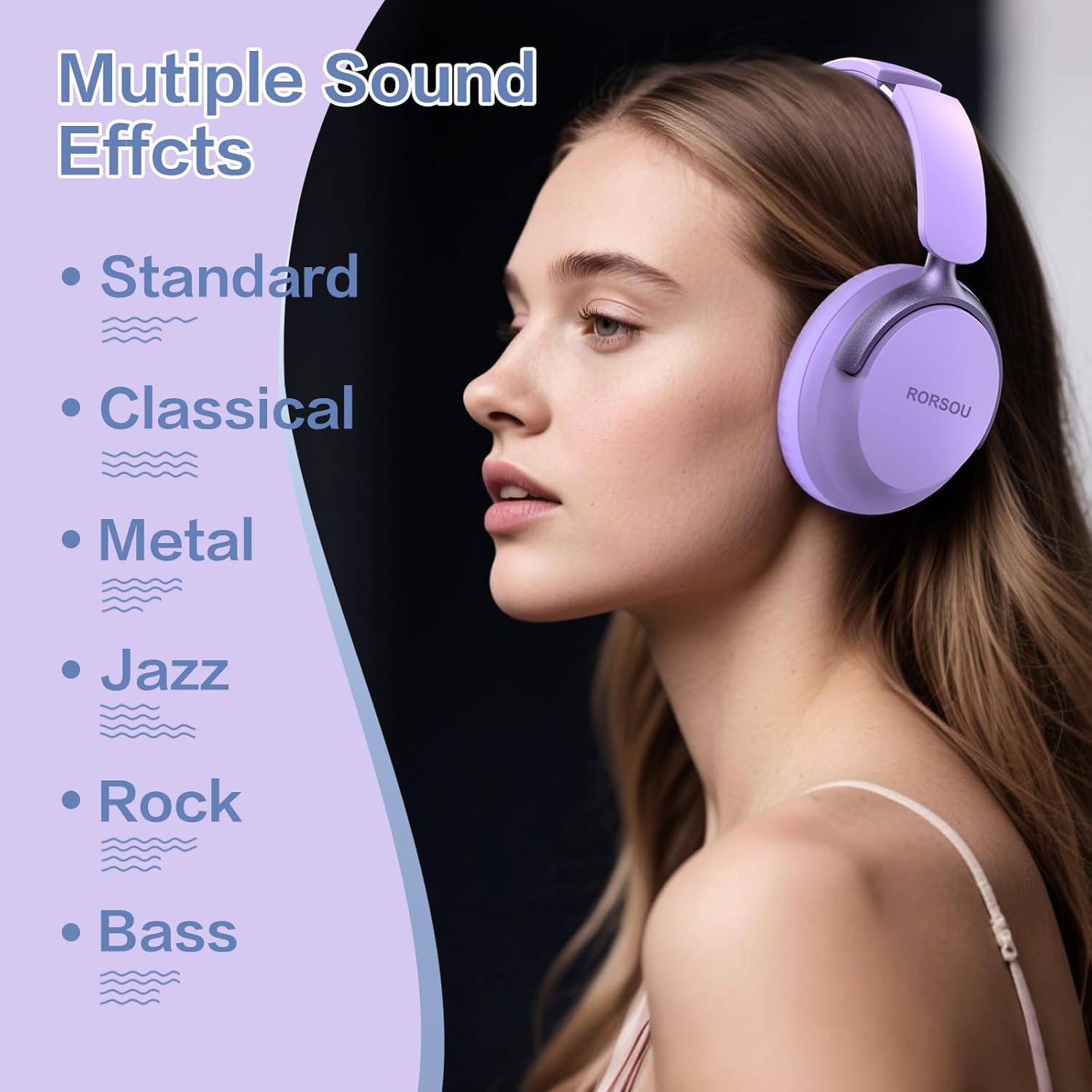
Figure 4: Multiple Sound Effects (EQ Modes)
5. Comfort and Portability
The RORSOU B8 headphones are designed for extended wear and easy transport.
- Ultra-soft Protein Leather Earcups: Provides comfort for long listening sessions.
- Diadema axustable: Garante un axuste seguro e cómodo para varios tamaños de cabeza.
- Deseño plegable: Earcups swivel 90 degrees and the headphones fold compactly for easy storage in the included carrying pouch, ideal for travel.

Figure 5: Comfort and Foldable Design
6. Mantemento
To ensure the longevity and optimal performance of your RORSOU B8 headphones, follow these maintenance guidelines:
- Limpeza: Wipe the headphones with a soft, dry cloth. For earcups, use a slightly damp cloth with mild soap if necessary, then wipe dry immediately. Avoid harsh chemicals or abrasive materials.
- Almacenamento: Cando non os use, garde os auriculares na bolsa de transporte incluída para protexelos do po e dos arañazos. Garde nun lugar fresco e seco.
- Evita condicións extremas: Non expoñas os auriculares a temperaturas extremas, humidade nin luz solar directa. Non son resistentes á auga.
- Coidado do cable: Manexa os cables de carga e de audio con coidado. Evita dobralos bruscamente ou tiralos demasiado para evitar danos.
7 Solución de problemas
If you encounter any issues with your RORSOU B8 headphones, refer to the following common solutions:
| Problema | Causa posible | Solución |
|---|---|---|
| Os auriculares non se acenderán | Batería baixa | Cargue os auriculares completamente (aproximadamente 2 horas). |
| Non se pode emparellar por Bluetooth | Auriculares non en modo de emparellamento; Bluetooth do dispositivo desactivado; interferencias | Ensure headphones are in pairing mode (flashing blue/red). Turn off and on your device's Bluetooth. Move closer to the device. |
| Non hai son ou son de mala calidade | Volume too low; incorrect EQ mode; loose wired connection; device issue | Increase headphone/device volume. Cycle through EQ modes. Re-insert 3.5mm cable firmly. Test with another audio source. |
| O micrófono non funciona | Device settings; microphone blocked | Check device's audio input settings. Ensure microphone port is clear. |
| Os auriculares desconéctanse con frecuencia | Fóra de alcance; interferencia; batería baixa | Stay within Bluetooth range (up to 10 meters). Avoid obstacles. Charge headphones. |
If the issue persists after trying these steps, please contact RORSOU customer service for further assistance.
8. Especificacións
| Característica | Detalle |
|---|---|
| Nome do modelo | B8 |
| Marca | RORSOU |
| Tecnoloxía de conectividade | Bluetooth 5.4, Wired, Wireless |
| Jack para auriculares | Jack de 3.5 mm |
| Control de ruído | Cancelación de ruído pasiva |
| Tamaño do controlador de audio | 40 milímetros |
| Duración da batería | 50 horas |
| Tempo de carga | 2 horas |
| Peso do elemento | 0.23 quilogramos (8.1 onzas) |
| Material | Policarbonato (PC) |
| Tipo de control | Control de volume, botón pulsador |
| Compoñentes incluídos | User Manual, USB-C Charging Cable, 3.5mm Audio Cable, Carrying Pouch |
9. Garantía e soporte
RORSOU is dedicated to providing high-quality products with excellent after-sale service. Your RORSOU B8 headphones come with a 180-day Hassle-Free Limited Protection.
If you have any questions, concerns, or require technical support, please contact RORSOU customer service. We aim to respond to all inquiries within 24 hours.
For the most up-to-date support information, please visit the official RORSOU websitio web ou consulte os datos de contacto que se inclúen na embalaxe do produto.