
Introdución
This manual provides essential instructions for the setup, operation, maintenance, and troubleshooting of your Insignia 32-inch 1080p HD HDR LCD Fire TV Smart TV, model NS-32F401CA26. Please read this manual thoroughly before using your television to ensure proper and safe operation.
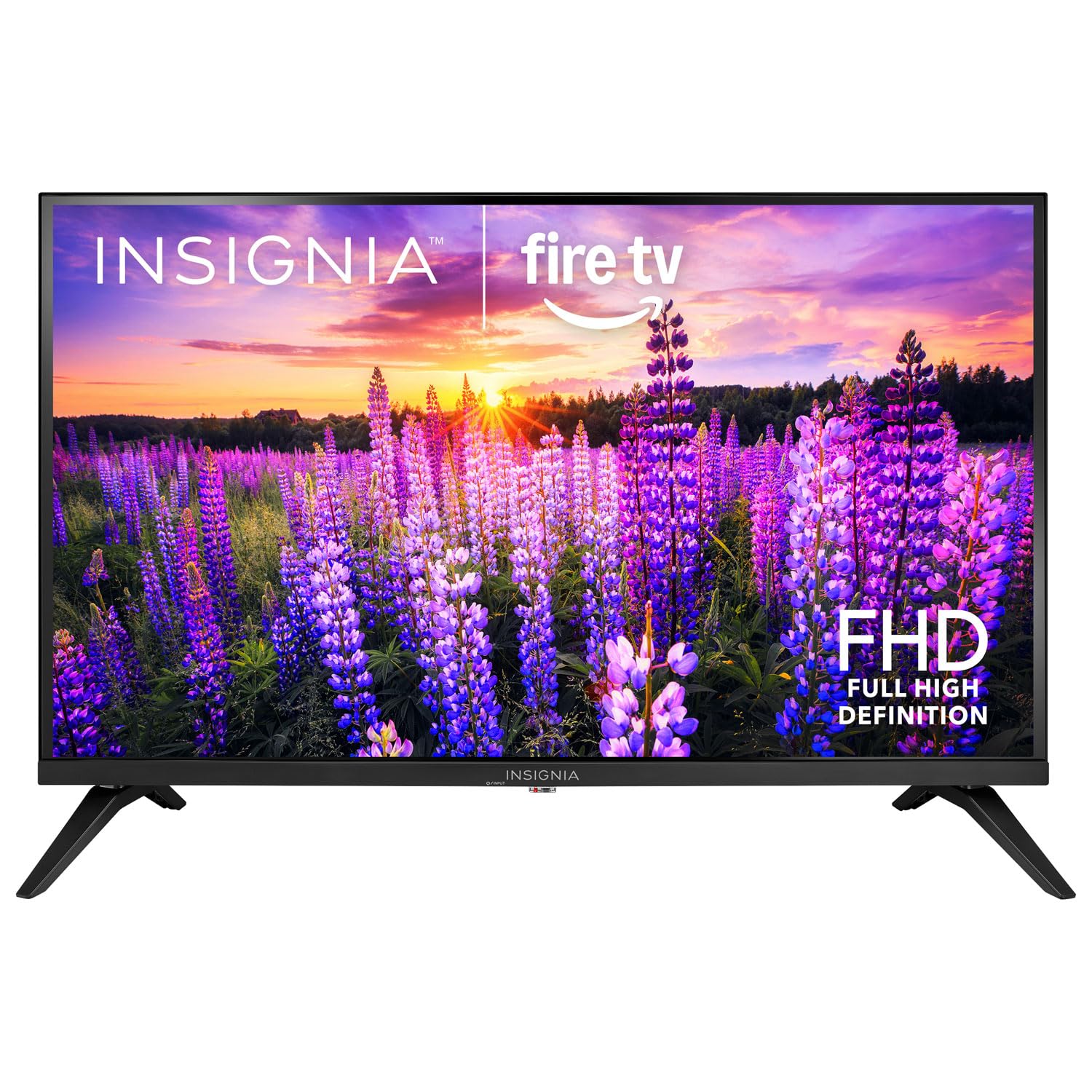
Imaxe: Fronte view of the Insignia 32-inch Fire TV Smart TV, showing the screen and a remote control.
1. Configuración
1.1 Desembalaxe
Retire con coidado o televisor e todos os accesorios da embalaxe. Garde os materiais de embalaxe para futuros transportes ou almacenamentos.
1.2 Fixación do soporte ou do soporte de parede
Para a instalación do soporte:
- Coloque o televisor boca abaixo sobre unha superficie suave e limpa para evitar danar a pantalla.
- Align the stand bases with the screw holes on the bottom of the TV.
- Fixe os soportes cos parafusos proporcionados.
Para montaxe en parede:
- This TV supports a VESA Mount Standard of 200 x 200 mm.
- Use a compatible wall mount kit (sold separately) and follow its installation instructions.
- Asegúrate de que a parede poida soportar o peso do televisor e do soporte.
1.3 Conexión de enerxía
Conecta o cable de alimentación á entrada de alimentación do televisor e, a seguir, conecta o outro extremo a unha toma de corrente que funcione.
1.4 Conexión de dispositivos externos
Your TV includes multiple ports for external devices:
- HDMI Ports (Total 2): Conecta reprodutores de Blu-ray, consolas de xogos e descodificadores de cable/satélite.
- USB 3.0 Port (Total 1): Conecta dispositivos de almacenamento USB para a reprodución multimedia.
- Entrada de antena/cable: Conecte unha antena para emisións por aire ou unha conexión por cable.
1.5 Initial Setup (Fire TV OS)
Upon first power-on, the TV will guide you through the Fire TV setup process:
- Emparejamento de control remoto: Insert the included 2 AAA batteries into the remote. Follow on-screen instructions to pair the remote.
- Conexión de rede: Seleccione a súa rede wifi e introduza o contrasinal.
- Conta de Amazon: Log in with your Amazon account or create a new one.
- Escaneo de canles: If using an antenna, the TV will scan for available channels.
- Actualizacións de software: The TV may download and install the latest software updates.
2. Funcionamento da súa TV
2.1 Encendido/apagado
Preme o Poder button on the remote control to turn the TV on or off.
2.2 Navigating the Fire TV Interface
Use the directional pad and Seleccione button on your remote to browse the Fire TV home screen, access apps, and navigate menus.
2.3 Uso do mando a distancia por voz de Alexa
Manteña premido o Alexa button on your remote and speak into the microphone to:
- Busca películas e programas de televisión.
- Launch applications (e.g., "Open Netflix").
- Control playback (e.g., "Pause", "Fast forward").
- Ask questions or get information.
2.4 Acceso ás aplicacións
Popular streaming services like Amazon Prime Video, Netflix, and YouTube are pre-installed. You can download additional apps from the Amazon Appstore.
2.5 Axustar a configuración da imaxe e do son
Accede a Configuración menu on the Fire TV home screen to adjust:
- Imaxe: Brightness, contrast, color, aspect ratio (16:9).
- Son: Volume, sound mode, DTS Virtual-X settings.
- Visualización: Resolution (1080p), refresh rate (120 Hz).
2.6 Controis parentais
The TV includes parental control features. Navigate to the Configuración menú e, a continuación, seleccione Preferencias, e despois Controis parentais to set restrictions on content, purchases, and app usage. A PIN is required to enable or disable these controls.
3. Mantemento
3.1 Limpeza do televisor
- Pantalla: Limpe a pantalla con suavidade cun pano suave e sen pelusa. Para marcas difíciles, d lixeiramenteampEnxágüe o pano con auga ou cun limpador de pantallas deseñado especificamente para televisores. Non pulverice líquido directamente sobre a pantalla.
- Corpo: Limpe a estrutura e o soporte do televisor cun pano suave e seco.
- Desconecte sempre o televisor antes de limpalo.
3.2 Actualizacións de software
Your Fire TV Smart TV automatically checks for and installs software updates when connected to the internet. You can manually check for updates in the Configuración menú baixo O meu Fire TV > Sobre > Consulta as actualizacións.
3.3 Substitución da batería do control remoto
When the remote control's performance degrades, replace the two AAA batteries. Ensure correct polarity when inserting new batteries.
4 Solución de problemas
| Problema | Causa posible | Solución |
|---|---|---|
| Sen poder | Cable de alimentación non conectado; toma de corrente non funciona. | Ensure power cord is securely plugged into TV and a live outlet. Test outlet with another device. |
| Sen imaxe nin son | Incorrect input source; external device off or disconnected. | Preme o Entrada button on the remote to select the correct source. Check connections of external devices. Ensure devices are powered on. |
| O control remoto non funciona | Pilas gastadas; mando a distancia non emparellado. | Replace batteries (2 AAA). Re-pair remote by holding the Casa button for 10 seconds near the TV. |
| Problemas de conexión wifi | Contrasinal incorrecto; problemas co router; TV demasiado lonxe do router. | Verify Wi-Fi password. Restart your router and modem. Move TV closer to router or use a Wi-Fi extender. |
| Apps not loading or crashing | Temporary software glitch; insufficient memory. | Restart the TV. Clear app cache (Settings > Applications > Manage Installed Applications). Ensure sufficient storage. |
5. Especificacións
| Número de modelo | NS-32F401CA26 |
| Tamaño da pantalla | 32 polgadas |
| Tecnoloxía de visualización | LCD |
| Resolución | 1080p (Full HD) |
| Taxa de actualización | 120 Hz |
| Formato HDR compatible | HDR10 |
| Relación de aspecto | 16:9 |
| Tecnoloxía de conectividade | Wi-Fi |
| Portos HDMI | 2 |
| Portos USB 3.0 | 1 |
| Servizos de Internet compatibles | Amazon Prime Video, Netflix, YouTube, Alexa |
| Descrición do orador | DTS Virtual-X virtual surround sound |
| Integrated Surround Sound Format | DTS Virtual-X |
| Método de control | Remote (with Alexa Voice) |
| Pilas necesarias | 2 AAA (incluído) |
| Dimensións do produto (P x A x A) | 47.3 centímetros de profundidade x 17.1 ancho x 71.9 alto |
| Estándar de montaxe VESA | 200 x 200 mm |
| Características adicionais | Controis parentais |
6. Garantía e soporte
For warranty information, please refer to the warranty card included with your product or visit the official Insignia support website. For technical assistance, product registration, or service inquiries, please contact Insignia customer support through their official channels.
Nota: Os termos específicos da garantía e os datos de contacto do soporte poden variar segundo a rexión e están suxeitos a cambios.


