
Introdución
This manual provides essential information for the safe and efficient use of your Samsung 32-inch 4K M8 Vision AI Smart Monitor (Model: LS32FM801UWXXL). Please read these instructions thoroughly before operating the device and retain them for future reference.
O que hai na caixa
Comprobe que todos os compoñentes estean presentes na embalaxe:
- 1 Unit Monitor
- 1 Unit Power Cable
- 1 Unit HDMI Cable
- 1 Unit USB Type-C Cable
- 1 Control remoto
- 1 Unit Camera (SlimFit Camera)
- 1 Unit Pogo Gender
- Manual de usuario (este documento)
Configuración
1. Physical Assembly and Placement
Carefully unpack all components. Attach the stand to the monitor following the instructions provided in the quick setup guide. Place the monitor on a stable, flat surface or mount it using a compatible VESA mount (sold separately).
The monitor features an ergonomic stand allowing for pivot, tilt, and height adjustments (HAS) for optimal viewcomodidade.
2. Cables de conexión
Connect the power cable to the monitor and a power outlet. Use the provided HDMI or USB Type-C cable to connect your computer or other devices to the monitor. The monitor also features USB-A downstream ports for peripherals.
Traseira view of the monitor displaying available ports: USB Type-C Upstream, HDMI In, USB Type-A Downstream, and Power input.
3. SlimFit Camera Installation
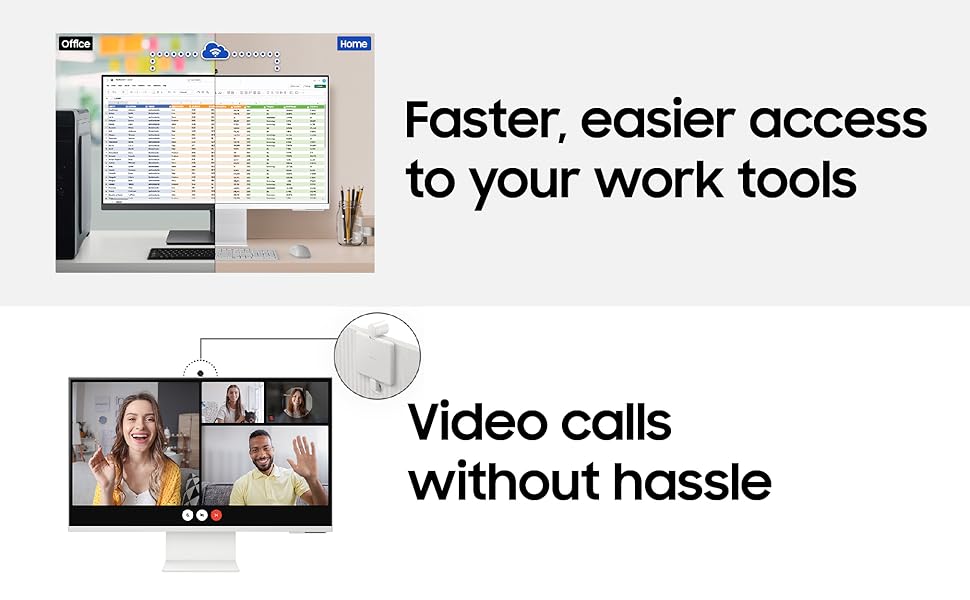
Attach the SlimFit Camera to the designated magnetic port at the top center of the monitor. Ensure it is securely connected.
The SlimFit Camera securely attaches to the top of the monitor for video calls.
4. Acendido inicial
Press the power button on the monitor or use the remote control to turn on the device. Follow the on-screen prompts for initial setup, including network connection and account login for Smart TV features.
Instrucións de funcionamento
1. Smart TV Experience with AI
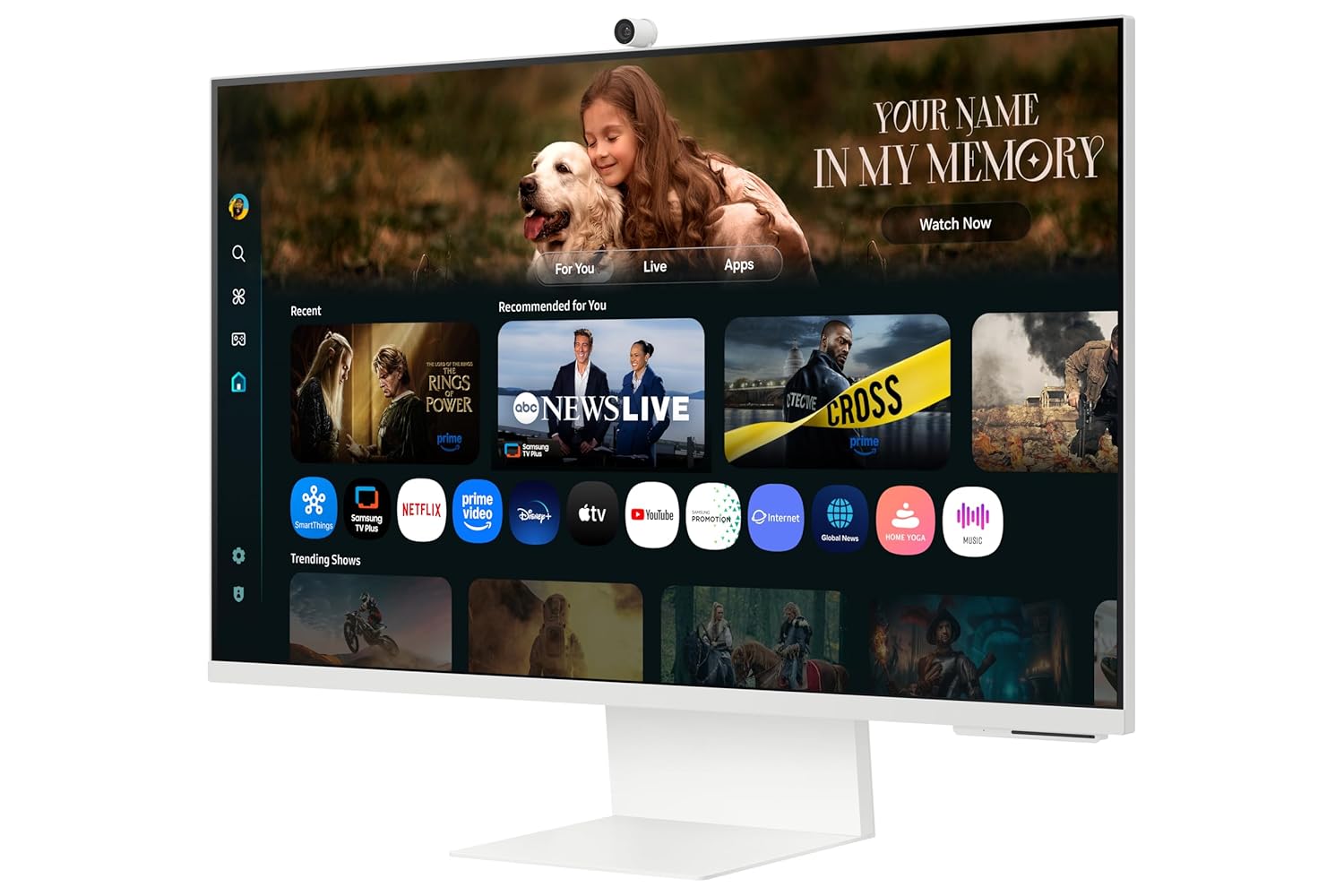
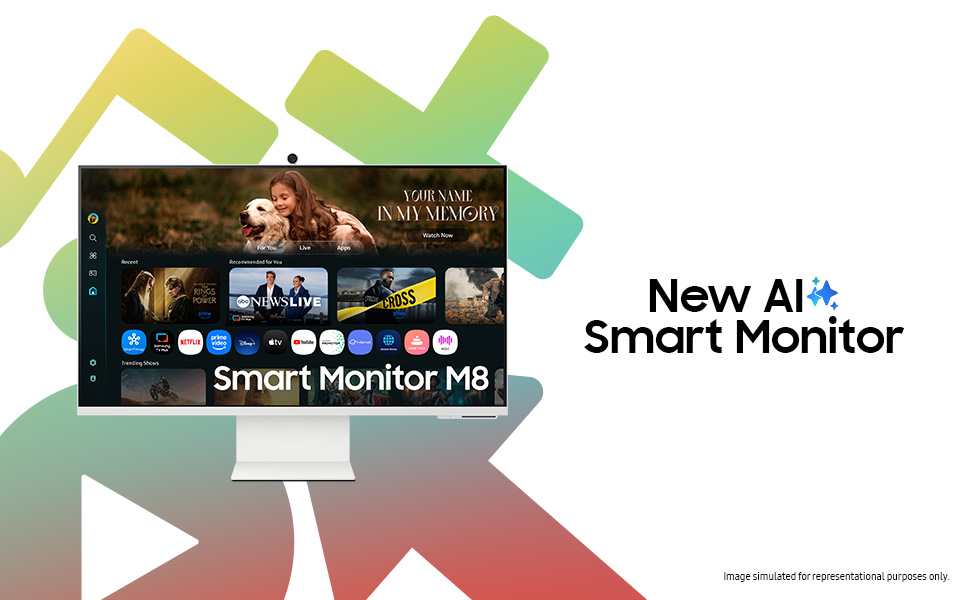
Your monitor integrates a full Smart TV experience, allowing direct access to streaming apps and services without needing a separate PC. The AI features enhance content viewing.
Access Smart TV apps directly and use AirPlay for seamless content sharing from Apple devices.
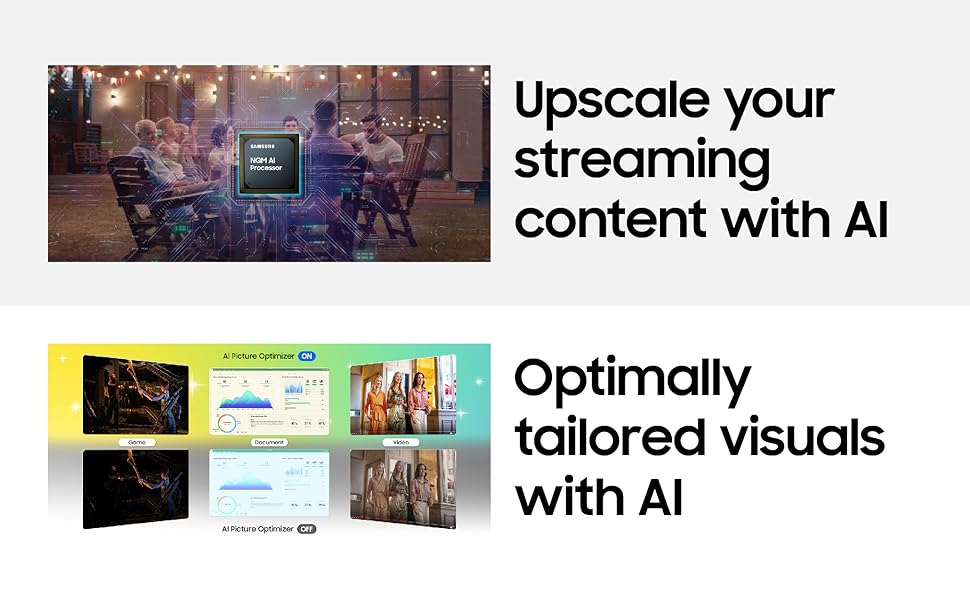
- Mellora da escalabilidade con IA 4K: Content is enhanced to near 4K resolution using the NQM AI Processor.
- AI Picture Optimizer: Optimizes picture settings based on content type and ambient lighting.
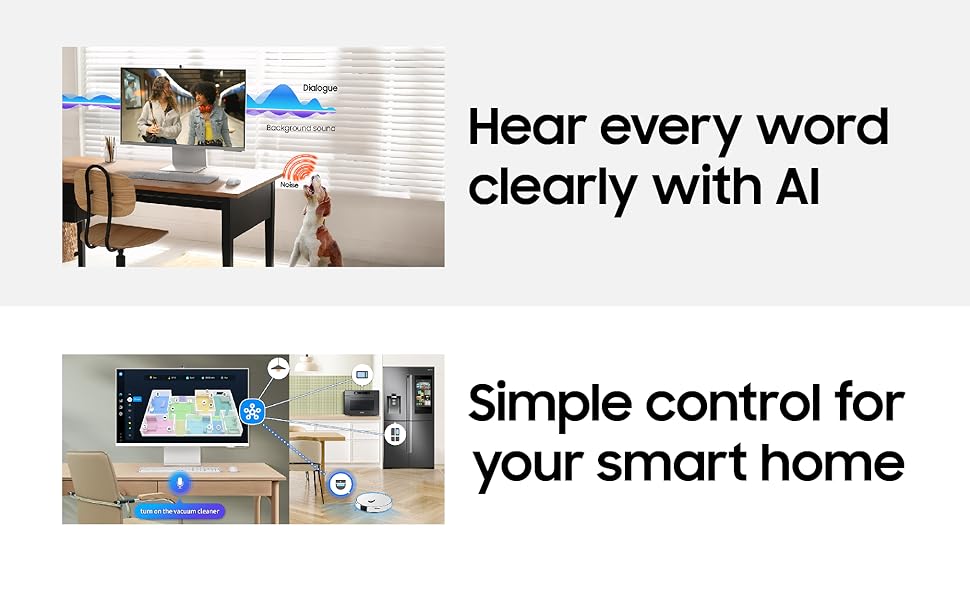
- Voz activa Ampvidador Pro: Enhances dialogue clarity by analyzing ambient noise.
- SmartThings: Control compatible smart home devices directly from your monitor.
- AirPlay: Wirelessly stream content from Apple devices.
- Alexa integrada: Usa comandos de voz para diversas funcións.
2. Conectividade
O monitor ofrece opcións de conectividade versátiles:
- Pantalla sen fíos: Conéctate sen fíos a dispositivos compatibles.
- Wi-Fi 5 & Bluetooth 5.2: For network access and connecting wireless peripherals.
- Portos: 1 HDMI 2.1, 1 USB-C (90W charging), 2 USB-A 2.0.
3. SlimFit Camera Usage
The included 12MP SlimFit Camera with microphone is ideal for video conferencing. It can be easily attached or detached as needed.
4. Gaming Bar
Access the Gaming Bar for quick adjustments to game settings, aspect ratio, and other gaming-specific features.
5. Multi Control & Multi View
Utilize Multi Control to seamlessly switch between devices and Multi View to display content from multiple sources simultaneously on the screen.
Mantemento
1. Limpeza do monitor
Para limpar a pantalla, limpe con coidado cun pano suave e sen pelusa. Para manchas difíciles, límpeaa lixeiramenteampen the cloth with water or a screen-safe cleaning solution. Avoid harsh chemicals or abrasive materials. For the monitor body, use a dry, soft cloth.
2. Actualizacións de software
Ensure your monitor's software is kept up-to-date to benefit from the latest features, performance improvements, and security enhancements. The monitor supports OS upgrades for an extended period.
The monitor is designed to receive OS upgrades for up to 7 years, ensuring long-term functionality and access to new features.
Resolución de problemas
Se tes problemas co teu monitor, consulta as seguintes solucións habituais:
- Sen enerxía: Comprobe se o cable de alimentación está conectado correctamente tanto ao monitor como á toma de corrente. Asegúrese de que a toma de corrente funciona.
- Sen sinal: Verify that the HDMI or USB Type-C cable is correctly connected to both the monitor and the source device. Ensure the correct input source is selected on the monitor.
- Picture Issues (Flickering, Distorted): Check cable connections. Try a different cable or input port. Adjust display settings on your source device.
- Problemas de son: Ensure monitor volume is not muted or too low. Check audio output settings on your source device.
- Smart TV Apps Not Working: Check your internet connection. Try restarting the monitor. Ensure apps are updated.
- Cámara non detectada: Ensure the SlimFit Camera is properly attached. Restart the monitor.
For more complex issues, consult the online support resources or contact Samsung customer service.
Especificacións
| Característica | Detalle |
|---|---|
| Marca | Samsung |
| Número de modelo | LS32FM801UWXXL |
| Tamaño da pantalla | 32 polgadas (80 cm) |
| Resolución | 4K UHD (3840 x 2160) |
| Relación de aspecto | 16:9 |
| Taxa de actualización | 60 Hz |
| Tempo de resposta | 4 milisegundos |
| Relación de contraste | 3000:1 |
| Brillo | 400 Candela (Peak) |
| Viewángulo ing | 178° (H)/178° (V) |
| Conectividade | 1 HDMI 2.1, 1 USB-C (90W PD), 2 USB-A 2.0, Wi-Fi 5, Bluetooth 5.2 |
| Cámara incorporada | 12MP with Mic (SlimFit Camera) |
| Altofalantes | 10 W built-in speaker |
| Consumo de enerxía | 140 vatios |
| Dimensións (D x W x H) | 20P x 71.3L x 61.6H centímetros |
| Peso | 4 quilogramos |
| Características especiais | Smart TV Experience with AI, 4K AI Upscaling, AI Picture Optimizer, Knox Security, SmartThings, AirPlay, Gaming Bar, Adaptive Picture, Eye Saver Mode, Flicker Free |
Información da garantía
This Samsung Smart Monitor (Model: LS32FM801UWXXL) comes with a 3 anos de garantía do fabricante from the date of purchase. This warranty covers manufacturing defects and ensures repair or replacement as per Samsung's warranty terms and conditions. Please retain your purchase receipt as proof of purchase.
For detailed warranty terms, please refer to the official Samsung websitio ou póñase en contacto co servizo de atención ao cliente.
Apoio
Para asistencia técnica, solicitudes de servizo ou consultas sobre produtos, póñase en contacto co servizo de atención ao cliente de Samsung:
- Samsung India Electronics Pvt. Ltd.
- Domicilio social: 6th Floor, DLF Centre, Sansad Marg, New Delhi-110001, India
- Números de contacto: 180040 7267864, 1800 5 7267864
- Soporte en liña: Visita o soporte oficial de Samsung website for FAQs, downloads, and service center locations.
When contacting support, please have your monitor's model number (LS32FM801UWXXL) and serial number ready.