
1. Introdución
The NANLITE Pico Portable LED Fill Light is a compact and versatile lighting tool designed for content creators, photographers, and videographers. Weighing only 130g, this full-color RGB light offers intuitive controls, a bright display, and flexible mounting options, making it ideal for various shooting scenarios from phone photography to live streaming.
2. Que hai na caixa
- Pico Pocket Light x1
- Attachable Magnetic Diffuser x1
- Cold Shoe Adapter x1

Figure 1: Included items with the NANLITE Pico Portable LED Fill Light.
3. Produto rematadoview
The Pico light features a compact, square design with rounded corners, making it easy to handle and transport. It incorporates a single knob and double button design for intuitive one-handed operation.
3.1 Dimensións físicas e peso
- Dimensións: 2.82 x 1.33 x 1.33 polgadas (67.3 x 71.6 x 33.7 mm)
- Item Weight: 5.9 ounces (130g)

Figure 2: The compact size of the Pico light, fitting comfortably in one hand.
3.2 Controles e pantalla
The device features a 1.28-inch round color screen that displays all essential parameters clearly. Control is managed via a multi-function knob and two buttons, allowing for quick adjustments and mode switching.

Figura 3: detallada view of the intuitive round display screen.
3.3 Opcións de montaxe
The Pico light is equipped with a versatile U-shaped frame that includes a magnetic base and a 1/4"-20 mounting thread. This allows for attachment to various surfaces and accessories.
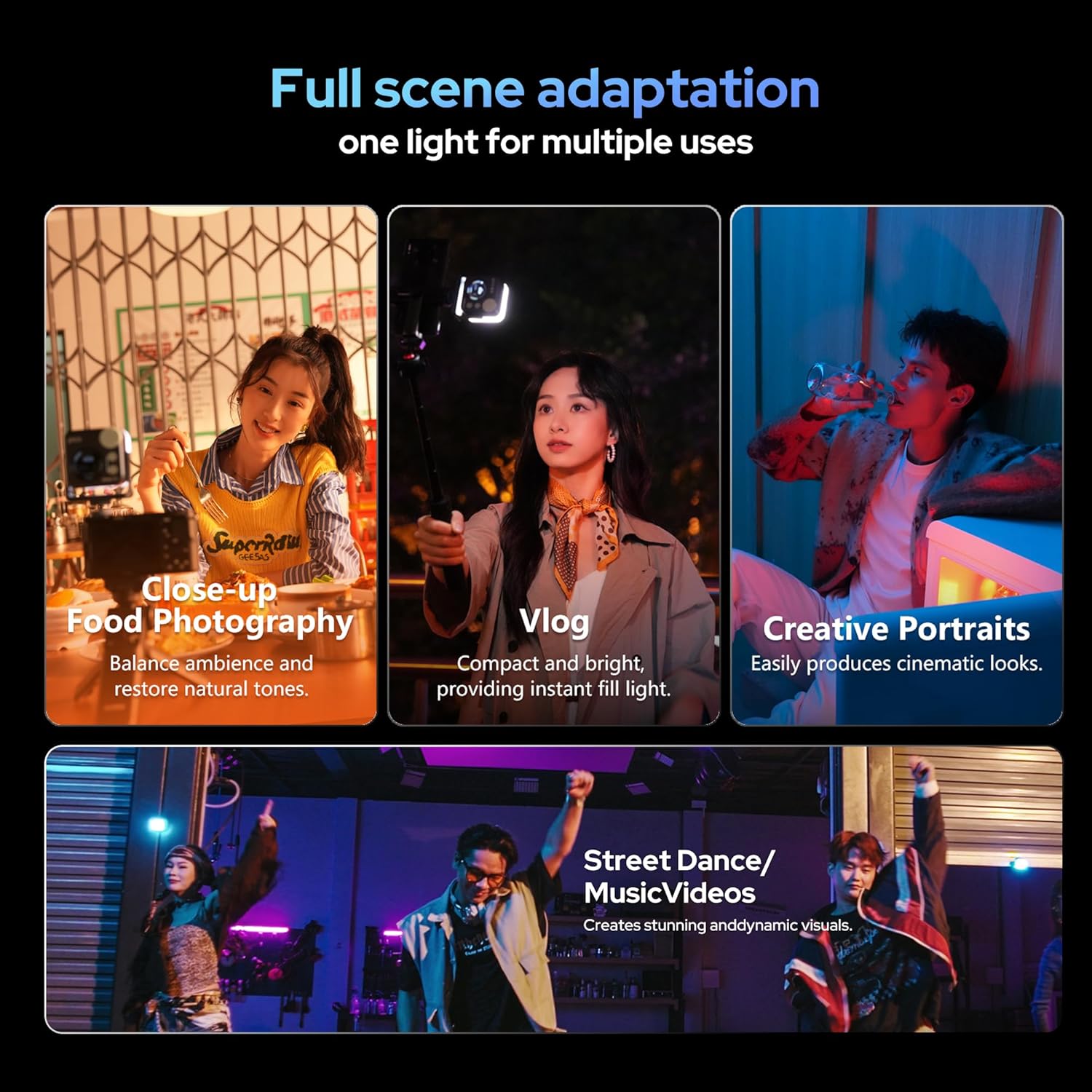
Figure 4: Magnetic base and 1/4"-20 mount for flexible positioning.
3.4 Adjustable U-Frame
The U-shaped frame allows for stepped adjustment in 30° increments, providing 12 pitch adjustment angles for flexible light positioning.
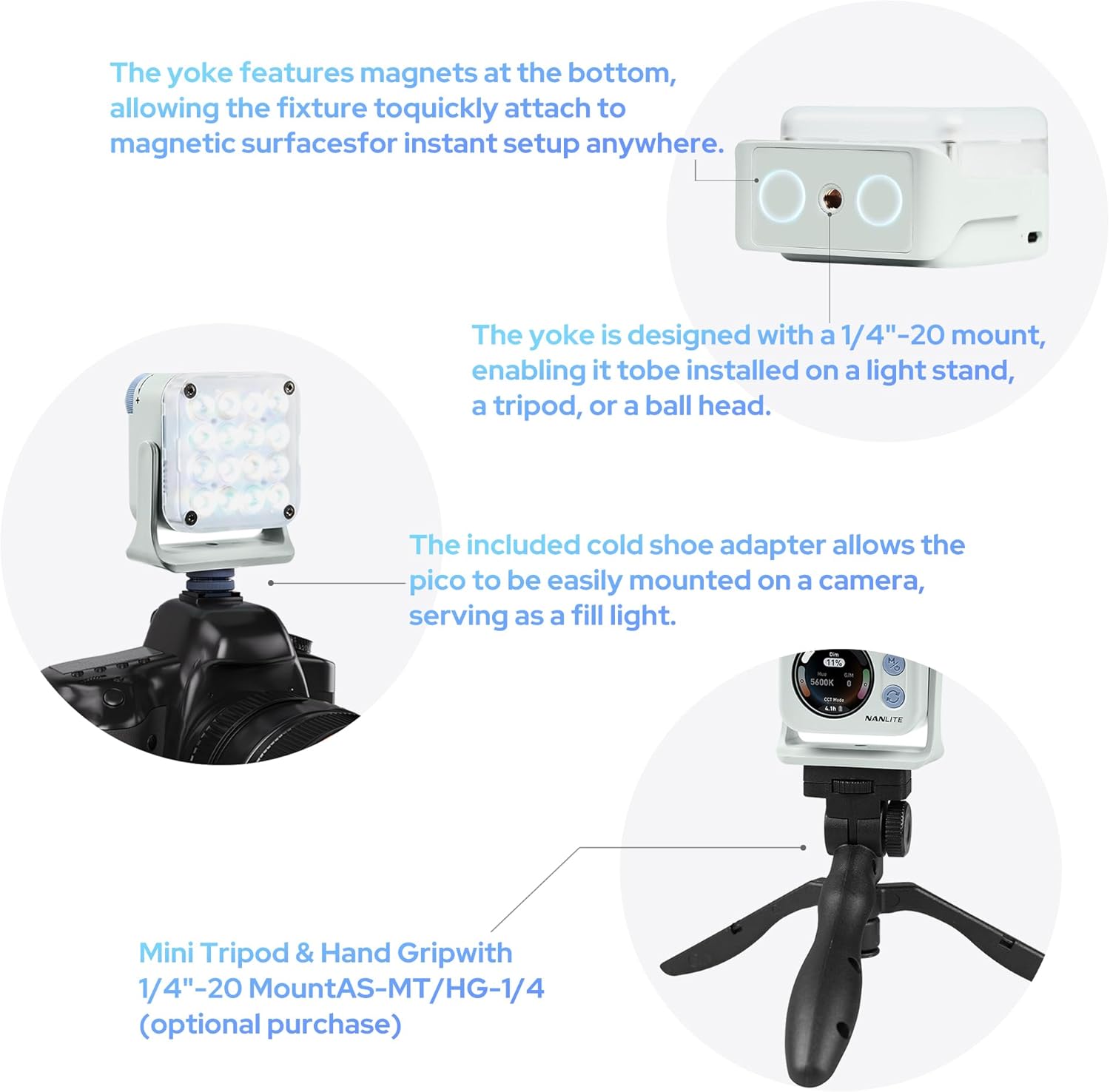
Figure 5: Flexible U-frame with 12 pitch adjustment angles.
4. Configuración
4.1 Carga do dispositivo
The Pico light has a built-in 1500mAh lithium battery. Connect a USB-C cable (not included) to the USB-C port on the side of the device to charge. The screen will display the charging status and estimated remaining runtime.
4.2 Colocación do difusor
The included magnetic diffuser can be easily attached to the front of the light. It snaps securely into place, softening the light output.
4.3 Montaxe da luz
- Cold Shoe Adapter: Attach the cold shoe adapter to the 1/4"-20 thread on the U-frame, then slide it onto a camera's hot shoe or a cold shoe mount on a rig.
- Trípode/Soporte de luz: Directly mount the Pico light onto any tripod or light stand with a 1/4"-20 screw.
- Accesorio magnético: Utilize the magnetic base of the U-frame to attach the light to any metallic surface.

Figure 6: Charging port, physical controls, and battery life display.
5. Instrucións de funcionamento
5.1 Acendido/Apagado
To power on the Pico light, press and hold the 'M' (Mode/Power) button for a few seconds, then rotate the large dial to confirm. To power off, press and hold the 'M' button again.
5.2 Navigating Menus and Adjusting Settings
- Botón de modo (M): Short press to cycle through the main operating modes: CCT Mode, HSI Mode, Effect Mode, and Settings.
- Switch Button (Circular Arrows): In each mode, short press this button to switch between different adjustable parameters (e.g., Dim, CCT, G/M in CCT Mode; Hue, Saturation, Intensity in HSI Mode).
- Dial de control: Rotate the large dial to adjust the value of the currently selected parameter.
5.3 CCT Mode (Correlated Color Temperature)
In CCT Mode, you can adjust the color temperature from 2700K (warm) to 7500K (cool) and fine-tune the green/magenta balance (G/M) to match ambient lighting or achieve specific creative looks. The dimming percentage can also be adjusted from 0-100%.
5.4 HSI Mode (Hue, Saturation, Intensity)
HSI Mode allows for full-color control. Adjust the Hue (0-360°) to select any color in the spectrum, Saturation (0-100%) to control the color's intensity, and Dimming (0-100%) for overall brightness.
5.5 Effect Mode
The Pico light includes 14 built-in special effects to enhance your creative projects. These effects include: Hue Loop, CCT Flash, Hue Flash, CCT Pulse, Hue Pulse, Storm, Police Car, TV, Paparazzi, Candle/Fire, Disco, Bad Bulb, Fireworks, and Explosion. Use the control dial to select and adjust parameters for each effect.
5.6 Control de aplicacións (Bluetooth)
The Pico light supports Bluetooth connectivity, allowing you to control all settings and modes remotely via the NANLINK app on your smartphone. This is particularly useful for adjusting the light when it's placed in hard-to-reach locations or for synchronizing multiple Pico lights.
6. Características
- Ultra-Compact & Lightweight: Weighs only 130g, easily fits into a pocket for on-the-go shooting.
- Controis intuitivos: Single knob and double button design for effortless one-handed parameter adjustment.
- Pantalla vívida: 1.28-inch round color screen for clear and intuitive parameter display.
- Batería de longa duración: Built-in 1500mAh lithium battery provides 1.3 to 6.5 hours of runtime depending on brightness.
- Montaxe flexible: U-shaped frame with magnetic base and 1/4"-20 thread, offering 12 pitch adjustment angles.
- High Illumination: Delivers up to 4211 lux at 0.3m/5600K (bare light).
- Magnetic Diffuser: Standard inclusion for instant soft light.
- Full Color & Effects: 36,000 rich colors and 14 special effects for creative lighting.
- Professional Color Reproduction: High CRI (Average 95) and TLCI (Average 95) for accurate colors.

Figure 7: High illumination output of the Pico light.

Figure 8: Magnetic diffuser for soft light in a second.

Figure 9: 36,000 colors for diverse lighting needs.

Figure 10: 14 built-in effects to unlock creativity.

Figure 11: Professional-grade color reproduction for accurate lighting.
7. Mantemento
- Limpeza: Use a soft, dry cloth to clean the exterior of the light. Avoid using harsh chemicals or abrasive materials.
- Almacenamento: Garda a lámpada nun lugar fresco e seco, lonxe da luz solar directa e de temperaturas extremas.
- Coidado da batería: Para unha duración óptima da batería, cárguea regularmente e evite descargala completamente durante períodos prolongados.
8 Solución de problemas
- A luz non se acende: Ensure the battery is charged. Press and hold the 'M' button, then rotate the dial to confirm power-on.
- A batería non se carga: Check the USB-C cable and power adapter. Ensure they are properly connected and functional.
- Problemas de conectividade da aplicación: Reset Bluetooth on the device via the settings menu and restart the NANLINK app. Ensure the device is within Bluetooth range.
- Inaccurate color output: Perform a factory reset via the settings menu or recalibrate using the NANLINK app.
9. Especificacións
| Atributo | Valor |
|---|---|
| Dimensións do produto | 2.82 x 1.33 x 1.33 polgadas |
| Peso do elemento | 5.9 onzas |
| Número de modelo do artigo | Pico Light |
| Baterías | 1 pilas de iones de litio necesarias. |
| Marca | NANLITE |
| Tecnoloxía de conectividade | Bluetooth |
| Interface de hardware | USB tipo C |
10. Garantía e soporte
For warranty information and technical support, please refer to the official NANLITE websitio web ou póñase en contacto co servizo de atención ao cliente. Garde o recibo de compra para reclamacións de garantía.
Websitio: www.nanlite.com
Atención ao cliente: Consulta a sección de contacto na páxina oficial websitio para obter detalles de asistencia rexional.