
1. Introdución
Thank you for choosing the SEJJ Spark 07 Wireless Headset. This headset is designed to provide clear audio and reliable connectivity for your work and communication needs. Featuring advanced Bluetooth technology and environmental noise-canceling (ENC) microphones, it ensures your voice is heard clearly in various environments. Please read this manual carefully to ensure proper use and optimal performance of your device.
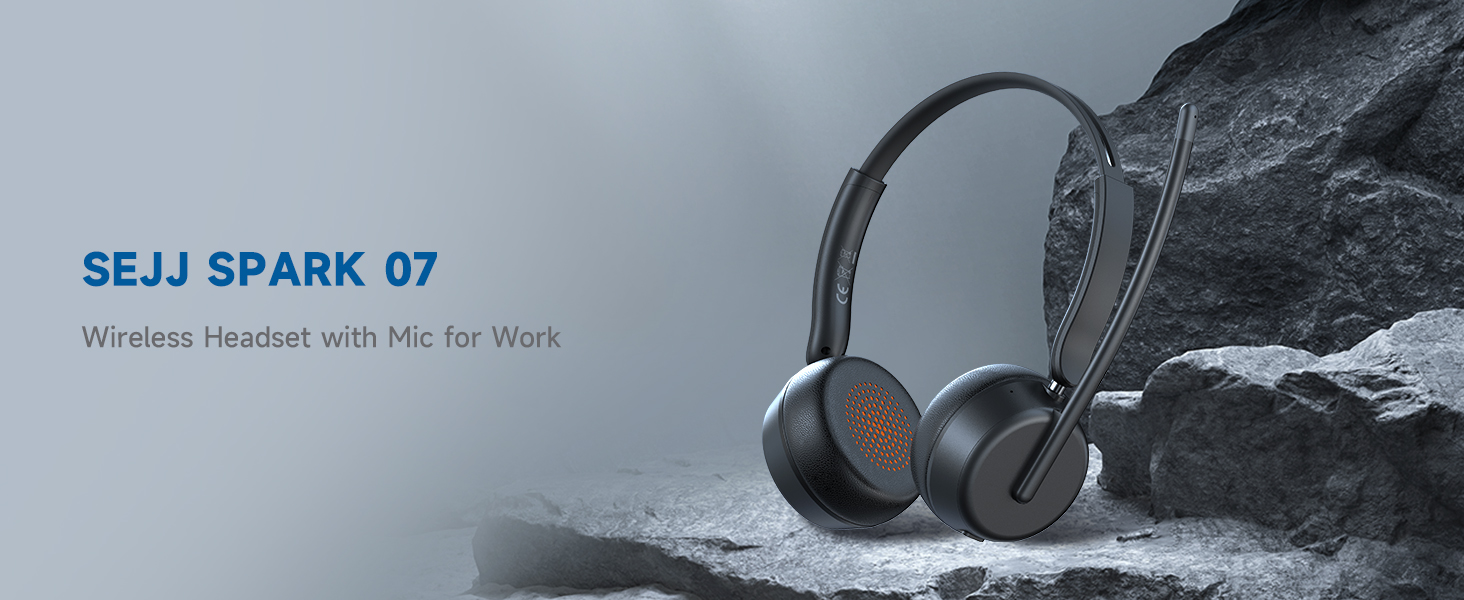
Image: The SEJJ Spark 07 Wireless Headset, showcasinpolo seu deseño elegante e o seu brazo de micrófono.
2. Información de seguridade
- Non expoñas os auriculares a temperaturas ou humidade extremas.
- Evite deixar caer os auriculares nin someterlos a impactos fortes.
- Do not disassemble or modify the headset. This may void the warranty and cause damage.
- Keep the headset away from water and liquids. The headset is waterproof, but prolonged submersion is not recommended.
- Use only the provided charging cable and power adapter (if included) to charge the headset.
- Escoitar música durante un tempo prolongado a niveis de volume elevados pode causar danos auditivos. Axuste o volume a un nivel seguro.
3. Contido do paquete
Asegúrate de que todos os elementos estean presentes no paquete:
- SEJJ Spark 07 Wireless Headset
- Cable de carga USB-A a USB-C
- Dongle USB-A
- Manual de usuario (este documento)
4. Produto rematadoview
4.1 Compoñentes dos auriculares
The SEJJ Spark 07 headset features a lightweight design with comfortable over-ear earpieces and an adjustable microphone boom.
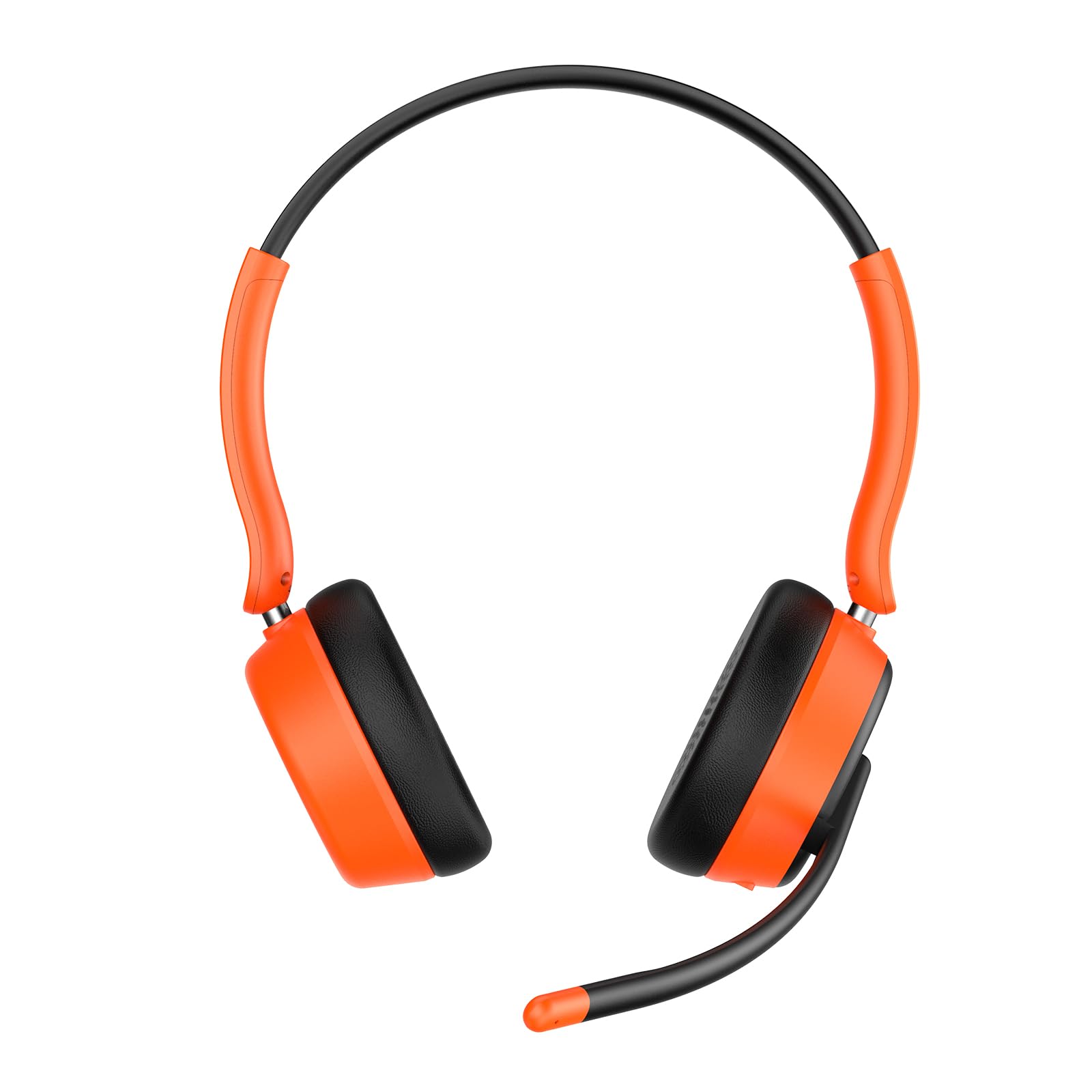
Image: Close-up of the SEJJ Spark 07 headset, highlighting the earpieces and flexible microphone arm.
4.2 Controis e indicadores
- Botón de encendido: Mantén premido para acender/apagar.
- Subir volume / seguinte pista: Prema brevemente para subir o volume, preme longa para a seguinte pista.
- Baixar volume / pista anterior: Presión curta para baixar o volume, presión longa para a pista anterior.
- Botón multifunción (MFB): Reproducir/Pausa, Responder/Finalizar chamada.
- Botón de silencio: Mute/unmute microphone during calls.
- Indicador LED: Mostra o estado da alimentación, o modo de emparellamento e o estado da carga.
- Porto de carga USB-C: Para cargar os auriculares.
5. Configuración
5.1 Carga dos auriculares
- Connect the USB-C end of the charging cable to the headset's charging port.
- Conecta o extremo USB-A a un adaptador de corrente USB (non incluído) ou ao porto USB dun ordenador.
- The LED indicator will show charging status (e.g., red for charging, blue for fully charged). A full charge takes approximately 1.5 hours.
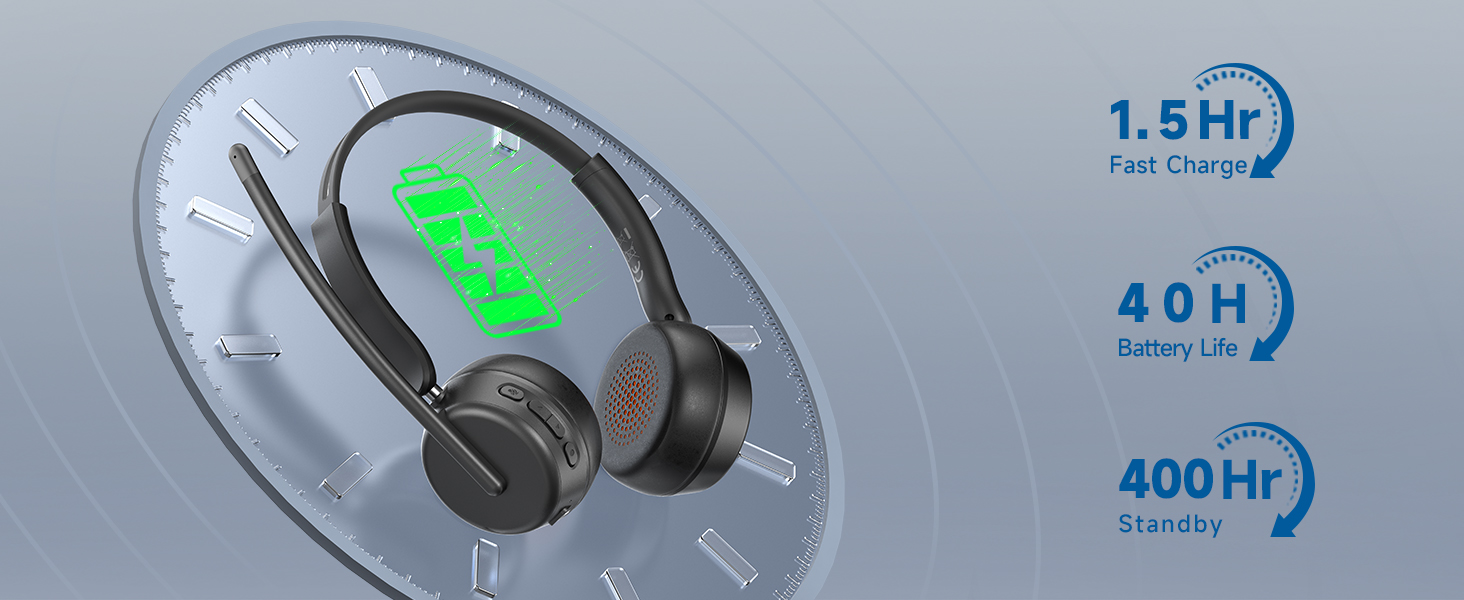
Image: Visual representation of headset charging time and battery life (40 hours play, 400 hours standby).
5.2 Conexión mediante Bluetooth
- Asegúrate de que os auriculares estean cargados e apagados.
- Manteña premido o botón de acendido/apagado ata que o indicador LED parpadee en azul e vermello alternativamente, o que indica o modo de emparellamento.
- On your device (smartphone, tablet, computer), enable Bluetooth and search for "SEJJ Spark 07".
- Select "SEJJ Spark 07" from the list of available devices to connect.
- The LED indicator will turn solid blue when successfully paired.
5.3 Connecting via USB Dongle
The USB dongle provides a stable and quick connection for computers without Bluetooth or for enhanced compatibility.
- Conecta o dongle USB a un porto USB-A dispoñible do teu ordenador.
- Power on the SEJJ Spark 07 headset. It will automatically attempt to connect to the dongle.
- The LED indicator on the headset will turn solid blue once connected to the dongle.
- On some operating systems, you may need to select "SEJJ Spark 07" as the audio input and output device in your sound settings.
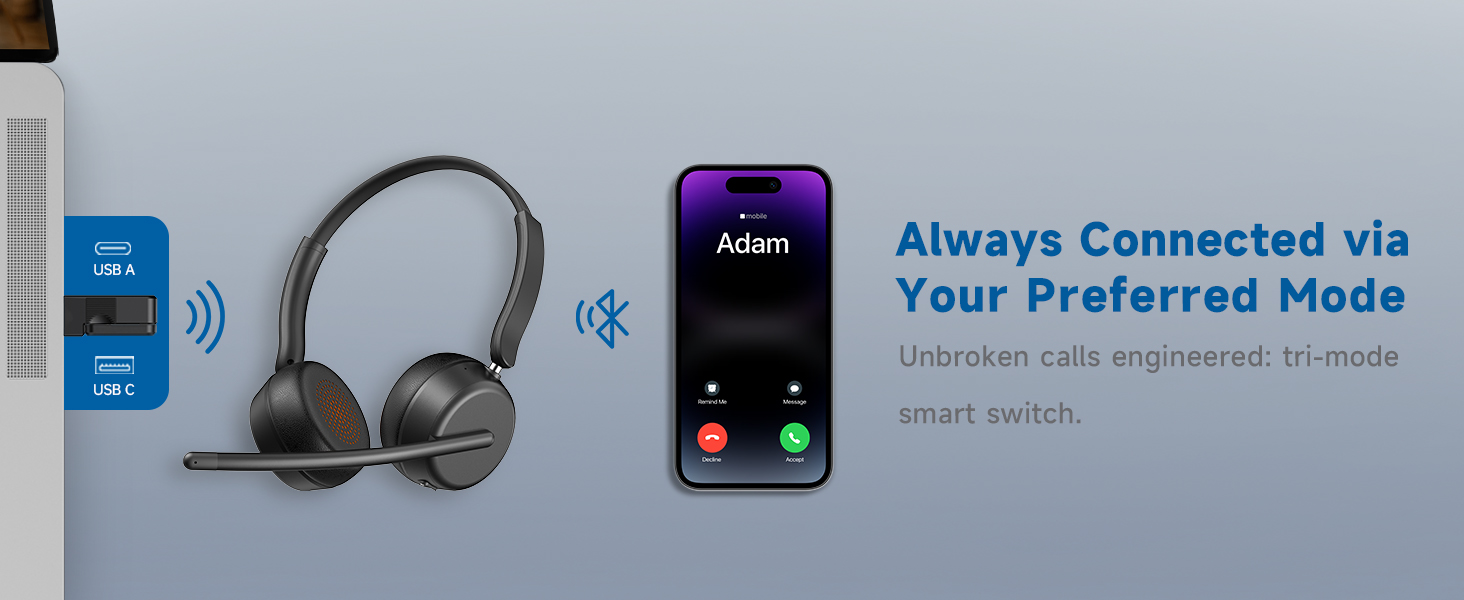
Image: Illustration of the headset's multi-mode connectivity options, including USB-A, USB-C, and Bluetooth.
6. Instrucións de funcionamento
6.1 Encendido/apagado
- Encendido: Manteña premido o botón de acendido durante 3 segundos ata que o indicador LED parpadee en azul.
- Apagado: Press and hold the Power button for 5 seconds until the LED indicator flashes red and then turns off.
6.2 Control de volume
- Subir volume: Prema brevemente o botón "Subir volume".
- Baixar volume: Prema brevemente o botón "Baixar volume".
6.3 Activar/desactivar o son do micrófono
- During a call, short press the "Mute" button to mute or unmute the microphone.
- The microphone boom can be adjusted for optimal voice pickup.
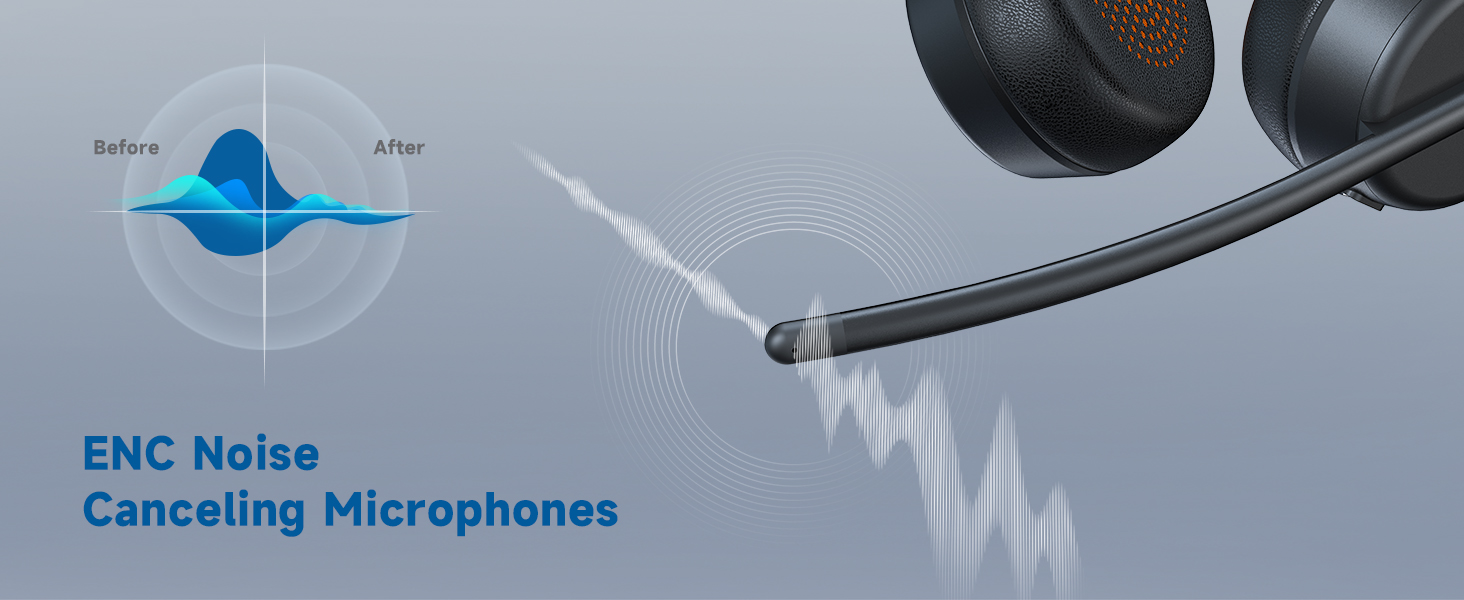
Image: Diagram showing how the ENC microphone reduces background noise for clearer communication.
6.4 Xestión de chamadas
- Responder chamada: Prema brevemente o MFB.
- Finalizar a chamada: Prema brevemente o MFB.
- Rexeitar a chamada: Prema e manteña premido o botón multifunción.
6.5 Reprodución de música
- Reproducir/Pausa: Prema brevemente o MFB.
- Próxima pista: Mantén premido o botón "Subir volume".
- Pista anterior: Mantén premido o botón "Baixar volume".
7. Mantemento
- Limpeza: Wipe the headset with a soft, dry cloth. Do not use harsh chemicals or abrasive materials.
- Almacenamento: Garde os auriculares nun lugar fresco e seco, lonxe da luz solar directa e de temperaturas extremas.
- Coidado da batería: To prolong battery life, charge the headset regularly, even if not in frequent use. Avoid fully discharging the battery for extended periods.
8 Solución de problemas
| Problema | Causa posible | Solución |
|---|---|---|
| Os auriculares non se acende. | Batería baixa. | Cargue os auriculares durante polo menos 1.5 horas. |
| Non se pode emparellar por Bluetooth. | Os auriculares non están en modo de emparellamento; o Bluetooth do dispositivo está desactivado; están demasiado lonxe do dispositivo. | Asegúrate de que os auriculares estean en modo de emparellamento (azul/vermello intermitente). Activa o Bluetooth do dispositivo. Achega os auriculares ao dispositivo (a menos de 10 metros). |
| Sen son ou mala calidade de son. | Volume too low; incorrect audio output selected; connection issue. | Adjust headset and device volume. Check device's sound settings to ensure "SEJJ Spark 07" is selected. Reconnect Bluetooth or re-insert USB dongle. |
| O micrófono non funciona. | Micrófono silenciado; entrada de audio incorrecta seleccionada. | Press the Mute button to unmute. Check device's sound settings to ensure "SEJJ Spark 07" is selected as the input device. |
| Conexión intermitente. | Interferencia; demasiado lonxe do dispositivo; batería baixa. | Move away from other wireless devices. Ensure headset is within range. Charge the headset. |
9. Especificacións
| Característica | Detalle |
|---|---|
| Nome do modelo | Faísca 07 |
| Tecnoloxía de conectividade | Sen fíos (Bluetooth) |
| Tecnoloxía de comunicación sen fíos | Bluetooth 5.4 |
| Dispositivos compatibles | Telephones, Laptops, Desktops, Gaming Consoles |
| Nivel de resistencia á auga | Impermeable |
| Método de control | Pulsador |
| Duración da batería | 40 horas |
| Tipo de controlador de audio | Controlador dinámico (40 mm) |
| Forma do auricular | Sobre orella |
| Interface de hardware | Bluetooth, USB |
| Características de control de ruído | Cancelación de ruído ambiental (ENC) |
| Peso do elemento | 8.8 onzas |
| Fabricante | SEJJ |
10. Garantía e soporte
For warranty information and customer support, please refer to the warranty card included in your product packaging or visit the official SEJJ websitio. Garde o recibo da compra como xustificante de compra para reclamacións de garantía.
For further assistance, you may contact SEJJ customer service through their websitio web ou a información de contacto proporcionada na documentación do produto.