
LongPlus X84
LongPlus 2K Vicohome Wireless Outdoor Security Camera Instruction Manual
Modelo: X84
Introdución
This manual provides detailed instructions for the installation, operation, and maintenance of your LongPlus 2K Vicohome Wireless Outdoor Security Camera. Please read this manual thoroughly before using the product to ensure proper functionality and safety.

Image: Two LongPlus 2K Vicohome Wireless Outdoor Security Cameras, black, with water droplets, mounted on a wall bracket.
Contido do paquete
Verifique que todos os elementos que se indican a continuación estean incluídos no seu paquete:
- Security Camera with Bracket
- Paquete de parafusos
- Restablecer agulla
- Cable USB
- Guía de inicio rápido
Características do produto
- AI Event Analysis: Identifies and differentiates between people, pets, vehicles, and packages to reduce false alarms.
- 3MP Color Night Vision: Captures clear color images in low light conditions up to 33 feet.
- PIR Motion Detection & Siren Alarm: Triggers an audio and strobe light alarm upon detecting humanoid motion.
- Almacenamento flexible: Supports up to 128GB Micro SD card (not included) and optional cloud storage.
- Conversa bidireccional: Allows communication through the Vicohome app.
- 100% Wire-free: Battery-operated design for easy installation without wiring.
- Integración do fogar intelixente: Compatible con Amazon Alexa.
- Ampla Campo de View: 125 graos viewángulo de ing.
- Deseño resistente á intemperie: IP65 rated for outdoor use.
Configuración
1. Cargando a cámara
Before initial use, fully charge the camera using the provided USB cable. The charging indicator light will show the charging status.
2. Instalación da aplicación e creación de conta
- Download the "Vicohome" app from your smartphone's app store (iOS or Android).
- Abre a aplicación e sigue as instrucións en pantalla para crear unha conta e iniciar sesión.
3. Conectando a wifi
- Ensure your camera is powered on and near your Wi-Fi router.
- In the Vicohome app, tap the "+" icon to add a new device.
- Follow the app's instructions to connect the camera to your 2.4GHz Wi-Fi network. 5GHz networks are not supported.
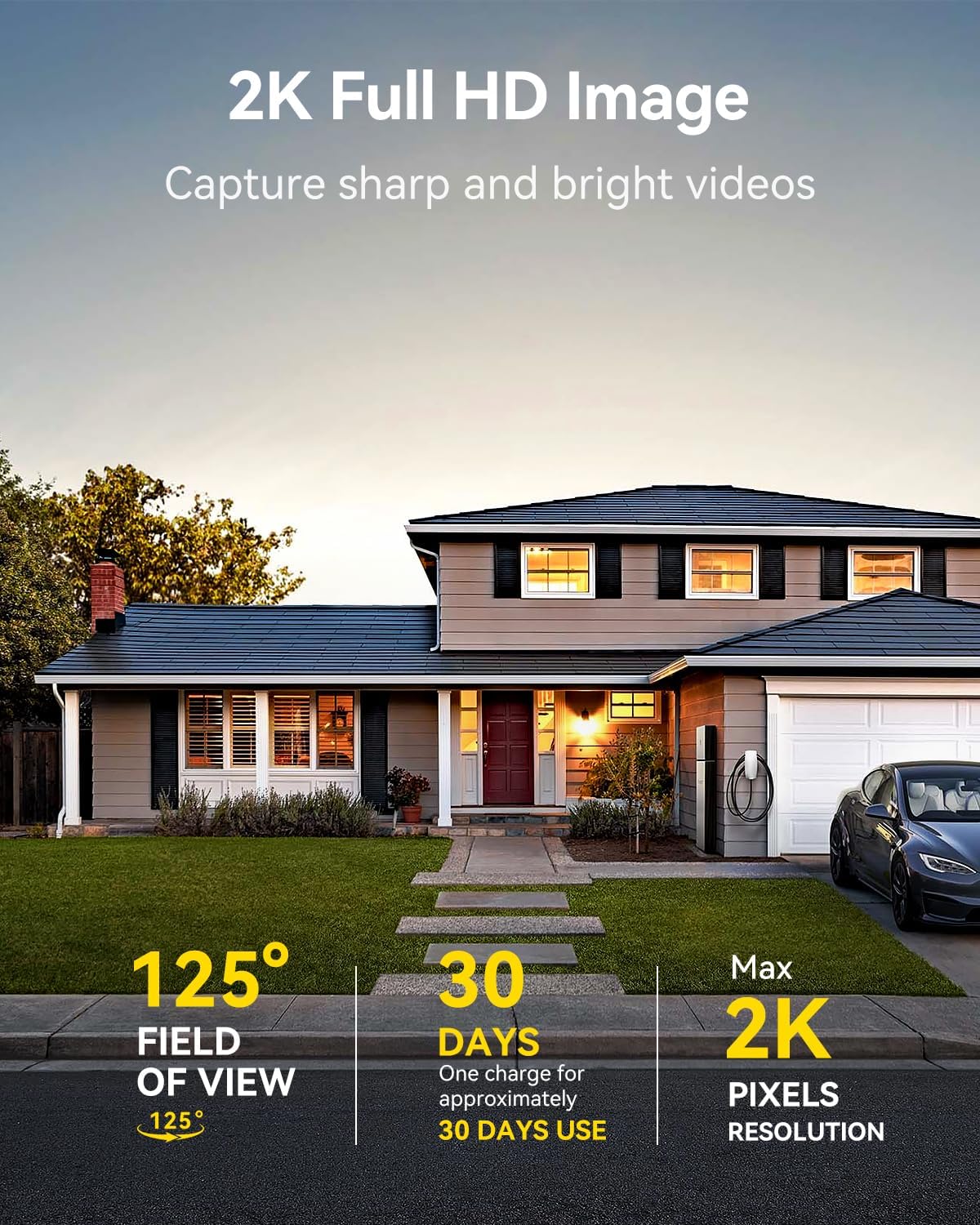
Image: A LongPlus security camera on a wooden table, illustrating its 2.4GHz WiFi connectivity.
4. Montaxe da cámara
The camera can be mounted on a ceiling or wall. Choose a location that provides the desired viewángulo de inflexión e está dentro do alcance do Wi-Fi.
- Mark the positions for drilling using the camera bracket as a template.
- Perfore buratos guía e insira ancoraxes de parede se é necesario.
- Fixe o soporte á superficie cos parafusos proporcionados.
- Fixe a cámara ao soporte e axuste o ángulo.

Image: A LongPlus security camera mounted on an outdoor wall, demonstrating its wire-free installation.
Operación
1. En directo View
Open the Vicohome app and select your camera to view the live feed. You can monitor your surroundings in real-time.

Image: A smartphone displaying the live feed from a LongPlus security camera, showing children playing in a yard.
2. Conversa bidireccional
Do directo view screen in the app, tap the microphone icon to initiate two-way communication. Speak into your phone to communicate with individuals near the camera.

Image: A person receiving a package at their front door, demonstrating the two-way talk feature of the LongPlus camera.
3. Configuración da detección de movemento
Configure motion detection sensitivity and define detection zones within the Vicohome app settings for your camera. This helps in reducing unwanted alerts.

Image: A man walking past a LongPlus security camera, illustrating motion detection and app alerts.

Imaxe: Unha vista aérea view of a house with a pool, illustrating customizable motion detection zones for different objects.

Image: A house with a lawn, demonstrating the ability to set specific motion detection zones.
4. Visión nocturna
The camera automatically switches to color night vision in low light conditions, providing clear visibility.

Image: A LongPlus security camera mounted outdoors at night, showing its color night vision capability on a smartphone screen.
5. Gravación e reprodución
Recordings are stored on a Micro SD card (if installed) or in the cloud (subscription may be required). Access and playback recorded events through the Vicohome app's library section.

Image: A LongPlus camera with an SD card being inserted, illustrating local and cloud storage options.
6. Compartir dispositivos
You can share access to your camera with other users through the Vicohome app, allowing multiple individuals to monitor the feed simultaneously.
7. Integración do fogar intelixente
The camera is compatible with Amazon Alexa. Follow the instructions in the Vicohome app or Alexa app to link your devices and use voice commands for monitoring.

Image: A person using an Amazon Echo Show to view the camera feed via Alexa voice commands.
Mantemento
1. Carga da batería
Monitor the battery level through the Vicohome app. Recharge the camera when the battery is low to ensure continuous operation. If the camera is installed in a hard-to-reach location, consider using a compatible solar panel charger (sold separately) to reduce the frequency of manual charging.
2. Xestión da tarxeta SD
If using a Micro SD card, ensure it is a genuine card and inserted correctly. Periodically review e xestionar o foo almacenadotage. The card can be ejected with a gentle press.
3. Limpeza
Gently wipe the camera lens and body with a soft, dry cloth to remove dust and debris. Avoid using harsh chemicals or abrasive materials.
Resolución de problemas
| Problema | Causa posible | Solución |
|---|---|---|
| A cámara non se conecta á wifi | Incorrect Wi-Fi password; camera too far from router; 5GHz Wi-Fi network used. | Verify Wi-Fi password. Move camera closer to router. Ensure you are connecting to a 2.4GHz Wi-Fi network. Reset the camera using the reset needle and try pairing again. |
| Falsas alarmas frecuentes | High motion detection sensitivity; environmental factors (e.g., moving branches, insects). | Reduce motion detection sensitivity in the Vicohome app. Define specific detection zones to exclude irrelevant areas. |
| Batería de curta duración | Frequent motion detection events; cold weather; continuous live view uso. | Reducir a sensibilidade da detección de movemento. Limitar o tempo en directo view sessions. Consider purchasing a solar panel charger for continuous power. Ensure the camera is fully charged before deployment. |
| Mala calidade de imaxe pola noite | Obstructions near the lens; insufficient ambient light for color night vision. | Ensure the camera lens is clean and free from obstructions. Verify that the night vision mode is active in the app settings. |
| A tarxeta SD non grava | SD card not inserted correctly; incompatible SD card; SD card full or corrupted. | Reinsert the SD card carefully. Use a genuine Micro SD card up to 128GB. Format the SD card through the app. Replace the SD card if corrupted. |
Especificacións
| Característica | Detalle |
|---|---|
| Número de modelo | X84 |
| Uso interior/exterior | Interior, Exterior |
| Fonte de enerxía | Alimentado por batería |
| Protocolo de conectividade | Wi-Fi (2.4 GHz) |
| Tipo de controlador | Amazon Alexa, Vicohome App |
| Resolución de captura de vídeo | 1440p (2K) |
| Resolución efectiva de fotografías | 3 MP |
| Viewángulo ing | 130 graos |
| Range de visión nocturna | 33 pés |
| Velocidade de cadros | 15 fotogramas por segundo |
| Material | ABS de alta calidade |
| Nivel de resistencia á auga | IP65 (Impermeable) |
| Tamaño máximo admitido da memoria flash | 128 GB (Micro SD) |
| Dimensións do artigo (L x W x H) | 2.36 x 2.16 x 4 polgadas |
| Peso do elemento | 1.59 libras (0.72 quilogramos) |
| Baterías | Requírese 1 batería de iones de litio (incluída) |
Apoio
For technical assistance, troubleshooting beyond this manual, or warranty inquiries, please contact LongPlus customer support. Refer to the product packaging or the official LongPlus websitio para información de contacto.
Tamén podes visitar o LongPlus Store on Amazon para obter información e recursos adicionais sobre o produto.
Ask a question about this manual
Ask about setup, troubleshooting, compatibility, parts, safety, or missing instructions. Manuals+ will review the question and use this page’s manual context to help answer it.