
1. Introdución
This manual provides essential information for setting up, operating, and maintaining your Samsung QE43Q7FAAU 43-inch QLED 4K Smart TV. Please read this manual thoroughly to ensure safe and optimal use of your television.
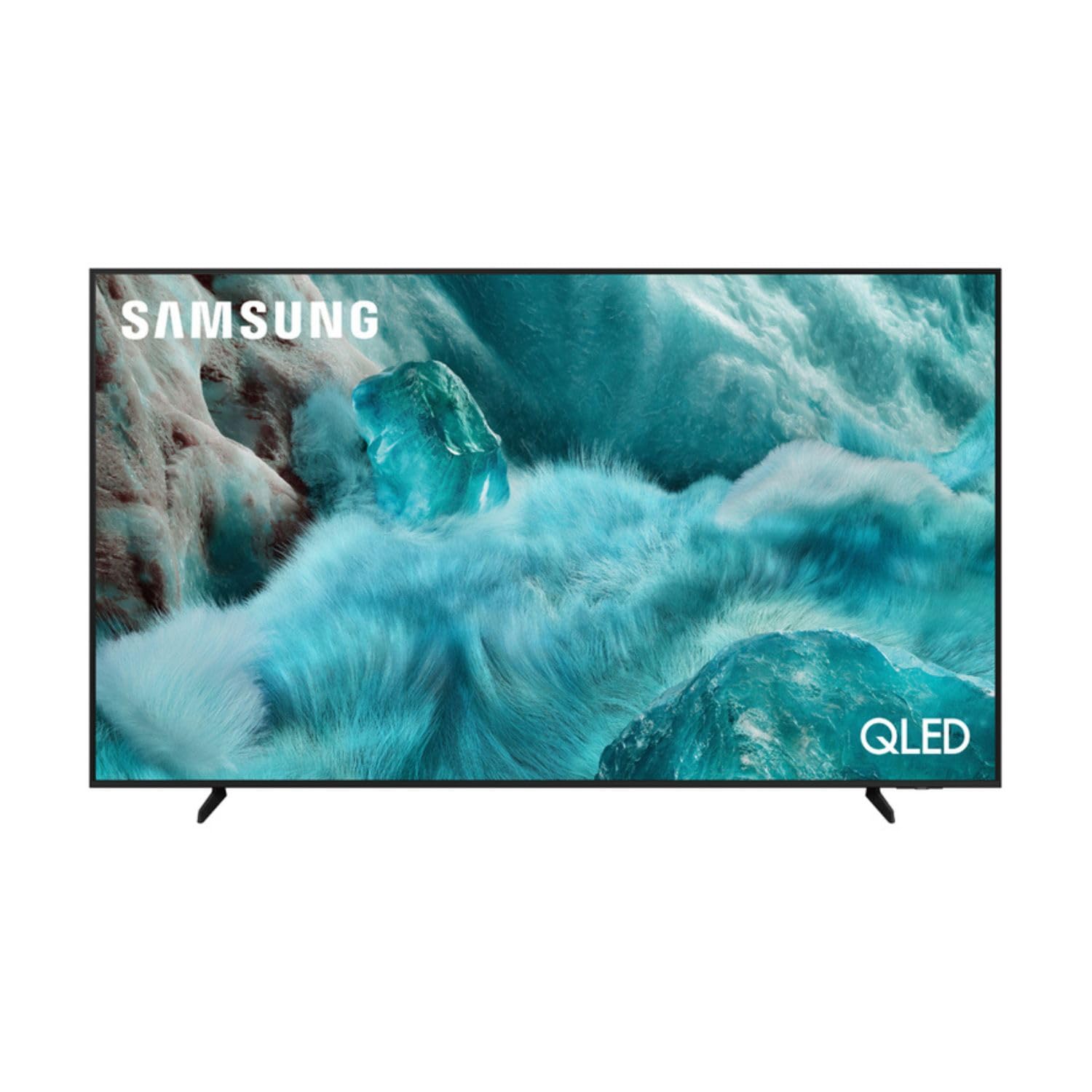
Imaxe: Fronte view of the Samsung QE43Q7FAAU 43-inch QLED 4K Smart TV, showcasinpolo seu deseño delgado e a súa vibrante pantalla.
2. Información de seguridade
Siga sempre as precaucións de seguridade básicas ao usar este televisor para reducir o risco de incendio, descarga eléctrica e lesións.
- Non expoña o televisor á choiva nin á humidade.
- Non bloquee as aberturas de ventilación.
- Asegúrese de que o cable de alimentación non estea pisado nin pisado.
- Use só anexos/accesorios especificados polo fabricante.
- Desconecte o televisor durante as tormentas eléctricas ou cando non o use durante períodos prolongados.
3. Que hai na caixa
Verify that the following items are included with your television:
- Samsung QE43Q7FAAU 43-inch QLED 4K Smart TV
- Remote Control (Bluetooth with solar energy technology)
- Cable de alimentación
- Compoñentes do soporte (se non está montado na parede)
- Manual de usuario (este documento)
4. Configuración
4.1 Instalación física
Your TV can be placed on a stand or wall-mounted. Ensure proper ventilation around the TV.
- Instalación de soporte: Attach the provided stand components securely to the TV base. Refer to the separate stand assembly guide for detailed instructions.
- Montaxe na parede: The TV supports a VESA standard mount of 200 x 200 mm. Use appropriate wall-mounting hardware (not included) and consult a professional for installation if unsure.

Image: Diagram showing the dimensions of the Samsung QE43Q7FAAU TV, including height, width, and depth.
4.2 Initial Power On and Connections
- Conecta o cable de alimentación ao televisor e despois a unha toma de corrente.
- Connect your external devices (e.g., cable box, game console, Blu-ray player) to the HDMI ports. The TV has 3 HDMI 2.0 ports.
- For USB devices, use the USB 2.0 port.
- Preme o botón de acendido do control remoto para acender o televisor.
- Follow the on-screen instructions for initial setup, including language selection and channel scanning (DVB-T2/C/S2 tuner).
4.3 Configuración da rede
To access Smart TV features, connect your TV to the internet.
- Wi-Fi: Navigate to the TV's settings menu, select 'Network', then 'Network Settings'. Choose your Wi-Fi network and enter the password.
- Bluetooth: The TV supports Bluetooth 5.3 for connecting compatible devices like soundbars or headphones. Pair devices through the TV's settings menu.
5. Funcionamento do televisor
5.1 Funcións básicas
- Potencia: Use the remote control to turn the TV on or off.
- Volume: Adjust volume using the volume buttons on the remote.
- Canle: Change channels using the channel buttons.
- Fonte: Select input sources (HDMI 1, HDMI 2, USB, etc.) using the 'Source' button.
5.2 Funcións da Smart TV (Unha IU de Tizen)
Your Samsung TV runs on the One UI Tizen operating system, offering a range of smart functionalities.
- Control de voz: Integrated voice assistants include Bixby, Amazon Alexa, and Google Assistant. Use the voice control button on your remote to activate.
- SmartThings: Connect and control compatible smart home devices through the SmartThings app on your TV.
- MultiView: Mostrar varias fontes de contido simultaneamente na pantalla.
- Samsung TV Plus: Access a variety of free streaming channels.
- Apple AirPlay: Share content from your Apple devices to the TV.
5.3 Características dos xogos
The TV is equipped with features to enhance your gaming experience:
- Modo de xogo automático con IA: Optimiza automaticamente a configuración para xogos.
- Motion Xcelerator: Reduce o desenfoque de movemento para unha xogabilidade máis fluída.
- Xogo Super UltrawideView: Ofrece unha ampliación view for compatible games.
5.4 Axustes de imaxe e son
Personaliza o teu viewexperiencia de son e escoita a través do menú de configuración do televisor.
- Imaxe: Adjust brightness, contrast, sharpness, and color. Utilize features like Quantum HDR, HDR10+, HDR10+ Adaptive, HLG, Filmmaker Mode, and Eye Comfort Mode for optimized visuals.
- Son: The TV features a 2.0 channel, 2x10W audio system with Dolby Atmos support. Enhance audio with Q-Symphony (when paired with compatible Samsung soundbars) and Adaptive Sound.
6. Mantemento
Un mantemento axeitado garante a lonxevidade e o rendemento do teu televisor.
- Limpeza da pantalla: Limpe a pantalla con suavidade cun pano de microfibra suave e seco. Para marcas difíciles, limpe lixeiramenteampEnxágüe o pano con auga ou cun limpador de pantallas especializado. Non pulverice líquido directamente sobre a pantalla.
- Limpeza do cadro: Use un pano suave e seco para limpar a estrutura do televisor.
- Ventilación: Ensure the ventilation openings are clear of dust and obstructions.
7 Solución de problemas
Se tes problemas co teu televisor, consulta as seguintes solucións habituais:
- Sen enerxía: Comprobe se o cable de alimentación está conectado correctamente tanto ao televisor como á toma de corrente. Asegúrese de que a toma de corrente funcione.
- Sen imaxe/son: Verifique que estea seleccionada a fonte de entrada correcta. Comprobe as conexións dos cables aos dispositivos externos.
- O control remoto non funciona: Ensure the remote is charged (solar charging) or replace batteries if applicable. Check for obstructions between the remote and the TV.
- Problemas de conexión á rede: Restart your router and modem. Re-enter your Wi-Fi password in the TV's network settings.
- Problemas de calidade de imaxe: Adjust picture settings. Ensure your content source is providing a high-quality signal.
Para problemas máis complexos, consulte o soporte técnico de Samsung websitio ou póñase en contacto co servizo de atención ao cliente.
8. Especificacións
| Característica | Especificación |
|---|---|
| Tamaño da pantalla | 43 polgadas (108 cm) |
| Tecnoloxía de visualización | QLED, Edge-LED Backlighting |
| Resolución | 4K Ultra HD (3840 x 2160 píxeles) |
| Taxa de actualización | 120 Hz |
| Soporte HDR | HDR10, HDR10+, HDR10+ Adaptive, HLG |
| Sistema Operativo | Unha interface de usuario de Tizen |
| Control de voz | Bixby, Alexa, Google Assistant |
| Conectividade | Wi-Fi, Bluetooth 5.3, 3x HDMI 2.0 (eARC), 1x USB 2.0, Ethernet |
| Saída de audio | 2 x 10 W (2.0 Channel), Dolby Atmos |
| Consumo de enerxía (SDR) | 53 W |
| Consumo de enerxía (HDR) | 102 W |
| Dimensións (W x H x D) | 97 x 59.2 x 19.7 cm (con soporte) |
| Peso | 8.9 kg (con soporte), 8.6 kg (sen soporte) |
| Estándar de montaxe VESA | 200 x 200 mm |
| Cor | Negro |

Image: EU Energy Label for the Samsung QE43Q7FAAU TV, showing energy efficiency class G for SDR and HDR.
9. Garantía e soporte
Your Samsung QE43Q7FAAU TV comes with a 2 ano de garantía limitada. Spare parts are available for 7 years from the end of product availability.
For technical support, warranty claims, or further information, please visit the official Samsung support website or refer to the product information on the EPREL database:
- Soporte oficial de Samsung: Visit the Samsung Store
- Información do produto EPREL: Ligazón á base de datos EPREL