
1. Produto rematadoview
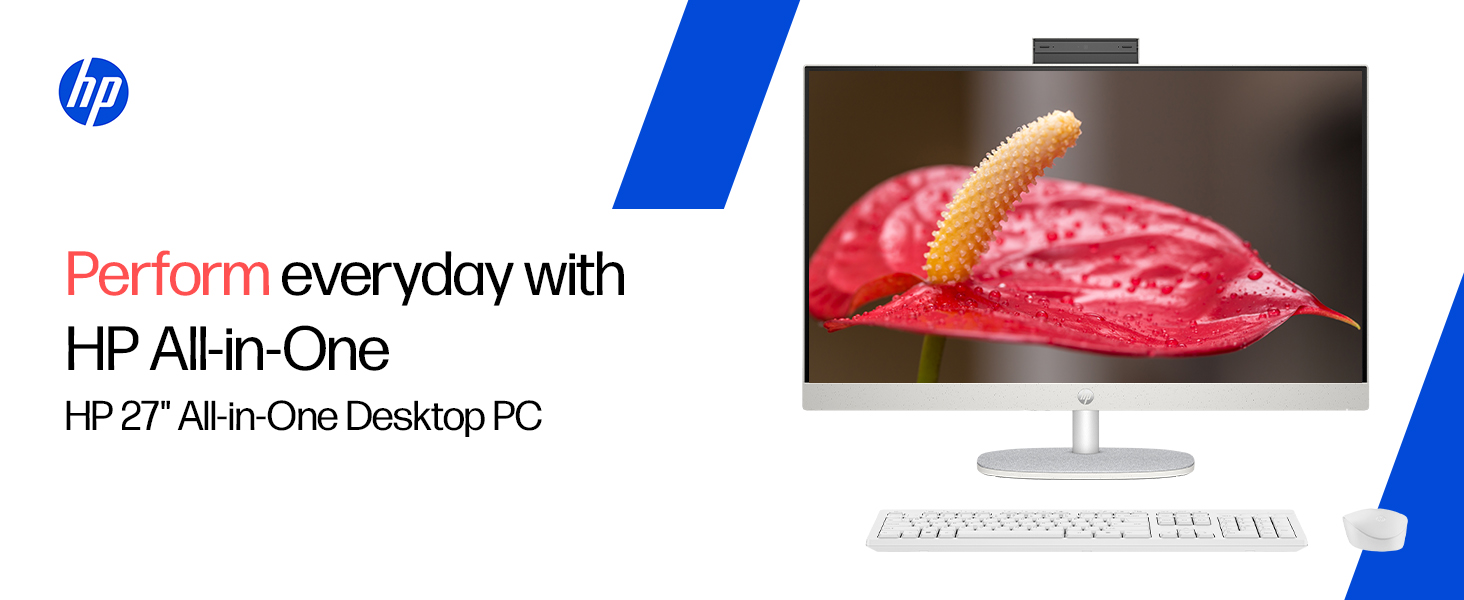
The HP All-in-One PC models 27-cr0902in and 27-cr0906in are designed for everyday computing tasks, offering a blend of performance and display quality. This manual provides essential information for setting up, operating, maintaining, and troubleshooting your device.
Características clave
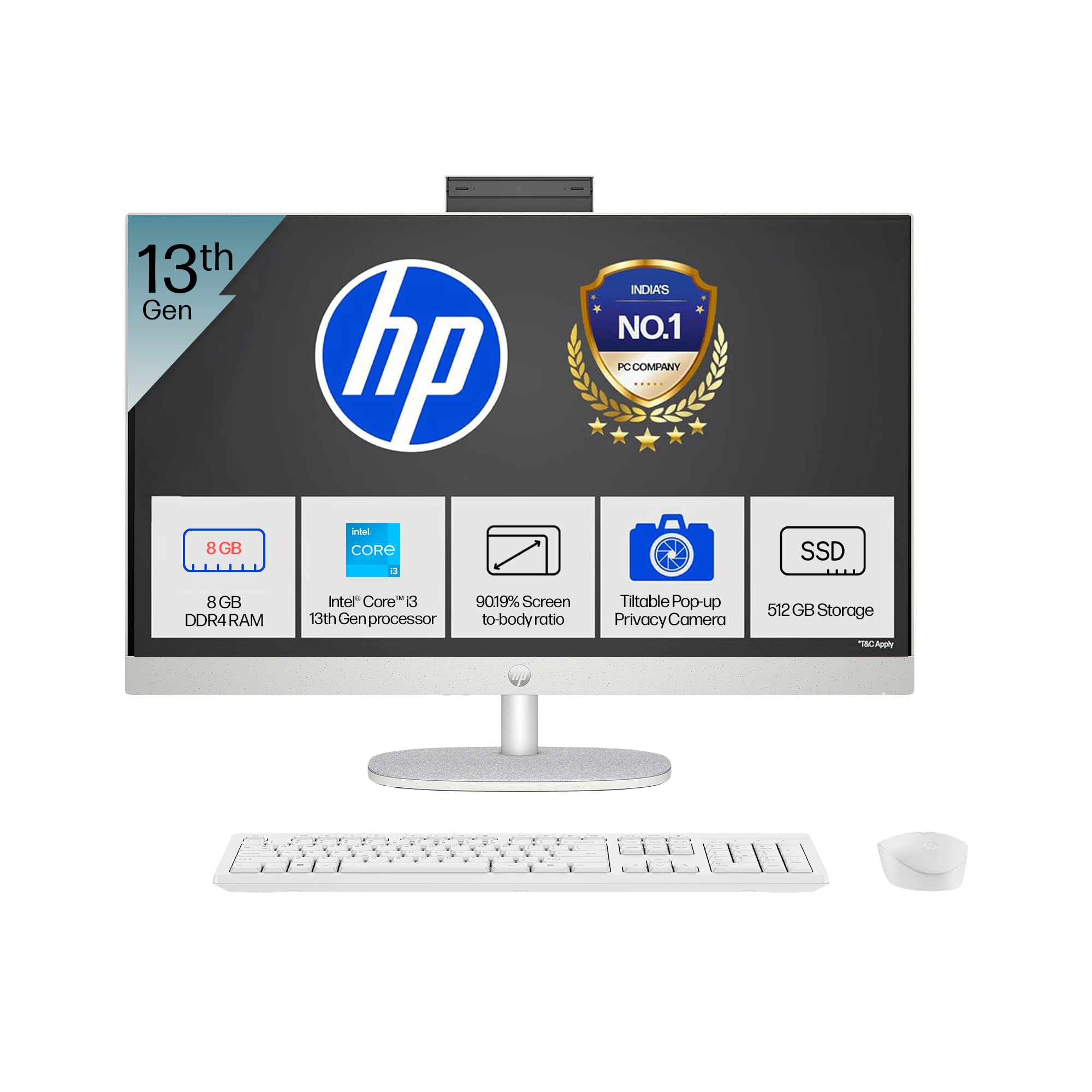
- Procesador: Intel Core i3-1315U (up to 4.5 GHz with Intel Turbo Boost Technology, 6 cores, 8 threads)
- Memoria: 8 GB DDR4-3200 MT/s RAM
- Almacenamento: Unidade de estado sólido (SSD) M.2 NVMe PCIe de 512 GB
- Visualización: 27-inch (68.6 cm) diagonal, FHD (1920 x 1080), touch, IPS, three-sided microedge, anti-glare, 300 nits, 99% sRGB
- Gráficos: Gráficos Intel UHD integrados
- Sistema operativo: Windows 11 Home Idioma único en modo S
- Cámara: HP True Vision 1080p FHD IR tilt privacy camera with temporal noise reduction and integrated dual array digital microphones
- Conectividade: Wi-Fi 6 (2x2), Bluetooth 5.3, 1 USB Type-C 5Gbps, 2 USB Type-A 5Gbps, 2 USB 2.0 Type-A, 1 headphone/microphone combo, 1 RJ-45
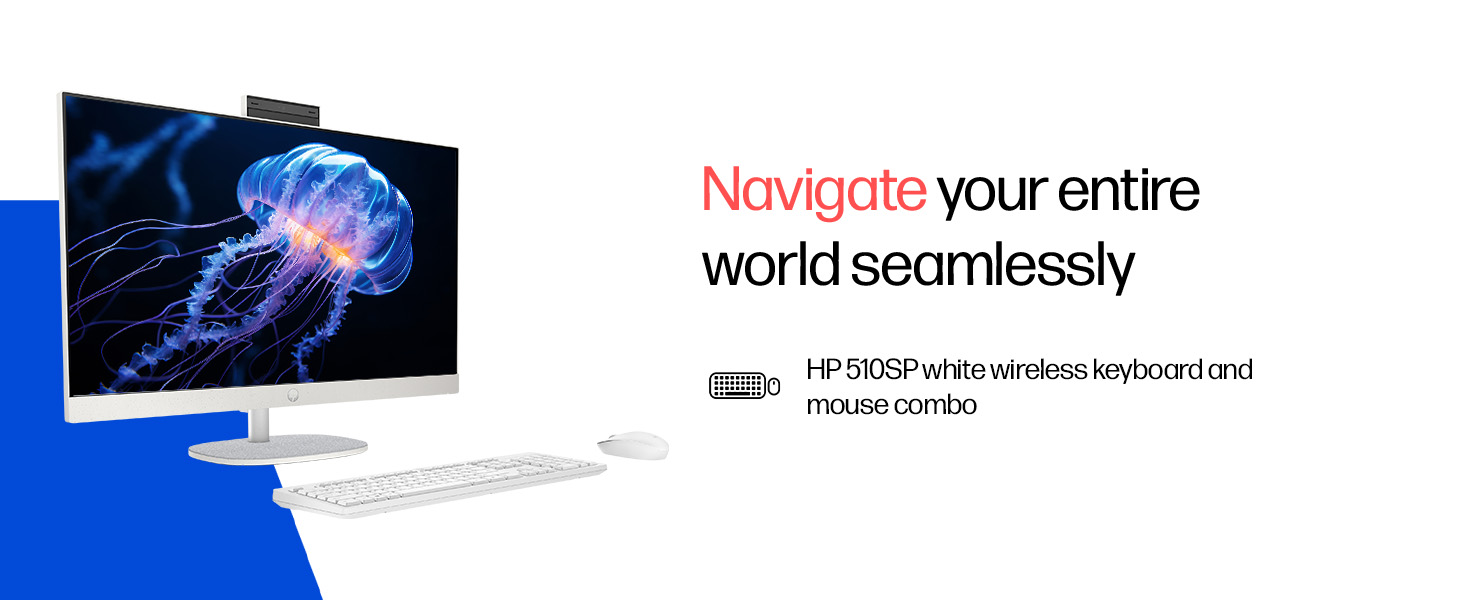
- Included Peripherals: HP 510SP White Wireless Keyboard and Mouse Combo
2. Guía de configuración
Follow these steps to set up your HP All-in-One PC.
2.1 Desembalaxe da caixa
Retire con coidado todos os compoñentes da embalaxe. Asegúrese de que estean presentes os seguintes elementos:
- HP All-in-One PC unit
- Adaptador de alimentación e cable
- HP 510SP White Wireless Keyboard
- HP 510SP White Wireless Mouse
- Documentación (este manual, información sobre a garantía)
2.2 Conexión de periféricos
- Conecta o teclado e o rato: Insert the USB receiver for the wireless keyboard and mouse into an available USB port on the back of the All-in-One PC. Ensure batteries are installed in both the keyboard and mouse.
- Conectar enerxía: Connect the power adapter to the power input port on the back of the All-in-One PC, then plug the power cable into a wall outlet.
- Conexións opcionais:
- Dispositivos externos: Connect any external USB devices (e.g., external hard drives, printers) to the available USB ports.
- Cable de rede: Se usa unha conexión de rede con fíos, conecte un cable Ethernet ao porto RJ-45.

2.3 Encendido inicial
Press the power button, usually located on the side or back of the display. The PC will boot up, and you will be guided through the Windows 11 setup process. Follow the on-screen instructions to configure your operating system, network, and user accounts.
3. Instrucións de funcionamento
3.1 Acendido/apagado e modo de repouso
- Encendido: Preme o botón de acendido.
- Apagar: Fai clic no botón Inicio en Windows e, a seguir, selecciona Enerxía > Apagar.
- Reiniciar: Fai clic no botón Inicio en Windows e, a seguir, selecciona Enerxía > Reiniciar.
- Durmir: Click the Start button in Windows, then select Power > Sleep. You can also configure power settings in Windows to automatically enter sleep mode after a period of inactivity.
3.2 Uso da pantalla táctil
Your HP All-in-One PC features a touch-enabled display. You can interact with the operating system and applications using touch gestures similar to a tablet or smartphone. Common gestures include tapping, swiping, pinching to zoom, and stretching to zoom out.
3.3 Using the HP True Vision Camera
The integrated HP True Vision 1080p FHD IR tilt privacy camera is suitable for video calls and facial recognition login (Windows Hello). The camera can be tilted for optimal viewing angles and includes a privacy shutter for security. To use the camera, open an application that requires camera access (e.g., Camera app, video conferencing software).
3.4 Audio and Microphones
The PC includes integrated dual 2W speakers and dual array digital microphones with temporal noise reduction for clear audio input during calls or recordings. You can adjust volume settings through the Windows sound controls.
4. Mantemento
Proper maintenance ensures the longevity and optimal performance of your HP All-in-One PC.
4.1 Limpeza do dispositivo
- Visualización: Use un pano suave e sen pelusa lixeiramente dampLavar con auga ou cunha solución de limpeza de pantallas. Evitar produtos químicos agresivos ou materiais abrasivos.
- Chasis: Limpar as superficies exteriores cun pano suave e seco.
- Teclado e rato: Use a soft brush or compressed air to remove dust and debris.
- Apague e desconecte sempre o PC antes de limpalo.
4.2 Actualizacións de software
Regularly check for and install Windows updates and HP driver updates to ensure system stability, security, and performance. You can find Windows updates in the Settings app under "Windows Update." HP drivers can be found on the official HP support websitio.
4.3 Copia de seguridade do sistema
It is recommended to regularly back up your important data to an external drive or cloud storage to prevent data loss.
5 Solución de problemas
This section addresses common issues you might encounter with your HP All-in-One PC.
5.1 No Power / System Not Turning On
- Asegúrate de que o cable de alimentación estea conectado correctamente tanto ao PC como á toma de corrente.
- Verifica que a toma de corrente funcione conectando outro dispositivo.
- Proba cunha toma de corrente diferente.
5.2 Problemas de visualización
- Sen imaxe na pantalla: Ensure the PC is powered on. If connected to an external monitor, check the input source on the monitor.
- Imaxe parpadeante ou distorsionada: Update graphics drivers. If the issue persists, contact support.
- A pantalla táctil non responde: Restart the PC. Ensure there are no obstructions on the screen. Check for driver updates for the touch display.
5.3 System Performance Issues (Slowdown, Hanging)
- Pecha as aplicacións innecesarias que se executan en segundo plano.
- Check Task Manager (Ctrl+Shift+Esc) for processes consuming high CPU, memory, or disk usage.
- Asegúrate de que o teu sistema operativo e os controladores estean actualizados.
- Executar unha análise completa do sistema en busca de software malicioso ou virus.
- Consider freeing up disk space on your SSD.
5.4 Peripheral Connectivity Problems (Keyboard/Mouse)
- Asegúrate de que o receptor USB estea conectado correctamente a un porto USB.
- Check the batteries in the wireless keyboard and mouse and replace them if necessary.
- Proba a conectar o receptor USB a un porto USB diferente.
- Reinicie o PC.
6. Especificacións técnicas
Detailed specifications for the HP All-in-One PC 27-cr0902in/cr0906in.
| Característica | Detalle |
|---|---|
| Marca | HP |
| Números de modelo | 27-cr0902in, 27-cr0906in |
| Procesador | Intel Core i3-1315U (up to 4.5 GHz, 6 cores, 8 threads, 10 MB L3 cache) |
| Sistema Operativo | Windows 11 Home Idioma único en modo S |
| Memoria (RAM) | 8 GB DDR4-3200 MT/s (1 x 8 GB) |
| Almacenamento | Unidade de estado sólido (SSD) M.2 NVMe PCIe de 512 GB |
| Mostrar | 27-inch (68.6 cm) FHD (1920 x 1080) IPS, touch, anti-glare, 300 nits, 99% sRGB |
| Gráficos | Gráficos Intel UHD (integrados) |
| Cámara | HP True Vision 1080p FHD IR tilt privacy camera with temporal noise reduction |
| Audio | Integrated dual array digital microphones, Dual 2W speakers |
| Conectividade sen fíos | Realtek RTL8852BE Wi-Fi 6 (2x2), Bluetooth 5.3 |
| Portos | 1 USB Type-C 5Gbps, 2 USB Type-A 5Gbps, 2 USB 2.0 Type-A, 1 headphone/microphone combo, 1 RJ-45 |
| Teclado e rato | HP 510SP White Wireless Keyboard and Mouse Combo |
| Dimensións (ancho x profundo x alto) | 61.2 x 18.6 x 44.1 cm (24.11 x 7.33 x 17.36 polgadas) |
| Peso | 6.42 kg |
| Cor | Shell White |
| Environmental Certifications | EPEAT Gold Registered, ENERGY STAR certified |
7. Garantía e soporte
7.1 Información da garantía
Your HP All-in-One PC comes with a 1 anos de garantía do fabricante on the device from the date of purchase. Please retain your purchase receipt for warranty claims.
7.2 Soporte técnico
For any technical or product-related queries, please contact HP customer support:
- Números gratuítos: 1800-258-7170 or 1860-258-3079
- Contacto do fabricante: HP India Sales Pvt. Ltd.
- Contacto do importador: HP India Sales Private Limited, No. 24, Kothari Arena, Hosur Main Road, Adugodi, Bangalore, Karnataka, India, 560030
You can also visit the official HP support website for drivers, documentation, and further assistance.