
1. Introdución
This manual provides essential instructions for the safe and efficient operation, maintenance, and troubleshooting of your Cecotec Conga M70 Robot Vacuum and Mop. Please read this manual thoroughly before using the device and retain it for future reference.

Image 1.1: The Cecotec Conga M70 Robot Vacuum and Mop, a versatile cleaning device.
2. Instrucións de seguridade
Siga sempre as precaucións de seguridade básicas ao usar electrodomésticos para reducir o risco de incendio, descarga eléctrica e lesións persoais.
- Le todas as instrucións antes de usar.
- Non opere o robot en ambientes húmidos nin preto da auga.
- Manteña o cabelo, a roupa solta, os dedos e todas as partes do corpo lonxe das aberturas e das partes móbiles.
- Non empregue o robot para recoller obxectos grandes, obxectos afiados ou materiais ardendo/fumegantes.
- Ensure the charging base is placed against a wall on a level surface.
- Vixía os nenos e asegúrate de que non xoguen co aparello.
- Only use the original power adapter and charging base provided by Cecotec.
3. Contido do paquete
Verifica que todos os compoñentes estean presentes no paquete:
- Cecotec Conga M70 Robot Vacuum and Mop
- Pano de fregona
- Base de carga
- Adaptador de alimentación
- Side Brushes (pre-installed or spare)
- High-Efficiency Filter (HEPA type)
- Ferramenta de limpeza
- Manual de usuario
4. Produto rematadoview
Familiarize yourself with the main components of your Conga M70 robot.
Arriba View
The top panel features control buttons and the laser navigation sensor. The laser sensor allows the robot to create an interactive map of your home for precise and customized cleaning.

Image 4.1: The Conga M70 utilizing its laser navigation system to map and clean with precision.
Abaixo View
The underside includes the main brush, side brushes, driving wheels, and the water/dust tanks. The anti-tangle silicone brush is designed for effective cleaning, especially in homes with pets.

Image 4.2: Underside components of the Conga M70, including the main brush and side brushes.
5. Configuración
5.1 Colocación da base de carga
Place the charging base against a wall in an open area, ensuring there are no obstacles within 1 meter to the sides and 2 meters in front. Connect the power adapter to the charging base and plug it into a power outlet.
5.2 Carga inicial
Place the robot on the charging base. Ensure the charging contacts on the robot align with those on the base. The robot will automatically begin charging. For first-time use, charge the robot completely (approximately 4-5 hours) before operation.

Image 5.1: The robot automatically returning to its charging base to ensure continuous operation.
5.3 App Connection (Cecotec App 3.0)
- Download the 'Cecotec' app from your smartphone's app store.
- Rexistra unha conta e inicia sesión.
- Follow the in-app instructions to add your Conga M70 robot. The robot supports both 2.4 GHz and 5 GHz Wi-Fi networks, and Bluetooth for quick pairing.
- Once connected, you can define, plan, and schedule cleaning tasks.
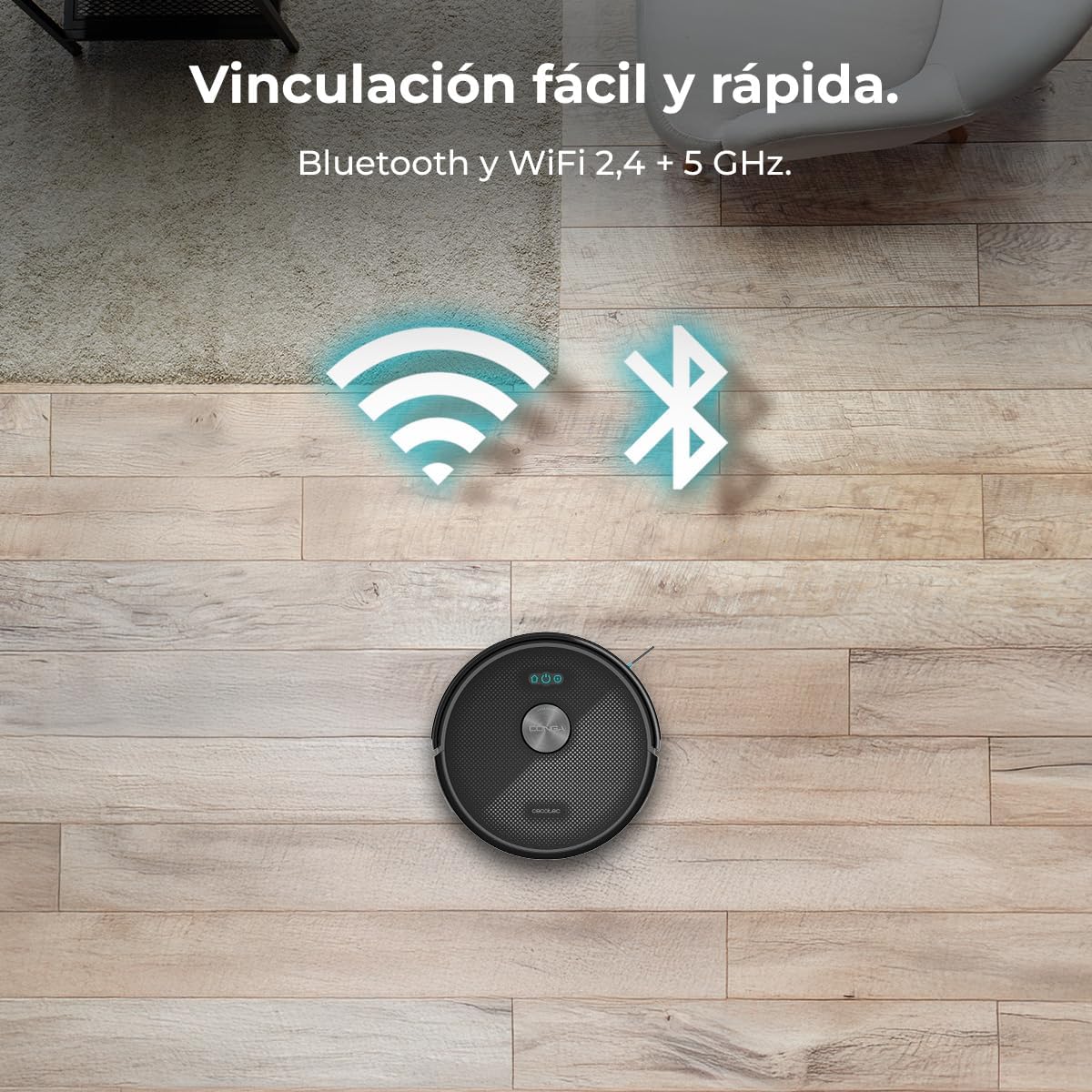
Image 5.2: The Conga M70 offers easy and fast pairing via Bluetooth and supports both 2.4 GHz and 5 GHz Wi-Fi networks.
6. Instrucións de funcionamento
6.1 Modos de limpeza
The Conga M70 offers multiple cleaning modes, including vacuuming, sweeping, mopping, and scrubbing, which can be combined for comprehensive cleaning.

Image 6.1: The Conga M70 performing a complete cleaning pass, combining vacuuming, sweeping, mopping, and scrubbing.
6.2 Potencia de succión
Equipped with an Ungravity motor, the robot delivers 20000 Pa of suction power, effectively removing dirt from various surfaces, including high-pile carpets.

Image 6.2: Visual representation of the Conga M70's 20000 Pa suction power, capable of lifting heavy debris.
6.3 Función de fregado
The robot features a mopping function with three adjustable water flow levels, allowing for customized cleaning based on floor type and dirt level.

Image 6.3: The Conga M70's mopping system, illustrating three customizable water flow levels for different floor types.
6.4 Control e programación de aplicacións
Use the Cecotec App 3.0 to control the robot remotely, define cleaning zones, set no-go areas, and schedule cleaning times. The app provides an interactive map of your home for precise control.

Image 6.4: Controlling the Conga M70 via the Cecotec App 3.0, allowing users to define, plan, and schedule cleaning by zones.
6.5 Coverage and Battery
The 4500 mAh battery allows the robot to clean areas up to 180 m² without interruption. The Total Surface 3.0 technology ensures the robot completes its cleaning plan by returning to the charging base when needed and resuming cleaning.
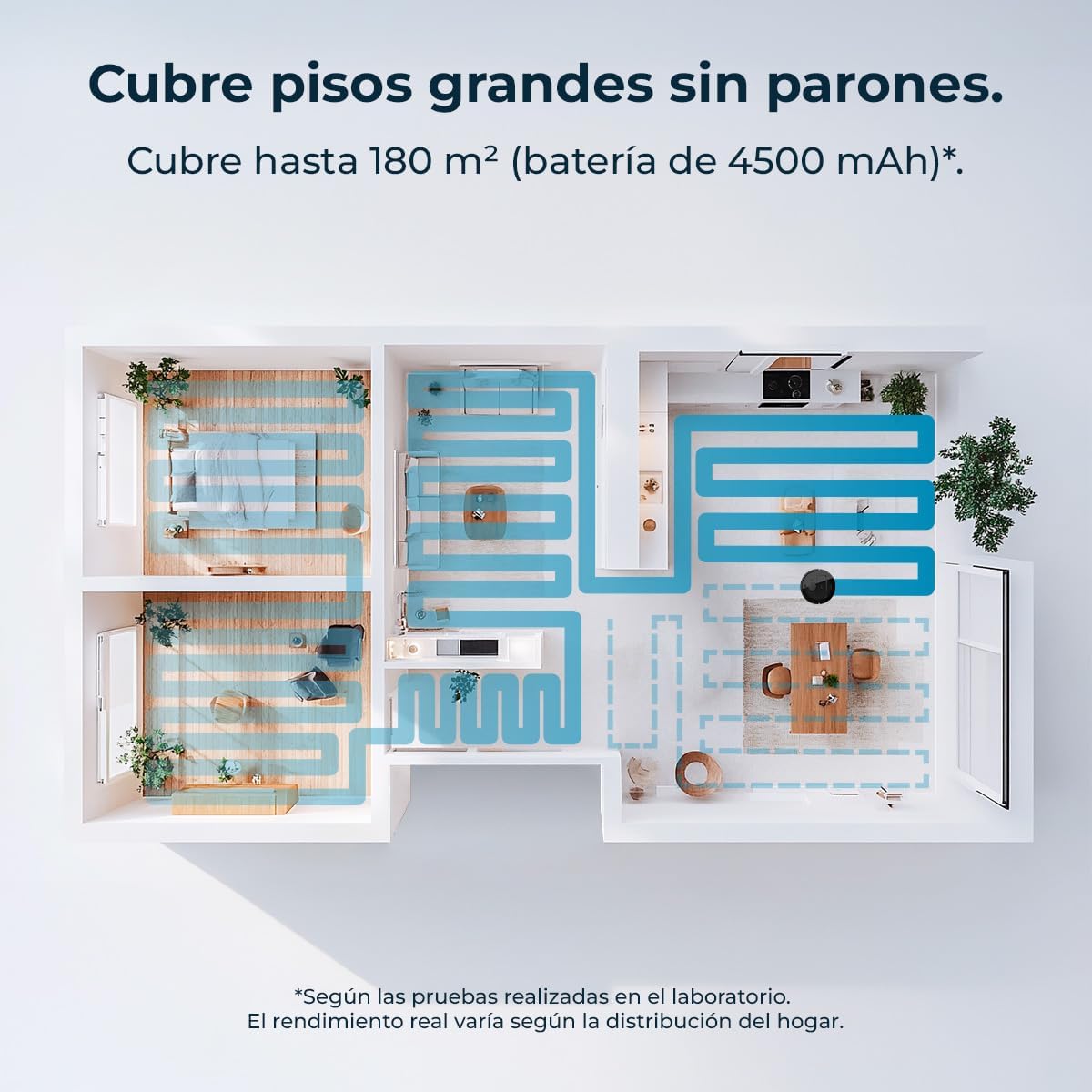
Image 6.5: An illustration of the Conga M70's cleaning coverage, capable of cleaning large areas up to 180 m².
7. Mantemento
Un mantemento regular garante un rendemento óptimo e prolonga a vida útil do teu robot.
7.1 Dust and Water Tanks
The robot features dual tanks: a 400 ml dust tank and a 420 ml water tank. Empty the dust tank after each use and refill the water tank as needed for mopping. Clean both tanks regularly to prevent blockages and odors.

Image 7.1: The Conga M70's dual tanks for continuous cleaning without frequent emptying or refilling.
7.2 Cepillo principal e cepillos laterais
Remove and clean the main anti-tangle silicone brush regularly, especially if you have pets. Use the provided cleaning tool to remove hair and debris. Inspect side brushes for wear and replace them if damaged.

Image 7.2: The anti-tangle silicone brush of the Conga M70, designed for effective cleaning in homes with pets.
7.3 Filtros
Tap the HEPA filter to remove dust and debris. Do not wash the HEPA filter with water. Replace the filter every 3-6 months, depending on usage.
7.4 Sensores e contactos de carga
Wipe all sensors and charging contacts on the robot and charging base with a dry cloth to ensure proper function and charging.
8 Solución de problemas
Se tes problemas co teu Conga M70, consulta os seguintes problemas e solucións comúns:
| Problema | Causa posible | Solución |
|---|---|---|
| O robot non se acende | Batería baixa; Botón de acendido/apagado non premido | Cargar o robot; premer e manter premido o botón de acendido. |
| O robot non carga | Contactos de carga sucios; a base de carga non ten alimentación | Limpar os contactos de carga; asegurarse de que a base de carga estea conectada. |
| Mal rendemento da limpeza | Dust tank full; Brushes tangled; Filter clogged | Empty dust tank; Clean brushes; Clean/replace filter. |
| O robot quédase atascado con frecuencia | Obstáculos no chan; Sensores sucios | Clear floor of cables/small objects; Clean sensors. |
| Problemas de conectividade da aplicación | Contrasinal wifi incorrecto; problemas co router; robot demasiado lonxe do router | Verify Wi-Fi credentials; Restart router; Move robot closer to router. |
9. Especificacións
| Característica | Especificación |
|---|---|
| Marca | Cecotec |
| Nome do modelo | Conga M70 |
| Número de modelo | A01_EU01_114518 |
| Tipo de navegación | Navegación láser |
| Potencia de succión | 20000 Pa |
| Capacidade da batería | 4500 mAh |
| Área de cobertura | Ata 180 m² |
| Capacidade do depósito de po | 400 ml |
| Capacidade do depósito de auga | 420 ml |
| Características especiais | Automatic Mopping, Anti-tangle Silicone Brush, App Control |
| Conectividade | Bluetooth, Wi-Fi (2.4 + 5 GHz) |
| Voltage | 220 voltios |
| Tipo de filtro | HEPA |
| Dimensións do produto | 32l x 32w x 10h cm |
| Peso do produto | 2.11 kg |
10. Garantía e soporte
Your Cecotec Conga M70 Robot Vacuum and Mop comes with a standard manufacturer's warranty. For detailed warranty information, please refer to the warranty card included in your package or visit the official Cecotec websitio.
For technical support, spare parts, or service inquiries, please contact Cecotec customer service through their official channels. Keep your purchase receipt and product model number (Conga M70, A01_EU01_114518) handy when contacting support.