
1. Introdución
Thank you for choosing the Earbay BT681CD-2025 Wireless Headset. This headset is designed for clear communication in various environments, featuring Bluetooth 5.2 connectivity, a noise-canceling microphone, and a comfortable design. This manual provides detailed instructions for setup, operation, and maintenance to ensure optimal performance.
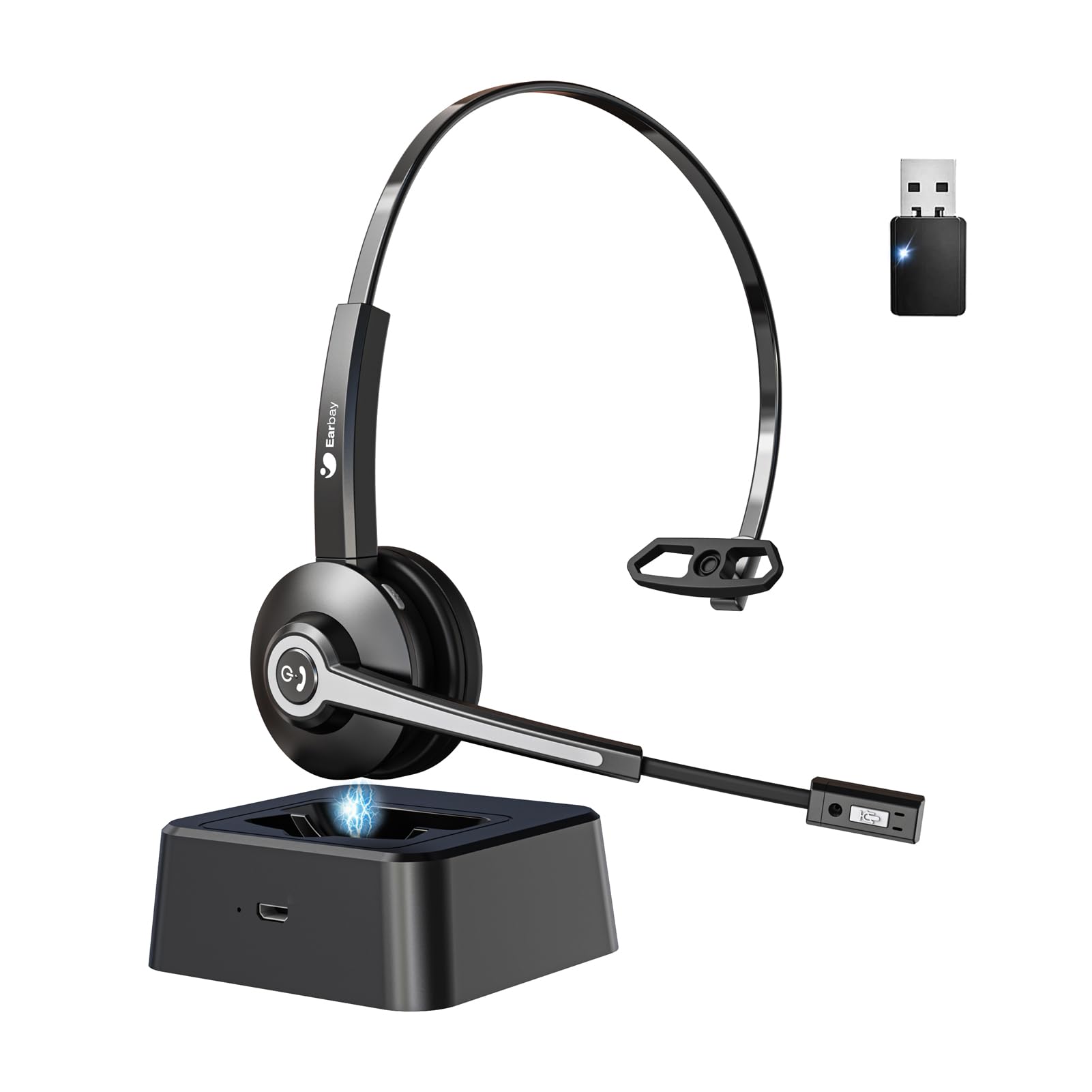
Image 1.1: Earbay BT681CD-2025 Wireless Headset with charging base and USB dongle.
2. Contido do paquete
Comprobe se o paquete contén os seguintes elementos:
- Earbay BT681CD-2025 Wireless Headset
- Base de carga
- Dongle USB
- Cable de carga USB-C
- Manual de usuario
3. Instrucións de configuración
3.1. Cargando os auriculares
Before first use, fully charge the headset. The headset can be charged using the included USB-C cable or by placing it on the charging base.
- Usando un cable USB-C: Connect the USB-C cable to the headset's charging port and the other end to a USB power source (e.g., computer, wall adapter).
- Usando a base de carga: Place the headset onto the charging base. Ensure the charging contacts align.
A full charge takes approximately 1.5 to 2 hours. The LED indicator on the headset will show charging status (e.g., red for charging, blue for fully charged).

Image 3.1: Headset charging options: USB-C cable and charging base.
3.2. Conexión mediante dongle USB
For optimal compatibility and stable connection with computers, use the provided USB dongle.
- Insira o dongle USB nun porto USB dispoñible do seu ordenador.
- Acenda os auriculares. Tentarán conectarse automaticamente ao dongle.
- Once connected, the LED indicator on both the headset and dongle will show a stable blue light.
- Ensure the headset is selected as the default audio input and output device in your computer's sound settings.
3.3. Conectando a través de Bluetooth
The headset can connect to two devices simultaneously (e.g., computer via dongle and phone via Bluetooth).
- Power on the headset. It will enter pairing mode if not already connected to a device. The LED will flash blue and red.
- No teu dispositivo (por exemplo, teléfono intelixente, tableta), activa o Bluetooth e busca os dispositivos dispoñibles.
- Select "Earbay BT681CD-2025" from the list of devices.
- Unha vez emparejado, o indicador LED dos auriculares volverá azul fijo.
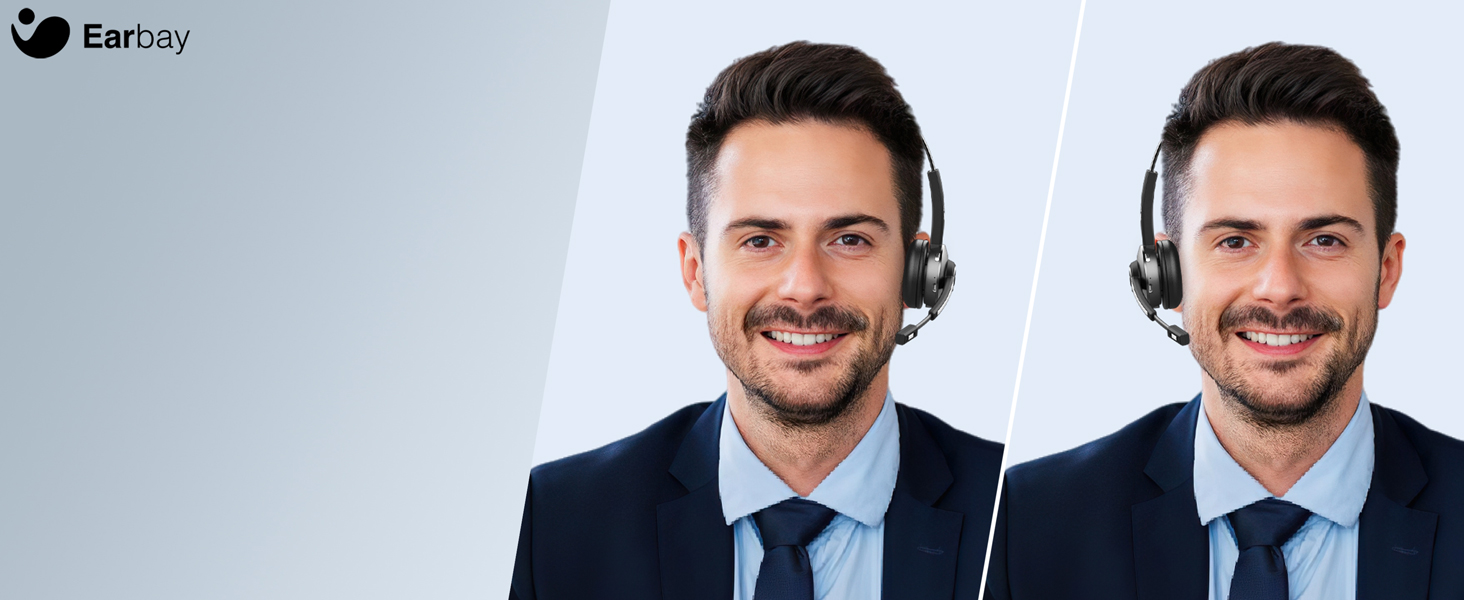
Image 3.2: The headset supports two connection methods: Bluetooth 5.2 and USB Dongle, allowing connection to two devices simultaneously.
4. Instrucións de funcionamento
4.1. Acendido/apagado
- Encendido: Press and hold the Multi-function Button (MFB) for 3 seconds until the LED flashes blue.
- Apagado: Press and hold the MFB for 5 seconds until the LED flashes red and then turns off.
4.2. Xestión de chamadas
- Responder/Finalizar chamada: Preme o MFB unha vez.
- Rexeitar a chamada: Manteña premido o MFB durante 2 segundos.
- Silenciar micrófono: Press the dedicated mute button on the microphone arm. The LED on the microphone will indicate mute status.
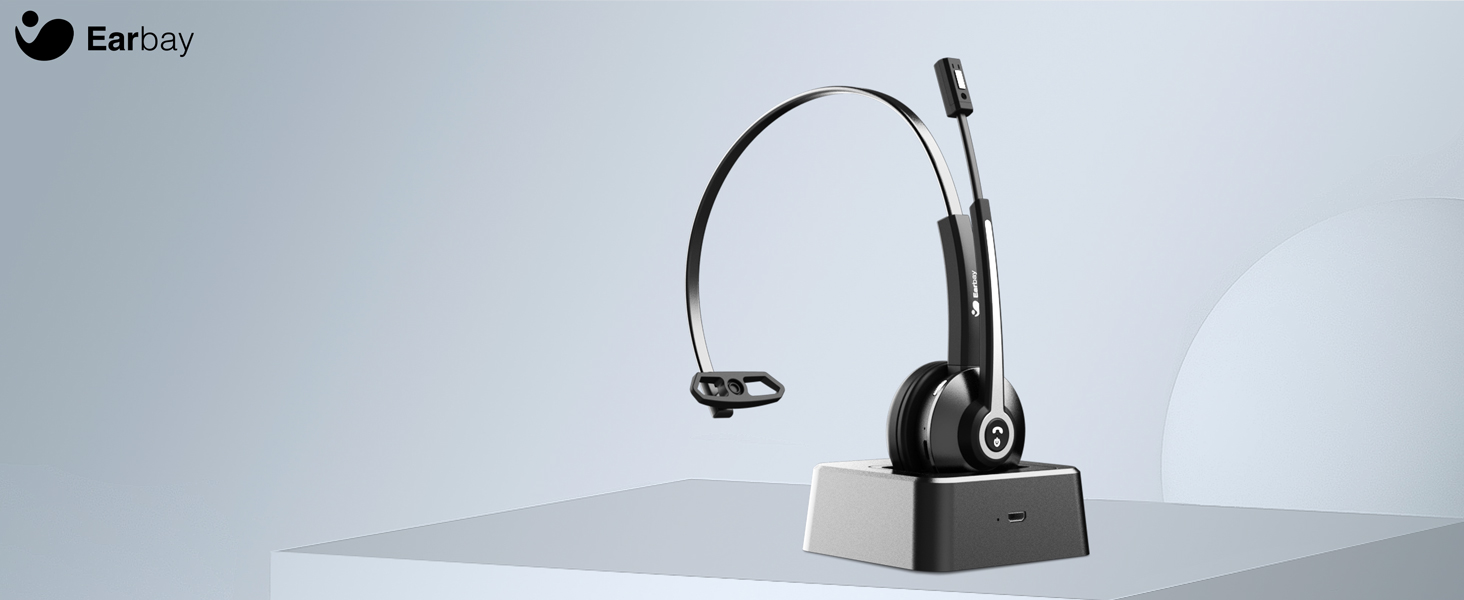
Image 4.1: The microphone arm features a dedicated mute button for privacy during calls.
4.3. Control de volume
- Subir volume: Preme o botón Subir volume.
- Baixar volume: Prema o botón para baixar o volume.
4.4. Usar os auriculares
The headset is designed for comfort during extended use.
- Diadema axustable: Estende ou retrae a diadema para adaptala ao tamaño da túa cabeza.
- Rotatable Ear Cups: The ear cups can rotate 180 degrees for a comfortable fit and easy storage.
- Flexible Mic Arm: The microphone arm can be rotated 270 degrees to position the microphone optimally for your voice.
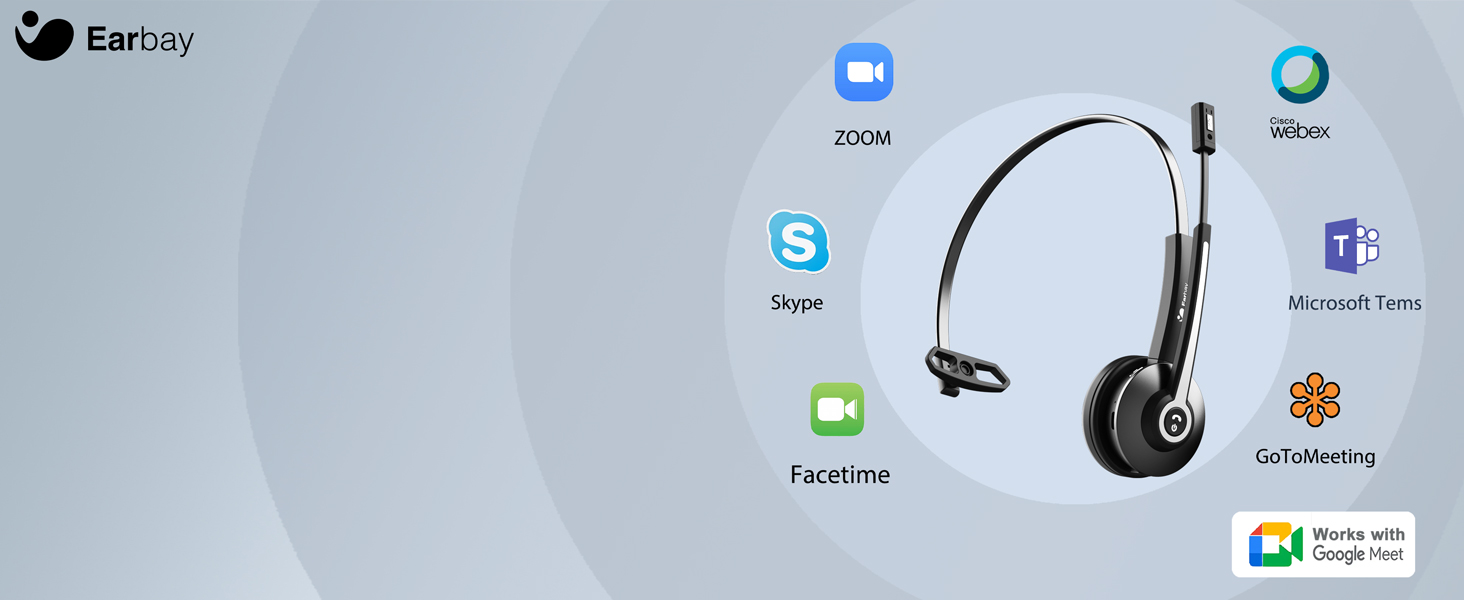
Image 4.2: The headset features memory foam earcups and a lightweight design for all-day comfort.
5. Mantemento
Para garantir a lonxevidade e o rendemento dos seus auriculares, siga estas pautas de mantemento:
- Limpeza: Usa un pano suave e seco para limpar os auriculares. Evita o uso de produtos químicos agresivos ou materiais abrasivos.
- Almacenamento: Garde os auriculares nun lugar fresco e seco, lonxe da luz solar directa e de temperaturas extremas.
- Coidado da batería: Evita descargar completamente a batería con frecuencia. Carga os auriculares regularmente, mesmo se non os estás a usar, para manter a batería en bo estado.
- Evitar a humidade: Non expoñas os auriculares á auga nin a humidade excesiva.
6 Solución de problemas
If you encounter issues with your Earbay BT681CD-2025 headset, refer to the following common problems and solutions:
| Problema | Causa posible | Solución |
|---|---|---|
| O auricular non se acende | Batería baixa | Cargue os auriculares completamente. |
| Cannot connect to device | Not in pairing mode, Bluetooth off, or device too far | Ensure headset is in pairing mode (flashing blue/red LED). Turn on Bluetooth on your device. Move headset closer to the device. Re-pair the headset. |
| Non hai son ou son de mala calidade | Incorrect audio output selected, low volume, or interference | Check your device's sound settings to ensure the headset is selected as the output. Increase headset and device volume. Move away from sources of interference. |
| O micrófono non funciona | Microphone muted, incorrect input selected, or mic arm not positioned correctly | Unmute the microphone. Check your device's sound settings to ensure the headset is selected as the input. Adjust the microphone arm closer to your mouth. |
| A conexión cae con frecuencia | Out of range, interference, or low battery | Stay within the operating range (up to 33 feet/10 meters). Reduce interference from other wireless devices. Charge the headset. |
7. Especificacións
- Número de modelo: BT681CD-2025
- Marca: Earbay
- Tecnoloxía de comunicación sen fíos: Bluetooth 5.2
- Interface do dispositivo de entrada: Bluetooth, USB
- Características de control de ruído: Cancelación de ruído (micrófono)
- Batería: 1 batería non estándar (incluída)
- Tempo de carga: Aproximadamente 1.5 horas
- Tempo de conversa: Ata 28 horas
- Tempo de espera: Ata 400 horas
- Rango de funcionamento: Ata 33 pés (10 metros)
- Peso do artigo: 12 onzas
- Cor: Negro
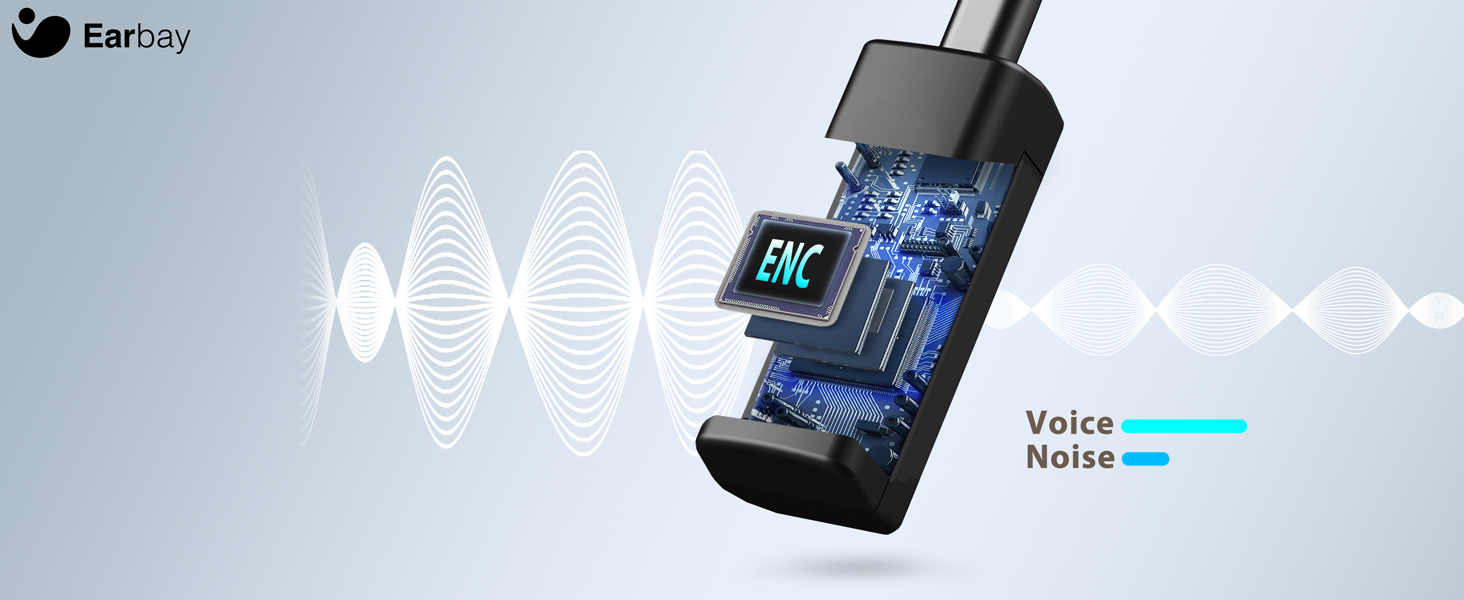
Image 7.1: The headset features a Bluetooth 5.2 chip for stable and clear connections.
8. Produto rematadoview Vídeo
Mira este vídeo para obter unha visión xeralview of the Earbay Wireless Headset features and design.
Vídeo 8.1: Presentación oficial do produto en vídeoasing the Earbay Wireless Headset's design and key functionalities.
9. Garantía e soporte
Earbay products come with a standard manufacturer's warranty. For detailed warranty information, product support, or technical assistance, please refer to the contact information provided on the product packaging or visit the official Earbay websitio. Garde o comprobante de compra para reclamacións de garantía.