
Introdución
Thank you for choosing the boAt Rockerz Prime 255Z Bluetooth Neckband Earphones. This manual provides essential information for setting up, operating, and maintaining your device to ensure optimal performance and longevity. Please read these instructions carefully before use.
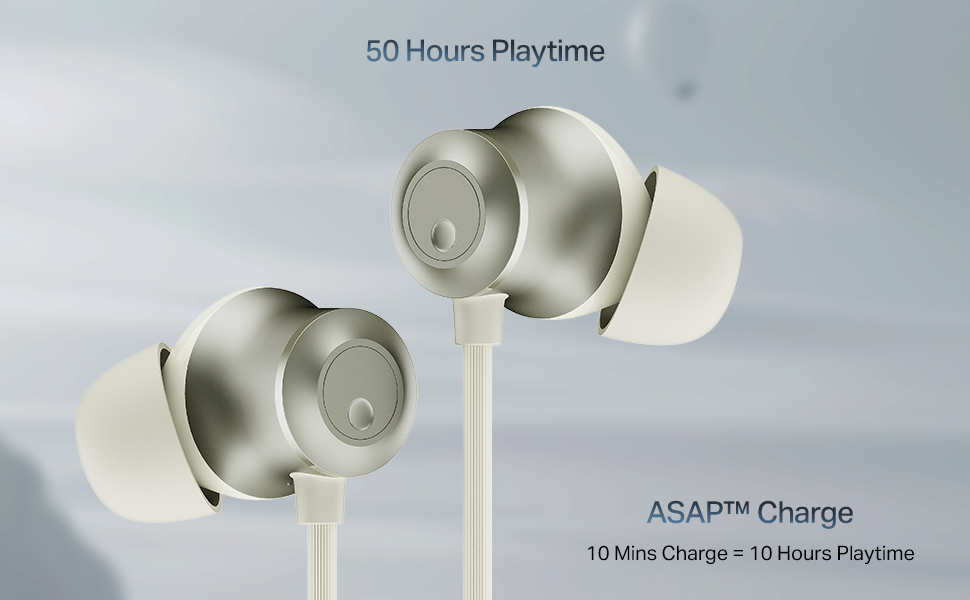
Image: The boAt Rockerz Prime 255Z neckband earphones, showcasing o seu elegante deseño.
O que hai na caixa
Verifique que todos os seguintes elementos estean incluídos no seu paquete:
- boAt Rockerz Prime 255Z Bluetooth Neckband
- Additional Earbuds (various sizes)
- Cable de carga
- Manual de usuario
Configuración
1. Cargar os auriculares
Before first use, fully charge your Rockerz Prime 255Z. Connect the provided charging cable to the charging port on the neckband and a compatible USB power source. The LED indicator will show charging status.
Cargo canto antes: A quick 10-minute charge provides approximately 10 hours of playtime. A full charge offers up to 50 hours of playback.
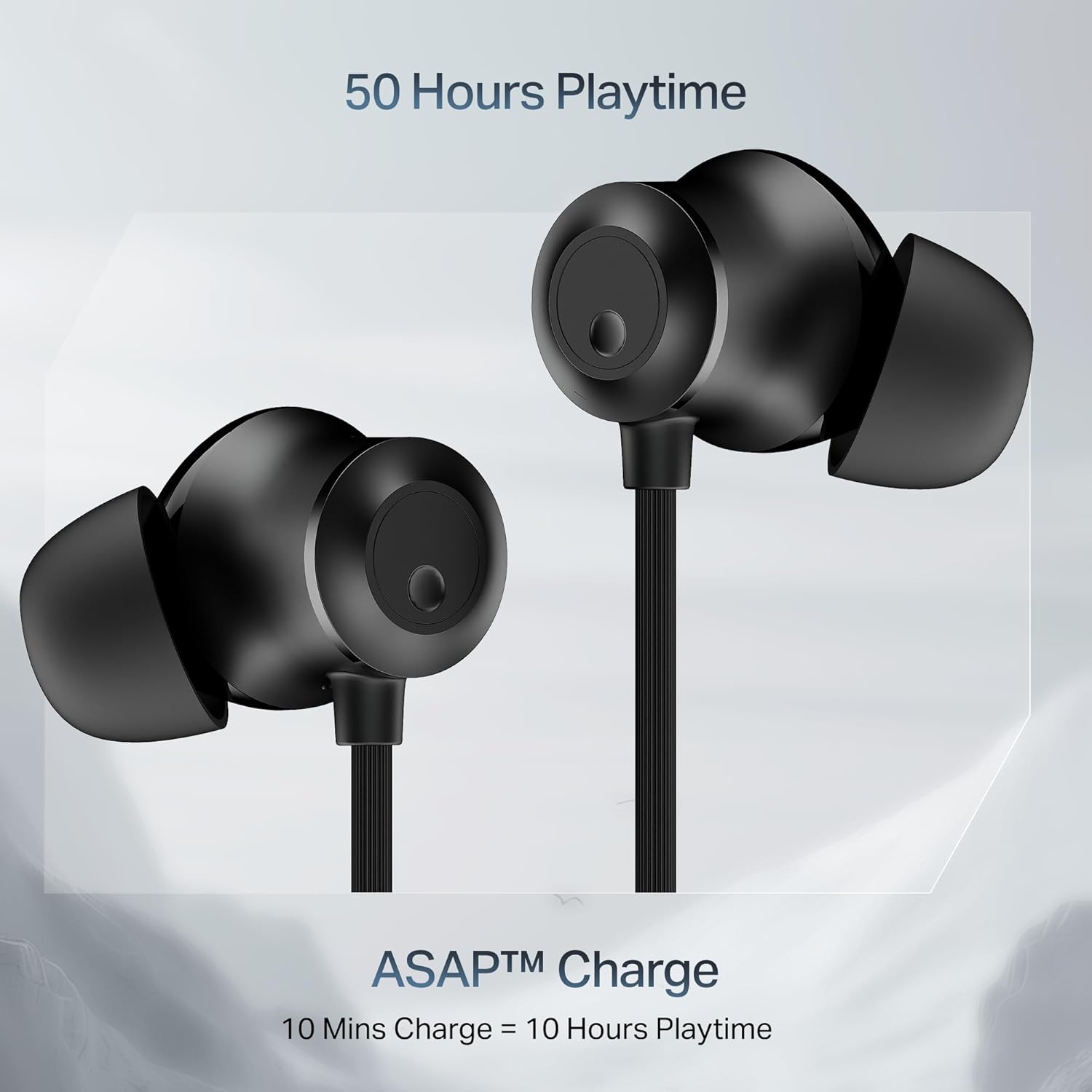
Image: Close-up of the earbuds with text highlighting '50 Hours Playtime' and 'ASAP Charge: 10 Mins Charge = 10 Hours Playtime'.
2. Acendido/apagado
- Encendido: Separate the magnetic earbuds to automatically power on the device.
- Apagado: Attach the magnetic earbuds together to automatically power off the device. Alternatively, press and hold the multi-function button for a few seconds.
3. Emparellamento Bluetooth
Emparejamento inicial:
- Ensure the neckband is charged and powered on (separate magnetic earbuds).
- The LED indicator will flash blue and red, indicating it is in pairing mode.
- No teu dispositivo (teléfono intelixente, tableta, portátil), activa o Bluetooth e busca os dispositivos dispoñibles.
- Select "boAt Rockerz Prime 255Z" from the list.
- Once connected, the LED indicator will flash blue periodically.
Dual Pairing (Connect 2 Devices at once):
The Rockerz Prime 255Z supports dual pairing, allowing connection to two devices simultaneously.
- Pair the neckband with the first device as described above.
- Disable Bluetooth on the first device. The neckband will re-enter pairing mode.
- Pair the neckband with the second device.
- Enable Bluetooth on the first device. The neckband will automatically connect to both devices.
You can now switch between audio sources on the two connected devices.

Image: The boAt Rockerz Prime 255Z neckband connected to both a smartphone and a tablet, illustrating the dual pairing feature.
4. Google Fast Pair
For Android devices, Google Fast Pair enables quick and seamless connection. Simply power on your Rockerz Prime 255Z near your Android device, and a pop-up notification will appear for instant pairing.
Funcionamento dos auriculares
Controis
The neckband features integrated controls for easy management of music and calls.
- Reproducir/Pausa: Prema unha vez o botón multifunción.
- Subir volume: Prema brevemente o botón "+".
- Baixar volume: Prema brevemente o botón '-'.
- Próxima pista: Mantén premido o botón "+".
- Pista anterior: Mantén premido o botón '-'.
- Responder/Finalizar chamada: Prema unha vez o botón multifunción.
- Rexeitar a chamada: Prema e manteña premido o botón multifunción.
- Activar o asistente de voz: Prema dúas veces o botón multifunción.
boAt Spatial Audio
Experience immersive surround sound with boAt Spatial Audio. This feature enhances the audio experience, making sound feel like it's coming from all directions, providing a more engaging listening experience.

Image: The boAt Rockerz Prime 255Z earbuds with a visual representation of immersive sound waves, labeled 'boAt Spatial Audio'.
AI-ENx Technology
The AI-ENx Technology provides enhanced voice clarity during calls by effectively canceling out background noise. This ensures your voice is heard clearly, even in noisy environments.

Image: A close-up of an earbud with a visual representation of sound waves, indicating 'AI-ENx Technology for Enhanced Voice Clarity on Calls'.
Modo besta
Activate BEAST Mode for a low-latency gaming experience. With latency as low as 65ms, this mode minimizes audio lag, providing a more synchronized and realistic gaming session.
boAt Hearables App Compatibility
Enhance your audio experience by connecting your Rockerz Prime 255Z to the boAt Hearables App. The app allows you to monitor battery levels, check Bluetooth connectivity, change EQ modes, and troubleshoot with Smart Diagnostics mode.

Image: A smartphone screen showing the boAt Hearables App with a QR code to scan and explore. Click the image to download the app.
Mantemento
Resistencia a salpicaduras IPX4
The Rockerz Prime 255Z features an IPX4 rating, making it resistant to sweat and light splashes of water. This protection allows for use during workouts or in light rain. However, it is not designed for submersion in water.
Atención Xeral
- Clean the earbuds and neckband regularly with a soft, dry cloth.
- Avoid exposing the device to extreme temperatures, direct sunlight, or corrosive liquids.
- Garda os auriculares nun lugar fresco e seco cando non estes en uso.
- Non intente desmontar nin modificar o dispositivo, xa que isto anulará a garantía.
Resolución de problemas
If you encounter issues with your Rockerz Prime 255Z, refer to the following common solutions:
- Sen enerxía: Asegúrate de que o dispositivo estea completamente cargado. Conéctao a unha fonte de alimentación e comproba o indicador de carga.
- Non se pode emparellar: Ensure Bluetooth is enabled on your device and the neckband is in pairing mode (LED flashing blue and red). Move the neckband closer to your device.
- Sen son: Check the volume levels on both the neckband and your connected device. Ensure the neckband is correctly paired and selected as the audio output.
- Baixa calidade das chamadas: Ensure the microphone is not obstructed. If using AI-ENx, ensure it is active. Try moving to a quieter environment.
- Conexión intermitente: Ensure there are no obstructions between the neckband and your device. Avoid strong electromagnetic interference.
For further assistance, refer to the boAt Hearables App's Smart Diagnostics mode or contact customer support.
Especificacións
| Marca | barco |
| Nome do modelo | Rockerz Prime 255Z |
| Número de modelo | PP0023 |
| Colocación do oído | En Orella |
| Factor de forma | En Orella |
| Tecnoloxía de conectividade | Bluetooth |
| Duración media da batería | 50 horas |
| Tempo de carga da batería | 10 Minutes (for 10 hours playtime) |
| Nivel de resistencia á auga | IPX4 (resistente á suor e ás salpicaduras) |
| Características especiais | boAt Spatial Audio, AI-ENx Noise Cancellation, ASAP Charge, BEAST Mode, Google Fast Pair |
| Método de control | Aplicación, botóns |
| Peso do elemento | 50 gramos |
Garantía e Soporte
Your boAt Rockerz Prime 255Z comes with a 1 ano de garantía from the date of purchase. This warranty covers manufacturing defects.
For warranty claims, technical support, or any other inquiries, please contact boAt customer service:
- Fabricante: Imagine Marketing Ltd
- Correo electrónico: info@imaginemarketingindia.com
- Please visit the official boAt websitio para obter a información de soporte e os datos de contacto máis actualizados.