
Introdución
This manual provides essential information for the safe and efficient use of your ASUS ROG Strix G18 G814 Gaming Laptop. Please read this guide thoroughly before operating your device to ensure proper setup, operation, and maintenance.
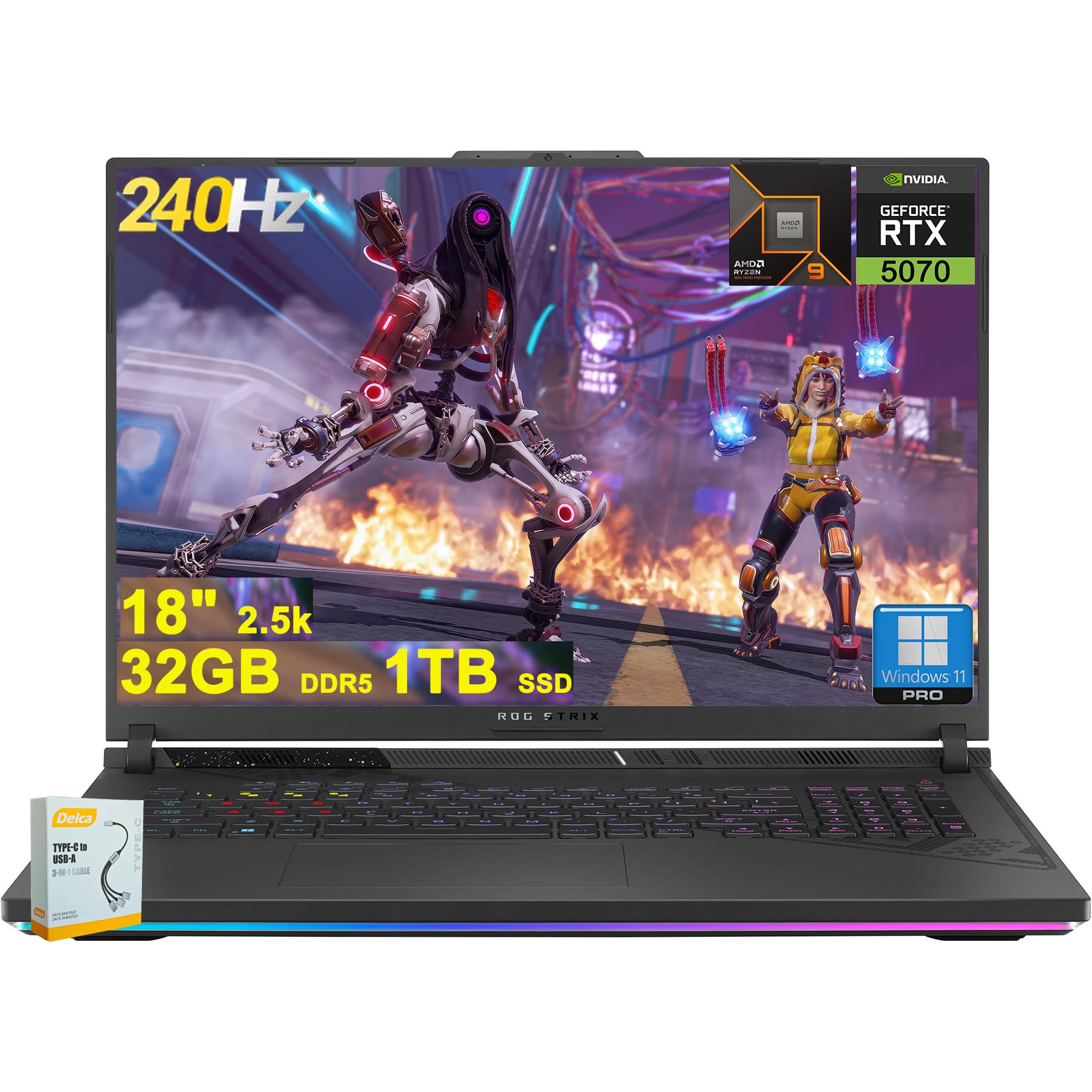
Figure 1: ASUS ROG Strix G18 G814 Gaming Laptop, front view with screen open.
O que hai na caixa
Comprobe que todos os artigos estean presentes e en bo estado ao desembalar.
- ASUS ROG Strix G18 G814 Gaming Laptop
- Adaptador de alimentación/cargador

Figure 2: Contents of the ASUS ROG Strix G18 G814 package, including the laptop and power adapter.
Configuración
1. Acendido inicial
- Conecte o adaptador de alimentación: Conecta o adaptador de corrente ao porto de entrada de alimentación do portátil e despois a unha toma de corrente.
- Open the Laptop: Carefully open the laptop lid.
- Encendido: Press the power button, typically located on the keyboard deck. The laptop will begin its initial boot sequence.
- Siga as instrucións en pantalla: Complete the Windows 11 setup process, including language selection, network connection, and user account creation.
2. Conexión de periféricos
Connect external devices such as a mouse, keyboard, or external display to the available ports.

Figura 3: Lateral view of the ASUS ROG Strix G18 G814, illustrating the various input/output ports including USB-A, USB-C, HDMI, and RJ45 Ethernet.
- USB-A 3.2: For standard USB devices like mice, keyboards, and external drives. (2 ports)
- Type USB 4: For high-speed data transfer, display output, and power delivery. (1 port)
- HDMI 2.1 FRL: Para conectar monitores ou televisores externos.
- Ethernet RJ45: Para conexión de rede por cable.
- Conector combinado de auriculares/micrófono: Para entrada/saída de son.
Instrucións de funcionamento
Xestión de enerxía
- Encendido: Preme o botón de acendido.
- Apagar: Click the Start button, then Power, then Shut down.
- Modo de suspensión: Close the lid or select Sleep from the Power menu.
Teclado e Touchpad
The laptop features a 4-zone RGB backlit keyboard and a precision touchpad for navigation.

Imaxe 4: Primeiro plano view of the ASUS ROG Strix G18 G814's 4-zone RGB backlit keyboard and touchpad.
- Control de retroiluminación: Use the dedicated function keys (Fn + Fx) to adjust keyboard backlight brightness or effects.
- Xestos do touchpad: Consulta a configuración de Windows para ver os xestos multitáctiles personalizables.
Pantalla e gráficos
Your laptop is equipped with an 18-inch 2560x1600 IPS display with a 240Hz refresh rate and 100% DCI-P3 color gamut, powered by an NVIDIA GeForce RTX 5070 8GB graphics card.

Figure 5: Visual representation of the 18-inch IPS display with 2560x1600 resolution and 240Hz refresh rate.

Figure 6: Image highlighting the NVIDIA GeForce RTX 5070 graphics card, emphasizing its role in visual performance.
Sistema de audio
Experience enhanced audio with Smart Amp technology, Dolby Atmos support, and AI Noise-canceling for clear communication.

Figure 7: Visual depicting the audio features, including Dolby Atmos and AI Noise-Canceling Microphone.
Rendemento e software
The laptop is powered by an AMD 16-core Ryzen 9 9955HX processor and runs on Windows 11 Pro. It includes 32GB DDR5 RAM and a 1TB SSD for fast performance and storage.

Figure 8: Image illustrating the AMD Ryzen 9 9955HX processor, highlighting its 16-core architecture.
- Sistema operativo: Windows 11 Pro provides a secure and efficient computing environment.
- Caixa de armería: Update Armoury Crate software for optimal system management and performance tuning.
Mantemento
Limpeza do portátil
- Pantalla: Use un pano suave e sen pelusa dampLavar con auga ou cun limpador de pantallas. Evitar produtos químicos agresivos.
- Teclado e chasis: Usa un pano suave. Para a sucidade persistente, un pano lixeiramente seco.amp cloth is acceptable. Ensure no liquid enters openings.
- Reixas: Periodically clean dust from the ventilation grilles using compressed air to maintain optimal cooling performance.
Coidado da batería
- Evita temperaturas extremas.
- Non descargues completamente a batería con frecuencia.
- For long-term storage, charge the battery to approximately 50-60%.
Resolución de problemas
| Problema | Posible Solución |
|---|---|
| O portátil non se acende. | Ensure the power adapter is securely connected to both the laptop and a working power outlet. Check if the power outlet is functional. |
| Screen remains black after power on. | Connect an external monitor to verify if the issue is with the laptop's display. Try pressing Fn + F6 (or the appropriate function key) to toggle display output. |
| Rendemento lento. | Close unnecessary applications. Check for background processes consuming high resources. Ensure drivers are updated, especially graphics drivers. Verify sufficient free storage space on the SSD. |
| Problemas coa conexión wifi. | Restart the laptop and the wireless router. Check Wi-Fi settings in Windows. Ensure Wi-Fi drivers are up to date. |
| Long reboot time after BIOS updates. | This is normal behavior for some BIOS updates. Allow the system to complete the process, which may take several minutes. Do not interrupt the power. |
| Operating System discrepancy (e.g., Windows 11 Home instead of Pro). | Verify the installed OS version via System Information. If there is a discrepancy with the purchased specification, contact your retailer or ASUS support for clarification. |
Especificacións
| Nome do modelo | ASUS ROG Strix G18 G814 |
| Procesador | AMD 16-core Ryzen 9 9955HX (3 GHz) |
| Gráficos | NVIDIA GeForce RTX 5070 8GB Dedicated |
| Mostrar | 18-inch IPS, 2560x1600 resolution, 240Hz refresh rate, 100% DCI-P3 |
| RAM | 32 GB DDR5 SDRAM |
| Almacenamento | 1TB SSD (Solid State Drive) |
| Sistema Operativo | Windows 11 Pro |
| Conectividade sen fíos | Wi-Fi 6E (802.11ax) |
| Portos | 2x USB-A 3.2, 1x Type USB 4, 1x HDMI 2.1 FRL, 1x RJ45 Ethernet, Headphone/Mic Combo Jack |
| Teclado | 4-zone RGB Backlit Keyboard |
| Audio | Intelixente Amp, Dolby Atmos, AI Noise-canceling |
| Webleva | Cámara FHD |
| Batería | 90 Wh |
| Dimensións (LxWxH) | 11.57 x 15.71 x 1.21 polgadas |
| Peso | 6.63 libras |
Garantía e Soporte
For warranty information, technical support, or service inquiries, please refer to the official ASUS support websitio ou póñase en contacto co seu comerciante.
Soporte ASUS Websitio: https://www.asus.com/support/
Please have your product model number (ROG Strix G18 G814) and serial number ready when contacting support.