
1. Introdución
This manual provides essential instructions for the safe and effective operation of your ARENTI B2 Baby Monitor & Screen2. Please read this manual thoroughly before use and retain it for future reference.
2. Información de seguridade
- Keep the device and its cables out of reach of children to prevent strangulation hazards.
- Do not place the camera or monitor near water or heat sources.
- Use só os adaptadores de corrente fornecidos.
- Ensure proper ventilation for both the camera and monitor.
- This product is intended for monitoring purposes only and should not replace proper adult supervision.
3. Produto rematadoview
The ARENTI B2 Baby Monitor & Screen2 offers comprehensive monitoring capabilities with advanced features designed for ease of use and security.
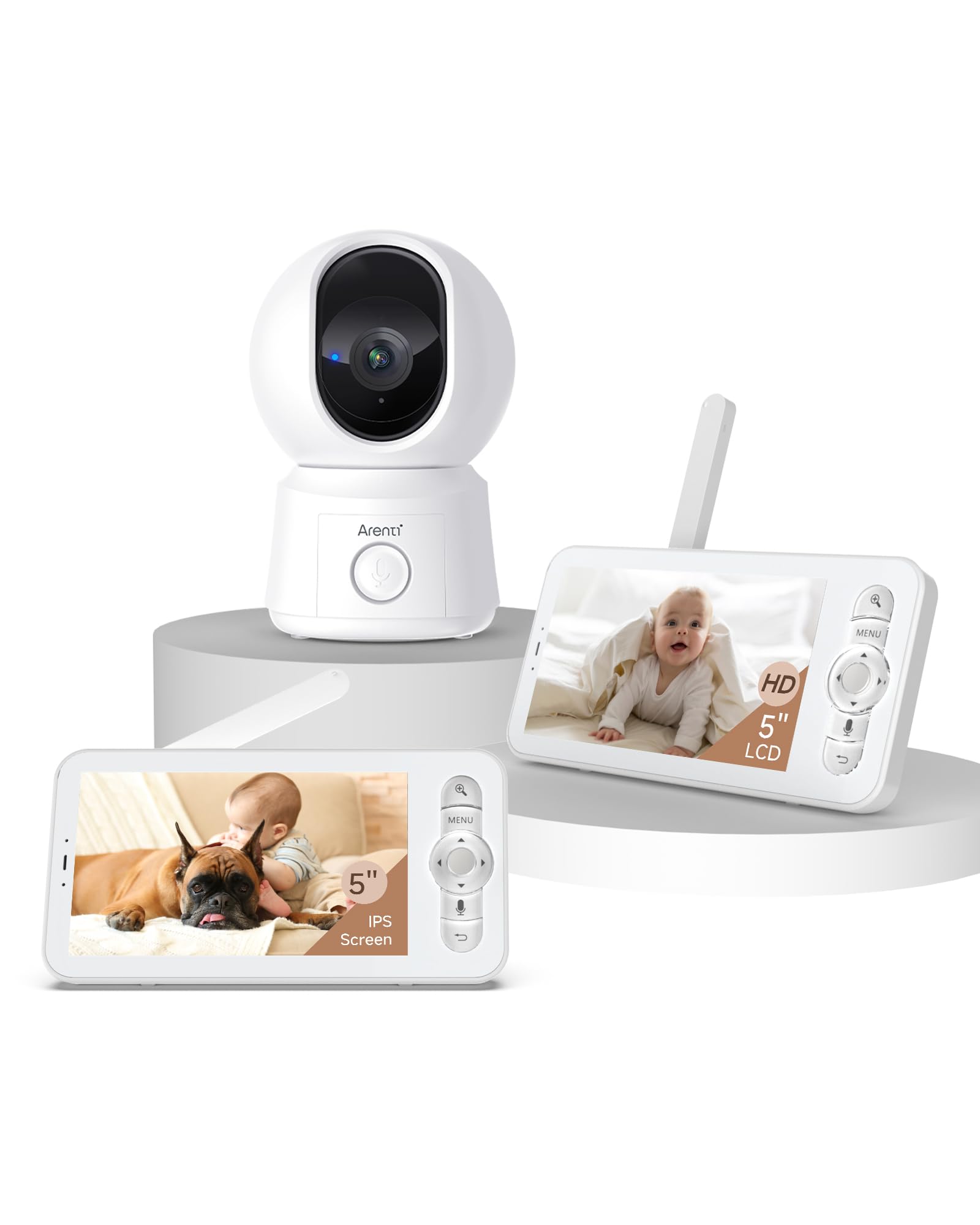
Image: The ARENTI B2 Baby Monitor camera and screen, illustrating features like temperature sensing, lullabies, and white noise for enhanced care.
Características principais:
- Dual Usage: Operate with the LCD screen independently or remotely via a smartphone app.
- 360° View: Camera offers 100° lens with 355° horizontal and 60° vertical rotation.
- Detección intelixente: Motion, crying, and specific area detection with adjustable sensitivity, plus a temperature sensor.
- Alta resolución: 5-inch 720p LCD screen with 4x magnification and 2K resolution via the app.
- Visión nocturna mellorada: Visibilidade clara en condicións de pouca luz.
- Audio bidireccional: Micrófono e altofalante integrados para a comunicación.
- Friendly Features: Lullabies, VOX mode, nursing reminders, and One-Touch Calls.
- Almacenamento seguro: Supports micro SD cards (up to 128 GB for screen, 256 GB for camera) and cloud storage with end-to-end encryption.
4. Instrucións de configuración
4.1 Initial Setup (LCD Screen Only)
- Unpack the baby monitor camera and the LCD screen.
- Connect the power adapters to both the camera and the LCD screen, then plug them into a power outlet.
- The camera and screen are pre-paired for immediate use. The screen will automatically display the camera feed.
- Position the camera to ensure a clear view da zona desexada.
4.2 App Setup (for Remote Control)
- Download the ARENTI app from your smartphone's app store.
- Crea unha conta ou inicia sesión se xa tes unha.
- Follow the in-app instructions to add your B2 baby camera. Ensure your smartphone and the baby camera are connected to the same 2.4GHz Wi-Fi network during the initial setup. 5GHz networks are not supported for camera connection.
- Once connected, you can remotely control the camera and view the feed from your smartphone.
5. Instrucións de funcionamento
5.1 Using the LCD Screen
- Encendido/apagado: Press and hold the power button on the monitor.
- Control de volume: Use the dedicated buttons to adjust the audio volume.
- Camera Pan/Tilt: Use the directional buttons on the monitor to remotely rotate the camera (355° horizontal, 60° vertical).
- Zoom: Utilize the zoom function for a closer look (up to 4x magnification).
- Modo VOX: Activate VOX (Voice Operated eXchange) mode to conserve battery. The screen will activate when sound is detected.
- Cantos de berce: Access the menu to play soothing lullabies.
- Recordatorios de enfermaría: Configura recordatorios para a alimentación ou outras actividades de coidado.
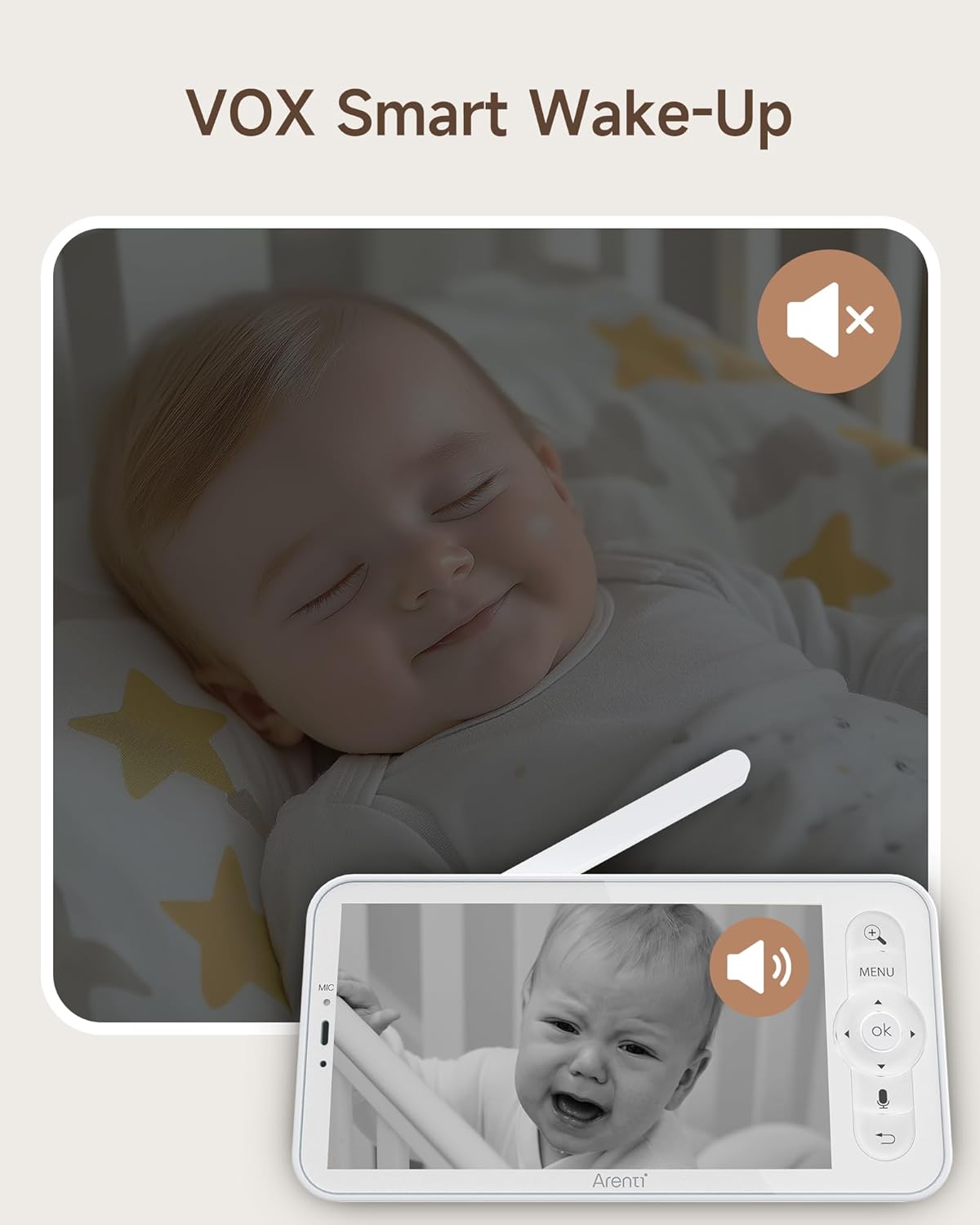
Image: The monitor screen demonstrating VOX Smart Wake-Up, showing the screen activating when a baby's cry is detected.
5.2 Using the Smartphone App
- En directo View: Access the live camera feed in 2K resolution.
- Audio bidireccional: Use the microphone and speaker icons in the app to communicate with your baby or pets.
- Remote Pan/Tilt: Control the camera's movement directly from the app interface.
- Alertas de detección intelixente: Receive instant notifications on your phone for motion, crying, or temperature changes.
- Chamada cun só toque: Initiate a call from the monitor to your smartphone with a single touch.
- Gravación do evento: Access free 6-second event recordings (7-day loop) in the app.
- Almacenamento: Manage video footage stored on micro SD cards or cloud storage.
- Compartindo: Share access to the monitor with family or friends and revoke access as needed.

Image: A smartphone displaying an incoming call from the baby monitor, illustrating the One-Touch Call feature.
5.3 Security and Data Protection
ARENTI prioritizes your privacy and security. Data is securely stored on Amazon's AWS, utilizing end-to-end encryption (E2EE) to ensure that only you can access your footage cunha clave de descifrado única.

Image: The monitor screen showing 'Safety Protection' features, including Wi-Fi network channel control and access logs for enhanced security.
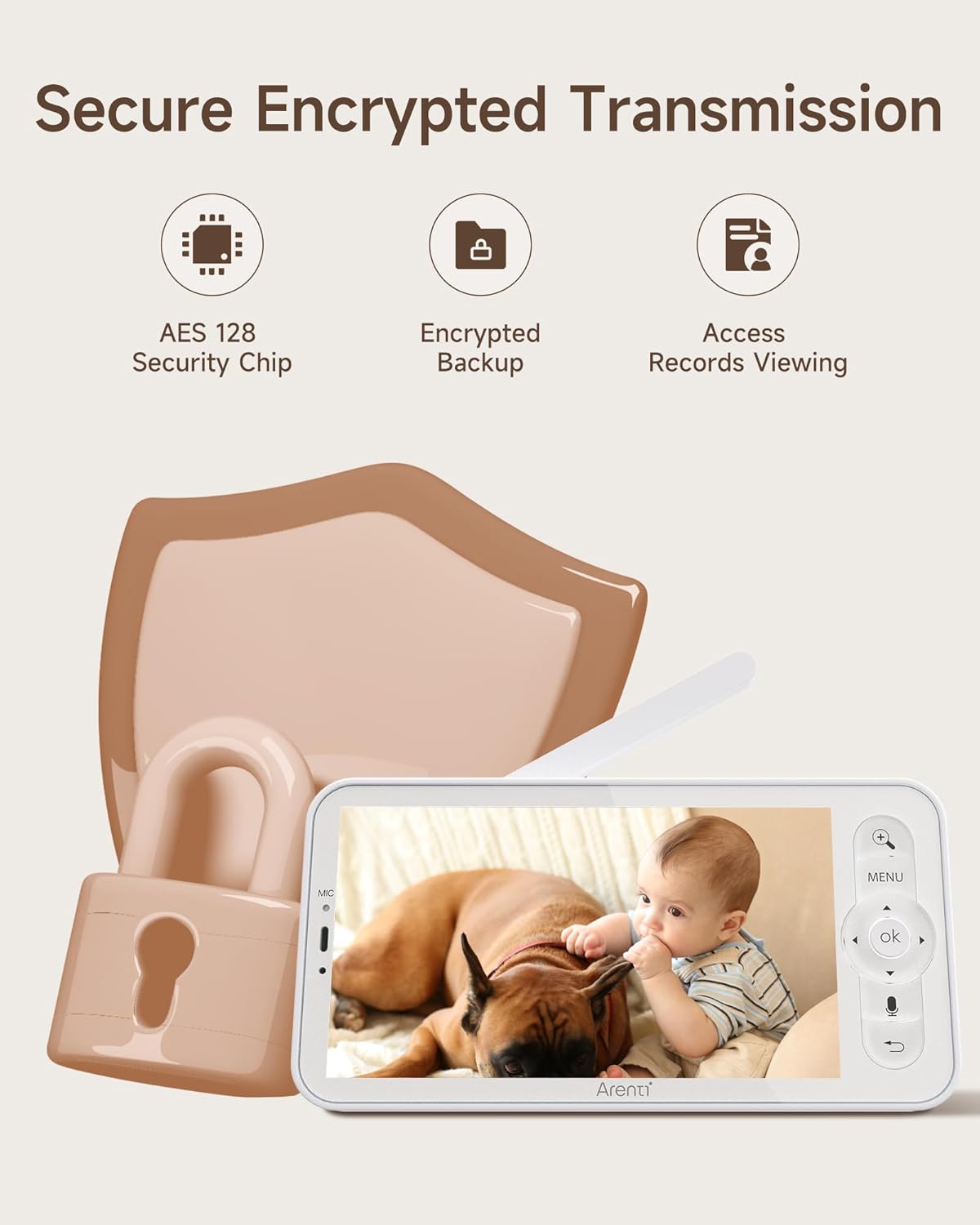
Image: An illustration highlighting secure encrypted transmission, featuring an AES 128 Security Chip, encrypted backup, and access records viewing.
6. Mantemento
- Limpeza: Use a soft, dry cloth to clean the camera lens and monitor screen. Do not use liquid cleaners or aerosols.
- Almacenamento: If not in use for an extended period, store the device in a cool, dry place away from direct sunlight.
- Coidado da batería: For optimal battery life, avoid extreme temperatures and fully discharge and recharge the monitor's battery periodically.
7 Solución de problemas
- No Picture on Screen: Ensure both the camera and monitor are powered on and within range. Check power connections.
- Sinal deficiente: Move the camera and monitor closer to each other. Avoid placing them near large metal objects or other electronic devices that may cause interference.
- Problemas de conexión da aplicación: Verify your camera is connected to a 2.4GHz Wi-Fi network. Restart your router, camera, and smartphone. Ensure the app is updated to the latest version.
- Problemas de audio: Check the volume settings on both the monitor and the app. Ensure there are no obstructions blocking the microphone or speaker.
- A visión nocturna non funciona: Ensure the camera's infrared sensors are not obstructed and that the room is sufficiently dark for night vision to activate.
8. Especificacións
| Característica | Especificación |
|---|---|
| Modelo | B2 |
| Marca | ARENTI |
| ASIN | B0FJRTKBS8 |
| Pantalla LCD Tamaño | 5 polgadas |
| Resolución LCD | 720p HD |
| App Resolution | 2K |
| Ángulo da lente da cámara | 100° |
| Camera Rotation (Horizontal) | 355° |
| Camera Rotation (Vertical) | 60° |
| Zoom | Aumento de 4x |
| distancia wireless | Up to 1000ft (max) |
| Compatibilidade Wi-Fi | 2.4GHz only (for app connection) |
| Micro SD Card Support (Screen) | Ata 128 GB |
| Micro SD Card Support (Camera) | Ata 256 GB |
| Opcións de almacenamento | Micro SD Card, Cloud Storage (AWS) |
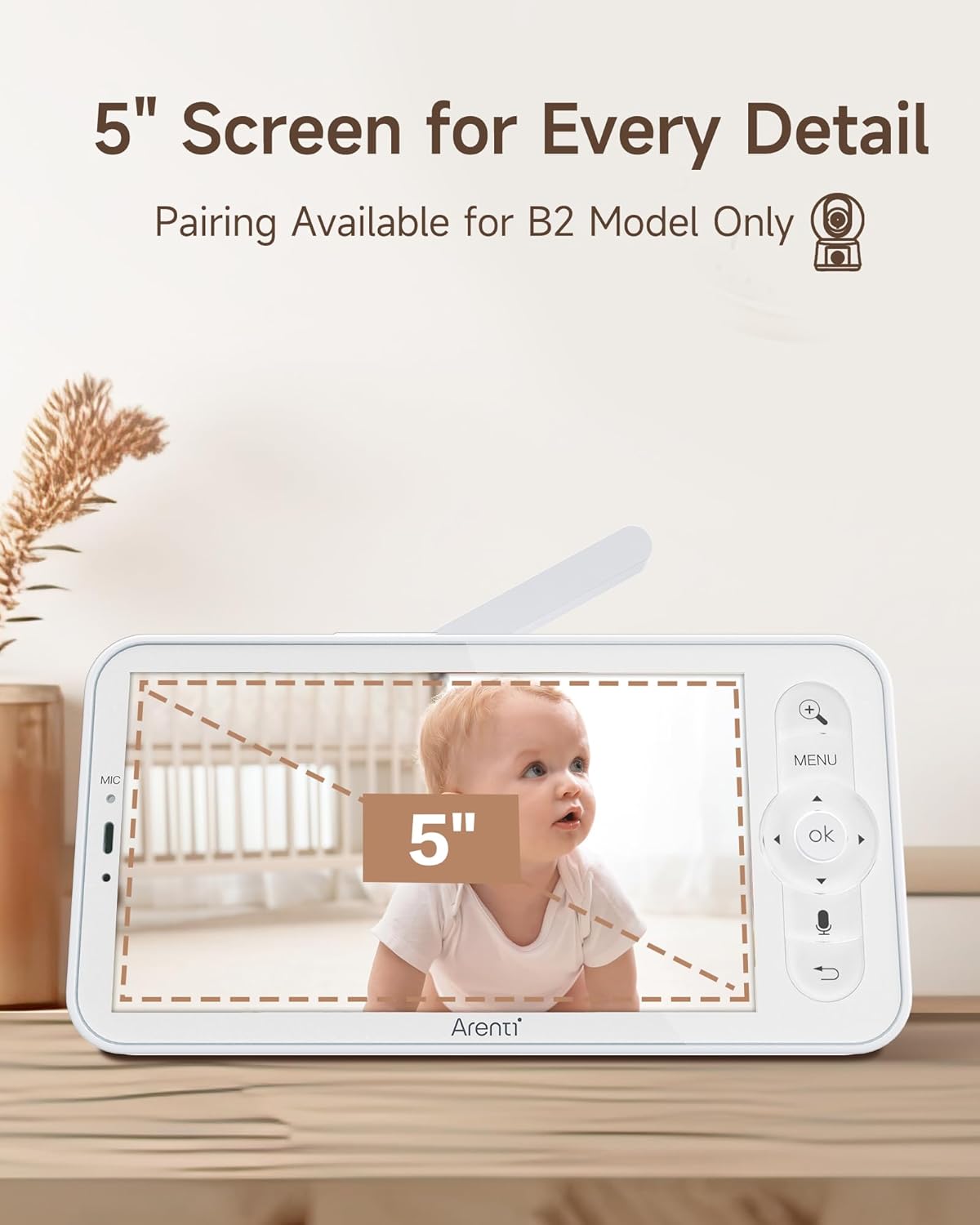
Image: The 5-inch LCD screen of the ARENTI B2 Baby Monitor, highlighting its size for detailed viewing.
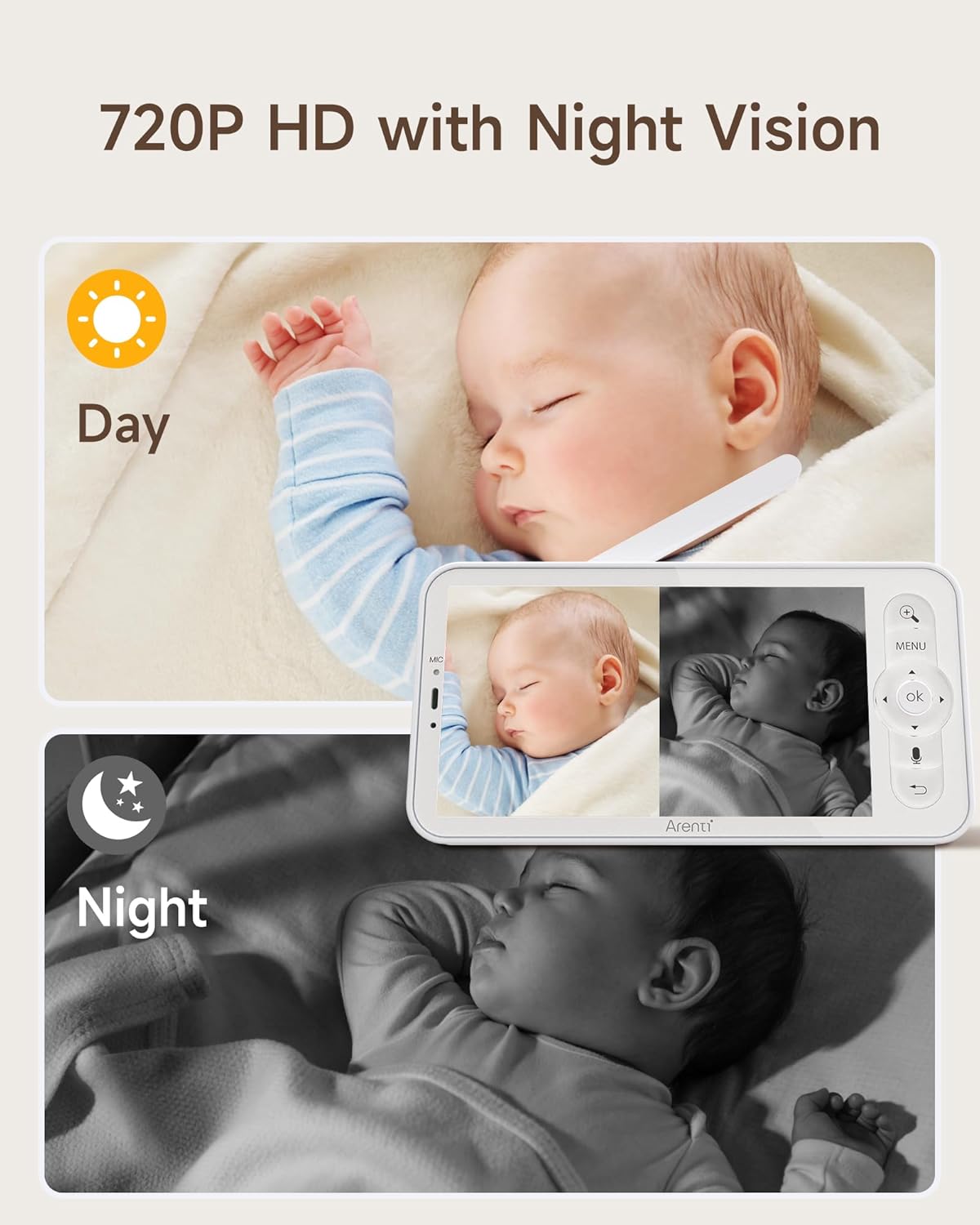
Image: The monitor displaying both day (720P HD) and night vision views of a baby, demonstrating clear visibility in all lighting conditions.
9. Atención ao cliente
For technical assistance or further inquiries, please refer to the ARENTI official websitio web ou póñase en contacto directamente co servizo de atención ao cliente. A información de contacto adoita atoparse na embalaxe do produto ou no fabricante. websitio.