
1. Introdución
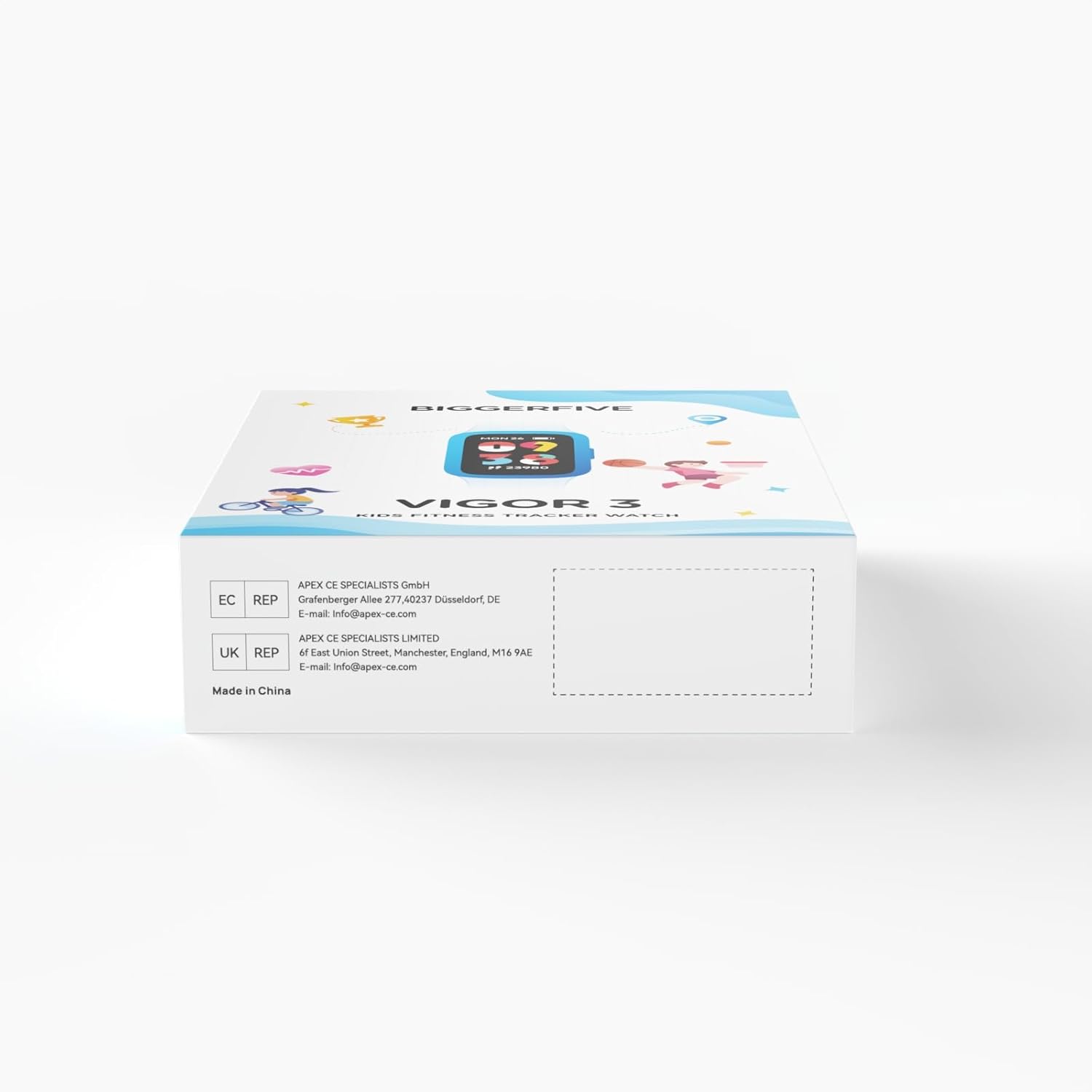
This manual provides detailed instructions for the BIGGERFIVE Vigor 3 Kids Fitness Tracker Watch. This device is designed to help children aged 5-15 track their daily activity, monitor heart rate and sleep, and encourage healthy habits. It features an AMOLED screen and is 3ATM waterproof, making it suitable for various activities without requiring a smartphone for basic functions.
2. Que hai na caixa
- BIGGERFIVE Vigor 3 Fitness Tracker Watch
- Cable de carga magnética
- Manual de usuario

3. Produto rematadoview
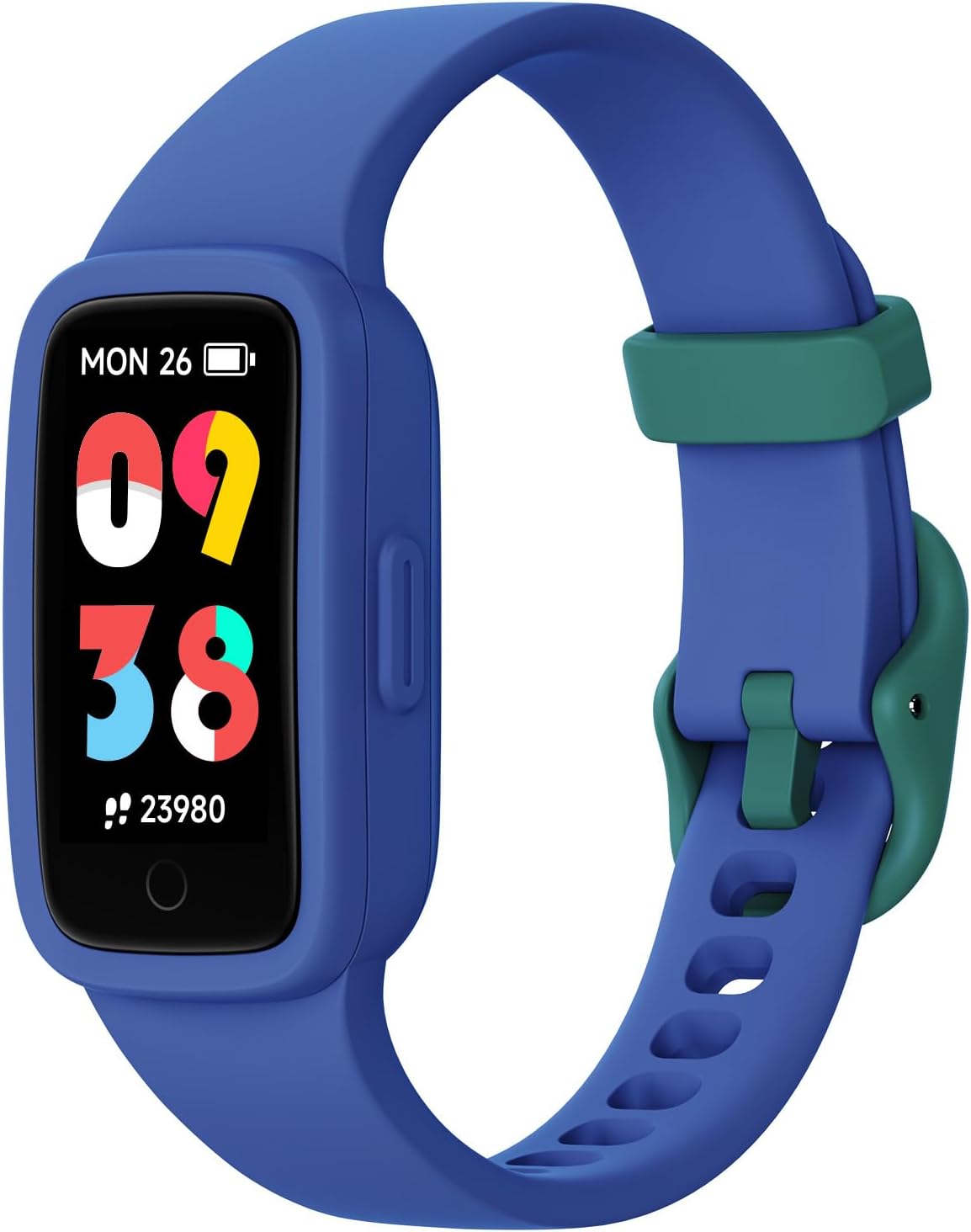
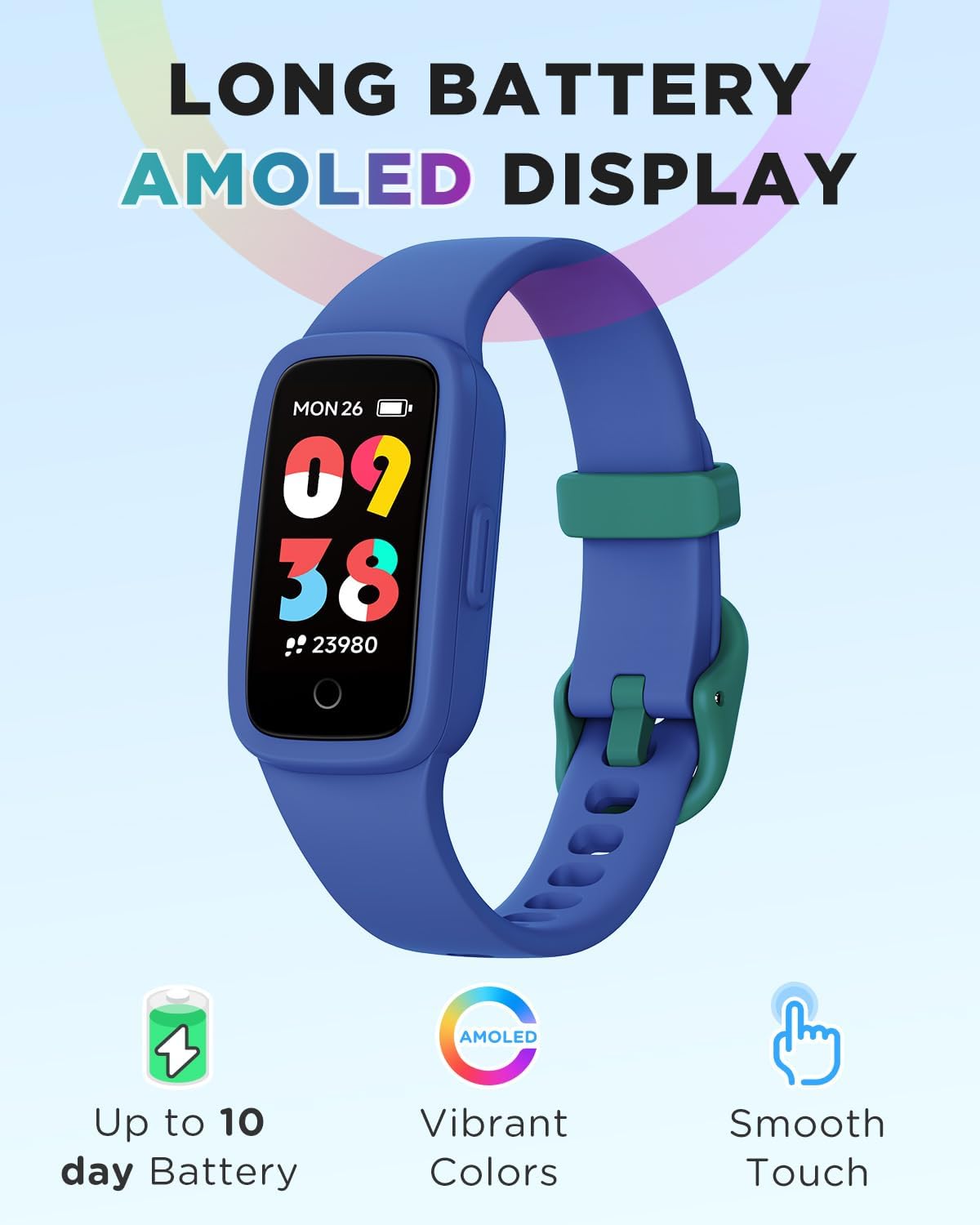
The BIGGERFIVE Vigor 3 features a vibrant AMOLED screen and a durable, comfortable silicone strap. The watch is designed for ease of use, with a single touch button for navigation and interaction.
3.1. Compoñentes clave
- Pantalla AMOLED: High-resolution, colorful touch screen for clear visibility.
- Correa: Adjustable, skin-friendly silicone strap.
- Contactos de carga: Located on the back for magnetic charging.
- Sensor óptico: For heart rate and sleep monitoring.
4. Configuración
4.1. Cargando o dispositivo
- Conecta o cable de carga magnético aos contactos de carga da parte traseira do reloxo.
- Conecta o extremo USB do cable a un adaptador de corrente USB estándar (non incluído) ou a un porto USB do ordenador.
- The watch will display a charging indicator. A full charge typically takes about 1 hour and provides up to 10 days of battery life.
4.2. Initial Setup (No App Required)
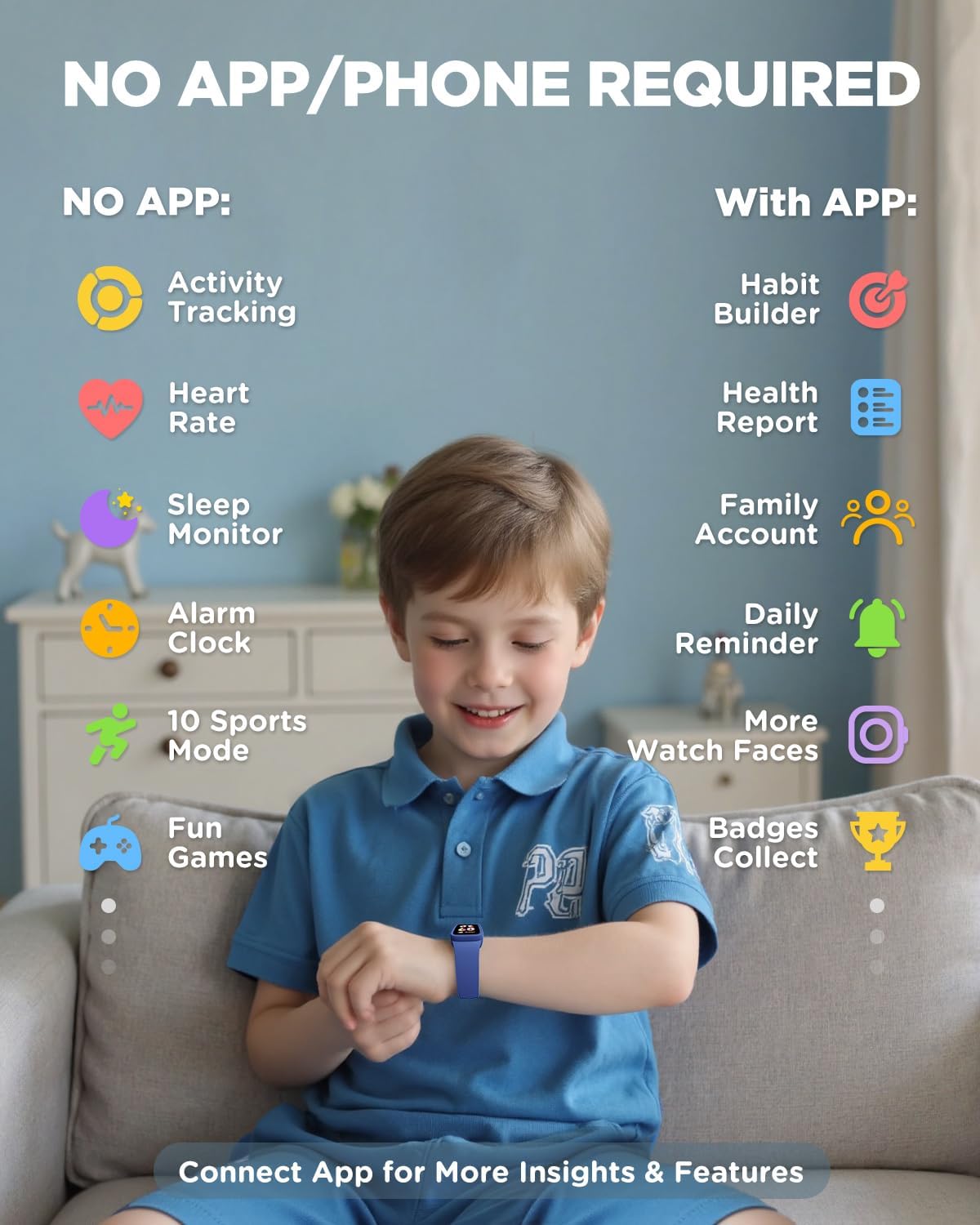
The BIGGERFIVE Vigor 3 can be used independently without a smartphone or app for essential functions. You can set the time, alarm, and step goals directly on the watch.
- Upon first use or after a factory reset, follow the on-screen prompts to set the basic information.
- Navigate through menus using swipes and taps on the screen.
4.3. Optional App Connection (For Enhanced Features)
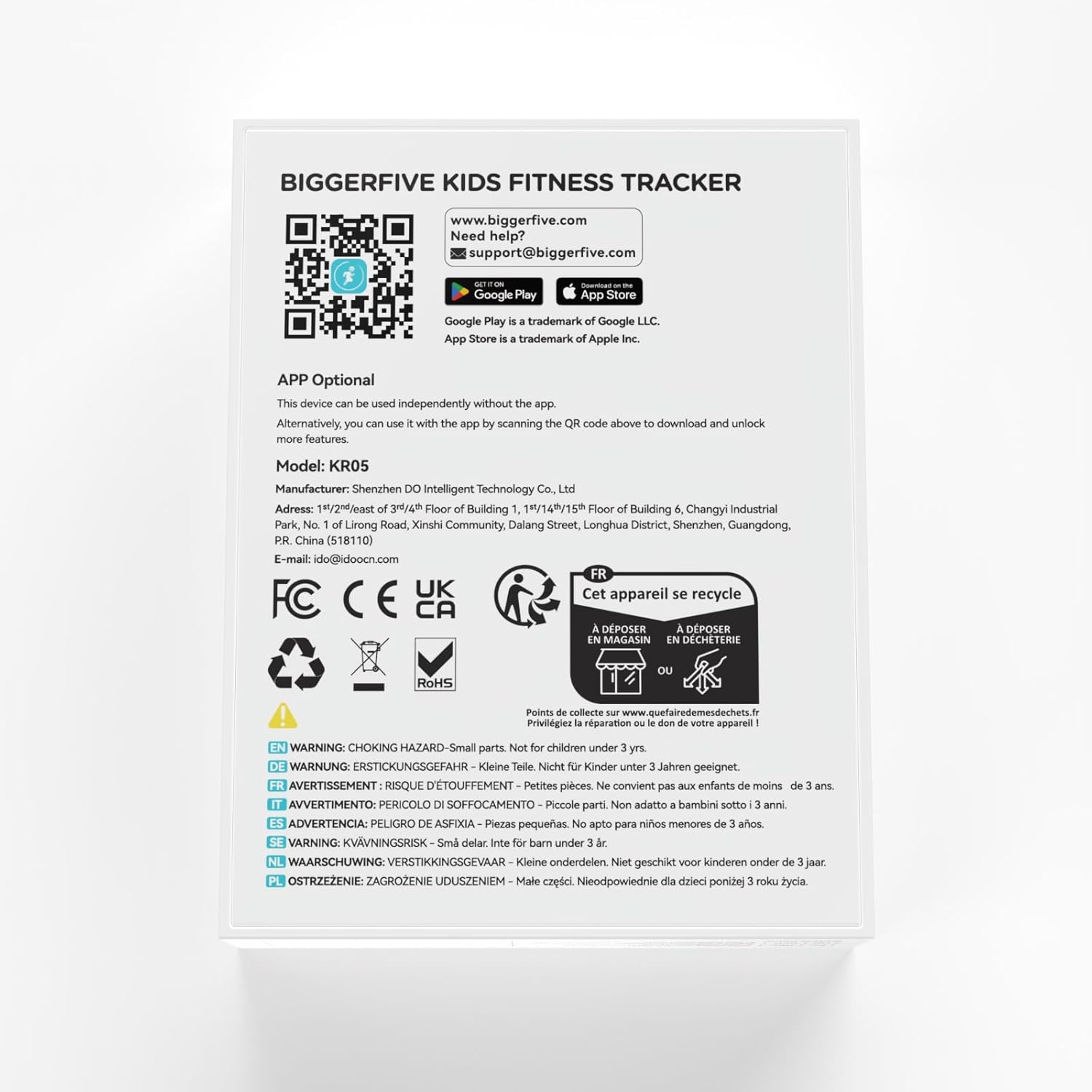
To unlock advanced features such as habit building, health reports, family accounts, and more watch faces, you can connect the watch to the BIGGERFIVE app.
- Download the BIGGERFIVE app from the App Store (iOS) or Google Play Store (Android). You can find the app by scanning the QR code provided in the packaging or by visiting https://t.ido.ink/eMFrqm.
- Open the app and follow the on-screen instructions to create an account and pair your watch.
- Asegúrate de que o Bluetooth estea activado no teu teléfono intelixente durante o proceso de emparellamento.

5. Instrucións de funcionamento
5.1. Navegación
The watch features a touch-sensitive AMOLED screen. Swipe up, down, left, or right to navigate through different menus and functions. Tap to select an option or confirm an action.
5.2. Seguimento de actividades
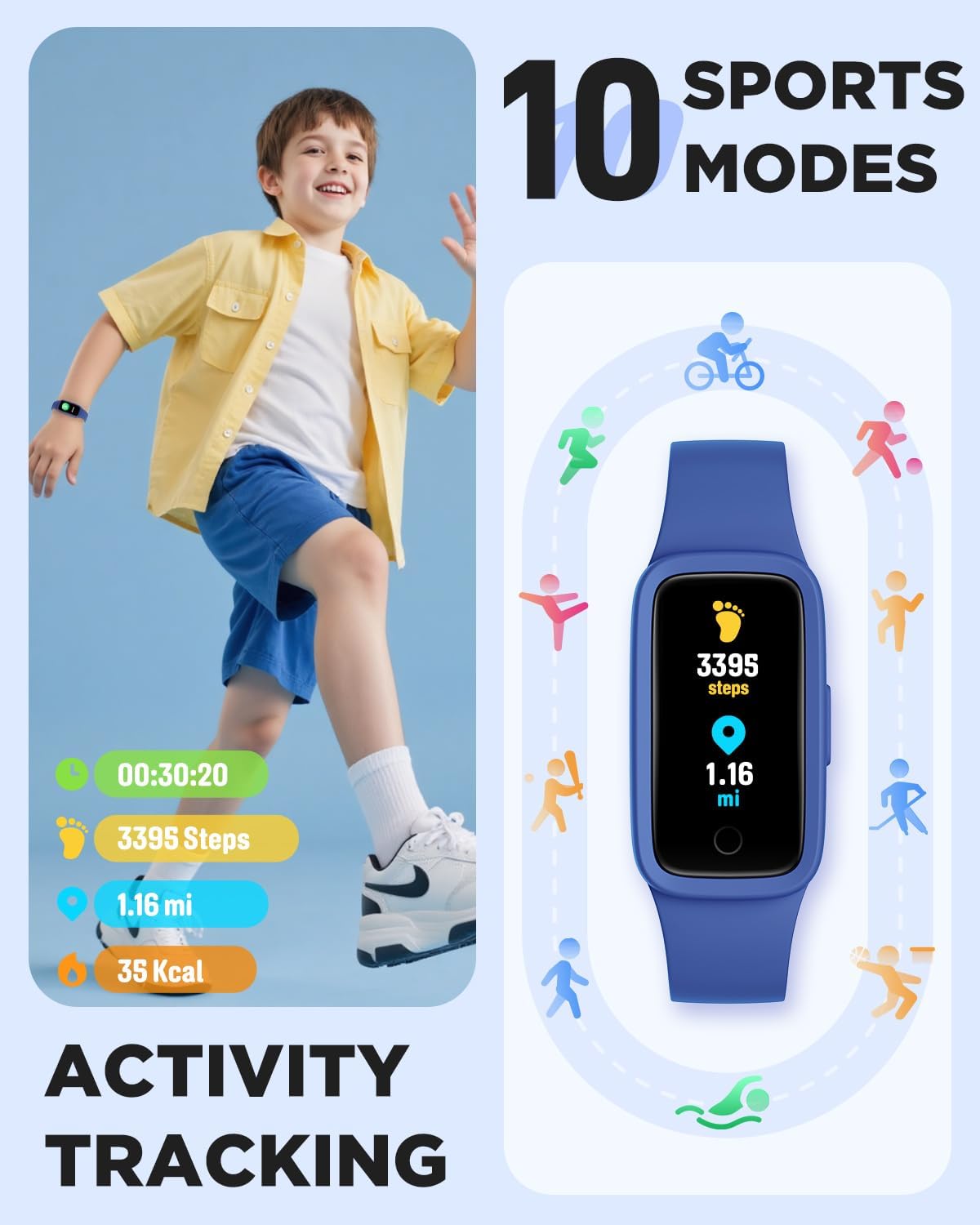
The watch automatically tracks steps, distance, and calories burned throughout the day. This data is displayed directly on the watch face and can be viewed in more detail within the activity menu.
5.3. Monitorización da frecuencia cardíaca
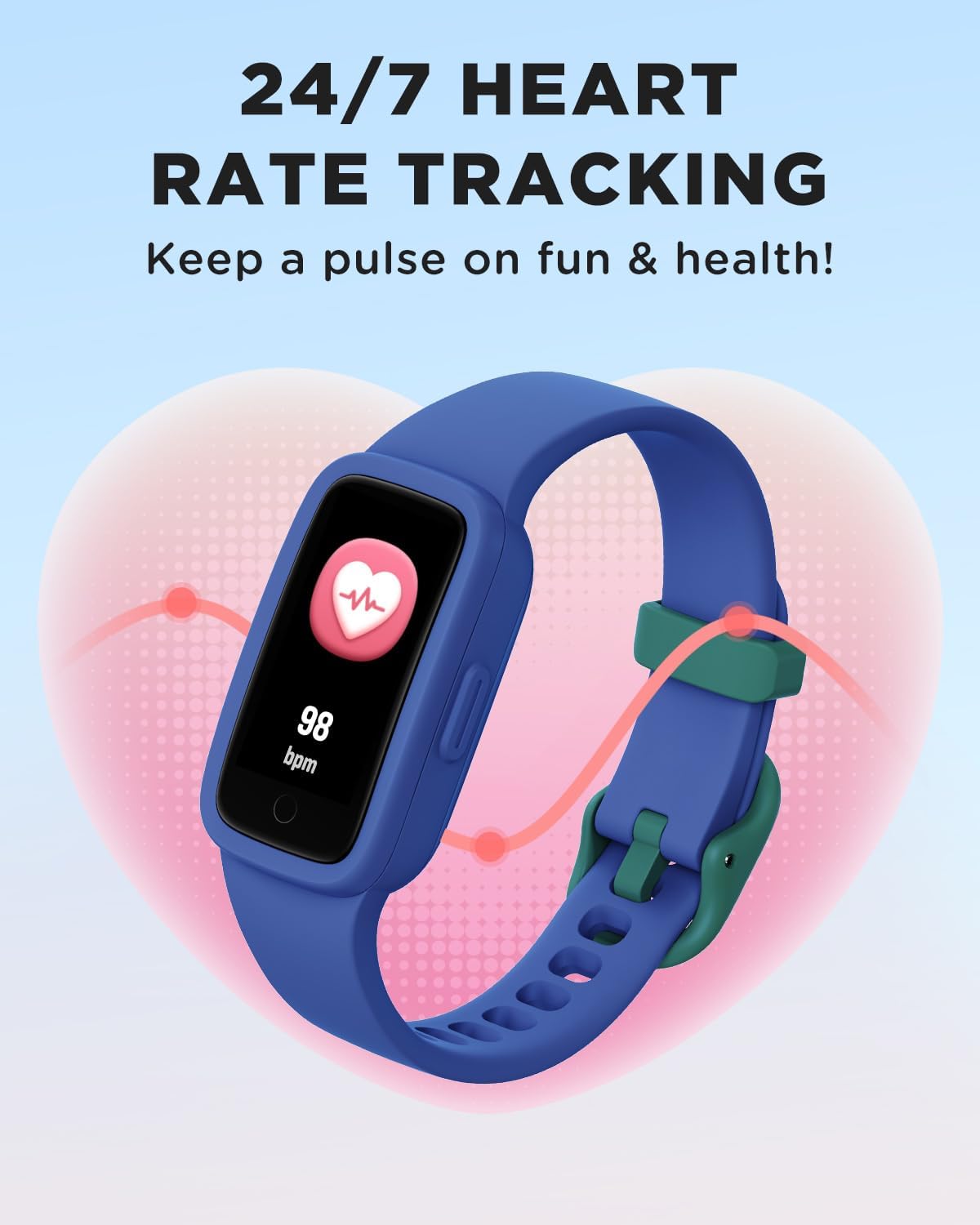
The watch provides continuous heart rate monitoring. To view your current heart rate, navigate to the heart rate screen. The watch will display your beats per minute (BPM).


5.4. Monitorización do sono
The watch automatically tracks sleep patterns, including deep sleep, light sleep, and awake times. This data helps in understanding sleep quality and can be viewed on the watch or in the app for more detailed analysis.

5.5. Modos deportivos
The watch supports 10 different sports modes to track specific activities. To select a sport mode:
- Swipe to the 'Sports' menu on the watch.
- Tap to select your desired activity (e.g., Run, Basketball, Cycling, Swimming).
- The watch will begin tracking metrics specific to that activity.

5.6. Habit Reminders, Games & Virtual Pet
The watch includes features to encourage healthy habits and engagement:
- Habit Reminders: Set reminders for daily routines like study time, meals, or exercise.
- Interactive Mini-Games: Engage with simple games directly on the watch.
- Mascota virtual: An e-pet that grows as the child stays active, providing motivation.
5.7. Esferas de reloxo
Customize the watch face to personalize the device. Multiple watch face options are available directly on the watch, with more options accessible via the BIGGERFIVE app.
6. Resistencia á auga
The BIGGERFIVE Vigor 3 is rated 3ATM waterproof, meaning it is resistant to splashes, rain, and can be worn during swimming. It is not suitable for diving or high-pressure water activities.
- Adecuado para: Hand-washing, rain, swimming.
- Evitar: Hot water (showers, saunas), salt water (sea water), or corrosive liquids, as these can compromise the water resistance and device integrity over time.

7. Mantemento
- Limpeza: Regularly clean the watch screen and strap with a soft, damp pano. Evite produtos químicos agresivos ou materiais abrasivos.
- Secado: Ensure the watch is completely dry after exposure to water, especially the charging contacts, to prevent corrosion.
- Almacenamento: Garda o reloxo nun lugar fresco e seco cando non o uses. Evita temperaturas extremas.
- Cargando: Cargue o dispositivo regularmente para manter a batería en bo estado, mesmo se non o usa con frecuencia.
8 Solución de problemas
- O reloxo non se acende: Asegúrate de que o reloxo estea completamente cargado. Conéctao ao cargador durante polo menos 10 minutos.
- Seguimento impreciso: Ensure the watch is worn snugly on the wrist, about one finger's width above the wrist bone. Restart the watch if issues persist.
- A pantalla non responde: Try restarting the watch by pressing and holding the side button (if available) or connecting it to the charger to force a restart.
- Non se pode emparellar coa aplicación: Ensure Bluetooth is enabled on your phone, the watch is charged, and it is within range. Restart both the watch and the phone, then try pairing again.
- Autonomía curta da batería: Reduce screen brightness, disable unnecessary notifications, and ensure the watch is fully charged before use.
9. Especificacións
| Característica | Especificación |
|---|---|
| Número de modelo | KR05 |
| Tipo de visualización | Pantalla AMOLED |
| Resistencia á auga | 3ATM |
| Capacidade da batería | 88 millónsamp Horario |
| Duración da batería | Ata 10 días (uso típico) |
| Conectividade | Bluetooth |
| Capacidade de almacenamento da memoria | 64 MB |
| Peso do elemento | 0.02 quilogramos (0.704 onzas) |
| Sistema Operativo | KR05 |
| Características especiais | 3ATM Waterproof, AMOLED Screen, Activity Tracker, Multisport Tracker |
10. Garantía e soporte
BIGGERFIVE products are designed for quality and reliability. For warranty information, please refer to the documentation included with your purchase or visit the official BIGGERFIVE websitio.
Para asistencia técnica ou consultas, póñase en contacto con:
- Correo electrónico: support@biggerfive.com