
1. Introdución
This manual provides essential information for setting up, operating, and maintaining your Tecno Pova Slim 5G smartphone. Please read this guide carefully to ensure proper use and to maximize the device's performance and longevity.
The Tecno Pova Slim 5G is a 5G-enabled smartphone featuring a slim design, a 3D curved display, and a large battery capacity. It incorporates advanced features such as a Dynamic Mood Light and Ella AI with regional language support.

Imaxe 1.1: Parte dianteira e traseira view of the Tecno Pova Slim 5G smartphone.
2. Que hai na caixa
Upon unboxing your Tecno Pova Slim 5G, verify that all the following items are included:
- Tecno Pova Slim 5G Smartphone
- Adaptador de alimentación
- Cable USB
- Funda do teléfono
- Protector de pantalla (preaplicado ou na caixa)
- Expulsor da bandexa SIM
- Guía de inicio rápido (este manual)
3. Dispositivo rematadoview
Familiarize yourself with the physical components of your Tecno Pova Slim 5G smartphone.
3.1. Physical Layout
- Fronte: Curved AMOLED display, front camera, earpiece.
- Volver: Dual rear cameras, LED flash, Dynamic Mood Light, Tecno branding.
- Lado dereito: Botón de acendido e apagado, botóns para subir/baixar o volume.
- Lado esquerdo: Bandexa para tarxetas SIM.
- Abaixo: USB Type-C port, microphone, speaker grille.
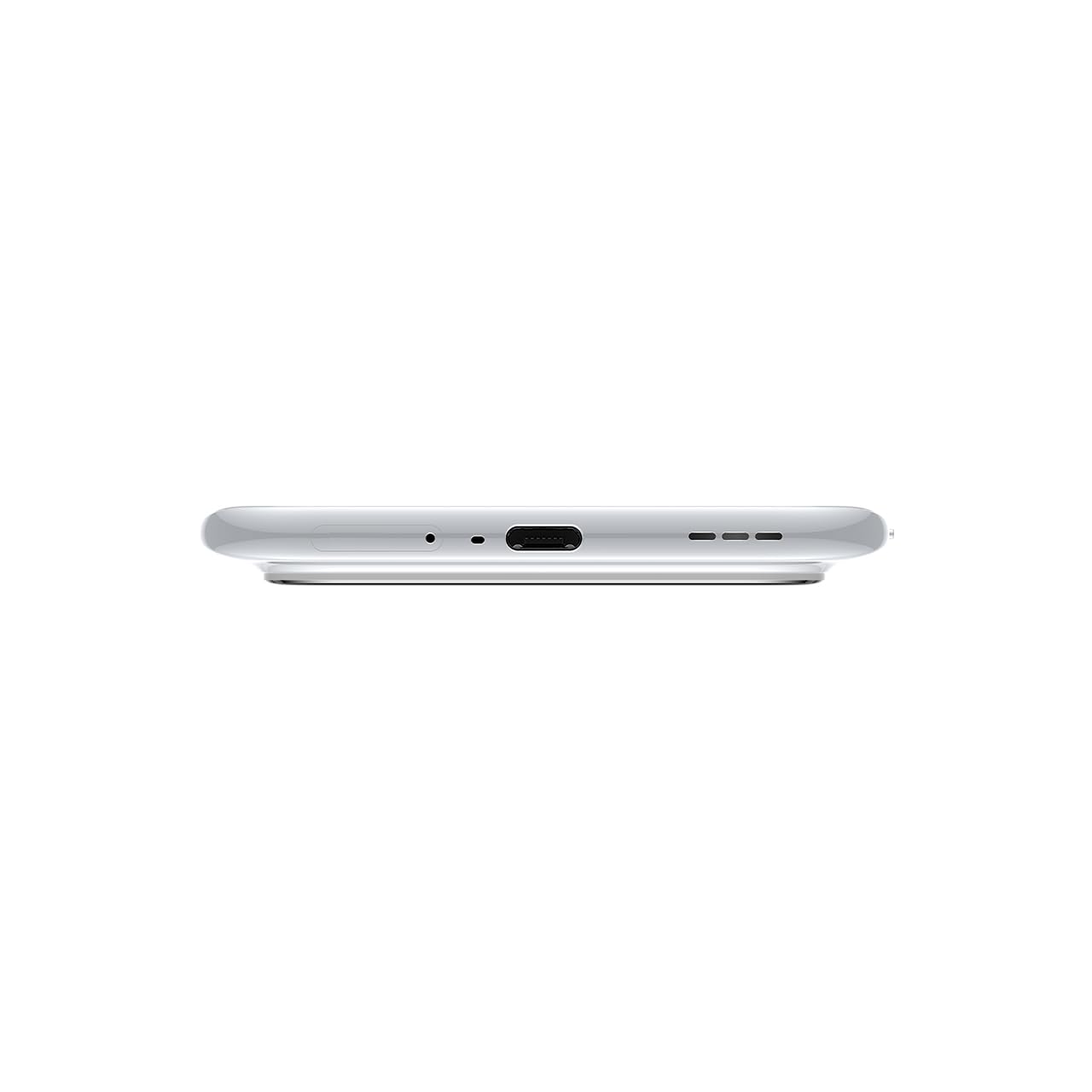
Imaxe 3.1: Parte inferior view of the device, highlighting the USB-C port and speaker.
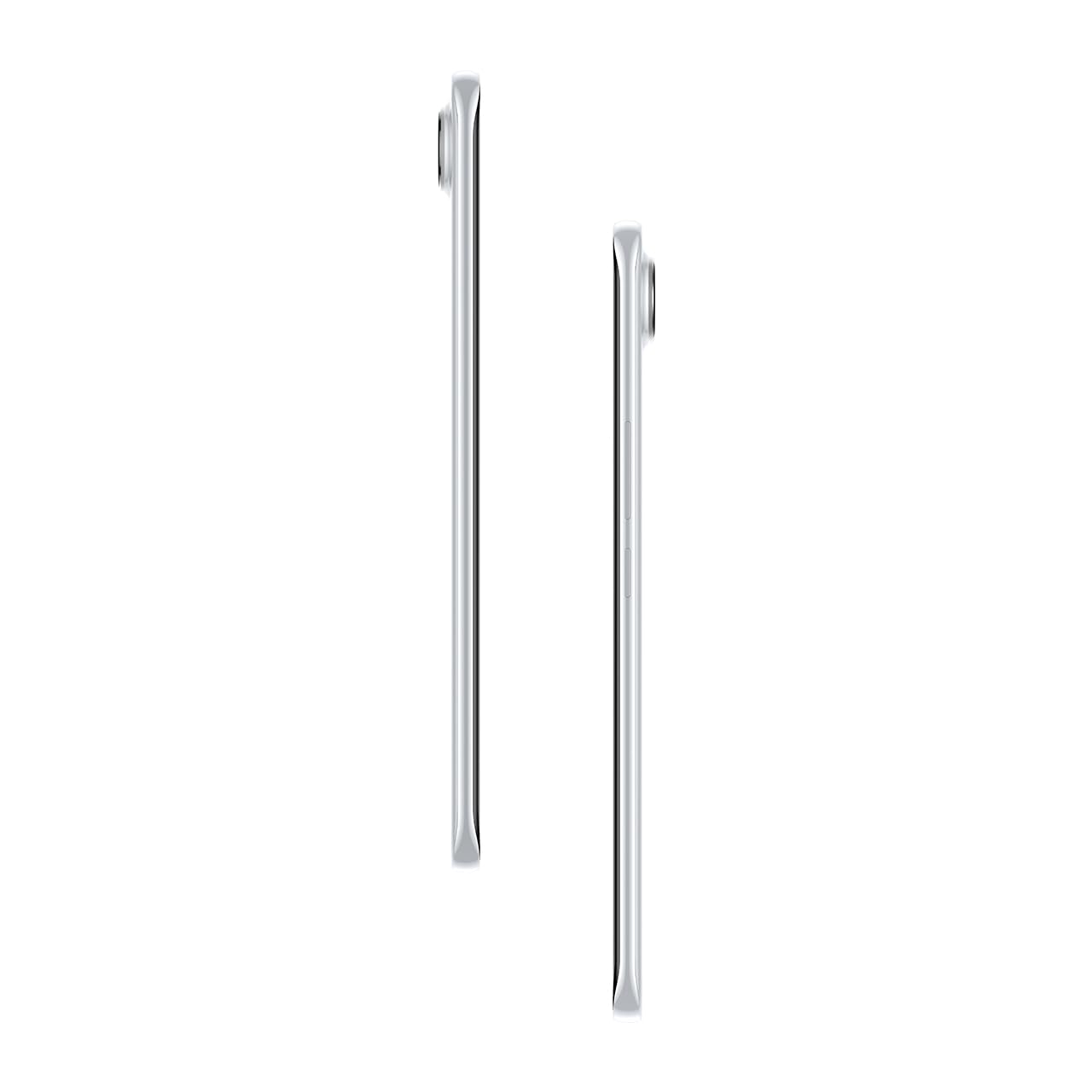
Imaxe 3.2: Lateral view ilustrando o Slim Profile do smartphone.
4. Configuración
4.1. Inserir a tarxeta SIM
- Localiza a bandexa da tarxeta SIM no lado esquerdo do dispositivo.
- Insira a ferramenta de expulsión da bandexa da SIM no pequeno orificio que hai xunto á bandexa e prema suavemente ata que esta saia.
- Coloque a(s) tarxeta(s) nano-SIM nas ranuras designadas da bandexa. Asegúrese de que os contactos dourados estean orientados cara abaixo.
- Empurre con coidado a bandexa de volta no teléfono ata que encaixe no seu lugar.
4.2. Acendido/apagado
- Para acender: Press and hold the Power button on the right side of the phone until the Tecno logo appears.
- Para apagar: Mantén premido o botón de acendido e, a seguir, selecciona "Apagar" entre as opcións que aparecen na pantalla.
- Para reiniciar: Mantén premido o botón de acendido e, a seguir, selecciona "Reiniciar" entre as opcións.
4.3. Configuración inicial
Upon first power-on, follow the on-screen instructions to set up your device. This includes selecting your language, connecting to Wi-Fi, setting up your Google account, and configuring security features like fingerprint or face unlock.
5. Funcionamento do teu dispositivo
5.1. Características da pantalla
The Tecno Pova Slim 5G features a 1.5K Curved AMOLED display with a 144Hz refresh rate, providing smooth visuals. It offers up to 4500 nits peak brightness for clear visibility in various lighting conditions and is protected by Corning Gorilla Glass 7i.
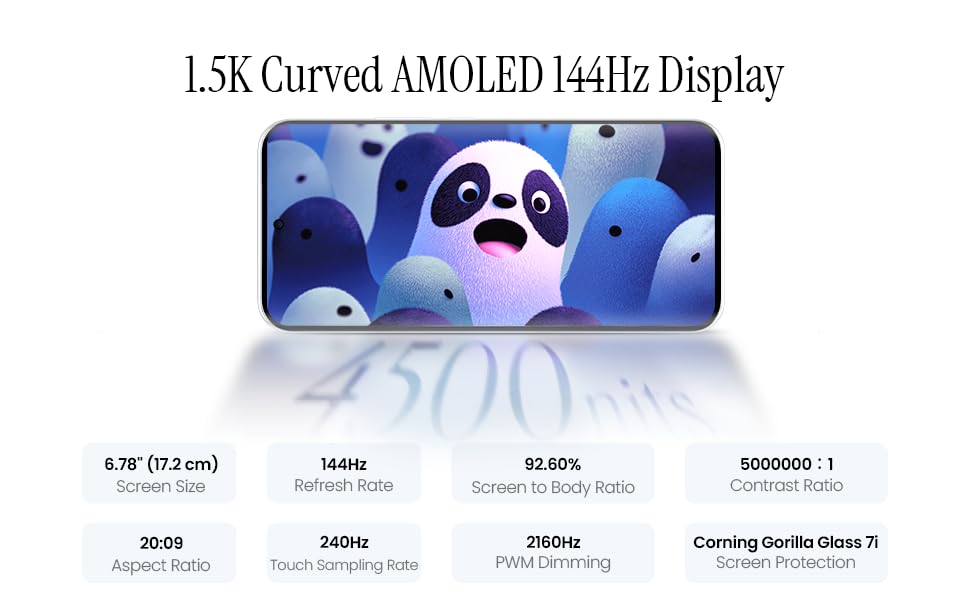
Image 5.1: Display specifications including screen size, refresh rate, and brightness.
5.2. Uso da cámara
The device is equipped with a 50MP AI camera system. To take photos or record videos, open the Camera application. You can switch between different modes (Photo, Video, Portrait, Night, etc.) and adjust settings like zoom, flash, and filters.
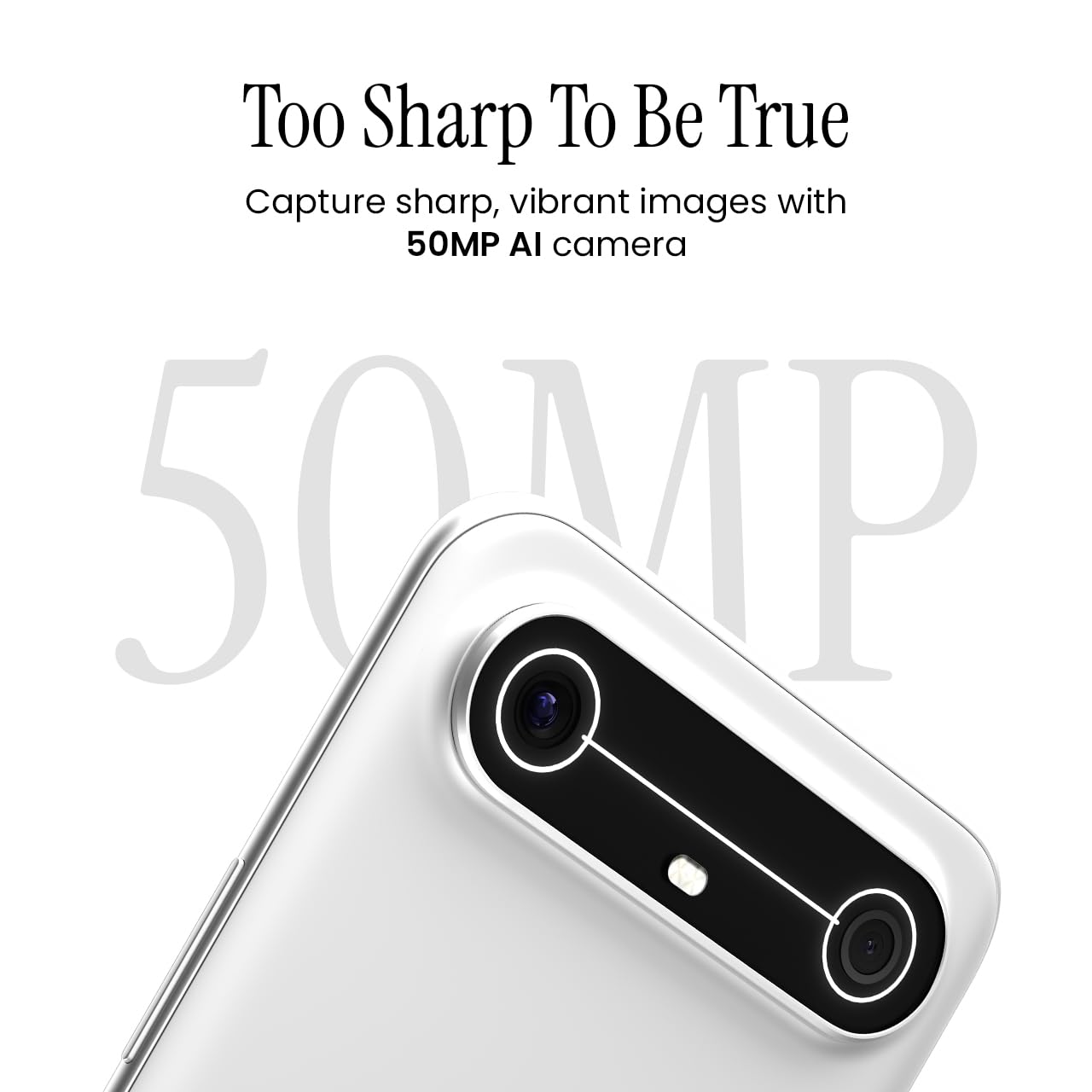
Image 5.2: Detail of the 50MP AI camera module.
5.3. Dynamic Mood Light
The Dynamic Mood Light is an integrated lighting feature on the back of the device that responds to various notifications, calls, and system events, providing visual cues.

Image 5.3: The Dynamic Mood Light design on the device's rear.
5.4. Ella AI Features
Ella AI provides intelligent assistance, including support for Indian regional languages. Key features include:
- AI Writing Assistant: Helps in drafting messages and content.
- Rodea para buscar: Allows users to search for information by circling objects on the screen.
- Comprensión lingüística: Processes and responds to voice commands in various Indian languages.
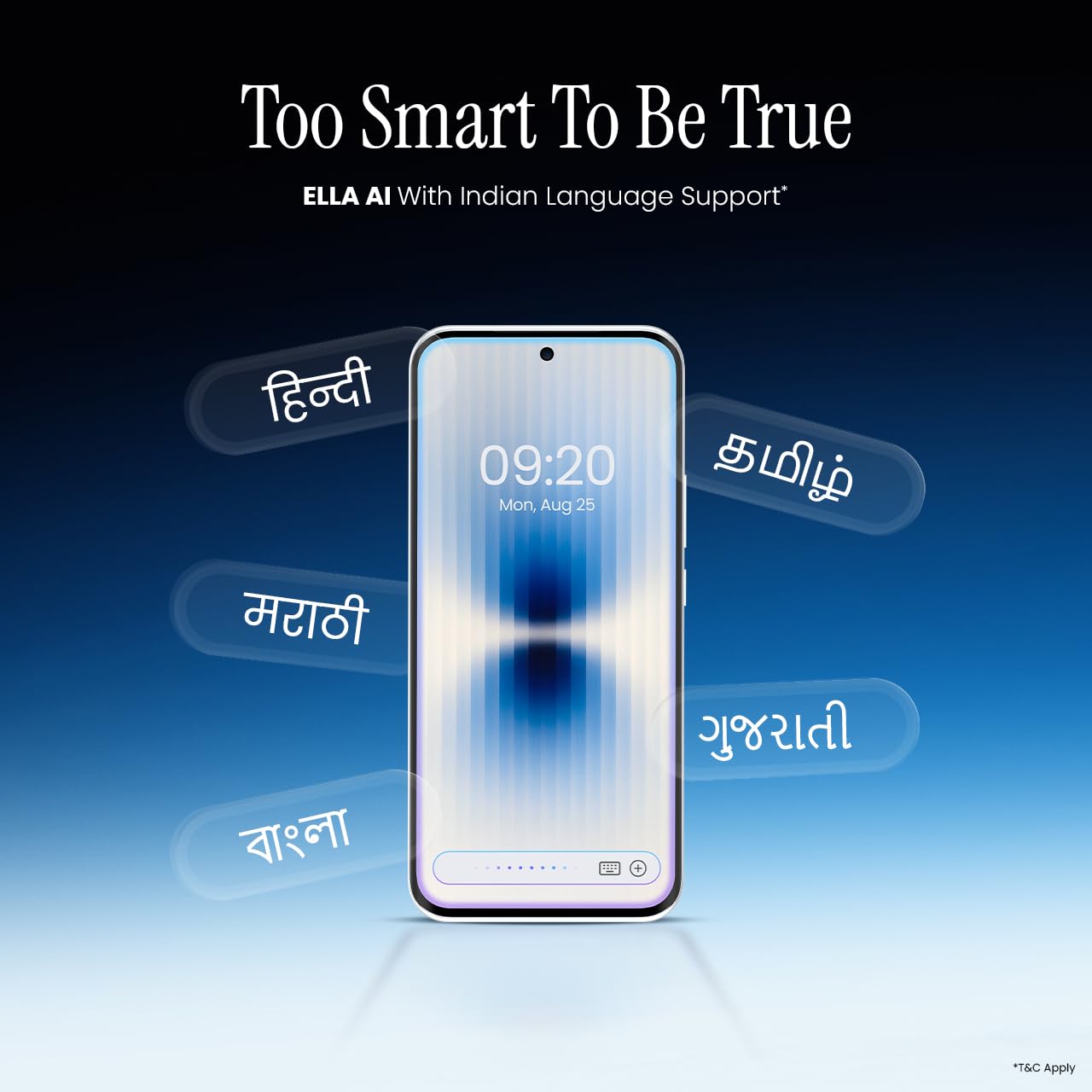
Image 5.4: Ella AI demonstrating Indian language support.
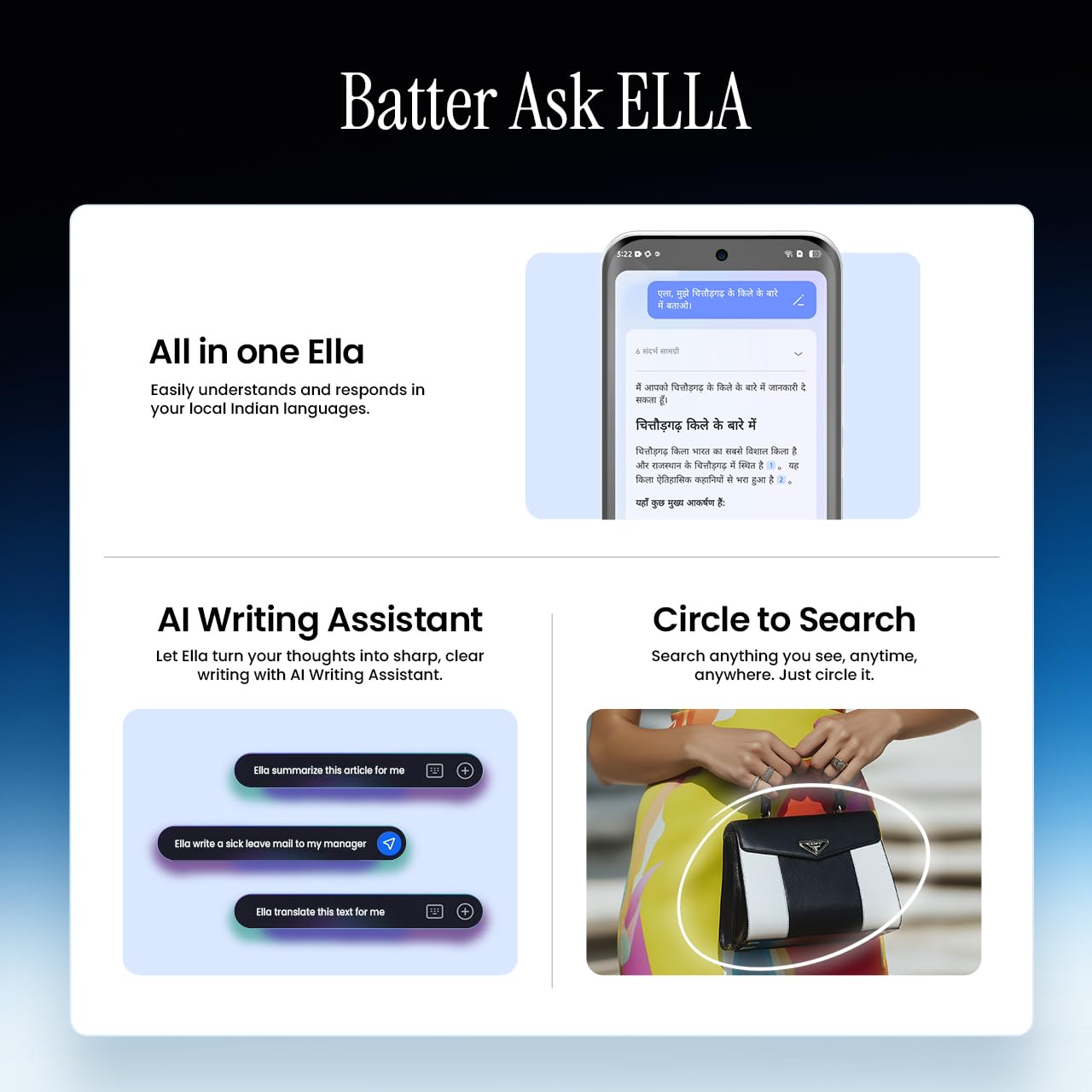
Image 5.5: Visual representation of Ella AI's writing assistant and circle to search functions.
5.5. Conectividade
The Pova Slim 5G supports 5G networks for high-speed data, Wi-Fi for local network access, and Bluetooth for connecting to accessories. It features an Intelligent Signal Hub System with 4x4 MIMO & N28 Band for enhanced network performance.
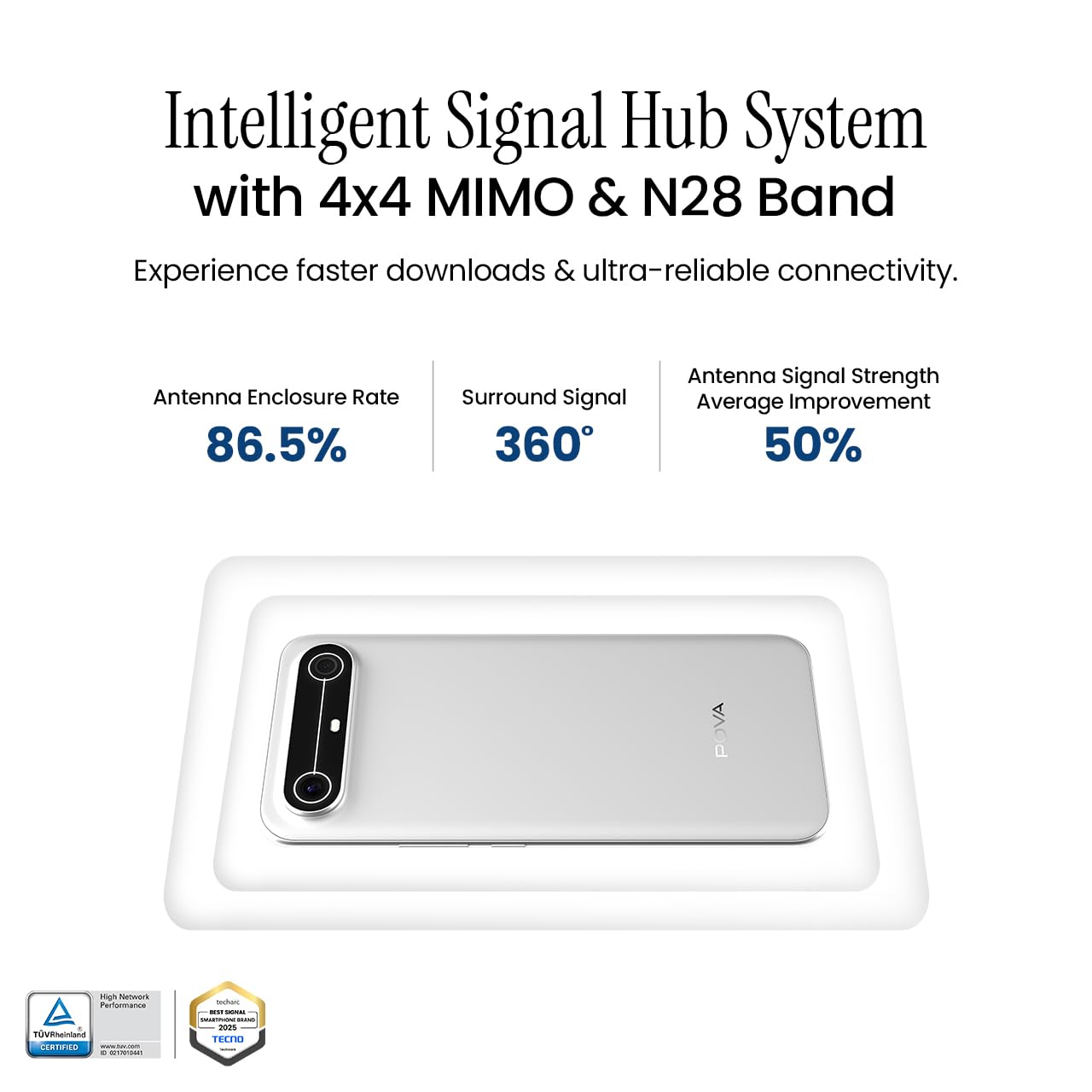
Image 5.6: Diagram illustrating the Intelligent Signal Hub System.
5.6. Batería e carga
The device is powered by a 5160mAh battery and supports 45W fast charging. Use the provided power adapter and USB cable for optimal charging performance. Avoid using uncertified chargers or cables.

Image 5.7: Representation of the 5160mAh battery and 45W charging capability.
6. Mantemento
6.1. Coidado da batería
- Evita as temperaturas extremas, xa que poden reducir a duración da batería.
- Do not fully discharge the battery regularly; charge it before it drops too low.
- Desconecta o cargador unha vez que a batería estea chea para evitar unha sobrecarga.
6.2. Limpeza do dispositivo
Usa un pano suave e sen pelusa para limpar a pantalla e a carcasa do teléfono. Evita o uso de produtos químicos agresivos ou materiais abrasivos. Para manchas difíciles, limpa lixeiramenteampEnxágüe o pano con auga ou cun limpador de pantallas deseñado especificamente para dispositivos electrónicos.
6.3. Actualizacións de software
Regularly check for and install software updates. Updates often include security patches, performance improvements, and new features. To check for updates, go to Configuración > Sistema > Actualización do sistema.
6.4. Características de durabilidade
The Pova Slim 5G is built with durability in mind, featuring MIL-STD-810H military-grade toughness, IP64 dust and splash resistance, and Corning Gorilla Glass 7i for screen protection.

Image 6.1: Indication of MIL-STD-810H military-grade protection.
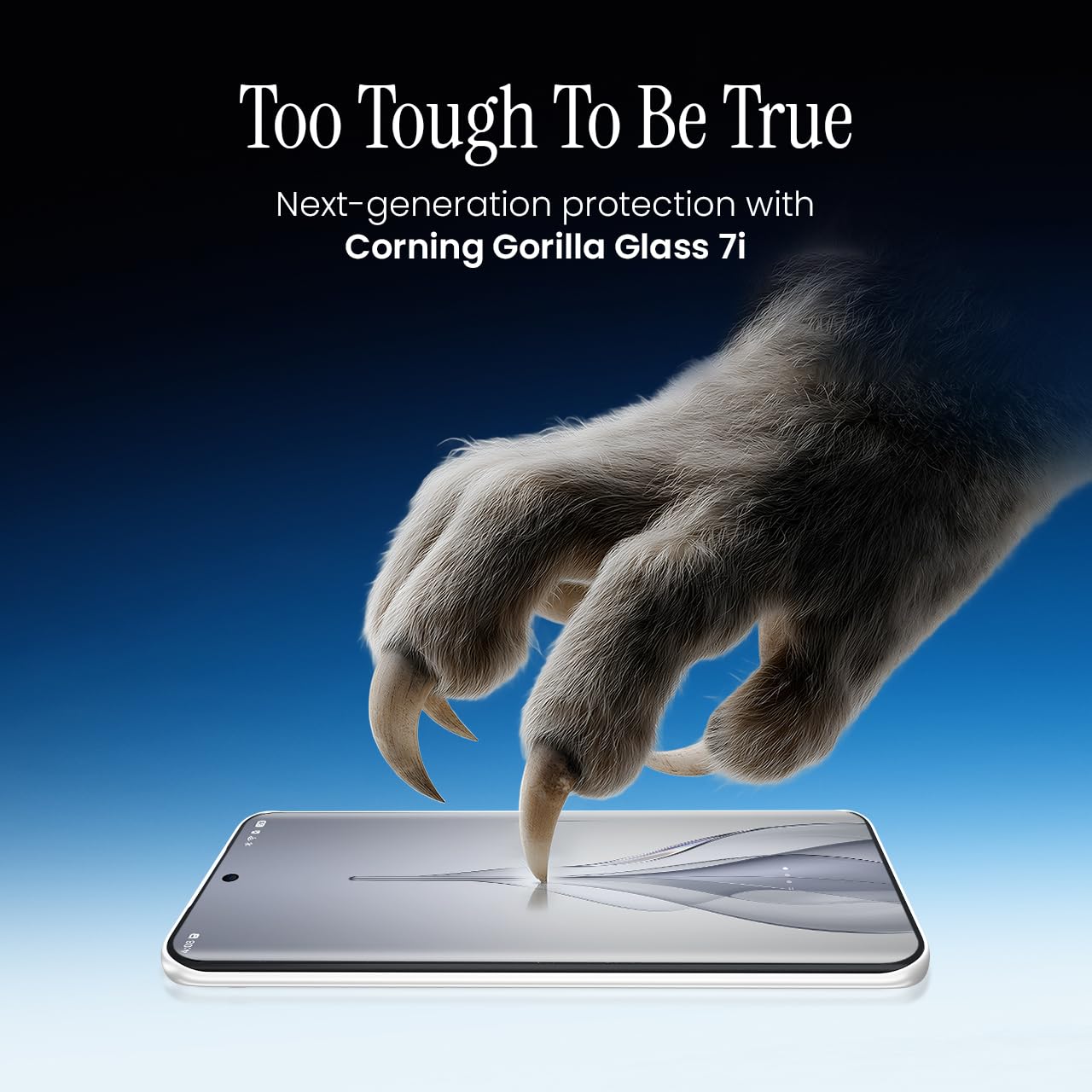
Image 6.2: Visual representation of Corning Gorilla Glass 7i protection.

Image 6.3: Device shown with IP64 dust and splash resistance.
7 Solución de problemas
Se tes problemas co teu dispositivo, proba as seguintes solucións:
- O dispositivo non se acende: Asegúrate de que a batería estea cargada. Conecta o cargador e agarda uns minutos antes de tentar acender de novo.
- Problemas de conectividade de rede: Check if your SIM card is properly inserted. Try restarting the device. Verify that mobile data or Wi-Fi is enabled in settings.
- Rendemento lento: Close unnecessary background applications. Clear cache from apps. Consider restarting the device. Ensure sufficient storage space is available.
- Esgotando a batería rapidamente: Reduce screen brightness. Disable unused features like Bluetooth or GPS. Limit background app activity.
- Fallos das aplicacións: Clear the app's cache and data (Settings > Apps > [App Name] > Storage > Clear Cache/Clear Data). If the issue persists, reinstall the app.
For persistent issues, contact customer support or visit an authorized service center.
8. Especificacións
| Característica | Especificación |
|---|---|
| Número de modelo | KM9 |
| Sistema Operativo | Android 15 |
| Tamaño da memoria RAM instalada | 8 GB |
| Almacenamento (ROM) | 128 GB |
| Velocidade da CPU | 2, 2.5 GHz |
| Dimensións do produto | 16.4 x 7.6 x 0.6 cm |
| Peso do elemento | 156 g |
| Potencia nominal da batería | 5160 mAh |
| Resolución | 1224 x 2720 píxeles |
| Tecnoloxías de Conectividade | Bluetooth, Infrared, USB, Wi-Fi |
| Cor | Slim White |
| País de Orixe | India |
9. Garantía e soporte
Your Tecno Pova Slim 5G smartphone comes with a limited manufacturer's warranty. Please refer to the warranty card included in your product packaging for specific terms and conditions, including coverage period and limitations.
For technical support, service inquiries, or to find authorized service centers, please visit the official Tecno website or contact their customer service helpline. Keep your purchase receipt and device's serial number handy when seeking support.
Soporte en liña: Tecno India Support


