
Introdución
This manual provides essential information for setting up, operating, maintaining, and troubleshooting your HP All-in-One PC, models 27-cr0417in and 27-cr0421in. Please read these instructions carefully to ensure proper use and longevity of your device.
The HP All-in-One PC features a 27-inch Full HD IPS display, powered by a 13th Gen Intel Core i5-1334U processor, 16GB DDR4 RAM, and a 1TB PCIe NVMe M.2 SSD. It comes pre-installed with Windows 11 Home and Office 2024.
1. Guía de configuración
1.1 Unpacking the PC
Retire con coidado todos os compoñentes da embalaxe. Asegúrese de que estean presentes os seguintes elementos:
- HP All-in-One PC unit
- HP 710 White Wireless Keyboard
- HP White Wireless Mouse
- 90W Smart AC Power Adapter
- Documentación (incluído este manual)
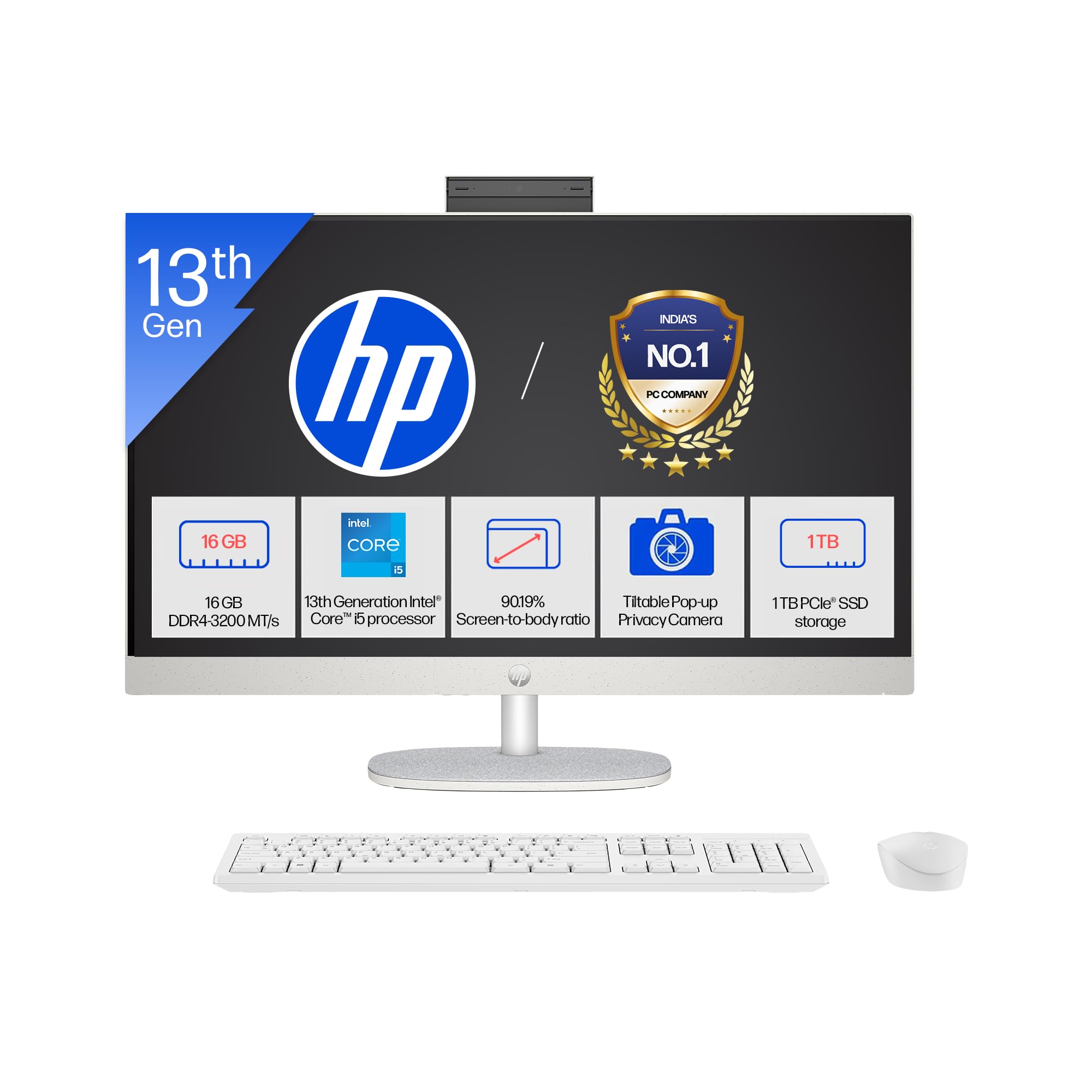
Image: The HP All-in-One PC with its included wireless keyboard and mouse, ready for setup.
1.2 Conexión de periféricos
- Conexión de alimentación: Connect the 90W Smart AC Power Adapter to the power port on the back of the PC, then plug it into a wall outlet.
- Teclado e rato sen fíos: The HP 710 wireless keyboard and mouse are pre-paired. Insert the included batteries into both devices. The USB receiver for the wireless devices is typically found in the mouse or keyboard packaging. Plug this receiver into an available USB port on the PC.
- Conexións opcionais: If you have external devices, connect them to the appropriate ports (e.g., USB drives, external monitors via HDMI-out).
1.3 Acendido inicial e configuración de Windows
- Press the power button, usually located on the side or back of the display.
- Follow the on-screen instructions to complete the Windows 11 Home setup. This includes selecting your region, connecting to a Wi-Fi network, and creating a user account.
- Your PC comes with Windows 11 Home in S mode. This mode is designed for security and performance, exclusively running apps from the Microsoft Store. If you need to install apps from outside the Microsoft Store, you can switch out of S mode.
2. Manexo do teu PC
2.1 Navegación e visualización básicas
Your HP All-in-One PC features a 27-inch Full HD (1920 x 1080) IPS display with a three-sided micro-edge design for an immersive viewing experience. The anti-glare finish reduces reflections, and 300 nits brightness ensures clear visuals.

Image: Visual representation of the 27-inch FHD IPS display with micro-edge bezels and 300 nits brightness.
2.2 Camera and Audio Features
- HP True Vision 1080p FHD IR Tilt Privacy Camera: The integrated camera provides high-definition video for calls and includes an IR sensor for Windows Hello facial recognition. The tilt feature allows adjustment, and the privacy shutter ensures your privacy when not in use.
- Dual Array Digital Microphones: Integrated microphones with temporal noise reduction enhance audio clarity during video conferences and voice commands.
- Altofalantes duais de 2 W: The built-in stereo speakers provide clear audio output for multimedia and communication.
2.3 Conectividade
Your PC offers a variety of ports and wireless options for connecting to networks and peripherals.
- Sen fíos: Integrated Realtek RTL8852BE Wi-Fi 6 (2x2) for high-speed internet and Bluetooth 5.3 for connecting wireless accessories.
- Portos USB: Includes 1 USB Type-C (5Gbps), 2 USB Type-A (5Gbps), and 2 USB 2.0 Type-A ports for various devices.
- Saída HDMI: Connect an external display using the HDMI-out 1.4 port.
- RJ-45: Para conexión de rede Ethernet con fíos.
- Combinación de auriculares/micrófono: A single port for audio input and output.

Imaxe: Detallada view of the rear ports on the HP All-in-One PC, including USB, HDMI, and Ethernet connections.
3. Mantemento e coidados
3.1 Instrucións de limpeza
- Visualización: Use un pano suave e sen pelusa lixeiramente dampLavar con auga ou cun limpador de pantallas deseñado especificamente para dispositivos electrónicos. Evitar produtos químicos agresivos.
- Chasis: Wipe the exterior surfaces with a soft, dry cloth. For stubborn marks, a slightly damp pódese usar pano.
- Teclado e rato: Use a soft brush or compressed air to remove dust and debris. Wipe surfaces with a slightly damp pano se é necesario.
- Ventilación: Ensure the ventilation openings are clear of dust to prevent overheating. Use compressed air to gently clear dust from vents.
3.2 Actualizacións de software
Actualiza o teu sistema operativo e os controladores regularmente para garantir un rendemento e unha seguridade óptimos.
- Actualizacións de Windows: Ir a Configuración > Actualización de Windows to check for and install the latest updates.
- Actualizacións de controladores: HP ofrece actualizacións de controladores a través do seu servizo de asistencia websitio web ou o software HP Support Assistant.
3.3 Xestión do almacenamento
To maintain system performance, regularly manage your 1TB SSD storage:
- Eliminar innecesario files e aplicacións.
- Utiliza os servizos de almacenamento na nube para grandes files.
- Executa a limpeza de disco (búscaa en Windows) para eliminar as funcións temporais files.
4 Solución de problemas
4.1 Problemas comúns e solucións
- PC does not power on:
- Ensure the power adapter is securely connected to both the PC and a working power outlet.
- Proba a toma de corrente con outro dispositivo.
- Sen visualización na pantalla:
- Check if the PC is powered on.
- Ensure no external display is connected and set as the primary output.
- Wireless keyboard/mouse not responding:
- Comprobe os niveis da batería e substitúea se é necesario.
- Ensure the USB receiver is properly plugged into a USB port.
- Tenta conectar o receptor a un porto USB diferente.
- Sen conexión a internet:
- Verify your Wi-Fi network is active and you have the correct password.
- Reinicia o teu router/módem.
- Check network cable if using RJ-45.
4.2 Cando contactar co servizo de asistencia
If you encounter persistent issues that cannot be resolved using the troubleshooting steps above, please refer to the Warranty and Support section for contact information.
5. Especificacións do produto

Imaxe: Máis deview of the 13th Gen Intel Core i5-1334U processor specifications, including core count and clock speed.
| Característica | Descrición |
|---|---|
| Números de modelo | 27-cr0417in, 27-cr0421in |
| Procesador | 13th Gen Intel Core i5-1334U (up to 4.6 GHz, 10 cores, 12 threads, 12 MB L3 cache) |
| Memoria (RAM) | 16 GB DDR4-3200 MT/s (1 x 16 GB), 1 available slot |
| Almacenamento | Unidade de estado sólido (SSD) M.2 NVMe PCIe de 1 TB |
| Sistema Operativo | Windows 11 Home Idioma único en modo S |
| Software preinstalado | Microsoft Office 2024, 1 Year Microsoft 365 Basic |
| Mostrar | 27" (68.6 cm) diagonal, FHD (1920 x 1080), IPS, three-sided micro-edge, anti-glare, 300 nits, 99% sRGB |
| Gráficos | Gráficos Integrados |
| Portos | 1 USB Type-C 5Gbps, 2 USB Type-A 5Gbps, 2 USB 2.0 Type-A, 1 Headphone/microphone combo, 1 RJ-45, 1 HDMI-out 1.4 |
| Ranuras de expansión | 1 M.2 (for SSD), 1 M.2 (for WLAN) |
| Conectividade sen fíos | Realtek RTL8852BE Wi-Fi 6 (2x2) and Bluetooth 5.3 |
| Audio | Dobre altofalante de 2 W |
| Teclado e rato | HP 710 White Wireless Keyboard and Mouse Combo |
| Cámara | HP True Vision 1080p FHD IR tilt privacy camera with temporal noise reduction and integrated dual array digital microphones |
| Fonte de alimentación | Adaptador de corrente CA intelixente de 90 W |
| Dimensións (ancho x profundo x alto) | 61.2 x 18.6 x 51.7 cm (24.11 x 7.34 x 20.35 polgadas) |
| Peso | 6.72 kg |
| Cor | Shell white |
| UPC | 199485095103 |
| Características de sustentabilidade | Post-consumer recycled and ocean-bound plastics, EPEAT Gold Registered, ENERGY STAR Certified |
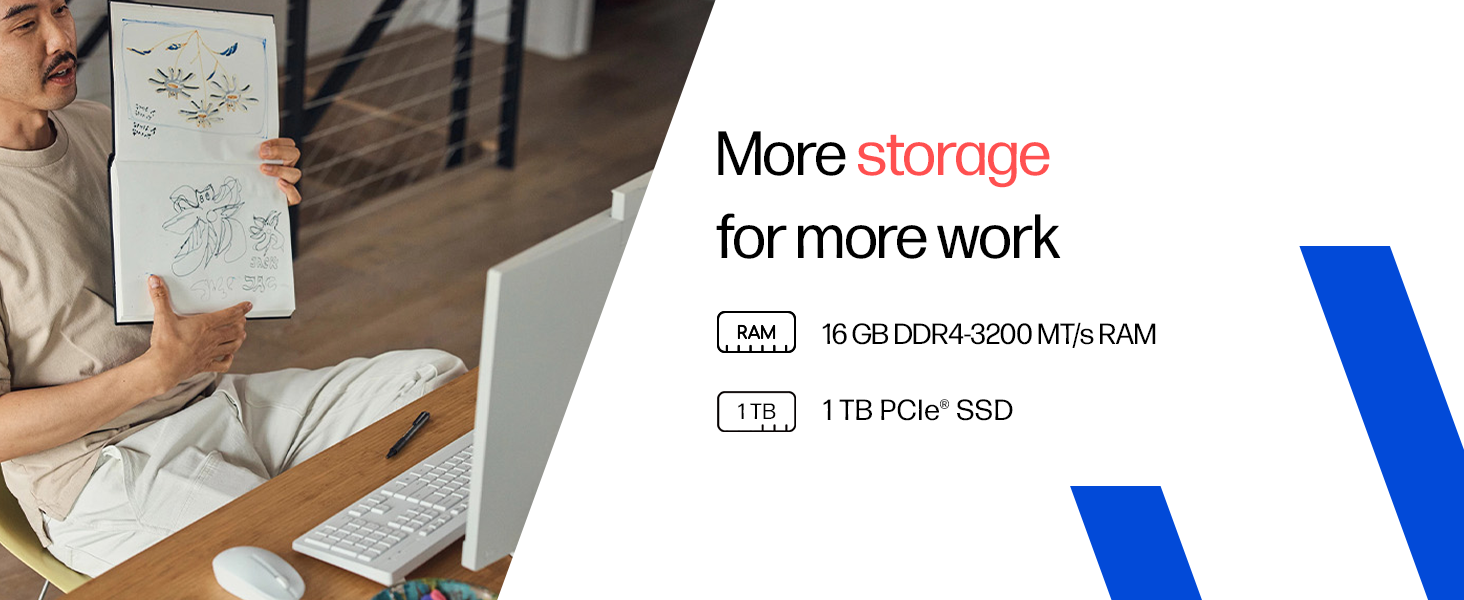
Image: Details on the 16GB DDR4 RAM and 1TB PCIe SSD for efficient performance and storage.
6. Garantía e soporte
6.1 Información da garantía
Your HP All-in-One PC comes with a 1 anos de garantía do fabricante on the device from the date of purchase. Please retain your proof of purchase for warranty claims.
6.2 Soporte técnico
For any technical or product-related queries, please contact HP customer support:
- Números gratuítos: 1800-258-7170 or 1860-258-3079
- Fabricante: HP India Sales Pvt. Ltd.
For additional support resources, visit the official HP support websitio.