
1. Introdución
Thank you for choosing the Statik State 5000mAh MagSafe Compatible Power Bank. This portable charger is designed to provide reliable and efficient power for your devices on the go, featuring advanced safety technology and versatile charging options. Please read this manual carefully to ensure proper use and maintenance of your device.
2. Información de seguridade
The Statik State Power Bank incorporates revolutionary semi-solid electrolyte technology, utilizing 95% less liquid than traditional batteries. This design enhances safety, making it more secure and TSA-approved for air travel.
- Non expoñas a batería externa a temperaturas extremas (superiores a 60 °C/140 °F ou inferiores a 0 °C/32 °F).
- Evite deixar caer, furar ou desmontar o dispositivo.
- Manter lonxe da auga e outros líquidos.
- Emprega só cables e adaptadores de carga certificados.
- Manter fóra do alcance dos nenos.
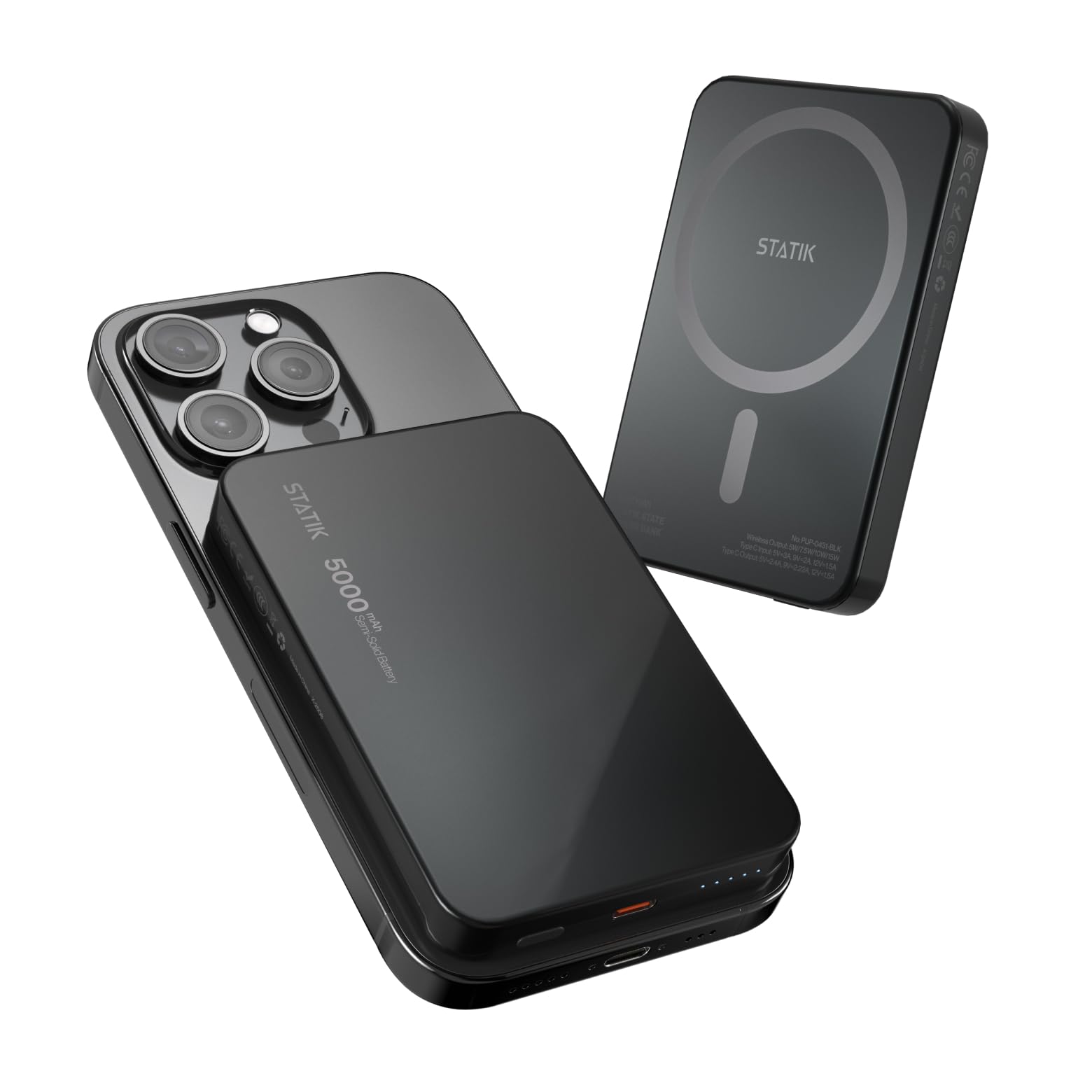
Image: The Statik State Power Bank is designed with advanced safety features, including resistance to damage from punctures.
3. Características do produto
- Capacidade 5000 mAh: Provides more than one full charge for most smartphones.
- Compatible con MagSafe: Perfect magnetic alignment for iPhone 12 and newer models for wireless charging.
- 20W USB-C Fast Charging: Supports Power Delivery for rapid wired charging.
- Vida útil prolongada: Designed for over 1,000 charge cycles, twice the standard.
- Indicadores LED intuitivos: Clearly displays remaining battery level.
- Modo de baixo consumo: Optimized for charging smaller devices like AirPods or smartwatches.
- Deseño duradeiro: Crafted with an aluminum frame and impact-resistant shell.
- Aprobado pola TSA: Safe for travel on flights.

Image: The semi-solid technology ensures a longer battery lifespan with minimal degradation.

Image: Advanced temperature control system prevents overheating during use.
4. Produto rematadoview

Image: Key components of the Statik State Power Bank.
- Interruptor On/Off: Press to activate the power bank or check battery status.
- Porto USB-C: Used for both charging the power bank and charging external devices.
- Indicadores luminosos: Displays the current battery level of the power bank.
- MagSafe Charging Area: Magnetic surface for wireless charging compatible devices.
5. Configuración
5.1 Cargo inicial
Before first use, fully charge your Statik State Power Bank. Connect the included USB-C cable to the power bank's USB-C port and the other end to a compatible USB power adapter (not included). The LED indicators will illuminate to show charging progress and turn solid when fully charged.
6. Instrucións de funcionamento
6.1 Carga da batería externa
- Conecta un cable USB-C ao porto USB-C do cargador portátil.
- Connect the other end of the cable to a USB wall charger or power source.
- The LED indicators will flash to show charging status. All LEDs will be solid when fully charged.
6.2 Carga de dispositivos sen fíos (MagSafe)
This feature is compatible with iPhone 12 and newer models, or other MagSafe-enabled devices/cases.
- Asegúrate de que o banco de enerxía estea suficientemente cargado.
- Align your MagSafe-compatible device with the MagSafe charging area on the power bank. The magnets will snap into place.
- The power bank will automatically begin wireless charging. If not, press the On/Off switch once.
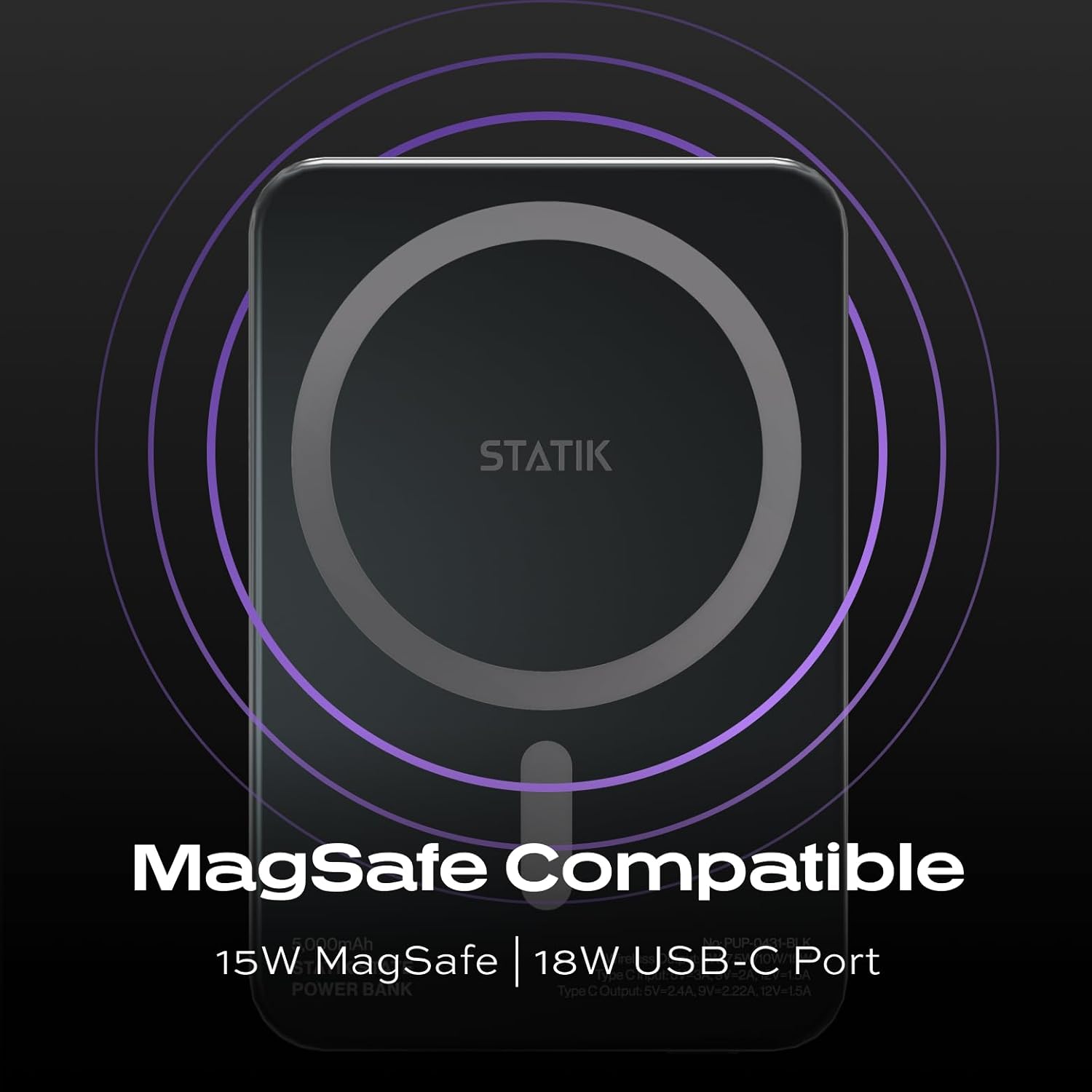
Image: MagSafe compatibility ensures secure and efficient wireless charging.
6.3 Charging Devices via USB-C
The USB-C port supports 20W Power Delivery for fast charging compatible devices.
- Connect a USB-C to USB-C cable (or appropriate USB-C to device cable) to the power bank's USB-C port.
- Conecte o outro extremo do cable ao dispositivo.
- The power bank will automatically begin charging. If not, press the On/Off switch once.
6.4 Low-Power Mode
For smaller devices that require less power, such as AirPods or smartwatches, the power bank features a low-power mode. To activate, double-press the On/Off switch. The LEDs will indicate low-power mode is active. Double-press again to return to standard charging mode.
7. Mantemento
- Limpa a batería externa cun pano suave e seco. Non empregues produtos químicos agresivos nin materiais abrasivos.
- Almacenar nun lugar fresco e seco lonxe da luz solar directa.
- If storing for an extended period, charge the power bank to approximately 50% every 3 months to preserve battery health.
8 Solución de problemas
- O banco de enerxía non carga: Ensure the USB-C cable and power adapter are functioning correctly and properly connected.
- O dispositivo non se carga: Verify that your device is compatible with MagSafe or USB-C charging. Ensure the power bank has sufficient charge and is activated (press the On/Off switch). For wireless charging, ensure proper alignment.
- Sobrequecemento: While the Statik State Power Bank has advanced temperature control, prolonged use in hot environments or with demanding applications can cause warmth. If the device becomes excessively hot, disconnect it immediately and allow it to cool down before resuming use. If overheating persists, contact customer support.
- Os indicadores LED non funcionan: The power bank may be fully depleted or damaged. Try charging it. If the issue persists, contact customer support.
9. Especificacións
| Característica | Detalle |
|---|---|
| Nome do modelo | PUP-0431-BLK |
| Capacidade da batería | 5000 millónsamp Horas (mAh) |
| Tipo de conector | USB tipo C |
| Saída sen fíos | 5W/7.5W/10W/15W |
| Entrada de tipo C. | 5V=3A, 9V=2A |
| Saída tipo C. | 5V=2.4A, 9V=2.22A, 12V=1.5A |
| Tipo de pila de batería | Lithium Ion (Semi-Solid State) |
| Dimensións do artigo (L x W x Grosor) | 3.93 cm de longo x 2.75 cm de ancho x 0.45 cm de grosor |
| Peso da batería | 80 gramos |
10. Garantía e soporte
For warranty information or technical support, please refer to the product packaging or contact Statik customer service through their official websitio web ou o vendedor onde se comprou o produto. Garde o recibo de compra como proba de compra.