
1. Introdución
This manual provides essential information for the safe and efficient operation of your RUIZU 163GB Android MP3 Player. Please read it thoroughly before using the device.
The RUIZU Android MP3 Player is a versatile portable media device running on Android 13, offering extensive music and video playback capabilities, Wi-Fi and Bluetooth connectivity, and parental control features.
2. Contido do paquete
Verifica que todos os elementos estean presentes no paquete:
- 1 x RUIZU 163GB Android MP3 Player with Bluetooth and WiFi
- 1 x USB-C cable for charging & file transferencia
- 1 x 3.5mm Wired Stereo headphones
- 1 x Funda protectora
- 1 x Screen protector
- 1 x User Manual (English & Japanese)

Image: Contents of the RUIZU MP3 Player package, showing the device, USB-C cable, wired headphones, protective case, and screen protector.
3. Configuración
3.1 Carga inicial
Before first use, fully charge the device. Connect the provided USB-C cable to the player and a compatible USB power adapter (not included) or a computer's USB port. The charging indicator will show progress.
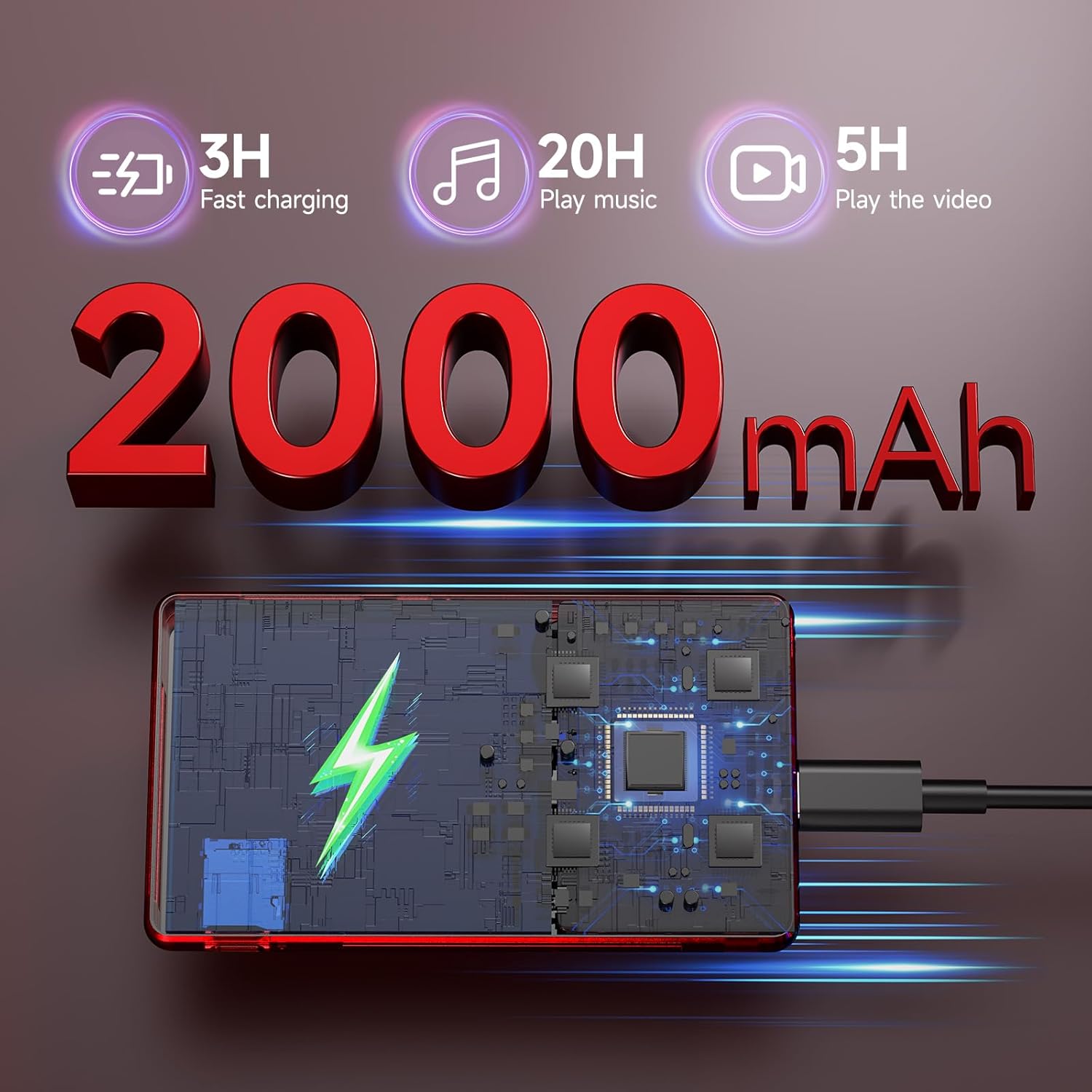
Image: The RUIZU MP3 Player connected to a USB-C charging cable, illustrating its 2000mAh battery and charging process.
3.2 Encendido/apagado
- Para acender: manteña premido o botón de acendido ata que a pantalla se ilumine.
- Para apagar: manteña premido o botón de acendido e, a seguir, seleccione "Apagar" entre as opcións.
3.3 Instalación da tarxeta Micro SD
The device comes with a pre-installed 128GB Micro SD card. To install or replace a Micro SD card (up to 1TB supported):
- Localiza a ranura para tarxetas Micro SD no lateral do dispositivo.
- Insira suavemente a tarxeta Micro SD na ranura ata que faga clic.
- Para retirala, empurre a tarxeta cara a dentro ata que saia de golpe.
4. Instrucións de funcionamento
4.1 Interface de usuario e navegación
The RUIZU MP3 Player features a 4.5-inch IPS touchscreen for intuitive navigation. Swipe, tap, and pinch to interact with applications and settings.

Image: The RUIZU MP3 Player showcasing its 4.5-inch full touch screen during video playback, highlighting its IPS panel.
4.2 Reprodución de música
The device supports various audio formats including MP3, WAV, FLAC, AAC, APE, OGG, M4A, WMA, MP2, AMR, and MID.
4.2.1 Offline Music
Use the built-in offline music app to manage and play your local music collection. You can scan all songs or specific folders, search for tracks, and create playlists.

Imaxe: Unha detallada view of the RUIZU MP3 Player's local music player application, showing options for scanning music, managing downloads, equalizer settings, and supported audio formats.
4.2.2 Transmisión de música
With Wi-Fi connectivity (2.4GHz & 5GHz), you can stream music from preloaded applications such as Spotify Kids, Pandora, Amazon Music, Tidal, and Deezer. Access the Google Play Store to download additional streaming services.
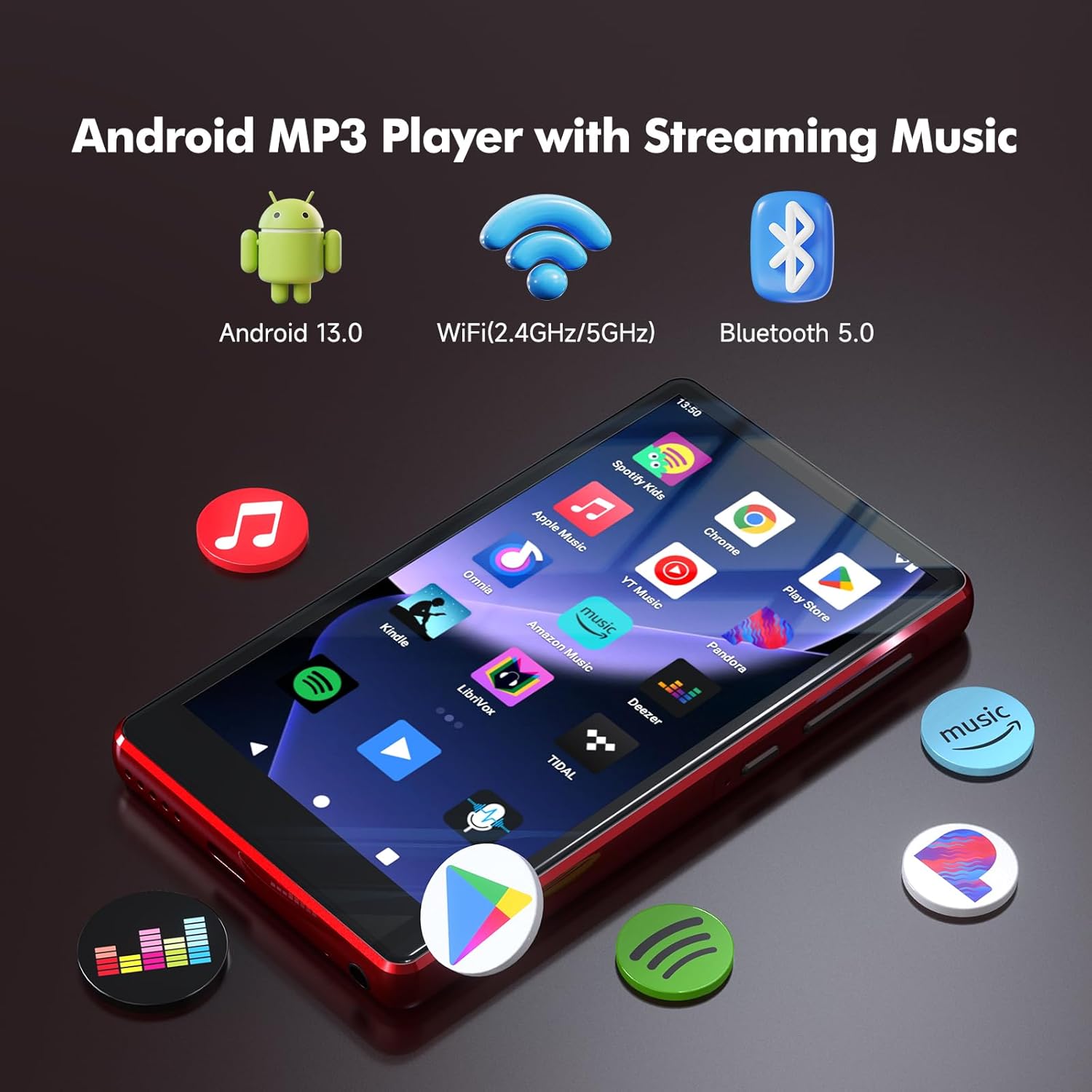
Image: The RUIZU Android MP3 Player's home screen, featuring icons for various streaming music applications and highlighting its Android 13, Wi-Fi, and Bluetooth 5.0 capabilities.
4.3 Conectividade Bluetooth
The device features Bluetooth 5.0 for connecting to wireless headphones, speakers, or car audio systems. It supports two-way Bluetooth for enhanced functionality.
4.4 Reprodución de vídeo
The player supports 720p and 1080p HD video playback on its 4.5-inch IPS screen.
4.5 File Transferencia
Transferencia files to and from the device using the USB-C cable connected to a computer or via Bluetooth from an Android phone. Note: iOS file transfer is not supported via Bluetooth.
4.6 Controis parentais
The device integrates Google's parental control system, allowing you to manage app access, set passwords for downloads, and limit content to ensure a safe experience for children.
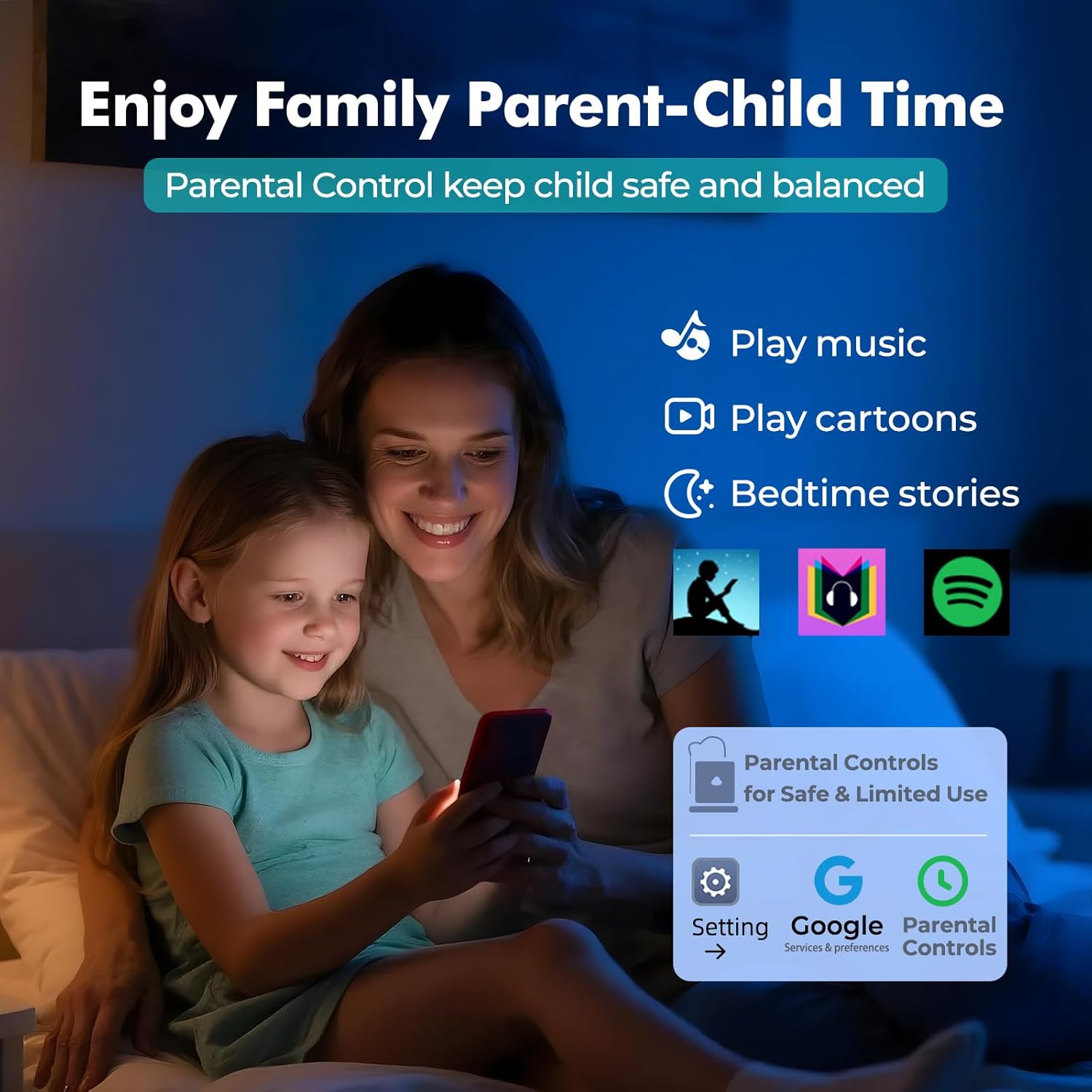
Image: A visual representation of the parental control features on the RUIZU MP3 Player, showing a parent and child interacting with the device and the parental control interface.
4.7 Características adicionais
The RUIZU MP3 Player includes a built-in FM radio, voice recorder, file manager, and calendar.
5. Mantemento
5.1 Coidado coa batería
To prolong battery life, avoid extreme temperatures and fully discharge and recharge the device periodically. The 2000mAh battery provides up to 20 hours of music playback or 5 hours of video playback on a single charge.
5.2 Limpeza
Limpe o dispositivo cun pano suave e seco. Evite o uso de produtos químicos agresivos ou materiais abrasivos.
5.3 Actualizacións de software
As an Android device, the player may receive software updates. Ensure your device is connected to Wi-Fi to check for and install updates, which can improve performance and add new features.
6 Solución de problemas
If you encounter issues with your RUIZU MP3 Player, refer to the following common solutions:
- O dispositivo non se acende: Asegúrate de que a batería estea cargada. Conéctaa a unha fonte de alimentación e inténtao de novo.
- Non se pode conectar a Wi-Fi/Bluetooth: Check that Wi-Fi/Bluetooth is enabled in settings. Ensure you are within range of the network/device.
- Music not playing: Verificar o audio file format is supported. Check volume settings. Ensure the Micro SD card is properly inserted.
- Rendemento lento: Close unused applications. Clear cache if necessary. Consider a factory reset as a last resort (this will erase all data).
7. Especificacións
| Característica | Especificación |
|---|---|
| Marca | RUIZU |
| Número de modelo | THM16Red |
| Sistema Operativo | Android 13 |
| Procesador | 8-core MTK6762 |
| RAM | 3 GB |
| Almacenamento interno | 32 GB |
| Almacenamento ampliable | Up to 1TB via Micro SD (128GB card included) |
| Tamaño da pantalla | 4.5 polgadas |
| Tecnoloxía de visualización | LCD IPS |
| Conectividade | Aux, Bluetooth 5.0, USB-C, Wi-Fi (2.4GHz & 5GHz) |
| Capacidade da batería | 2000 mAh |
| Duración da batería (Música) | Ata 20 horas |
| Duración da batería (vídeo) | Ata 5 horas |
| Formatos de audio admitidos | MP3, WAV, FLAC, APE, OGG, M4A, AAC, WMA, MP2, AMR, MID |
| Reproducción de vídeos | 720p & 1080p HD |
| Características especiais | Built-In Speaker, FM Radio, Touch Screen, Voice Recorder, Equalizer, Parental Control |

Image: An internal diagram of the RUIZU MP3 Player, illustrating the 8-core MTK6762 processor, 3GB RAM, 32GB internal storage, and the included 128GB Micro SD card.
8. Vídeo do produto
Vídeo: Un overview of the RUIZU 163GB MP3 Player, demonstrating its features such as Bluetooth and Wi-Fi connectivity, streaming capabilities, and user interface.
9. Garantía e soporte
9.1 Información da garantía
For warranty-related inquiries, please contact RUIZU customer support.
9.2 Atención ao cliente
If you require further assistance or have questions not covered in this manual, please contact our support team via email at support@ruizutek.com.