
Introdución
Thank you for choosing the MOFII Wireless Ergonomic Keyboard and Mouse Combo. This product is designed to provide a comfortable and efficient computing experience with its split curved keyboard, integrated wrist rest, and vertical ergonomic optical mouse. This manual will guide you through the setup, operation, and maintenance of your new device.
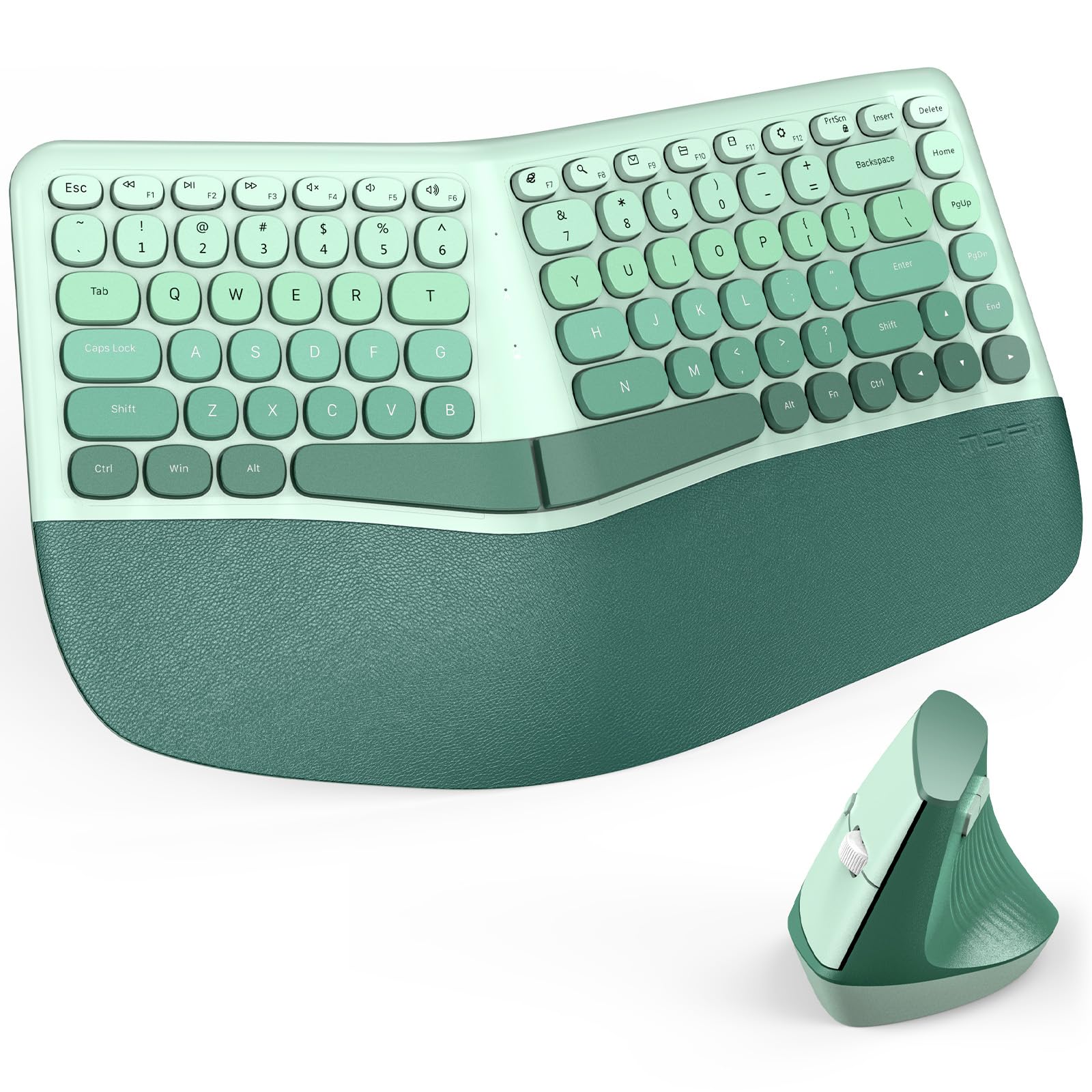
Image: The MOFII Wireless Ergonomic Keyboard and Mouse Combo in green, featuring a split and curved design, positioned on a desk with a laptop and monitor. A user's hands are shown comfortably typing, illustrating the ergonomic posture.
Contido do paquete
Comprobe o contido do paquete para asegurarse de que estean presentes todos os elementos:
- 1 x MOFII Wireless Ergonomic Keyboard
- 1 x MOFII Wireless Vertical Ergonomic Optical Mouse
- 1 x Nano receptor USB (gardado dentro do rato)
- 1 x Manual de usuario (este documento)
Instrucións de configuración
1. Instale as baterías
Both the keyboard and mouse require batteries for operation. Please follow these steps:
- Para o teclado:
- Localiza o compartimento da batería na parte inferior do teclado.
- Abra a tapa do compartimento da batería.
- Insert the required batteries (typically 2x AAA, not included) ensuring correct polarity (+/-).
- Pecha a tapa do compartimento da batería de forma segura.
Video: This video demonstrates the process of installing batteries into the MOFII ergonomic keyboard, showing the battery compartment location and proper battery insertion.
- Para o rato:
- Localiza o compartimento da batería na parte inferior do rato.
- Abra a tapa do compartimento da batería.
- Insert the required battery (typically 1x AA, not included) ensuring correct polarity (+/-).
- Pecha a tapa do compartimento da batería de forma segura.
- The USB nano receiver is stored inside this compartment. Remove it before closing the cover.

Imaxe: Primeiro plano view of the MOFII ergonomic vertical mouse being held, illustrating its natural grip. The underside of the mouse is visible, indicating the location of the battery compartment and the USB nano receiver storage.
2. Connect the USB Nano Receiver
The keyboard and mouse share a single USB nano receiver. This receiver is typically stored inside the mouse's battery compartment.
- Retire o nanorreceptor USB do compartimento da batería do rato.
- Plug the USB nano receiver into an available USB port on your computer (PC, laptop, or desktop).
- O teu ordenador debería detectar e instalar automaticamente os controladores necesarios. Non se require instalación de software adicional.
Once connected, the keyboard and mouse should be ready for use.
Instrucións de funcionamento
Características do teclado
- Ergonomic Split and Curved Design: The keyboard's design promotes a more natural hand and wrist posture, reducing strain during extended typing sessions.
- Repouso de pulso integrado: The padded wrist rest provides comfortable support for your palms, further enhancing ergonomic comfort. The leather-like surface is designed for durability and easy cleaning.
- Teclas multimedia: The keyboard includes dedicated multimedia keys for quick access to volume control, playback, and other functions.

Image: A close-up of the MOFII ergonomic keyboard's integrated palm rest, highlighting its leather-like cushioning and internal layers (soft synthetic leather, high-density foam, memory foam) designed for comfort and support.
Características do rato
- Vertical Ergonomic Design: The mouse is shaped to fit the natural curve of your palm, reducing wrist pressure and promoting a neutral hand position.
- DPI axustable: The mouse features 3 adjustable DPI levels (Dots Per Inch) to customize cursor sensitivity. Press the DPI button (usually located near the scroll wheel) to cycle through the settings. This allows for precise control for different tasks.
Modo de aforro de enerxía automático
To conserve battery life, both the keyboard and mouse will enter a sleeping mode after more than 10 minutes of inactivity. To wake them up, simply press any key on the keyboard or move/click the mouse. The devices will reconnect automatically.

Image: The MOFII keyboard and mouse setup on a desk, illustrating the auto power-saving feature. A graphic indicates that the devices enter sleep mode after 10 minutes of inactivity to conserve battery.
Compatibilidade
The MOFII Wireless Ergonomic Keyboard and Mouse Combo is compatible with a wide range of operating systems and devices:
- Sistemas operativos: Windows XP, Vista, 7, 8, 10, 11.
- Dispositivos compatibles: Personal Computers (PC), Laptops, Desktops.

Image: The MOFII keyboard and mouse combo shown in a multi-device setup, connected to both a laptop and a desktop computer. Icons below confirm compatibility with Desktop, Laptop, and Windows operating systems.
Mantemento
- Limpeza: Usa un pano suave e seco para limpar as superficies do teclado e do rato. Para a sucidade persistente, usa un pano lixeiramente seco.amp cloth with mild soap can be used, ensuring no liquid enters the devices. Avoid harsh chemicals or abrasive cleaners.
- Substitución da batería: Replace batteries when performance degrades or the low battery indicator (if present) illuminates. Always use fresh batteries of the specified type.
- Almacenamento: When not in use for extended periods, remove batteries to prevent leakage. Store the devices in a cool, dry place.
Resolución de problemas
- No connection/Device not working:
- Asegúrate de que as baterías estean instaladas correctamente e que non estean esgotadas. Substitúeas se é necesario.
- Comprobe que o nanorreceptor USB estea conectado correctamente a un porto USB que funcione no seu ordenador.
- Tenta conectar o receptor a un porto USB diferente.
- Reinicia o teu ordenador.
- If the devices entered power-saving mode, press a key or move the mouse to wake them up.
- Conexión intermitente ou con atraso:
- Ensure the devices are within the 10-meter (33 ft) operating range of the USB receiver.
- Reduce interference by moving other wireless devices or large metal objects away from the receiver.
- Ensure the receiver has a clear line of sight to the keyboard and mouse if possible.
- Mouse cursor movement is too fast or too slow:
- Adjust the DPI setting on the mouse using the DPI button.
- Adjust mouse sensitivity settings in your computer's operating system.
Especificacións
| Marca | MOFII |
| Modelo | B0FRZ2N1Y9 |
| Tecnoloxía de conectividade | USB sen fíos (2.4 GHz) |
| Rango de operación | Ata 10 metros (33 pés) |
| Disposición do teclado | QWERTY |
| Niveis de DPI do rato | 3 niveis axustables |
| Sistemas operativos compatibles | Windows XP/Vista/7/8/10/11 |
| Peso do elemento | 1.25 Kilograms (Keyboard and Mouse) |
| Fabricante | Shenzhen Mofii Technology Co., Ltd |
Garantía e Soporte
This MOFII product comes with a 1 anos de garantía do fabricante. Additionally, you may be eligible for a 30-day money-back guarantee. For warranty claims, technical support, or further assistance, please contact the seller or refer to the MOFII official websitio para información de contacto.
Conserve o comprobante de compra para efectos da garantía.