
Introdución
The Jabra Evolve3 75 is an on-ear wireless Bluetooth headset designed for modern work environments. It features advanced active noise cancellation, AI-powered voice call technology, and a lightweight, comfortable design. This manual provides detailed instructions for setting up, operating, maintaining, and troubleshooting your headset.
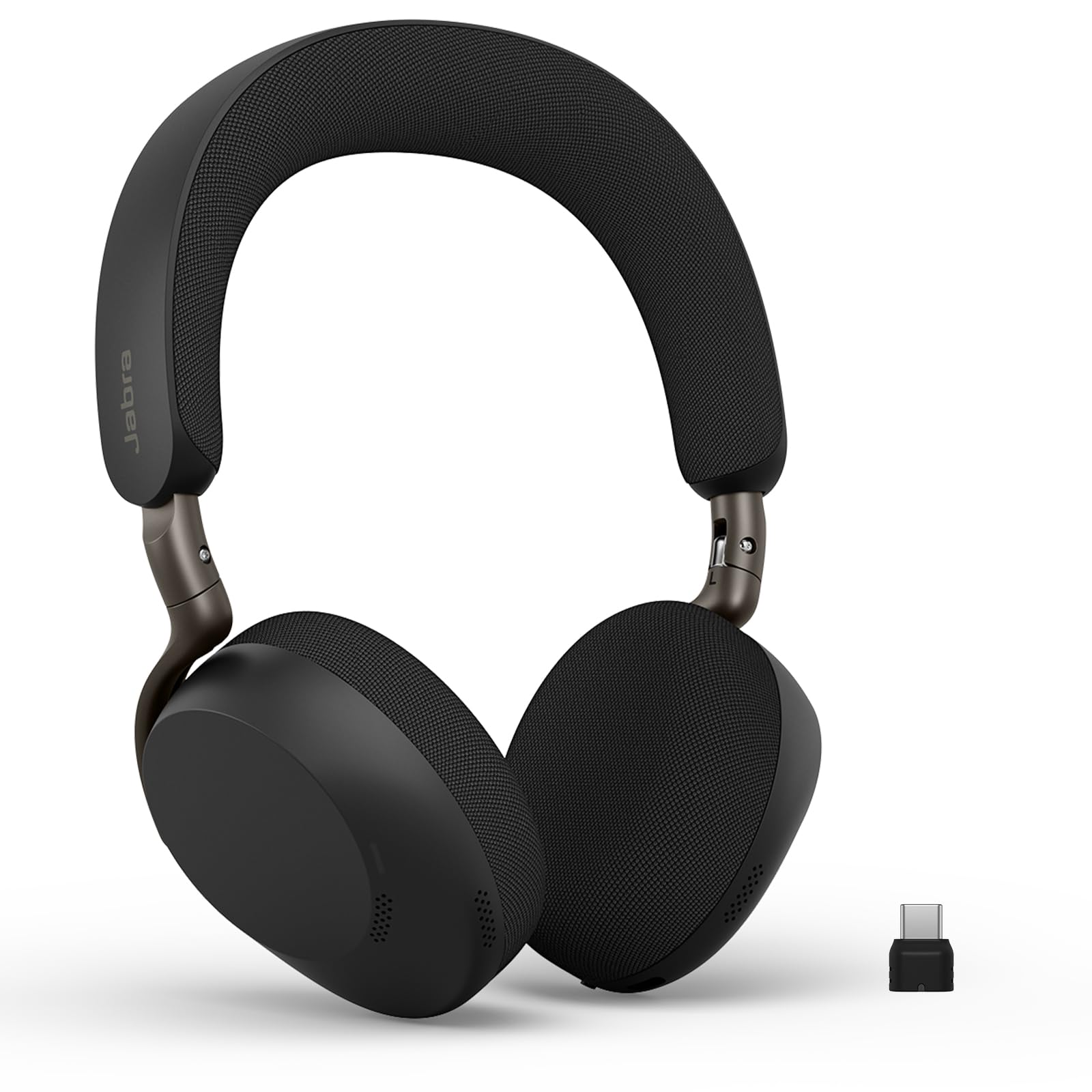
Image: Jabra Evolve3 75 Wireless Headset, showcasing o seu elegante deseño.
O que hai na caixa
Your Jabra Evolve3 75 package includes the following items:
- Jabra Evolve3 75 Headset
- Funda protectora
- Cable de carga USB-C a USB-C
- USB-C Dongle (Link390c)
- Información e declaracións de seguridade

Image: All components included in the Jabra Evolve3 75 package, neatly arranged.
Configuración
1. Cargando os auriculares
Before first use, fully charge your headset. The Jabra Evolve3 75 offers two charging methods:
- Cable USB-C: Connect the provided USB-C to USB-C cable to the headset's USB-C port and to a power source.
- Carga sen fíos (se procede): Place the right ear cup onto a compatible wireless charging pad. Note that not all SKUs include a wireless charger.
A 5-minute rapid charge provides up to 5 hours of power. A full charge offers up to 22 hours of talk time or 110 hours of music playback.

Image: Jabra Evolve3 75 headset on a charging stand, illustrating its battery life and rapid charge capability.
2. Conexión a dispositivos
Your headset can connect to your devices via Bluetooth or the included USB-C dongle.
- Emparellamento Bluetooth: Slide the Power/Bluetooth pairing switch to the Bluetooth position and hold until the LED indicator flashes blue. Select 'Jabra Evolve3 75' from your device's Bluetooth menu.
- Dongle USB-C: Plug the USB-C dongle (Jabra Link390c) into your computer's USB-C port. The headset will automatically connect to the dongle. This provides enhanced connectivity and mute status synchronization with online meeting applications.
The headset supports Fast Pair for quick connection and dual connectivity, allowing simultaneous connection to your laptop and phone.
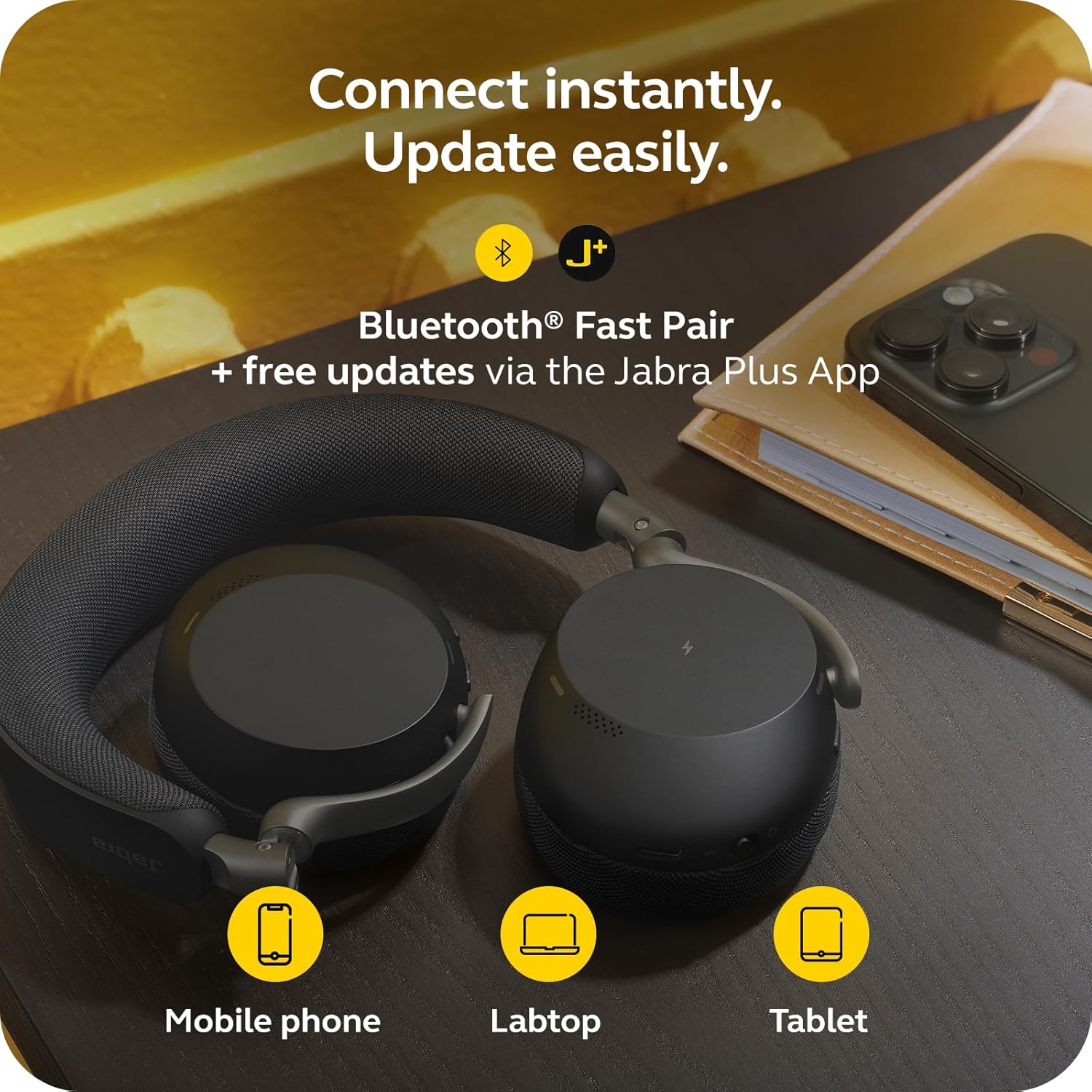
Image: Jabra Evolve3 75 headset alongside a mobile phone, laptop, and tablet, demonstrating its versatile connectivity options and the Jabra Plus App.
3. Jabra Plus App
Download the Jabra Plus App for mobile or Jabra Direct for desktop to manage settings, personalize your sound, and receive firmware updates to keep your headset current and optimized.
Funcionamento dos auriculares
Máis controisview
The Jabra Evolve3 75 features intuitive physical buttons for easy control. Refer to the diagram below for button locations and functions.

Image: A collage highlighting key features of the Jabra Evolve3 75, including ClearVoice, ANC, fast charge, and 360° busylight.
- Power On/Off & Bluetooth Pairing: Slide switch on the right ear cup.
- Subir/Baixar o volume: Buttons on the right ear cup.
- Reproducir/pausar música: Prema unha vez o botón multifunción.
- Responder/Finalizar chamada: Prema unha vez o botón multifunción.
- Rexeitar a chamada: Prema dúas veces o botón multifunción.
- Silenciar/Activar o micrófono: Dedicated button on the left ear cup.
- Asistente de voz: Press the dedicated button to activate your device's voice assistant.
- ANC/HearThrough Toggle: Button on the left ear cup to cycle between Active Noise Cancellation, HearThrough, and Off modes.
Características clave
- Jabra ClearVoice™: AI-powered technology isolates your speech and reduces background noise for clear communication.
- Jabra Advanced ANC™: Dynamically adjusts to your surroundings to block distractions and maintain focus.
- Enhanced Spatial Sound: Provides a more immersive audio experience for calls and music.
- 360° Busylight: Integrated light indicates when you are on a call or busy, minimizing interruptions.
Vídeo: Produto oficial rematadoview of the Jabra Evolve3 75, highlighting its key features and benefits for modern work environments.
Mantemento
Proper maintenance ensures the longevity and optimal performance of your Jabra Evolve3 75 headset.
- Limpeza: Gently wipe the ear cushions and headband with a soft, dry cloth. For deeper cleaning, use a slightly damp cloth with mild soap, ensuring no moisture enters the speaker grilles or ports.
- Coidado da batería: The headset features a replaceable battery. To maximize battery life, avoid extreme temperatures and store the headset with a partial charge if not used for extended periods.
- Almacenamento: Store the headset in its protective case when not in use to prevent damage.
Resolución de problemas
If you encounter issues with your Jabra Evolve3 75, try the following solutions:
- Sen enerxía: Ensure the headset is fully charged using the USB-C cable or wireless charging pad.
- Non se pode emparellar: Make sure the headset is in Bluetooth pairing mode (flashing blue LED). Turn off and on your device's Bluetooth, then try pairing again. For PC, ensure the USB-C dongle is properly connected.
- Mala calidade de audio: Check the connection. If using Bluetooth, try moving closer to your device. If using the dongle, ensure it's securely plugged in. Update firmware via the Jabra Plus App.
- Problemas do micrófono: Ensure the microphone is not muted. Check your device's audio settings to confirm the Jabra Evolve3 75 is selected as the input device.
- A cancelación activa de ruído non funciona: Ensure ANC is enabled via the dedicated button or Jabra Plus App. Adjust the headset fit for optimal seal.
For further assistance, consult the Jabra Plus App or visit the official Jabra support websitio.
Especificacións
| Característica | Especificación |
|---|---|
| Marca | Xabra |
| Nome do modelo | Evolución 3 75 |
| Número de modelo | 37599-989-899 |
| Colocación do oído | Na Orella |
| Tecnoloxía de conectividade | Sen fíos (Bluetooth 5.3) |
| Alcance Bluetooth | 100 pés |
| Control de ruído | Cancelación activa de ruído |
| Duración da batería (tempo de conversa) | Ata 22 horas |
| Duración da batería (Música) | Ata 110 horas |
| Tempo de carga da batería | minutos 180 |
| Peso do elemento | 180 gramos |
| Tamaño do controlador de audio | 32 milímetros |
| Garantía | 2 anos de fabricante |
Garantía e Soporte
Información da garantía
The Jabra Evolve3 75 headset comes with a 2 anos de garantía do fabricanteConserva o comprobante de compra para reclamacións de garantía.
Atención ao cliente
For technical support, product registration, or to access FAQs and additional resources, please:
- Visit the official Jabra support websitio: www.jabra.com/support
- Use the Jabra Plus App for personalized assistance and device management.


