
1. Introdución
Thank you for choosing the Dytole Wireless Headset DY108. This headset is designed to provide clear audio communication and comfort for various professional and personal uses. Featuring advanced AI noise cancellation, Bluetooth 5.3 connectivity, and a long-lasting battery, it is optimized for calls, online meetings, and general audio playback.

Figure 1.1: Dytole Wireless Headset DY108
2. Contido do paquete
Comprobe se o paquete contén os seguintes elementos:
- Bluetooth Wireless Headset x 1
- 2.4G USB Dongle x 1
- Cable de carga USB-C x 1
- Manual de usuario x 1
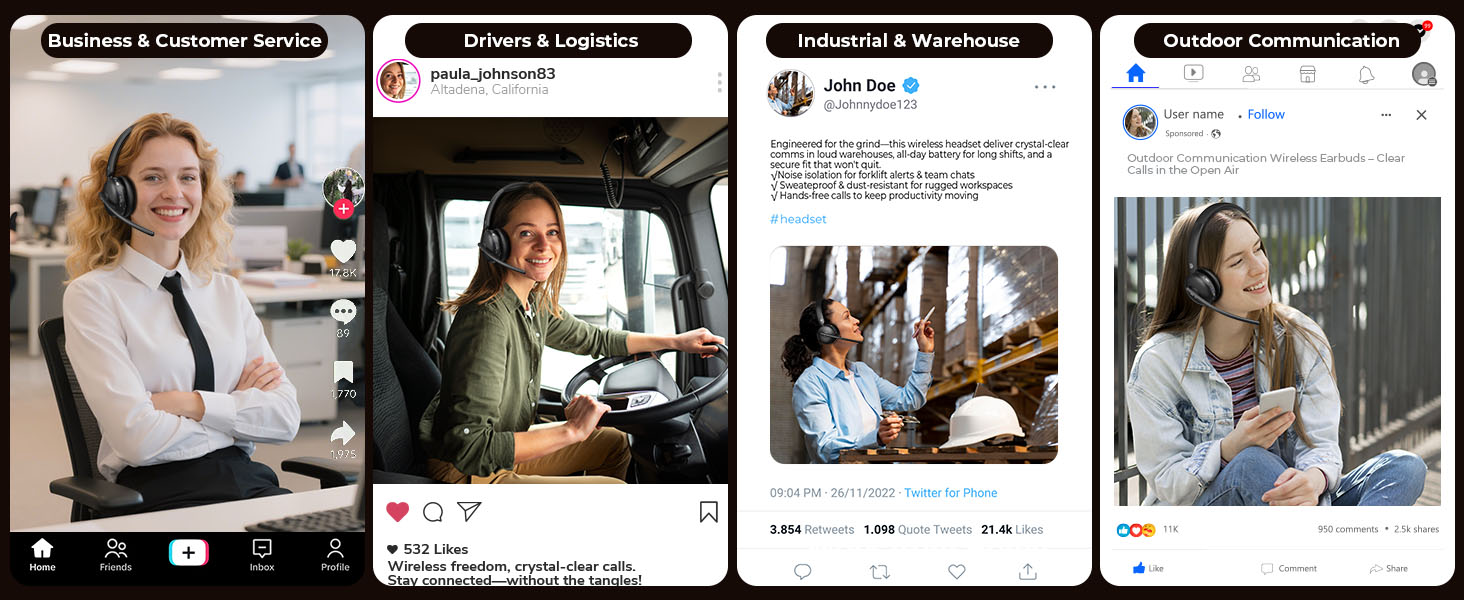
Figura 2.1: Contido do paquete
3. Produto rematadoview e Controis
Familiarízate cos compoñentes e os botóns de control dos auriculares.

Figura 3.1: Controis dos auriculares
- Micrófono flexible: 135° adjustable mic boom for optimal voice pickup.
- Botóns de volume: Axustar o nivel de saída de son.
- Botón de silencio: Silenciar/activar o micrófono durante as chamadas.
- MFB (botón multifunción): Power on/off, play/pause music, answer/end calls, activate voice assistant.
- Botón de encendido: On/Off switch for the headset.
- Soft Breathable Earmuffs: Designed for comfort during extended wear.
- Diadema axustable: Para un axuste seguro e cómodo.
4. Configuración
4.1. Cargando os auriculares
Before first use, fully charge the headset. Connect the USB-C charging cable to the headset's charging port and the other end to a USB power source (e.g., computer, wall adapter). The LED indicator will show charging status.
- Tempo de carga: Aproximadamente 2 horas para unha carga completa.
- Duración da batería: Up to 65 hours of talk/music time on a full charge.
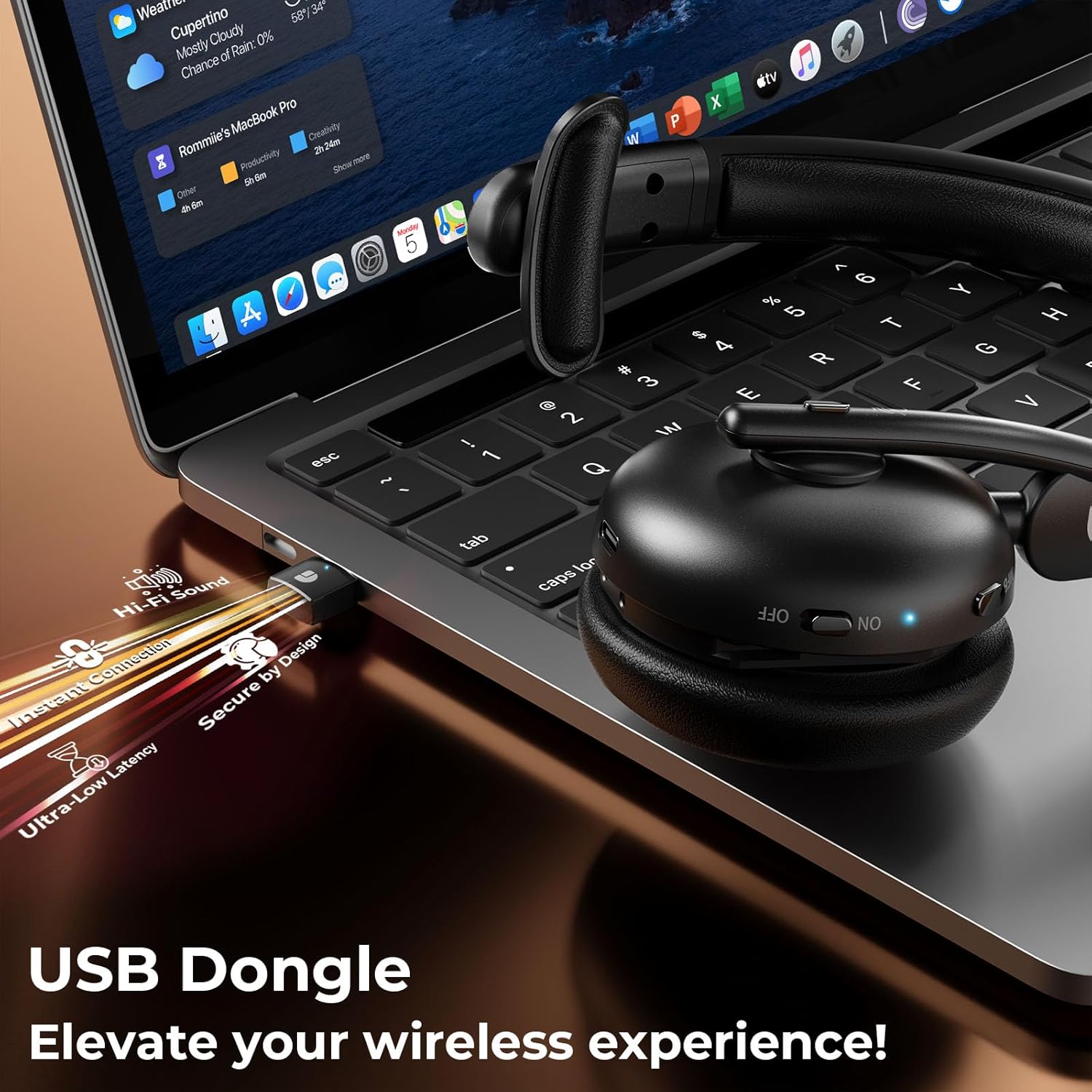
Figura 4.1: Carga e duración da batería
4.2. Conectando a través de Bluetooth
- Asegúrate de que os auriculares estean cargados e apagados.
- Press and hold the MFB button until the LED indicator flashes blue and red alternately, indicating pairing mode.
- No teu dispositivo (teléfono intelixente, tableta, portátil), activa o Bluetooth e busca os dispositivos dispoñibles.
- Select "DY108" from the list of devices.
- Unha vez conectado, o indicador LED parpadeará azul lentamente.
4.3. Conexión mediante dongle USB
The USB dongle provides a stable and low-latency connection, ideal for PC/laptop use.
- Conecta o dongle USB de 2.4 G a un porto USB dispoñible do teu ordenador.
- Power on the headset. It will automatically connect to the USB dongle.
- The LED indicator on both the headset and dongle will show a steady blue light when connected.
- Ensure the headset is selected as the audio input/output device in your computer's sound settings.
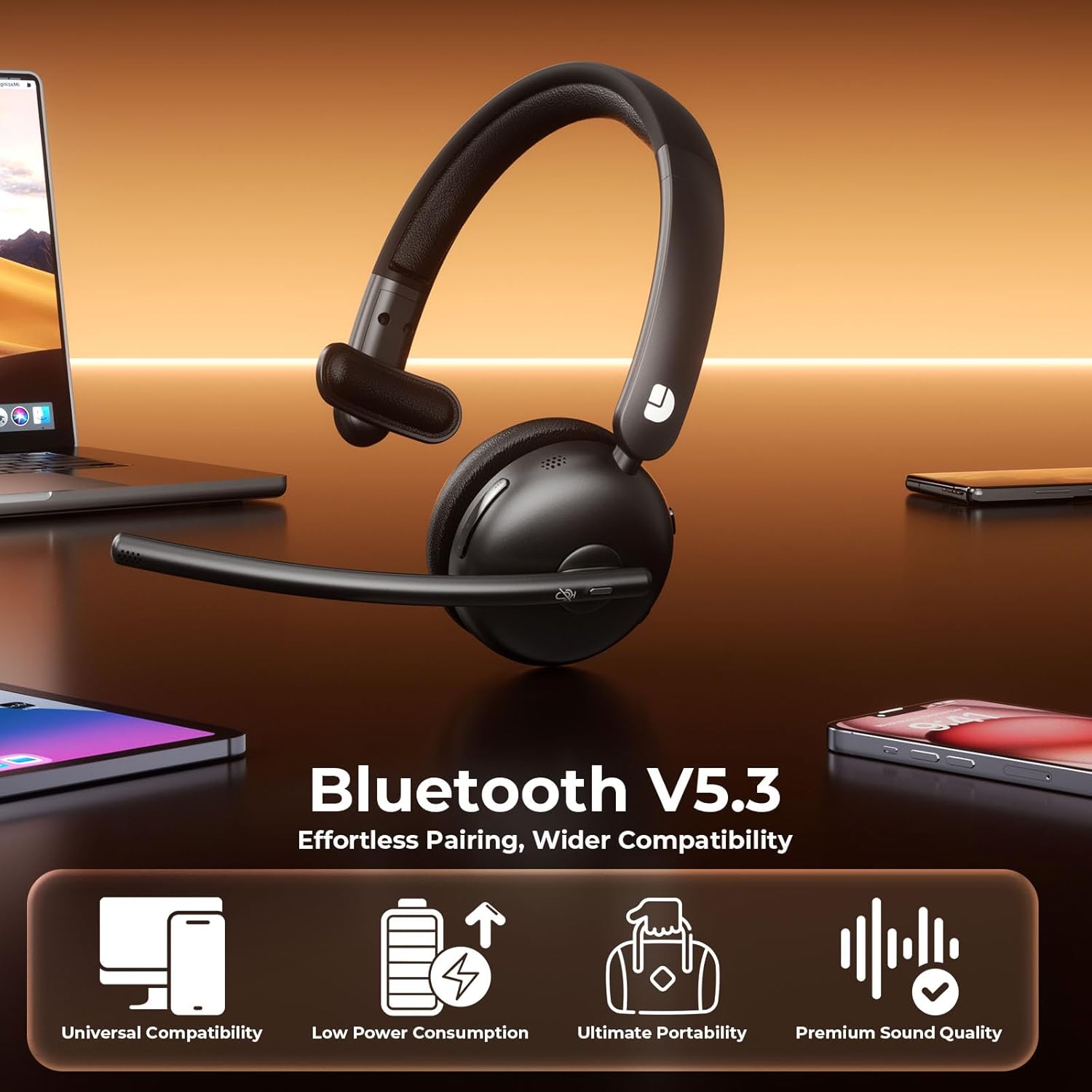
Figure 4.2: USB Dongle Connection
5. Instrucións de funcionamento
5.1. Acendido/apagado
- Encendido: Slide the Power Button to the 'ON' position. The LED indicator will light up.
- Apagado: Slide the Power Button to the 'OFF' position. The LED indicator will turn off.
5.2. Axuste de volume
- Aumentar o volume: Press the 'Volume+' button.
- Diminuír o volume: Press the 'Volume-' button.
5.3. Función Mute
- Silenciar micrófono: Press the Mute Button once during a call. The LED indicator on the microphone will turn red.
- Unmute Microphone: Press the Mute Button again. The LED indicator will turn off.
5.4. Xestión de chamadas
- Responder chamada: Prema o botón MFB unha vez.
- Finalizar a chamada: Press the MFB button once during a call.
- Rexeitar a chamada: Manteña premido o botón MFB durante 2 segundos.
5.5. Reprodución de música
- Reproducir/Pausa: Prema o botón MFB unha vez.
- Próxima pista: Press and hold the 'Volume+' button.
- Pista anterior: Press and hold the 'Volume-' button.
5.6. Asistente de voz
- Activar o asistente de voz: Prema dúas veces o botón MFB.
6. Características clave
6.1. AI Noise Cancelling Microphone
The headset features advanced AI noise cancellation technology, designed to eliminate up to 99% of background noise. This ensures your voice is transmitted clearly and professionally, even in noisy environments.

Figure 6.1: AI Noise Cancelling in Action
6.2. Comfortable and Durable Design
Constructed with lightweight, skin-friendly materials, the DY108 headset offers all-day comfort. The adjustable headband and soft, breathable earmuffs ensure a secure yet gentle fit, making it suitable for extended use.
6.3. Compatibilidade universal
With Bluetooth 5.3 and a dedicated USB dongle, the headset provides seamless compatibility across a wide range of devices, including PCs, laptops, smartphones, and tablets. It supports various communication platforms like Teams and Zoom.
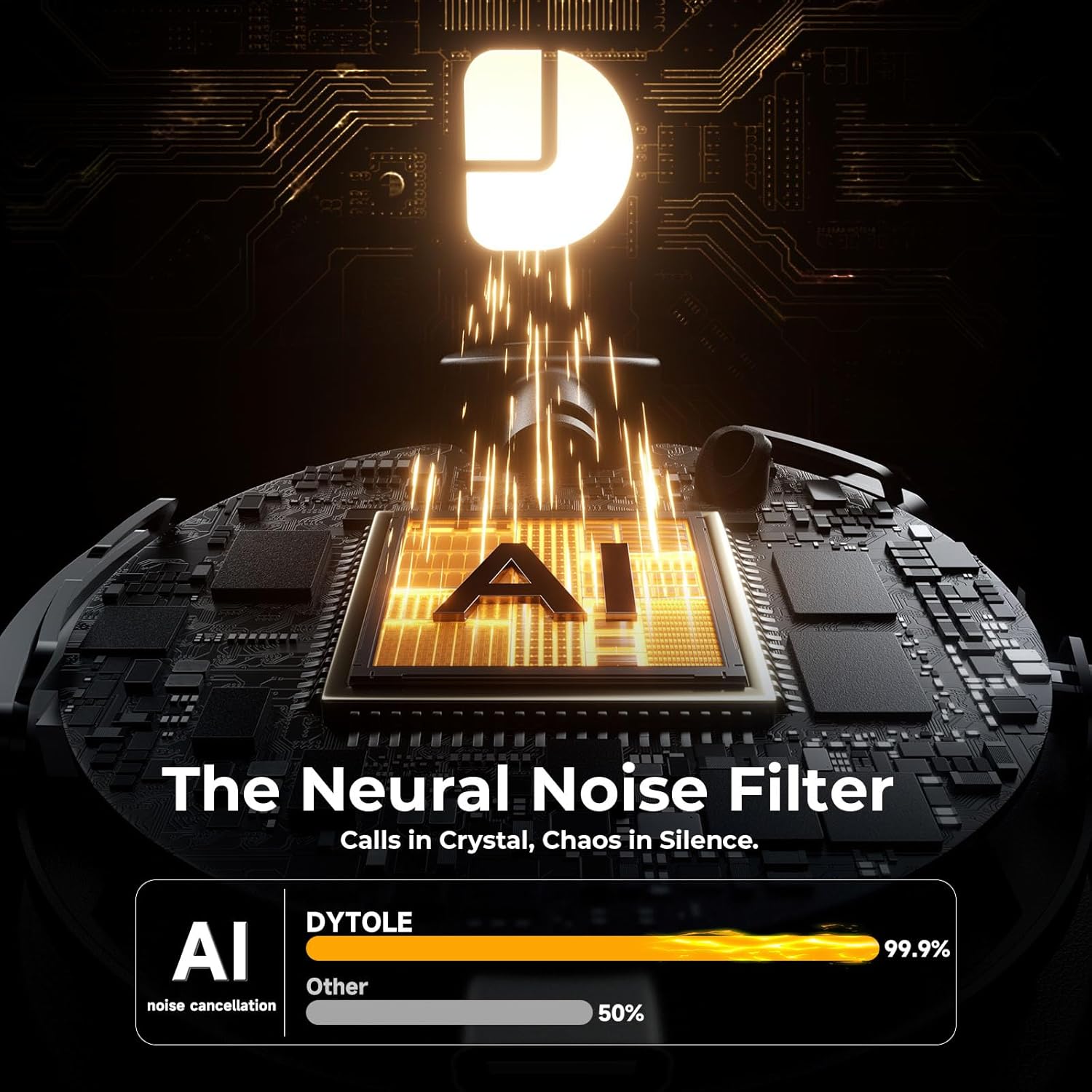
Figure 6.2: Universal Device Compatibility
7. Especificacións
| Nome do modelo | DY108 |
| Tecnoloxía de conectividade | Sen fíos (Bluetooth 5.3, llave USB de 2.4G) |
| Control de ruído | Cancelación de ruído AI |
| Duración da batería | Ata 65 horas |
| Tempo de carga | Aprox. 2 horas |
| Alcance Bluetooth | Ata 15 metros |
| Colocación do oído | Na Orella |
| Material | Faux Leather, Stainless Steel |
| Peso do elemento | 10.5 onzas |
8 Solución de problemas
8.1. Sen son ou volume baixo
- Ensure the headset is powered on and connected to your device.
- Comprobe os niveis de volume tanto nos auriculares como no dispositivo conectado.
- Verify that the headset is selected as the audio output device in your computer's sound settings.
8.2. Cannot Connect via Bluetooth/USB Dongle
- Make sure the headset is in pairing mode (flashing blue/red) for Bluetooth connection.
- For USB dongle, ensure it is properly inserted and the headset is powered on.
- Tenta reiniciar tanto os auriculares como o dispositivo.
- Borra as vinculacións Bluetooth anteriores no teu dispositivo e tenta vincular de novo.
8.3. O micrófono non funciona
- Check if the microphone is muted (red LED on mic). Press the Mute Button to unmute.
- Ensure the headset is selected as the audio input device in your device's sound settings.
- Axusta o brazo do micrófono máis preto da túa boca.
9. Coidados e mantemento
- Limpa os auriculares regularmente cun pano suave e seco. Evita o uso de produtos químicos agresivos ou materiais abrasivos.
- Garde os auriculares nun lugar fresco e seco, lonxe da luz solar directa e de temperaturas extremas.
- Non expoñas os auriculares á auga nin a humidade excesiva.
- Evite deixar caer os auriculares nin someterlos a impactos fortes.
10. Garantía e soporte
The Dytole Wireless Headset DY108 comes with a standard manufacturer's warranty. For detailed warranty information, technical support, or service inquiries, please refer to the warranty card included in your package or contact Dytole customer support through their official websitio web ou o vendedor onde se comprou o produto.