
Introdución
This manual provides instructions for the setup, operation, maintenance, and troubleshooting of your MOFII Wireless Keyboard and Mouse Combo. Please read this manual thoroughly before using the product to ensure proper function and longevity.
Información de seguridade
- Manteña o dispositivo lonxe da auga e doutros líquidos.
- Evite expoñer o dispositivo a temperaturas extremas.
- Non intente desmontar nin reparar o dispositivo vostede mesmo. Póñase en contacto co persoal de servizo cualificado.
- Elimina as baterías segundo a normativa local.
Contido do paquete
- Teclado sen fíos MOFII
- Rato sen fíos MOFII
- Nano receptor USB (gardado no compartimento da batería do rato)
- Cleaning Brush (for keycaps)
Configuración
- Instalar baterías:
Open the battery compartment on the underside of both the keyboard and the mouse. Insert one AA battery into each device, ensuring correct polarity. Batteries are not included.
- Localizar o receptor USB:
The USB nano receiver is stored in the battery compartment of the mouse for convenience during transport.
- Conectar o receptor:
Plug the USB nano receiver into an available USB port on your computer (PC, Laptop, Desktop, Smart TV). The system will automatically detect and install the necessary drivers.
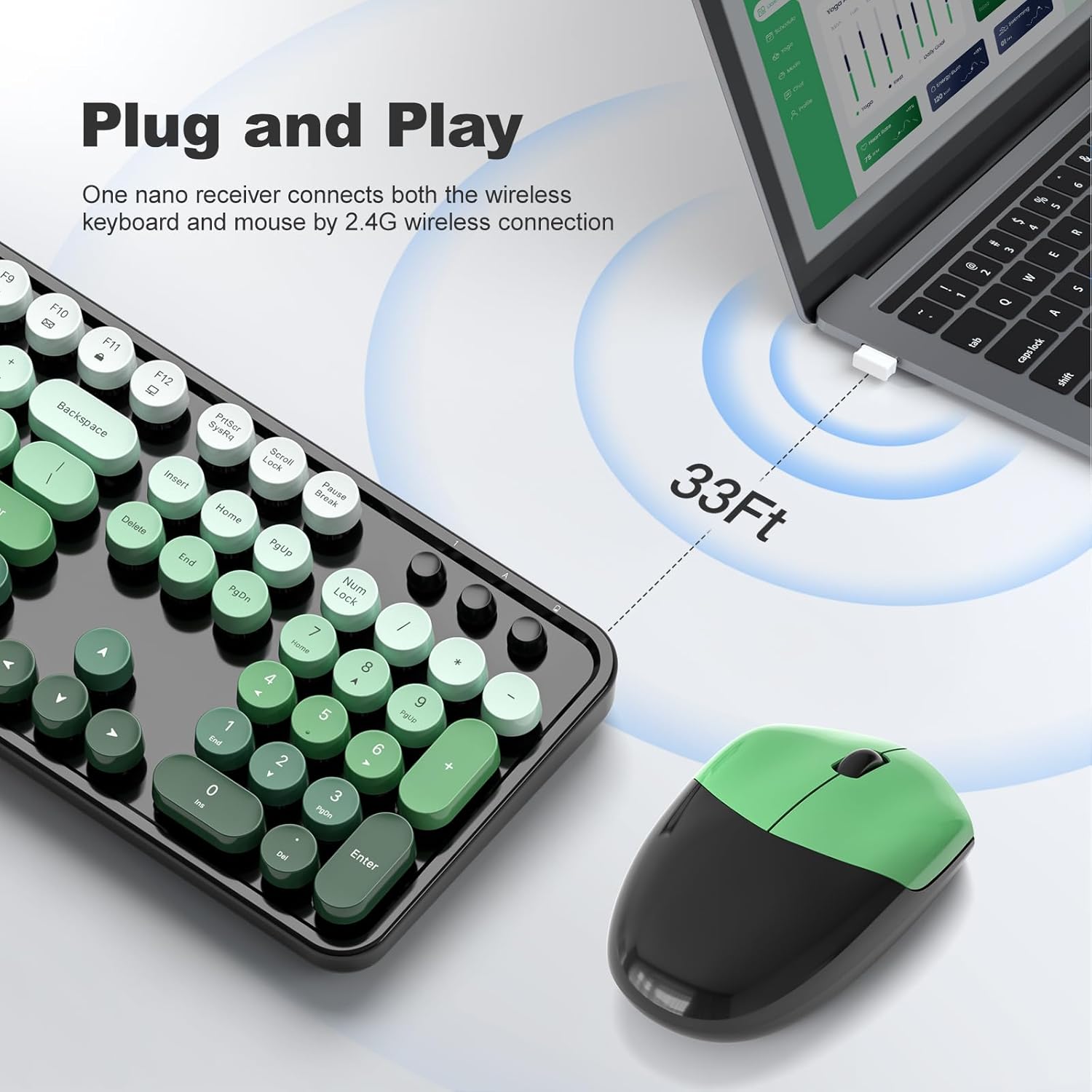
Figure 1: Plug and Play connection with USB receiver.
- Encendido:
Turn on the keyboard and mouse using their respective power switches, usually located on the underside of each device. The devices are now ready for use.
Instrucións de funcionamento
Características do teclado
- Deseño de tamaño completo: The keyboard features a 104-key full-size layout, including a numeric keypad for efficient data entry.
- Atallos multimedia: Access 13 multimedia shortcuts (Fn + F1-F12, etc.) to control audio/video playback, volume, web browsing, and email. Refer to the key legends for specific functions.
- Deseño ergonómico: The keyboard includes foldable stands and anti-slip pads to adjust the typing angle and reduce wrist pressure.
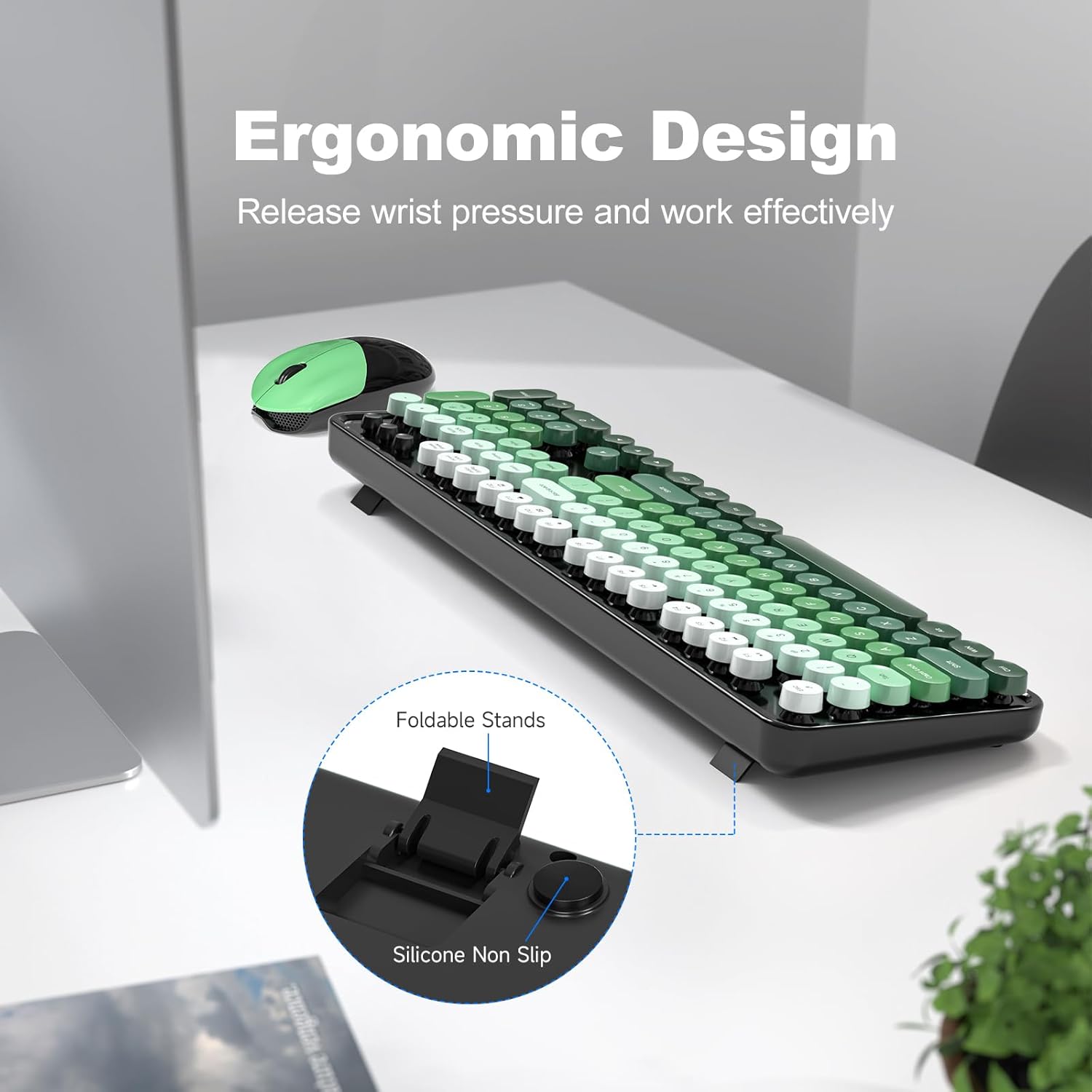
Figure 2: Ergonomic design with foldable stands.
Características do rato
- Función estándar: The mouse provides standard left-click, right-click, and scroll wheel functions.
- Seguimento suave: Designed for precise and smooth cursor movement.
Modo de suspensión automática
To conserve battery life, both the keyboard and mouse will automatically enter sleep mode after 5 minutes of inactivity. To wake them up, simply click any key on the keyboard or move/click the mouse. This feature helps extend battery life to approximately 18 months, though actual battery life may vary based on usage.

Figure 3: Intelligent Auto-Sleep feature.
Mantemento
- Limpeza das teclas: The round keycaps are detachable for easy cleaning. Use the provided cleaning brush to remove dust and debris from between the keys.
- Limpeza xeral: Wipe the keyboard and mouse with a soft, damp pano. Evite o uso de produtos químicos agresivos ou materiais abrasivos.
- Substitución da batería: When performance degrades, replace the AA batteries in both the keyboard and mouse.

Figure 4: Detachable keycaps and cleaning brush.
Resolución de problemas
- Sen conexión:
- Asegúrate de que o receptor USB estea conectado correctamente a un porto USB que funcione.
- Comprobe se o teclado e o rato están acesos.
- Verifique que as baterías estean instaladas correctamente e teñan carga suficiente.
- Tenta conectar o receptor a un porto USB diferente.
- Reinicia o teu ordenador.
- Conexión intermitente ou con atraso:
- Ensure the devices are within the 33ft operating range of the receiver.
- Minimize obstructions between the devices and the receiver.
- Avoid using the devices near strong electromagnetic interference sources.
- Substitúa as pilas se están baixas.
- As teclas non responden:
- Comproba os niveis da batería.
- Asegúrate de que o teclado estea acendido e conectado.
- Limpa debaixo das tapas das teclas se sospeitas que hai residuos.
- O rato non se move:
- Comproba os niveis da batería.
- Asegúrate de que o rato estea acendido e conectado.
- Limpa o sensor óptico da parte inferior do rato.
- Asegúrate de usar o rato sobre unha superficie axeitada.
Especificacións
| Marca | MOFII |
| Modelo | B0FZ84SQFD |
| Cor | Black Green Gradient Color |
| Tecnoloxía de conectividade | Sen fíos de 2.4 GHz (receptor USB) |
| Características especiais | Round Keycaps, Detachable Keycaps, Ergonomic Design, Auto Sleep Mode, Multimedia Keys |
| Dispositivos compatibles | Laptop, Personal Computer, Desktop, Smart TV |
| Compatibilidade do sistema operativo | Windows 7/8/10/11/XP/Vista, Linux, Chrome |
| Tipo de batería | AA (1 for keyboard, 1 for mouse - not included) |
| distancia wireless | Ata 33 pés (10 metros) |
| Dimensións do teclado | Aproximadamente 17.4 polgadas (lonxitude) |
| Dimensións do rato | Aproximadamente 4 cm (lonxitude) x 2.9 cm (ancho) x 1.7 cm (alto) |
| Peso do elemento | 0.2 Pounds (approximate, likely for mouse only) |

Figure 5: Keyboard and mouse dimensions.
Garantía e Soporte
The product comes with a 1-year warranty as specified by the manufacturer. For technical support, warranty claims, or further assistance, please contact MOFII customer service through their official websitio web ou o vendedor onde se comprou o produto. Conserve o comprobante de compra para efectos de garantía.
Para obter máis información, pode visitar o MOFII Store on Amazon.