
1. Introdución
Thank you for choosing the Lemorele Wireless USB C HDMI Transmitter and Receiver. This device allows for high-definition wireless video and audio transmission from your USB-C enabled devices to an HDMI display. It supports multiple projection modes and offers a plug-and-play experience without the need for drivers or applications.
This manual provides detailed instructions for setting up, operating, and maintaining your device. Please read it carefully before use and retain it for future reference.
2. Produto rematadoview
2.1 Contido do paquete
O paquete inclúe os seguintes compoñentes:
- 1 transmisor HDMI sen fíos (TX)
- 1 x Receptor HDMI sen fíos (RX)
- 1 x USB-C Power Cable (for RX)
- 1 x Manual de usuario

Image: Packaging and included accessories, showing the TX and RX units, a USB-C cable, and the manual.
2.2 Características principais
- Three Flexible Screen Projection Modes: Supports Miracast, AirPlay, and TX-RX direct transmission.
- Ampla compatibilidade: Fully compatible with Windows, Android, iOS, and macOS systems.
- Plug & Play: No application or driver installation required for operation.
- Full HD 1080P@60Hz Transmission: Delivers high-definition wireless video up to 1080P at 60Hz.
- Low Latency & High Stability: Ensures smooth video and audio synchronization.
- Smart Power Options: TX supports USB-C PD fast charging and HDMI input; RX is powered via USB-C 5V/2A.
- Deseño portátil: Compact and lightweight for easy transport and versatile use.
3. Instrucións de configuración
Follow these steps to set up your Lemorele Wireless USB C HDMI Transmitter and Receiver:
- Conecta o receptor (RX): Plug the RX unit into an available HDMI port on your display device (e.g., TV, monitor, projector). Connect the USB-C power cable to the RX unit and then to a 5V/2A power source (e.g., USB wall adapter, TV USB port). Ensure the RX unit is powered on.
- Conecta o transmisor (TX): Plug the TX unit into the USB-C port of your source device (e.g., laptop, tablet, smartphone). The TX unit will draw power from your source device. If your source device does not provide sufficient power or if you experience instability, connect a USB-C power adapter to the TX unit's power input port.
- Emparejamento automático: Once both the TX and RX units are powered on and connected, they will automatically pair within a few seconds. The display will show the mirrored or extended screen from your source device.

Image: Visual guide showing the three setup steps: 1. Connect RX to screen and power, 2. Plug TX to laptop/PC, 3. Auto pairing in 5 seconds.
Nota: For optimal performance, ensure the TX and RX units are within the recommended transmission range (up to 50 meters / 164 feet) and have a clear line of sight.
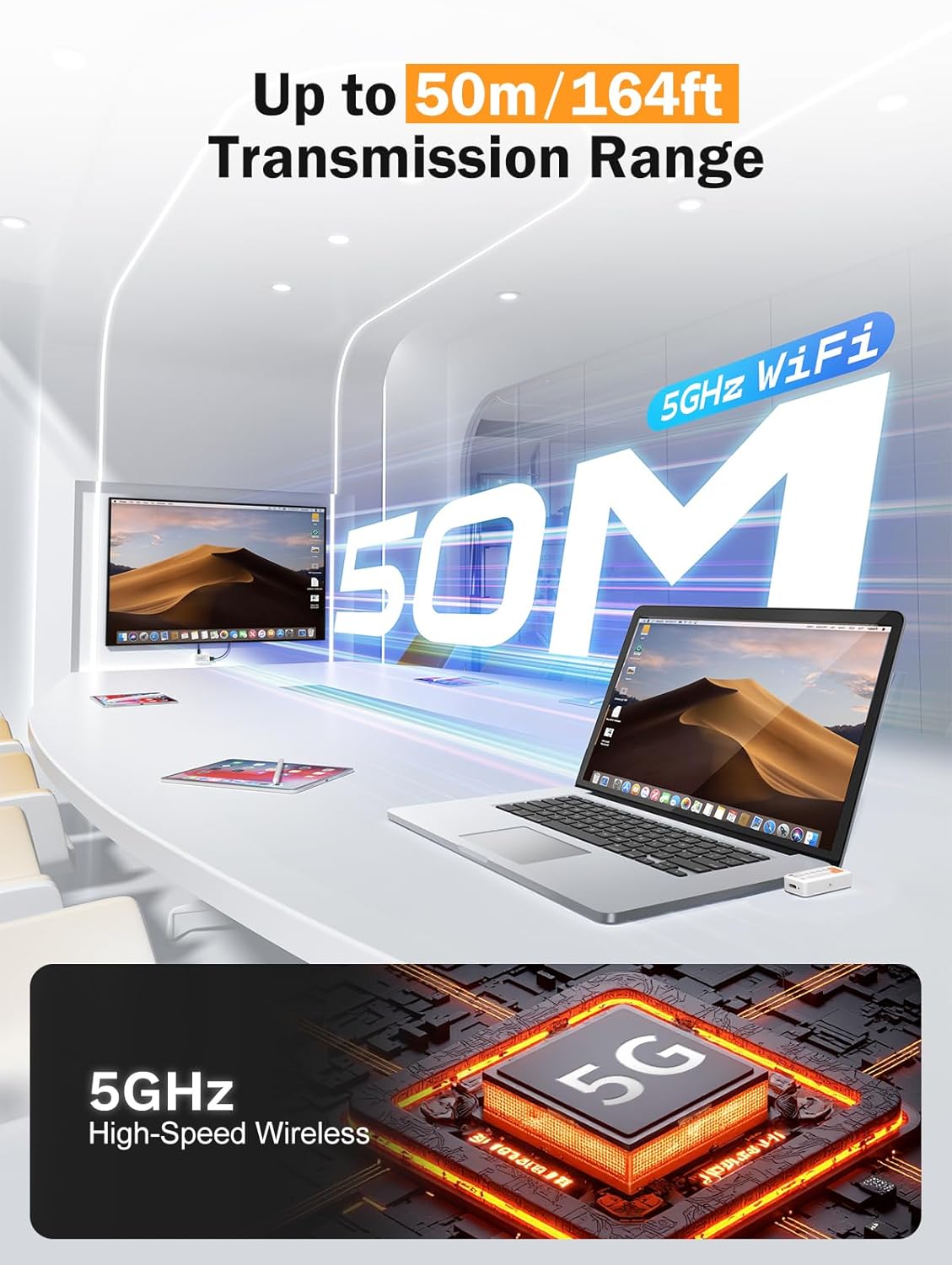
Image: Diagram illustrating the 50-meter wireless transmission range using 5GHz WiFi technology.
4. Instrucións de funcionamento
4.1 Basic Operation (Plug & Play)
After successful setup and pairing, the device operates automatically. Your source device's screen will be mirrored or extended to the connected display.

Image: A laptop connected to the TX unit and a TV connected to the RX unit, demonstrating the plug-and-play functionality for wireless display.
4.2 Modos compatibles
The device supports Miracast, AirPlay, and TX-RX direct transmission. The mode selection is typically handled automatically by your source device or the system's display settings.
- Miracast: For Windows and Android devices.
- AirPlay: For iOS and macOS devices.
- TX-RX Direct: For direct wireless connection between the transmitter and receiver units.
4.3 Escenarios de uso
The compact and versatile design makes it suitable for various applications:
- Teatro na casa: Enjoy movies and games on a large screen wirelessly.
- Presentacións empresariais: Share presentations (PPTs) and videos in meetings without cables.
- Classroom Projection: Facilitate interactive learning by projecting content wirelessly.
- Exhibitions: Showcase content on large displays with ease.

Image: Collage showing the device being used in a classroom for teaching, an office for presentations, and a home for entertainment.
5. Mantemento
Para garantir a lonxevidade e o rendemento óptimo do teu dispositivo, segue estas pautas de mantemento:
- Limpeza: Usa un pano suave e seco para limpar o dispositivo. Non empregues produtos de limpeza líquidos nin aerosois.
- Almacenamento: Garde o dispositivo nun lugar fresco e seco, lonxe da luz solar directa e de temperaturas extremas.
- Manexo: Evite deixar caer ou someter o dispositivo a fortes impactos.
- Potencia: Always use the recommended 5V/2A power source for the RX unit.
- Calor: The TX unit may become warm during extended use. This is normal. Ensure adequate ventilation around the device.
6 Solución de problemas
If you encounter issues with your Lemorele Wireless USB C HDMI Transmitter and Receiver, refer to the following troubleshooting tips:
| Problema | Causa posible | Solución |
|---|---|---|
| Sen visualización na pantalla. |
|
|
| Sinal intermitente ou mala calidade de vídeo. |
|
|
| O audio non funciona. |
|
|
| TX unit gets warm. | Funcionamento normal. | Ensure adequate ventilation around the TX unit. If it becomes excessively hot or malfunctions, discontinue use and contact support. |
7. Especificacións
| Característica | Detalle |
|---|---|
| Marca | Lemorele |
| Número de modelo | P400 |
| Tecnoloxía de conectividade | Miracast, AirPlay, HDMI |
| Características especiais | TX-RX, Full HD 1080p@60Hz, Plug & Play |
| Dispositivos compatibles | Smart Television, Tablet, Smartphone, Laptop, Personal Computer |
| Tipo de conector | HDMI (output from RX), USB-C (input to TX) |
| Cor | Negro |
| Consumo de enerxía | 10 vatios |
| Tipo de saída de audio | HDMI |
| Tecnoloxía sen fíos | 5GHz WiFi, Miracast |
| Alcance de transmisión | Ata 50 metros (164 pés) |
| País de Orixe | China |
8. Información da garantía
The Lemorele Wireless USB C HDMI Transmitter and Receiver comes with a standard manufacturer's warranty. Please refer to the product packaging or the official Lemorele websitio web para coñecer os termos e condicións específicos da garantía.
In France, consumers are entitled to a legal guarantee of conformity for 2 years from the date of purchase for any defects or non-conformities. A legal guarantee against hidden defects also applies.
9. Atención ao cliente
For technical assistance, troubleshooting beyond this manual, or warranty claims, please contact Lemorele customer support:
- Soporte en liña: Visit the official Lemorele websitio web con preguntas frecuentes, recursos de asistencia e información de contacto.
- Correo electrónico: Refer to your product packaging or the Lemorele websitio para o enderezo de correo electrónico de asistencia.
Before contacting support, please have your product model number (P400) and purchase information ready.


