
1. Introdución
Thank you for choosing the Masajoy Spark 06 Wireless Headset. This manual provides essential information for the proper setup, operation, and maintenance of your headset. Please read it carefully before use to ensure optimal performance and to prevent damage.
The Masajoy Spark 06 is designed for professional communication, offering versatile connectivity options and an AI noise-cancelling microphone for clear audio in various environments.
2. Produto rematadoview
Características principais:
- Tres modos de conexión: Bluetooth V5.3, 2.4G (USB A/C Dongle), and wired 3.5mm audio cable.
- Micrófono con cancelación de ruído por IA: Blocks background noise for clear calls (Bluetooth mode only).
- Mic Mute Function: Rotate the microphone boom to the upright position to mute.
- Batería de longa duración: Up to 30 hours talk time or 25 hours music playback on a 2.5-hour charge.
- Deseño cómodo: Protein memory foam ear cups and adjustable headband for all-day wear.
- Ampla compatibilidade: Compatible with PCs, laptops, iPhones, and Mac devices.
Contido do paquete:
Image: The Masajoy Spark 06 Wireless Headset, USB A/C Dongle, USB-C to 3.5mm Cable, Type-C Charging Cable, and User Manual.
- Masajoy Spark 06 Wireless Headset
- USB A/C Dongle
- USB-C to 3.5mm Audio Cable (4ft)
- Cable de carga tipo C
- Manual de usuario
3. Configuración e conexión
3.1. Conexión Bluetooth V5.3
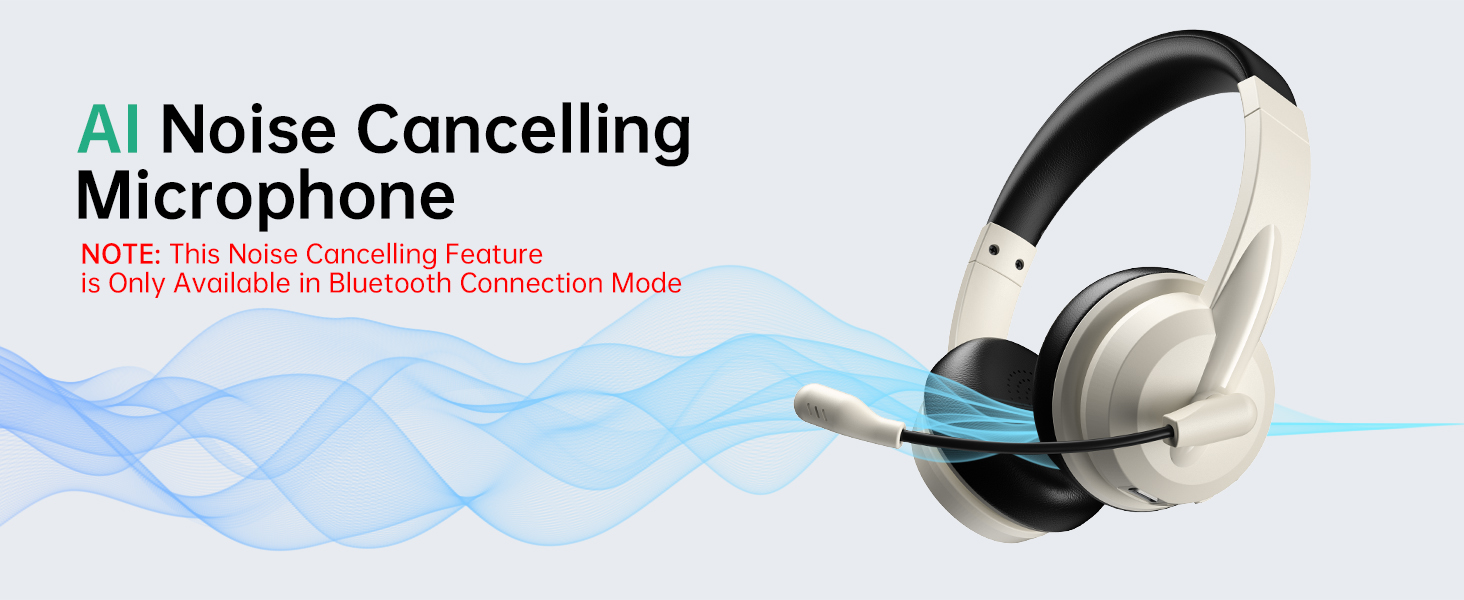
Image: Visual representation of Bluetooth V5.3 and 2.4GHz dual connection, highlighting a wireless range of up to 36 feet.
- Encendido: Long press the headphone power button for about 5 seconds until the indicator light flashes white, indicating the headphones are in transmitter pairing mode.
- Enter Bluetooth Pairing: Double-click the power button twice. The indicator light will flash blue, indicating that the headphones have entered Bluetooth connection mode.
- Conectar: Busca "Spark 06" in the Bluetooth settings of your phone or computer and click to connect.
- Verificar a conexión: Double-check whether "Spark 06" is connected in the "Input" and "Output" ends of the sound settings.
3.2. 2.4G USB A/C Dongle Connection

Image: The Masajoy Spark 06 headset shown with the USB A/C dongle, illustrating its wireless connectivity option.
- Plug In Dongle: Plug the USB A/C transmitter dongle into an available USB-A or USB-C port on your computer.
- Conexión automática: The headset should automatically connect to the dongle. The indicator light on the dongle will turn solid blue when connected.
- Verificar a conexión: Ensure the headset is selected as the audio input and output device in your computer's sound settings.
3.3. Wired 3.5mm Audio Cable Connection
- Cable de conexión: Insert one end of the 3.5mm audio cable into the headset's audio jack and the other end into your device's 3.5mm audio port.
- Modo cableado: The headset will operate in wired mode, bypassing wireless functions.
NOTA: Estes auriculares non admiten a conexión de dous dispositivos simultaneamente.
4. Instrucións de funcionamento
4.1. Acendido/apagado
- Encendido: Prema e manteña premido o botón de acendido durante aproximadamente 3 segundos.
- Apagado: Prema e manteña premido o botón de acendido durante aproximadamente 3 segundos.
4.2. Control de volume
- Subir volume: Prema o botón "+".
- Baixar volume: Prema o botón '-'.
4.3. Función de silenciamento do micrófono

Image: The microphone boom of the Masajoy Spark 06 headset can be rotated 270 degrees. Rotating it to the upright position activates the mute function.
- To mute the microphone, rotate the microphone boom to the upright position. A voice prompt will confirm "MIC mute".
- To unmute, lower the microphone boom to the speaking position.
4.4. Cancelación de ruído por IA
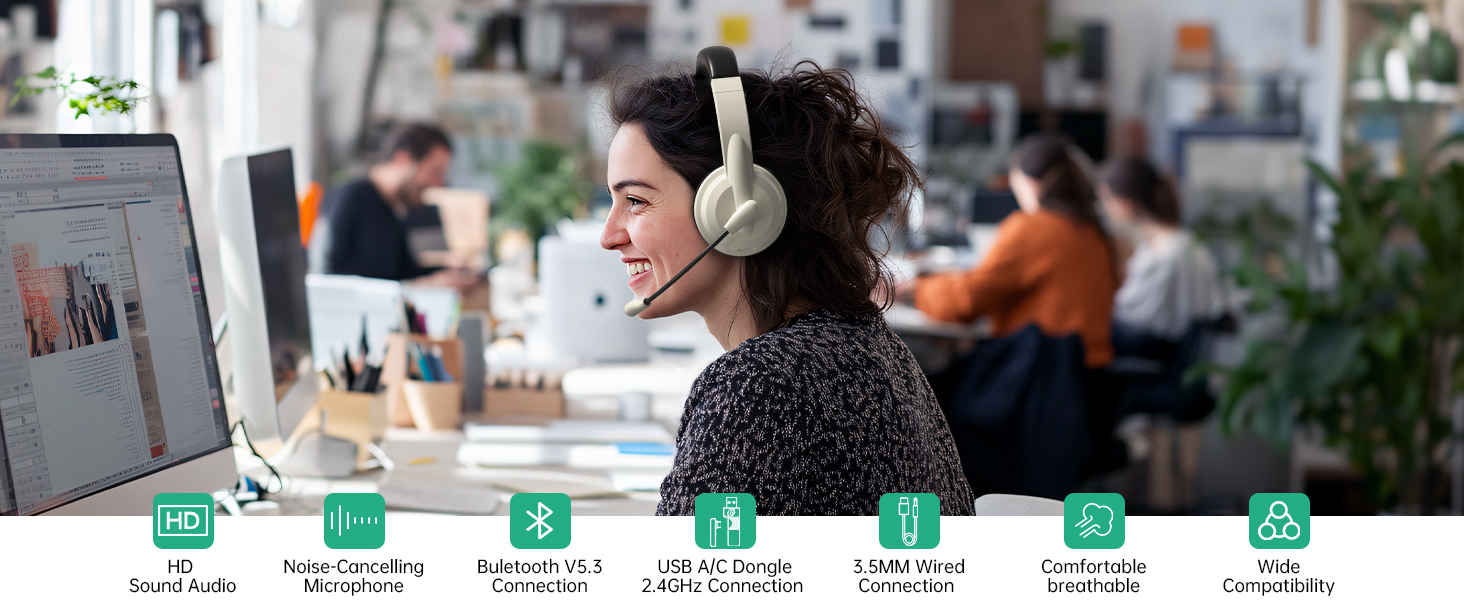
Image: A user wearing the Masajoy Spark 06 headset in an office setting, demonstrating the effectiveness of the AI Noise Cancelling microphone for clear calls.
- The AI noise cancellation feature is automatically active when the microphone is in use during Bluetooth connection mode.
- NOTE: This feature is only available in Bluetooth Connection Mode.
4.5. Cargando
Image: Close-up of the Masajoy Spark 06 headset's earcup, highlighting the USB-C charging port and control buttons.
- Connect the Type-C charging cable to the headset's charging port and a USB power source.
- Unha carga completa leva aproximadamente 2.5 horas.
- The indicator light will show charging status (e.g., red for charging, blue for fully charged).
Warm Reminder: Keep the mic 1 to 2 cm from your mouth for the best noise reduction performance.
5. Comfort & Design

Image: A close-up of the Masajoy Spark 06 headset's protein memory foam earcup, with a baby sleeping on it, illustrating the soft and comfortable design.
- Protein Memory Foam Ear Cups: Soft and breathable, designed to prevent overheating and sweating during extended use.
- Diadema axustable: Expandable to fit most head shapes, ensuring a secure and comfortable fit.
- Deseño lixeiro: Weighing only 5.06 ounces, the headset is designed for all-day wear without discomfort.
6. Especificacións
| Marca | Masajoy |
| Número de modelo | Faísca 06 |
| Cor | Apricot Black |
| Factor de forma | Sobre orella |
| Tecnoloxía de conectividade | Wired, Wireless (Bluetooth V5.3, 2.4G USB A/C Dongle) |
| Jack para auriculares | Jack de 3.5 mm |
| Alcance Bluetooth | Ata 36 pés |
| Tempo de carga da batería | 2.5 horas |
| Duración media da batería | 30 Hours (Talk Time), 25 Hours (Music Playback) |
| Tipo de controlador de audio | Driver dinámico |
| Rango de frecuencias | 200 - 8000 Hz |
| Características adicionais | AI Noise Cancellation (Bluetooth mode only), Microphone Mute |
| Dispositivos compatibles | PCs, Laptops, iPhones, Mac Devices |
| Nivel de resistencia á auga | Non resistente á auga |
7 Solución de problemas
- Sen son/Mala calidade de son:
- Comprobe os niveis de volume tanto nos auriculares como no dispositivo conectado.
- Ensure the headset is properly connected (Bluetooth, 2.4G dongle, or 3.5mm cable).
- For wireless connections, ensure the headset is within range (up to 36 feet for Bluetooth).
- Verify that the headset is selected as the default audio input/output device in your device's sound settings.
- O micrófono non funciona:
- Ensure the microphone boom is lowered to the speaking position (not muted).
- Check microphone input settings on your connected device.
- Confirm the mic is 1-2 cm from your mouth for optimal performance.
- Headset Not Pairing (Bluetooth):
- Ensure the headset is in Bluetooth pairing mode (indicator light flashing blue).
- Desactiva e activa o Bluetooth no teu dispositivo e, a seguir, tenta buscar de novo.
- Clear previous Bluetooth connections on your device if issues persist.
- A batería se descarga rapidamente:
- Ensure the headset is fully charged (2.5 hours for a full charge).
- Reduce volume levels if excessively high.
If you encounter any product problems during use, please contact Masajoy customer support for assistance. Our senior engineers will solve the problem for you as soon as possible.
8. Mantemento
- Limpa os auriculares e a diadema regularmente cun pano suave e seco.
- Evite expoñer os auriculares a temperaturas extremas, humidade ou luz solar directa.
- Do not attempt to disassemble or repair the headset yourself. This may void the warranty.
- Garda os auriculares nun lugar fresco e seco cando non estes en uso.
9. Información de seguridade
- Do not use the headset at high volume levels for extended periods to prevent hearing damage.
- Do not use the headset while driving or cycling, or in situations where inability to hear ambient sounds could be dangerous.
- Keep the headset away from water and moisture.
- Desfágase do produto e da súa batería de forma responsable segundo a normativa local.
10. Garantía e soporte
Masajoy products come with a standard manufacturer's warranty. For specific warranty details, please refer to the warranty card included in your package or contact Masajoy customer support.
For technical support, troubleshooting, or any questions regarding your Masajoy Spark 06 Wireless Headset, please visit the official Masajoy websitio ou póñase en contacto co noso equipo de atención ao cliente.