
Introdución
Thank you for choosing the EDYELL MBH-C2 Motorcycle Helmet Bluetooth Headset. This manual provides detailed instructions for the proper installation, operation, and maintenance of your device. Please read this manual thoroughly before use to ensure optimal performance and safety.
Contido do paquete
Antes de continuar coa instalación, comproba que todos os elementos que se indican a continuación estean presentes no teu paquete:
- Motorcycle Bluetooth Headset C2 (x1)
- Replaceable Hard Mic and Soft Micspeakers (x1)
- Clamping Base (x1)
- Microphone Velcro Tape (x2)
- Speaker Velcro (x2)
- Booster Sticker (x2)
- Stand Velcro Tape (x1)
- Thick Double Sided Tape (x1)
- Manual de usuario (x1)
- Cable de carga (x1)

Image: Contents of the EDYELL MBH-C2 package.
Configuración
1. Instalación
The EDYELL MBH-C2 is designed for easy installation and is compatible with all types of helmets. Follow these steps to install the headset:
- Adxunta o clamping base to the side of your helmet using the provided screws or adhesive tape. Ensure it is securely fastened.
- Insert the main headset unit into the clamping base until it clicks into place.
- Position the speakers inside the helmet's ear pockets. Use the speaker Velcro to secure them. Ensure the speakers are aligned with your ears for optimal sound quality.
- Attach the microphone to a suitable location inside the helmet, near your mouth, using the microphone Velcro tape. Choose between the hard mic (for open-face helmets) or soft mic (for full-face helmets) as appropriate.
- Route all cables neatly within the helmet padding to avoid interference and ensure comfort.

Image: The MBH-C2 headset is compatible with various helmet types.
2. Cargando o dispositivo
The C2 features a built-in 1000mAh rechargeable Li-ion battery. Before first use, fully charge the device.
- Connect the provided Type-C charging cable to the charging port on the headset and to a USB power source.
- The indicator light will show charging status (e.g., red for charging, blue for fully charged).
- Unha carga completa leva aproximadamente 1.5 horas.
- Once fully charged, the device provides up to 25 hours of music playback or 50 hours of talk time.

Image: Charging and battery life indicators for the MBH-C2 headset.
3. Emparellamento Bluetooth
To connect your headset to a mobile device or another C2 unit:
- Asegúrese de que os auriculares están apagados.
- Press and hold the Power Button until the indicator light flashes red and blue, indicating pairing mode.
- On your mobile device, enable Bluetooth and search for available devices. Select "EDYELL C2" from the list.
- Unha vez conectado, a luz indicadora acenderase en azul fixo.
- For intercom pairing with another C2 unit, refer to the Group Communication section.
Instrucións de funcionamento
1. Controis sobreview
The EDYELL MBH-C2 features a unique scroll roller design for intuitive control, alongside dedicated buttons.

Image: EDYELL MBH-C2 control layout.
- Botón de encendido (1): Press and hold to power on/off. Short press to play/pause music, answer/hang up calls.
- Scroll Wheel (2): Rotate up/down to adjust volume. Press to switch function modes.
- Luz indicadora (3): Mostra o estado do dispositivo (emparellamento, conectado, cargando).
- Previous Song Button / Intercom Button (4): Short press for previous song. Long press to initiate/end intercom.
- Speaker/Microphone Interface (5): Connection point for speakers and microphone.
- Next Song Button / Music Sharing Button (6): Short press for next song. Long press to activate music sharing.
2. Group Communication System
The C2 supports group communication within a range of 200-520 meters. It allows universal pairing with other motorcycle helmet headsets for two-rider communication. For group chat functionality, pairing with EDYELL brand motorcycle helmet speakers is required.
- One-on-One Intercom: The C2 can pair with third-party helmet headsets for one-on-one communication.
- EDYELL Group Chat: For multi-rider group chat, pair with other EDYELL brand C2 motorcycle helmet speakers.
- Iniciando o intercomunicador: Long press the Intercom Button (4 or 7) on both units to establish a connection.
- Rango: For optimal communication in areas with poor signal or at high speeds, it is recommended to maintain a communication distance within 200 meters.
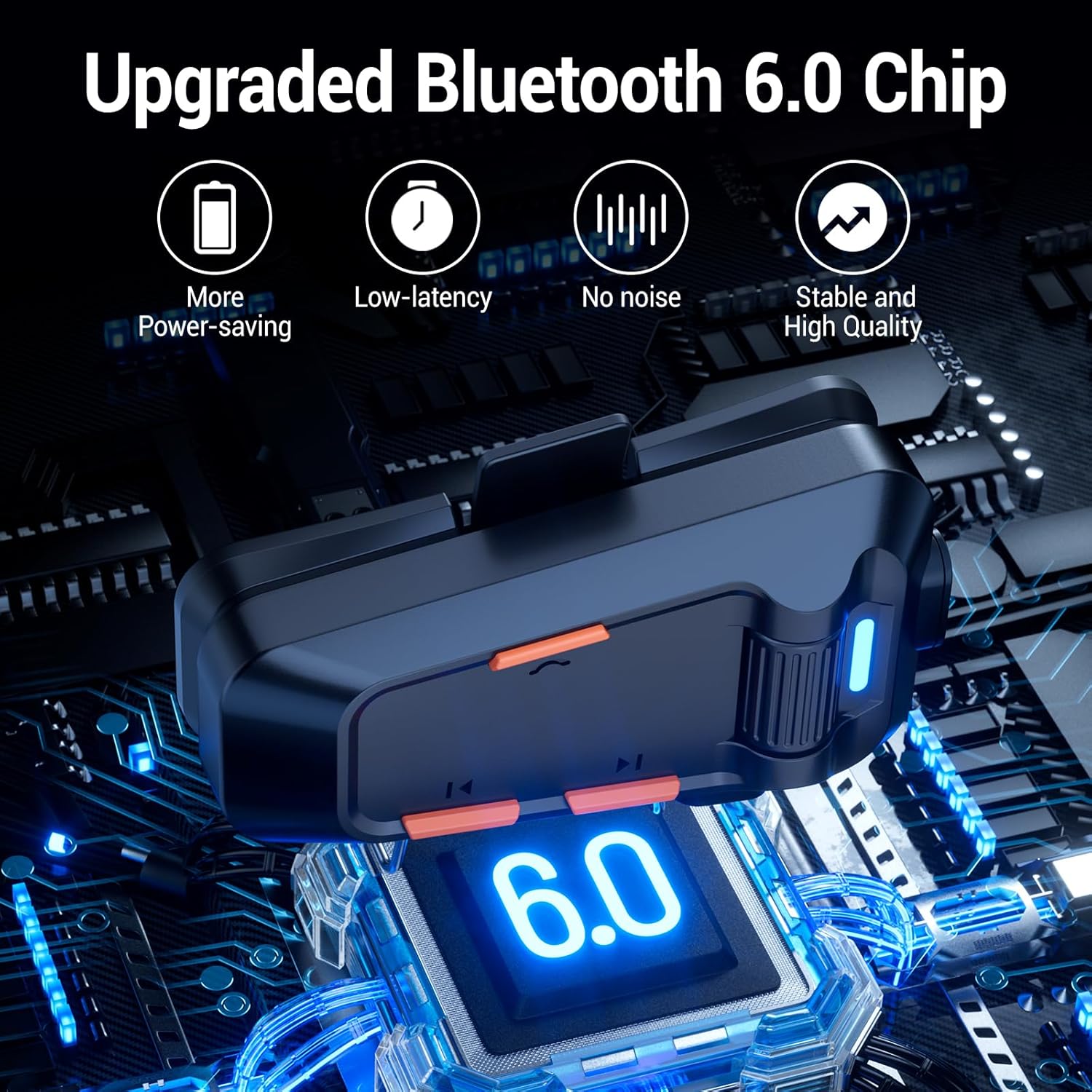
Image: EDYELL MBH-C2 Group Communication System in use.
3. Music Playback and Sharing
Enjoy stereo music with Bluetooth 6.0 connectivity.
- Reproducir/Pausa: Short press the Power Button (1).
- Seguimento / Seguimento anterior: Short press the Next Song Button (6) or Previous Song Button (4).
- Axuste de volume: Rotate the Scroll Wheel (2) up or down.
- Compartir música: Long press the Music Sharing Button (6) to share your audio with another paired EDYELL C2 unit.

Image: Music sharing between two EDYELL MBH-C2 users.
4. Funcións de chamada
The headset supports automatic call answering and features Enhanced Noise Cancellation (ENC) for clear voice calls.
- Responder/Finalizar chamada: Short press the Power Button (1).
- Resposta automática: The headset will automatically answer incoming calls after a few rings.
- Cancelación de ruído: The microphone's ENC technology reduces background noise from engine, wind, and traffic, ensuring your voice is heard clearly.
Mantemento
Proper maintenance ensures the longevity and performance of your EDYELL MBH-C2 headset.
- Limpeza: Limpe a unidade dos auriculares cun pano suave eamp pano. Non use produtos químicos agresivos ou produtos de limpeza abrasivos.
- Impermeable e a proba de po: The device is IPX5 waterproof and dustproof, utilizing nano-coating technology. This design protects against dust and rain, ensuring reliable operation in various weather conditions and temperatures down to -50°F. While resistant, avoid prolonged submersion in water.
- Almacenamento: Garda os auriculares nun lugar fresco e seco cando non os uses. Evita temperaturas extremas.
- Coidado da batería: Para preservar a duración da batería, evite descargala completamente con frecuencia. Cargue o dispositivo regularmente, mesmo se non o usa de forma constante.
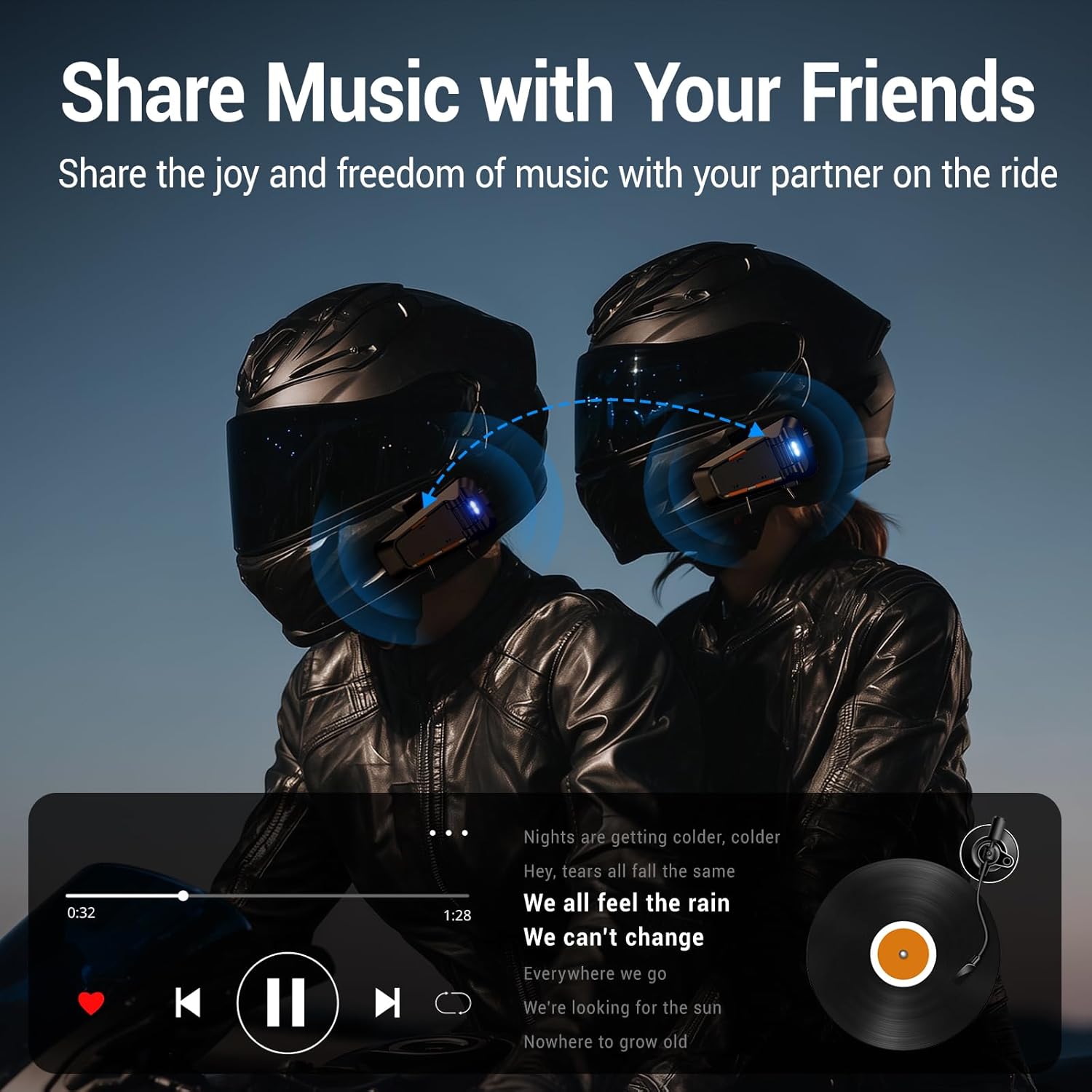
Image: EDYELL MBH-C2 IPX5 Waterproof and Dustproof features.
Resolución de problemas
If you encounter issues with your EDYELL MBH-C2 headset, refer to the following common solutions:
| Problema | Causa posible | Solución |
|---|---|---|
| O dispositivo non se acende | Batería baixa; Avaría do dispositivo | Carga o dispositivo completamente. Se o problema persiste, ponte en contacto co servizo de asistencia. |
| Cannot pair with phone/another headset | Not in pairing mode; Bluetooth off on other device; Too far apart | Ensure headset is in pairing mode (flashing red/blue). Check Bluetooth on your device. Bring devices closer. Restart both devices. |
| Sen son nin baixo volume | Volume too low; Speakers not positioned correctly; Loose connection | Increase volume using the scroll wheel. Adjust speaker position inside helmet. Check speaker/microphone interface connection. |
| Intercom connection unstable or short range | Obstructions; Exceeding range; Signal interference | Reduce distance between units. Avoid physical obstructions. Ensure clear line of sight if possible. |
| Poor call quality / excessive noise | Microphone not positioned correctly; High wind noise; ENC not active | Adjust microphone closer to your mouth. Ensure microphone is not obstructed. ENC is automatic; if issues persist, contact support. |
Especificacións
| Característica | Detalle |
|---|---|
| Modelo | MBH-C2 |
| Tecnoloxía de conectividade | Sen fíos (Bluetooth 6.0) |
| Control de ruído | Passive Noise Cancellation, ENC Microphone |
| Capacidade da batería | 1000 mAh Li-ion |
| Tempo de carga | Approx. 1.5 Hours (Type-C) |
| Tempo de reprodución de música | Ata 25 horas |
| Tempo de conversa | Ata 50 horas |
| Rango de intercomunicador | 200-520 meters (EDYELL units) |
| Clasificación impermeable | IPX5 |
| Temperatura de funcionamento | Down to -50°F |
| Peso do elemento | 150 gramos |
| Dimensións do produto | 14 x 9.5 x 6 cm |
| País de Orixe | China |
Garantía e Soporte
For warranty information, technical support, or customer service inquiries, please contact EDYELL INDIA directly.
- Correo electrónico de atención ao cliente: support@fenman.in
- Teléfono de Atención ao Cliente: +91 8882786235
Conserve o comprobante de compra para calquera reclamación de garantía.