
Introdución
Thank you for choosing the AstroAI Digital Tire Pressure Gauge. This manual provides detailed instructions for the safe and efficient use of your device. Please read it thoroughly before operation and retain it for future reference.

Image: The AstroAI Digital Tire Pressure Gauge in orange, showing its ergonomic design.
Configuración
1. Desembalaxe e instalación da batería
Your AstroAI Digital Tire Pressure Gauge comes with pre-installed AAA batteries. If replacement is needed, follow these steps:
- Localice o compartimento da batería na parte traseira do dispositivo.
- Abra a tapa da batería con coidado.
- Introduza dúas pilas AAA, asegurándose de manter a polaridade correcta (+/-).
- Pecha a tapa da batería de forma segura.

Imaxe: Interna view of the AstroAI Digital Tire Pressure Gauge showing the battery compartment with two AAA batteries.
2. Adaptador de válvula Presta
A Presta-to-Schrader adapter is included for compatibility with Presta valves, commonly found on road bikes. This adapter is stored within the battery compartment for convenience.

Image: Close-up of the battery compartment showing the small brass Presta valve adapter stored inside.
Instrucións de funcionamento
1. Power On and Unit Selection
Press the "ON/UNIT/OFF" button to turn on the device. The display will illuminate. To cycle through measurement units (PSI, bar, kPa, kg/cm²), press the "ON/UNIT/OFF" button repeatedly until your desired unit is displayed.
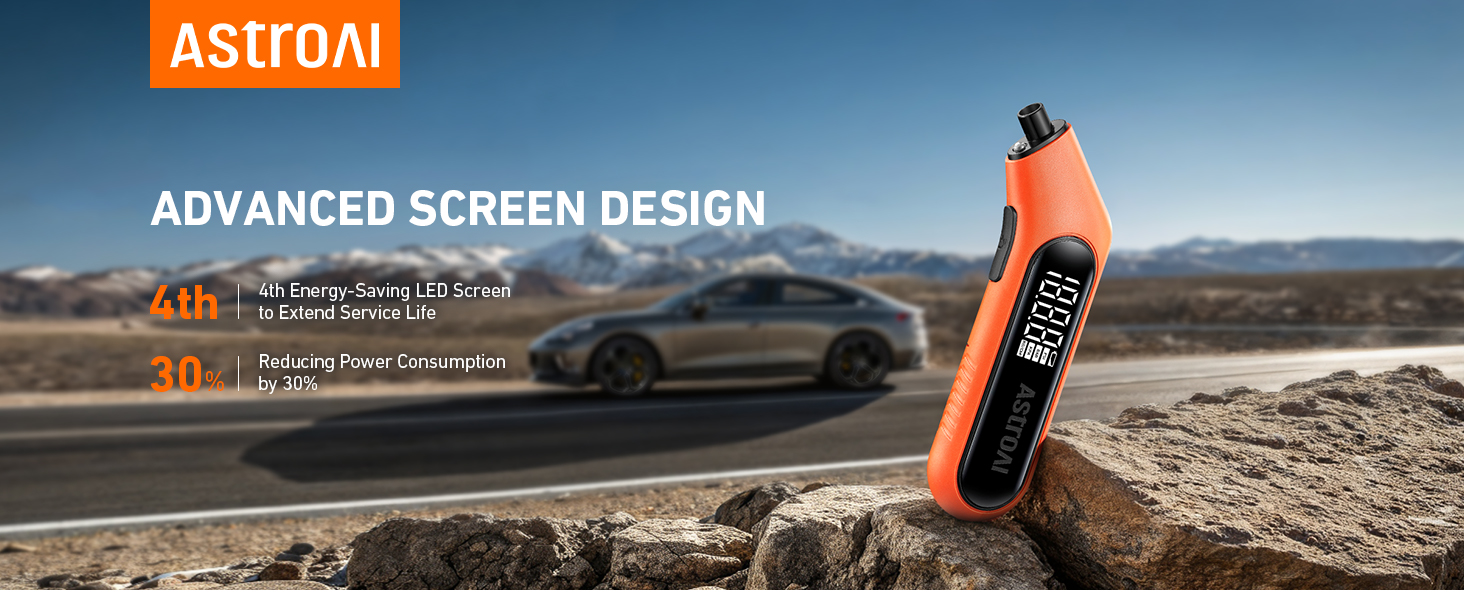
Image: The digital screen of the gauge displaying a tire pressure reading in PSI.
2. Measuring Tire Pressure
For accurate readings, ensure tires are cool (at least 3 hours after parking). Remove the valve cap from the tire.
- Press the gauge nozzle firmly and vertically onto the tire valve stem.
- Hold it in place until the digital display shows a stable reading. The built-in flashlight assists in low-light conditions.
- Remove the gauge. The reading will remain on the display for a few seconds.
- Substituír a tapa da válvula.

Image: A hand holding the AstroAI Digital Tire Pressure Gauge against a car tire valve stem, showing the measurement process.
3. Apagado
The device will automatically shut off after 30-40 seconds of inactivity to conserve battery life. To manually turn it off, press and hold the "ON/UNIT/OFF" button for 3 seconds.
4. Demostración en vídeo
Video: A demonstration of the AstroAI G300 digital tire pressure gauge in use, showcasing its features and ease of measurement.
Mantemento
- Keep the gauge clean and free from dirt or debris.
- Almacenar nun lugar seco lonxe de temperaturas extremas.
- Substitúa as pilas canto antes apareza o indicador de pila baixa para garantir lecturas precisas.
- The Presta valve adapter should be kept in its designated storage slot within the battery compartment to prevent loss.
Resolución de problemas
| Problema | Causa posible | Solución |
|---|---|---|
| Sen pantalla/o dispositivo non se acende | Baterías gastadas ou instaladas incorrectamente. | Comprobe a polaridade das pilas ou substitúaas por pilas AAA novas. |
| Lecturas inexactas | Gauge not firmly sealed on valve stem; tires are hot; low battery. | Ensure a tight seal; measure tire pressure when tires are cool; replace batteries. |
| Display difficult to read in bright sunlight | Direct sunlight glare. | Shield the display from direct sunlight or move to a shaded area. |
Especificacións
- Marca: Astro AI
- Modelo: B0CN3325KB
- Material: Acrilonitrilo Butadieno Estireno (ABS)
- Dimensións (L x W x H): 6.3 x 1 x 2.2 polgadas
- Peso: 0.17 libras
- Rango de medición: 3-300 PSI
- Precisión: ANSI B40.7 Grade 2A (±0.5%)
- Unidades de medida: PSI, bar, kPa, kg/cm²
- Fonte de enerxía: 2 x pilas AAA
- Compoñentes incluídos: 1 x AstroAI Digital Tire Pressure Gauge, 1 x Presta Valve Adapter
Garantía e Soporte
AstroAI is committed to providing high-quality products. This digital tire pressure gauge is manufactured from superior materials. If any damages from transportation or malfunctions occur, this product can be returned. For further assistance or warranty claims, please contact AstroAI customer support.
Información de contacto: Please refer to the product packaging or the official AstroAI websitio web para obter os detalles de atención ao cliente máis actuais.