
Introdución
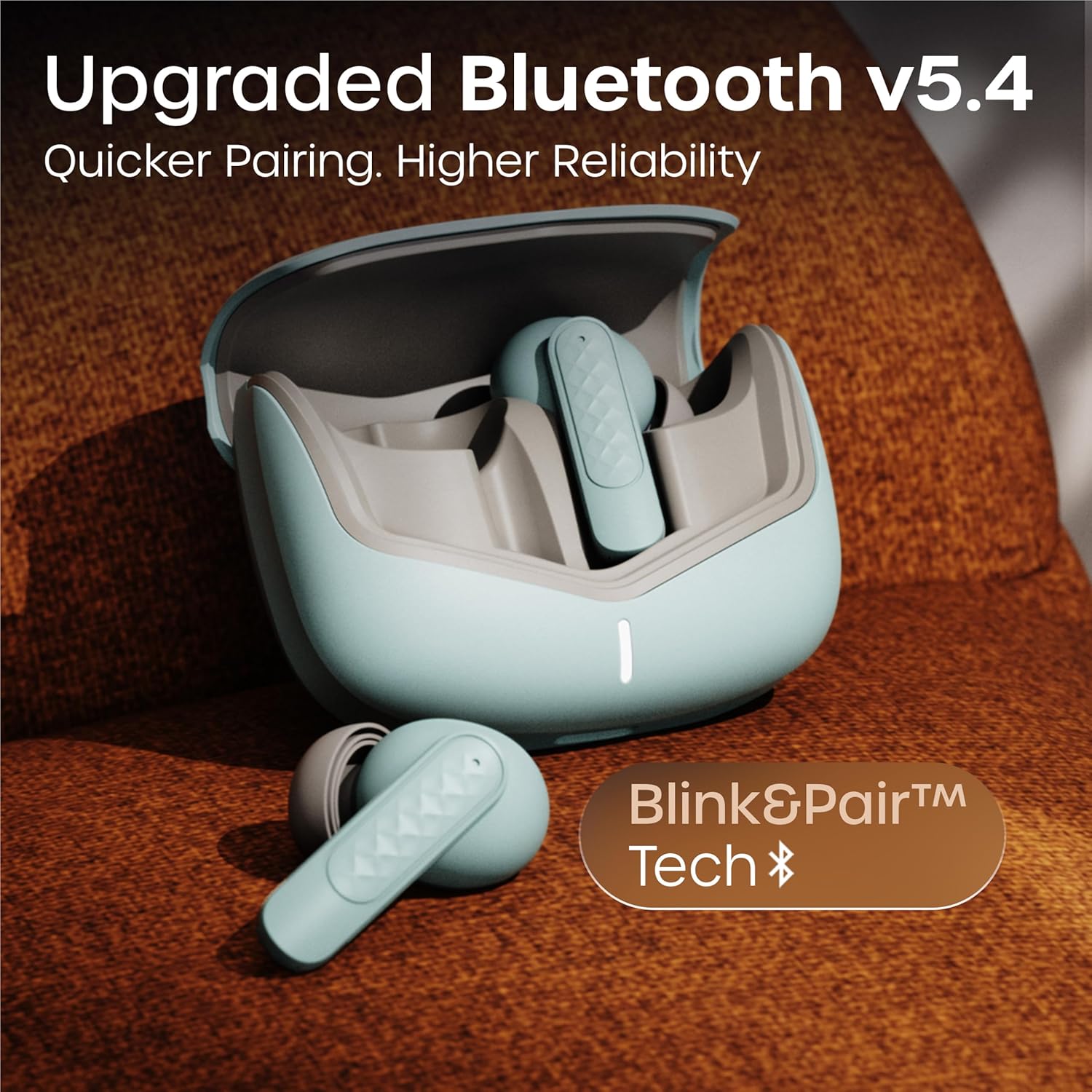
Thank you for choosing the GOBOULT Z40 V2.0 True Wireless Earbuds. These earbuds are designed to provide a superior audio experience with advanced features such as 70 hours of total playtime, Quad Mic Environmental Noise Cancellation (ENC), 45ms low latency for gaming, and Bluetooth 5.4 connectivity. This manual will guide you through the setup, operation, maintenance, and troubleshooting of your new earbuds.
O que hai na caixa
Comprobe o contido do paquete para asegurarse de que estean presentes todos os elementos:
- GOBOULT Z40 V2.0 Earbuds
- Estuche de carga
- Cable de carga USB
- Almofadiñas (varios tamaños)
- Manual de usuario
- Tarxeta de garantía
Produto rematadoview
The GOBOULT Z40 V2.0 earbuds offer a range of features for enhanced audio and communication.


Configuración
Carga inicial
Before first use, ensure both the earbuds and the charging case are fully charged. Connect the charging case to a power source using the provided USB cable. The LED indicator on the case will show charging status. A 10-minute charge can provide approximately 120 minutes of playtime.

Emparejando co seu dispositivo
- Abra a tapa da caixa de carga. Os auriculares acenderanse automaticamente e entrarán no modo de vinculación.
- No teu teléfono intelixente ou dispositivo con Bluetooth, vai á configuración de Bluetooth.
- Busca available devices and select 'GOBOULT Z40 V2.0' from the list.
- Once connected, you will hear a confirmation tone, and the LED indicator on the earbuds will change.
The earbuds utilize Bluetooth 5.4 technology for a stable and efficient connection.
Instrucións de funcionamento
Encendido/apagado
- Encendido: Abre a caixa de carga e os auriculares acenderanse automaticamente. Como alternativa, mantén premida a área táctil de ambos auriculares durante 3 segundos.
- Apagado: Volve colocar os auriculares na caixa de carga e pecha a tapa. Como alternativa, podes manter premida a zona táctil de ambos auriculares durante 5 segundos.
Reprodución de música
| Acción | Control táctil |
|---|---|
| Reproducir/Pausa | Toca un só auricular en calquera dos auriculares |
| Próxima pista | Toca dúas veces no auricular dereito |
| Pista anterior | Toca dúas veces no auricular esquerdo |
| Subir volume | Toca tres veces o auricular dereito |
| Baixar o volume | Toca tres veces o auricular esquerdo |
Xestión de chamadas
| Acción | Control táctil |
|---|---|
| Responder/Finalizar chamada | Toca un só auricular en calquera dos auriculares |
| Rexeitar a chamada | Prema longamente en calquera dos auriculares durante 2 segundos |
The Quad Mic Environmental Noise Cancellation (ENC) ensures clear voice calls by minimizing background noise, making them ideal for office calls and online meetings.

Asistente de voz
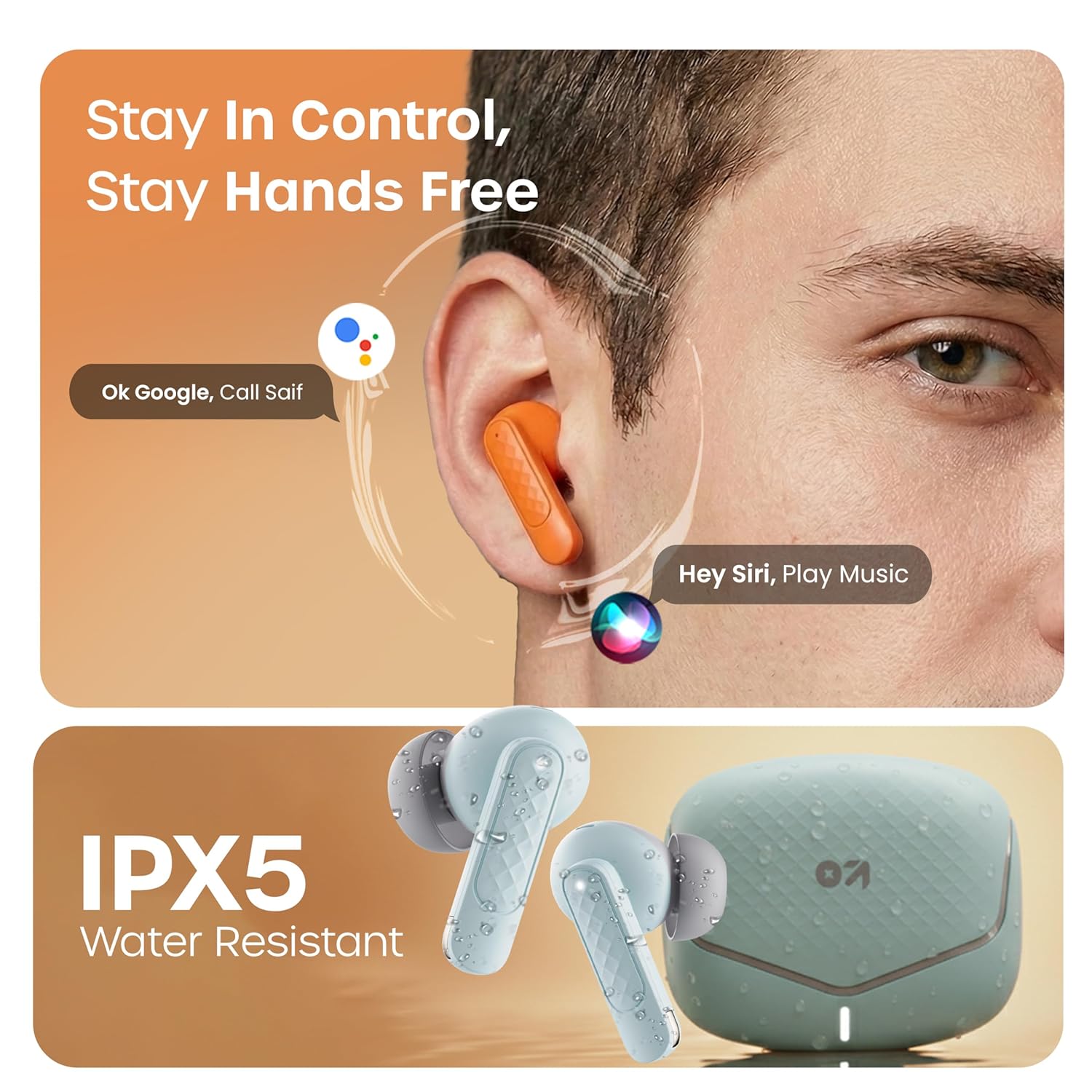
Activate your device's voice assistant (e.g., Google Assistant, Siri) by long-pressing the touch area on either earbud for 2 seconds (when not on a call).
Modo de xogo
Activate the low latency gaming mode for a synchronized audio experience during gaming. This mode reduces audio delay to 45 milliseconds, providing faster responses and an immersive gaming experience.
- Activar o modo de xogo: Long press the touch area on the left earbud for 2 seconds.
- Desactivar o modo de xogo: Repeat the same action.

Mantemento
Limpeza
Regularly clean your earbuds and charging case to ensure optimal performance and hygiene. Use a soft, dry, lint-free cloth. Do not use abrasive cleaners, solvents, or harsh chemicals. Gently remove any earwax or debris from the eartips and speaker mesh.
Resistencia á auga
The GOBOULT Z40 V2.0 earbuds are IPX5 water-resistant, meaning they are protected against sweat and splashes. They are suitable for workouts and outdoor activities. However, they are not designed for swimming or submersion in water. Avoid exposing them to heavy rain or direct water jets.
Resolución de problemas
If you encounter any issues with your GOBOULT Z40 V2.0 earbuds, please refer to the following common solutions:
- Sen son:
- Asegúrate de que os auriculares estean correctamente emparellados co teu dispositivo.
- Comproba o nivel de volume tanto no dispositivo como nos auriculares.
- Make sure the earbuds are seated correctly in your ears.
- Non se pode emparellar:
- Ensure the earbuds are charged and in pairing mode (LED blinking).
- Desactiva e despois activa o Bluetooth no teu dispositivo.
- Achega os auriculares ao dispositivo.
- Esquece o dispositivo da túa lista de Bluetooth e tenta emparellalo de novo.
- Un auricular non funciona:
- Place both earbuds back into the charging case, close the lid, and then open it again to reset the connection.
- Asegúrate de que os dous auriculares estean cargados.
- Problemas de carga:
- Comprobe se o cable de carga está conectado correctamente tanto á carcasa como á fonte de alimentación.
- Asegúrate de que os contactos de carga dos auriculares e do interior da funda estean limpos e libres de residuos.
- Proba cun cable de carga ou adaptador de corrente diferente.
Especificacións
| Característica | Detalle |
|---|---|
| Marca | GOBOULT |
| Nome do modelo | Z40 V2.0 (Airbass) |
| Colocación do oído | En Orella |
| Control de ruído | Cancelación de ruído ambiental (micrófono cuádruple) |
| Duración media da batería | 70 horas (con caixa de carga) |
| Tempo de carga da batería | 10 Minutes for 120 Minutes Playtime |
| Tamaño do controlador de audio | 13 milímetros |
| Latencia de audio | 45 milisegundos (modo de xogos) |
| Método de control | Toca |
| Nivel de resistencia á auga | IPX5 (resistente á auga) |
| Tipo de tecnoloxía sen fíos | Bluetooth |
| Versión Bluetooth | 5.4 |
| Alcance Bluetooth | 10 metros |
| Peso do elemento | 0.6 Kilograms (total package weight) |
| Contido da caixa | Cable, Eartip, User Manual, Warranty Card, Z40v2.0 Earbuds |
Garantía e Soporte
Información da garantía
The GOBOULT Z40 V2.0 True Wireless Earbuds are backed by a 1 anos de garantía do fabricante from the date of purchase. This warranty covers manufacturing defects. Please retain your purchase receipt as proof of purchase for warranty claims.
Atención ao cliente
For any technical assistance, warranty claims, or product-related inquiries, please refer to the contact information provided on the warranty card included in your product box. You may also visit the official GOBOULT website for further support resources.