
1. Introdución
This manual provides instructions for the setup, operation, and maintenance of your NIIMBOT B2 Pro Label Maker Machine. Please read this manual thoroughly before using the device to ensure proper function and longevity.
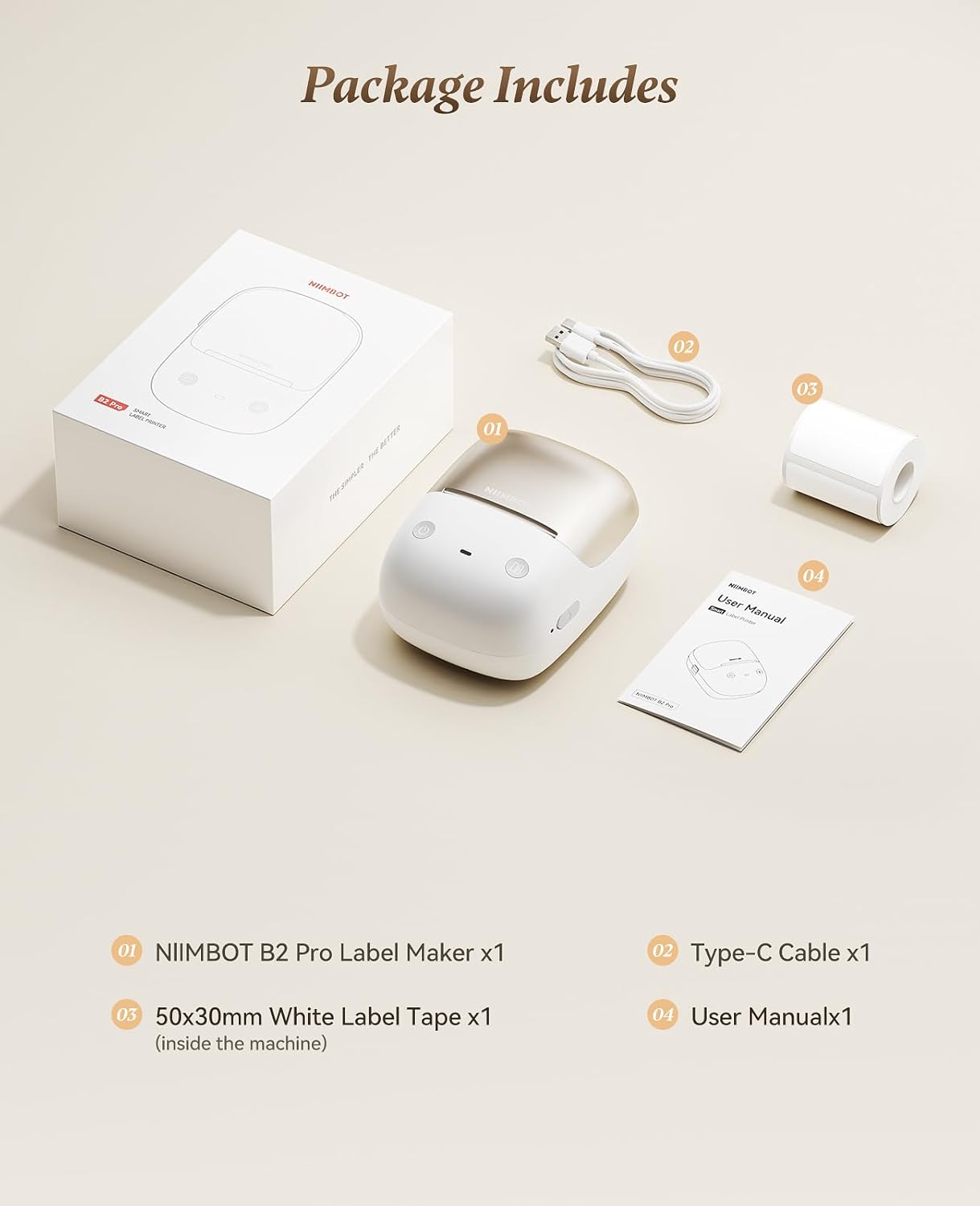
2. Contido do paquete
Verifica que todos os elementos estean presentes no paquete:
- NIIMBOT B2 Pro Label Maker (x1)
- Type-C Cable (x1)
- 50x30mm White Label Tape (x1, pre-installed inside the machine)
- Manual de usuario (x1)
3. Dispositivo rematadoview
The NIIMBOT B2 Pro is a portable thermal label printer designed for various labeling needs. It features a 300dpi print head for clear output and supports both mobile and PC connectivity.

Características principais:
- Deseño ultraportátil: Weighs approximately 348g, with ergonomic curves for comfortable handling.
- 300dpi High-Definition Printing: Ensures crisp and clear label output. Supports NIIMBOT grayscale photo paper labels and red-and-black dual-color printing.
- One-key Smart Operation: Allows independent operation for real-time, history, and preset template printing without a smartphone or PC after initial setup.
- Multi-Point Bluetooth Connectivity: Connects to mobile devices (iOS and Android) and PC (Windows). Supports simultaneous connection of up to 10 smartphones (3 iOS, 7 Android) for multi-user editing.
- Características da aplicación: Access to over 1500 icons, borders, 249 free fonts, and 100+ VIP exclusive fonts, with over 1,000 design templates.
- Compatibilidade de etiquetas ampla: Supports label widths from 20mm to 50mm.
4. Guía de configuración
4.1 Carga do dispositivo
Before first use, fully charge the NIIMBOT B2 Pro using the provided Type-C cable. The charging port is located on the device.
4.2 Installing the NIIMBOT App
- Download the "NIIMBOT" app from your mobile device's app store (iOS or Android).
- Alternatively, for PC (Windows), download the NIIMBOT software from the official website. (Note: Incompatible with iPad).

4.3 Conexión ao dispositivo
- Ensure the NIIMBOT B2 Pro is powered on. The power button is typically located on the right side.
- Open the NIIMBOT app on your smartphone or PC.
- Follow the in-app instructions to connect to the printer via Bluetooth.
The device supports simultaneous connection with up to 10 smartphones (3 iOS and 7 Android).
4.4 Carga da cinta de etiquetas
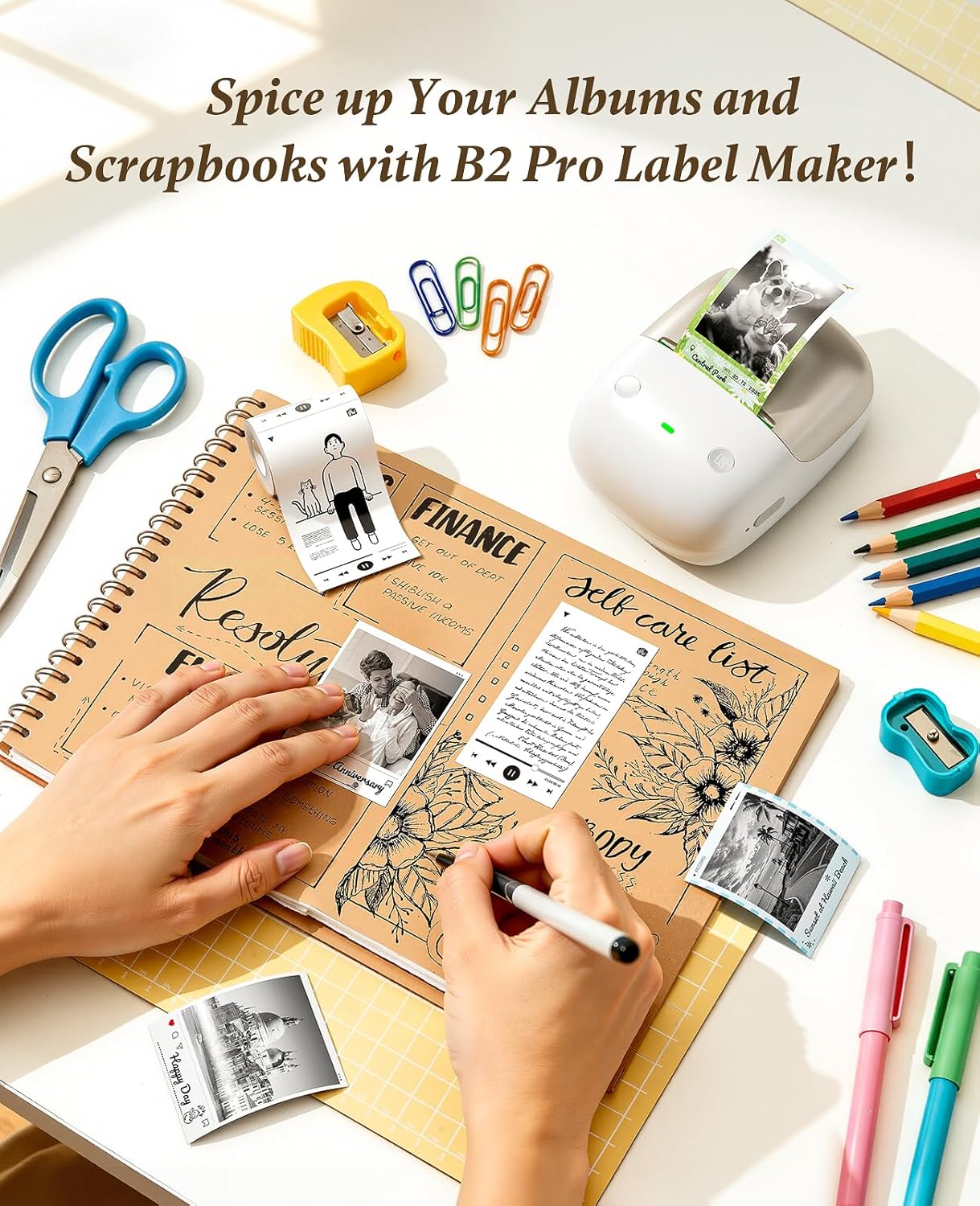
The NIIMBOT B2 Pro features a shaftless design for easy label loading.
- Abra a tapa do compartimento das etiquetas.
- Place the label roll into the compartment, ensuring the labels feed out correctly.
- Close the cover. The printer will automatically detect the label size and type.

5. Instrucións de funcionamento
5.1 Using the NIIMBOT App
The NIIMBOT app provides extensive customization options for your labels.
- Edición de texto: Double-tap a text box to enter content. Adjust font, size, style, and alignment.
- Iconas e bordos: Choose from over 1500 icons and 100+ borders to enhance your labels.
- Modelos: Utilize over 1,000 pre-designed templates for various scenarios (catering, office, retail, etc.).
- Image Integration: Import your own photos for personalized projects.
- Soporte multilingüe: The app supports multiple languages.

5.2 Impresión de etiquetas
After designing your label in the app, tap "Print" to send the job to the B2 Pro. The printer offers three fully configurable offline printing modes:
- Mode 1: Print Real-time: For dynamic information such as expiration dates or material receiving times.
- Mode 2: Print Previous One: Re-print a previously used label without re-editing.
- Mode 3: Designate "My Templates": Print from your saved preset templates for standardized labeling.


6 Solución de problemas
6.1 "Printer connection failed" with Android phone
If you encounter this issue, follow these steps:
- Update the printer's Bluetooth firmware via an iOS device or PC cloud printing.
- After the update, double-press the printer's power button to print a self-test page.
- Verify that the Bluetooth version on the self-test page has changed to 7470.
Se os problemas persisten, póñase en contacto co servizo de atención ao cliente para obter asistencia.
7. Especificacións
| Característica | Detalle |
|---|---|
| Marca | NIIMBOT |
| Nome do modelo | B2 Pro |
| Tecnoloxía de conectividade | Bluetooth |
| Tecnoloxía de impresión | Térmica |
| Característica especial | Bluetooth, Inkless Printing, Portable |
| Saída da impresora | Monocromo |
| Velocidade máxima de impresión monocromática | 40 mm/s |
| Peso do elemento | 12 onzas (aprox. 340 g) |
| Dimensións do produto (P x A x A) | 5" x 2.6" x 3.6" |
| Medios impresos | Etiquetas |
| Resolución | 300 x 300 DPI |
| Tamaño máximo do soporte | 2 x 14 polgadas |
| Paper Size (Example) | 2 x 1.2 polgadas |
| Impresión a dúas caras | Non (Simplex) |

8. Garantía e soporte
8.1 Información da garantía
The NIIMBOT B2 Pro Label Maker Machine comes with a 2 ano de garantía do fabricante.
8.2 Atención ao cliente
For any issues or inquiries not covered in this manual, please contact NIIMBOT customer support. Refer to the product packaging or official NIIMBOT websitio para os detalles de contacto.


