
1. Produto rematadoview
The boAt Airdopes 148 Gen 2 are True Wireless Stereo (TWS) earbuds designed for an immersive audio experience. They feature a long-lasting battery, advanced microphone technology for clear calls, and a low-latency mode for gaming. This manual provides instructions for setting up, operating, and maintaining your earbuds.
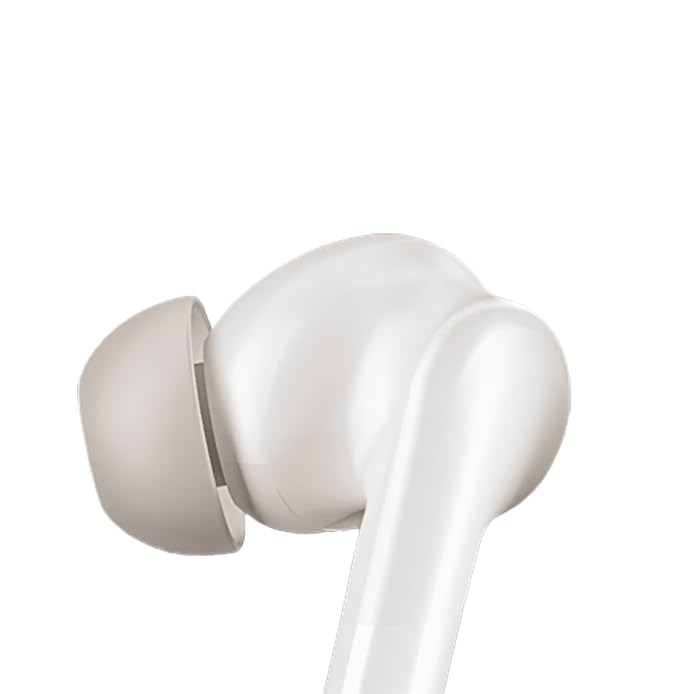
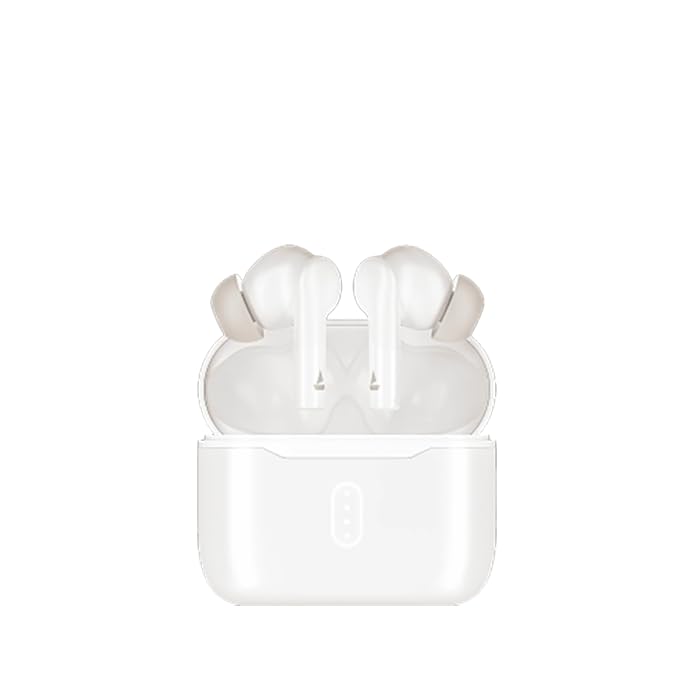
Image: boAt Airdopes 148 Gen 2 earbuds shown with their charging case.
2. Que hai na caixa
Comprobe o contido do paquete para asegurarse de que estean presentes todos os elementos:
- boAt Airdopes 148 Gen 2 Earbuds (Left and Right)
- Estuche de carga
- Cable de carga USB
- Additional Ear Cushions (various sizes)
- Manual de usuario
3. Instrucións de configuración
3.1 Carga inicial
Antes do primeiro uso, carga completamente os auriculares e a caixa de carga.
- Coloque os dous auriculares no estoxo de carga.
- Conecta o cable de carga USB ao porto de carga da carcasa e a unha fonte de alimentación.
- As luces indicadoras da caixa mostrarán o estado de carga. Unha vez cargada completamente, as luces poden cambiar ou apagarse.

Image: The boAt Airdopes 148 Gen 2 charging case with earbuds inserted, illustrating the charging process.
3.2 Pairing with Your Device (Insta Wake N' Pair)
The Airdopes 148 Gen 2 feature Insta Wake N' Pair (IWP) technology for seamless connection.
- Abra a tapa da caixa de carga. Os auriculares acenderanse automaticamente e entrarán no modo de vinculación.
- Activa o Bluetooth no teu smartphone ou outro dispositivo.
- Busca "Airdopes 148 Gen 2" in the list of available Bluetooth devices.
- Select it to connect. Once connected, you will hear an audio prompt.
Note: The earbuds will automatically connect to the last paired device when the case lid is opened, if Bluetooth is enabled on the device.

Image: A visual representation of key features including Bluetooth v5.4 and Insta Wake N' Pair technology.
4. Instrucións de funcionamento
4.1 Controis táctiles
The Airdopes 148 Gen 2 feature intuitive touch controls on each earbud:
- Reproducir/Pausa: Toca un só auricular en calquera dos auriculares.
- Próxima pista: Toca dúas veces no auricular dereito.
- Pista anterior: Toca dúas veces no auricular esquerdo.
- Responder/Finalizar chamada: Toca un só auricular en calquera dos auriculares.
- Rexeitar a chamada: Prema longamente (2 segundos) en calquera dos auriculares.
- Activar o asistente de voz: Toca tres veces en calquera dos auriculares.
- BEAST Mode On/Off: Long press (3 seconds) on the right earbud.
- Switch Dual EQs: Long press (3 seconds) on the left earbud.
4.2 BEAST Mode (Low Latency)
Activate BEAST Mode for an ultra-low latency audio experience, ideal for gaming and video streaming. This minimizes audio delay between your device and the earbuds.
- Para activar: Mantén presionado o auricular dereito durante 3 segundos.
- Para desactivar: Long press the right earbud for 3 seconds again.
4.3 Dual EQs
Switch between different sound profiles (e.g., Balanced, Bass) to suit your audio preference.
- To Switch: Long press the left earbud for 3 seconds.
4.4 Asistente de voz
Access your device's voice assistant (e.g., Google Assistant, Siri) directly from the earbuds.
- Para activar: Toca tres veces en calquera dos auriculares.
4.5 Calling with ENx Technology
The earbuds feature Quad Mics with ENx Technology for clear voice calls by cancelling environmental noise.

Image: A user wearing an earbud, highlighting the Quad Mics with ENx Technology for enhanced call clarity.
4.6 Duración da batería
The Airdopes 148 Gen 2 offer up to 48 hours of total playback time with the charging case. ASAP Charge provides 180 minutes of playback from just 10 minutes of charging.

Image: A graphic illustrating the impressive battery life of up to 48 hours and the fast charging capability.
5. Mantemento
5.1 Limpeza
Unha limpeza regular axuda a manter a calidade do son e a hixiene.
- Limpe con coidado os auriculares e a funda de carga cun pano suave, seco e sen fiapos.
- Retire as almofadas dos oídos e límpeas con auga e xabón suave, logo séqueas ben antes de volvelas colocar.
- Use a cotton swab or a small, soft brush to carefully clean the speaker mesh and charging contacts.
Imaxe: Primeiro plano view of an earbud tip, showing the area that requires regular cleaning.
5.2 Resistencia á auga (IPX4)
The Airdopes 148 Gen 2 are IPX4 rated, meaning they are resistant to splashes of water and sweat. They are not designed for submersion in water.
- Avoid exposing the earbuds to heavy rain or submerging them in water.
- Dry the earbuds thoroughly if they get wet from sweat or splashes before placing them back in the charging case.
6 Solución de problemas
If you encounter issues with your Airdopes 148 Gen 2, try the following solutions:
- Sen problemas de son/conexión:
- Asegúrate de que os auriculares estean cargados.
- Asegúrate de que o Bluetooth estea activado no teu dispositivo.
- Forget "Airdopes 148 Gen 2" from your device's Bluetooth list and re-pair.
- Reinicia o teu dispositivo.
- Un auricular non funciona:
- Volva colocar os dous auriculares na funda, peche a tapa, agarde uns segundos e ábraa de novo.
- Asegúrate de que os dous auriculares estean cargados.
- Problemas de carga:
- Comproba o cable de carga e o adaptador.
- Asegúrate de que os contactos de carga dos auriculares e da funda estean limpos.
- Volume baixo:
- Axusta o volume tanto no dispositivo como nos auriculares.
- Clean earbud speaker mesh.
7. Especificacións
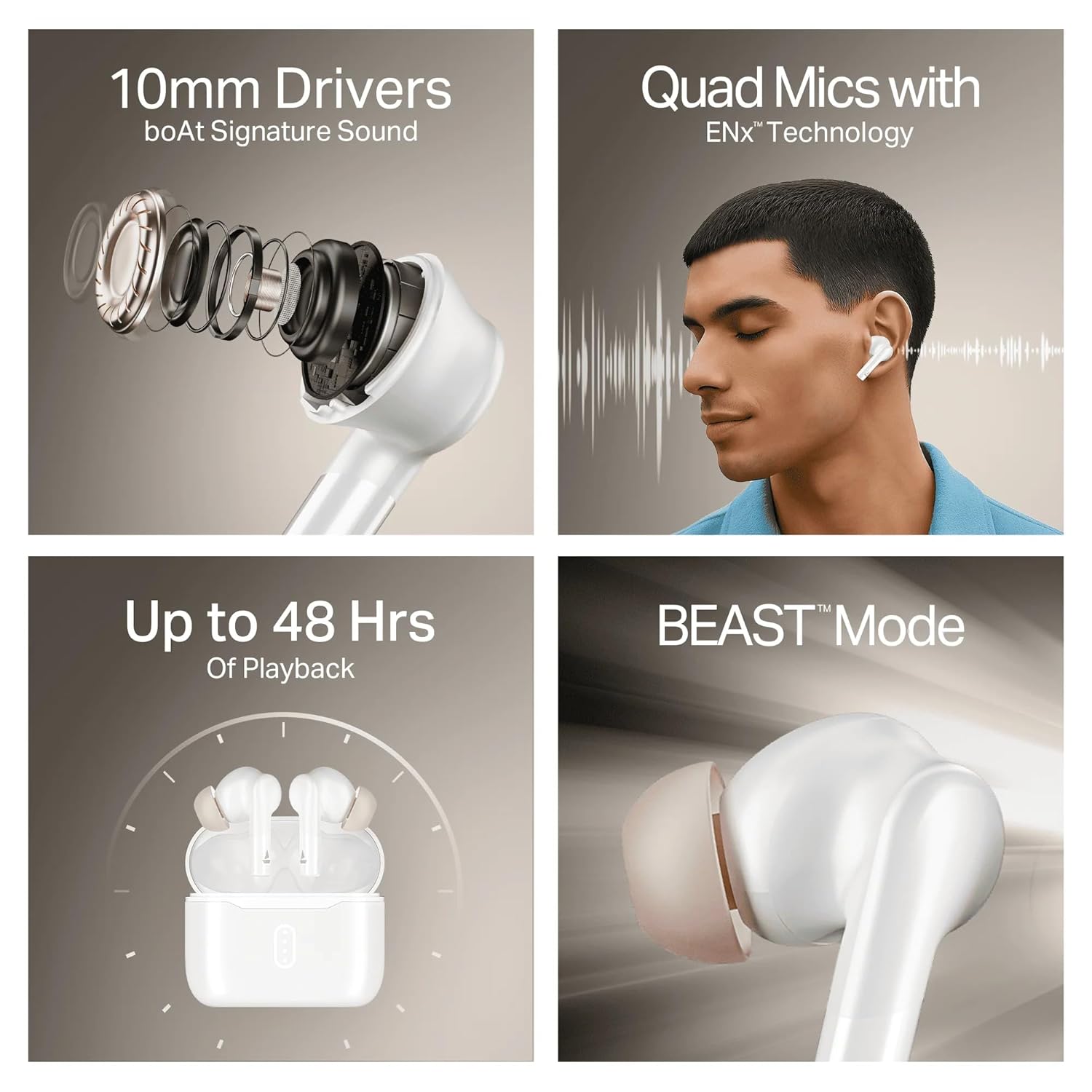
Image: A summary of key specifications and features of the Airdopes 148 Gen 2.
| Característica | Descrición |
|---|---|
| Nome do modelo | Airdopes 148 Gen 2 |
| Versión Bluetooth | 5.4 |
| Tempo de reprodución | Ata 48 horas (con funda de carga) |
| Cargo ASAP | 10 minutos de carga = 180 minutos de reprodución |
| Micrófonos | Quad Mics with ENx Technology |
| Condutores | 10 mm |
| Resistencia á auga | IPX4 |
| Latency Mode | BEAST Mode (Ultra-low latency) |
| Conectividade | Sen fíos |
| Tipo de control | Control táctil |
| Dispositivos compatibles | Portátiles, teléfonos intelixentes, tabletas |
8. Garantía e soporte
8.1 Información da garantía
The boAt Airdopes 148 Gen 2 comes with a 12 + 3 months manufacturer warrantyConserva o comprobante de compra para reclamacións de garantía.
8.2 Atención ao cliente
For any support, queries, or warranty claims, please contact boAt customer service:
- Correo electrónico: info@imaginemarketingindia.com
- Fabricante: Imagine Marketing Ltd