
Sanag S6S Ultra
Sanag S6S Ultra Open Ear Earbuds Instruction Manual
Model: S6S Ultra
Introdución
Thank you for choosing the Sanag S6S Ultra Open Ear Earbuds. This manual provides essential information for setting up, operating, and maintaining your earbuds. Please read it thoroughly before use to ensure optimal performance and longevity of your device.
O que hai na caixa
The Sanag S6S Ultra package includes the following items:
- Sanag S6S Ultra Wireless Earbuds
- Estuche de carga
- Cable de carga USB-C
- Manual de usuario

Image: Package contents of the Sanag S6S Ultra earbuds.
Configuración
1. Carga dos auriculares e da funda
Before first use, fully charge the earbuds and the charging case. Connect the provided USB-C cable to the charging case and a power source. The indicator light on the case will show charging status. A full charge provides approximately 7 hours of playtime for the earbuds, with the charging case extending total playtime to 42 hours. A quick 10-minute charge can provide up to 2 hours of playback.

Image: Sanag S6S Ultra earbuds in their charging case.
2. Emparellamento co teu dispositivo
- Asegúrate de que os dous auriculares estean cargados.
- Abre a caixa de carga. Os auriculares entrarán automaticamente no modo de emparellamento.
- No teu dispositivo (teléfono intelixente, tableta, etc.), vai á configuración de Bluetooth e activa Bluetooth.
- Select "Sanag S6S Ultra" from the list of available devices.
- Once paired, the earbuds will automatically reconnect to your device within 0.04 seconds when taken out of the case for subsequent uses.
3. Como usar os auriculares
The Sanag S6S Ultra earbuds feature an open-ear clip design for comfortable and stable wear. Gently clip the earbuds onto your ear, ensuring the speaker is positioned correctly for optimal sound delivery without blocking your ear canal. This design allows you to remain aware of your surroundings.

Image: Illustration of how to wear the Sanag S6S Ultra earbuds.

Image: Person wearing Sanag S6S Ultra earbuds.
Instrucións de funcionamento
Controis táctiles
The Sanag S6S Ultra earbuds feature intuitive touch controls for managing audio playback and calls:
- Toca dúas veces: Play/Pause audio or Answer/End calls.
- Triple-tap Left Earbud: Ir á pista anterior.
- Triple-tap Right Earbud: Ir á seguinte pista.

Image: Touch control gestures on the Sanag S6S Ultra earbuds.
Sanag App Integration
Enhance your experience by downloading the official Sanag App. The app allows you to:
- Monitorizar os niveis da batería.
- Utilize the built-in sleep assistant.
- Change Equalizer (EQ) modes or create custom sound profiles.
- Explore additional features such as face-to-face translation and AI functionalities.

Image: Sanag App interface for customizing earbud settings.
Sound Quality and Call Clarity
The S6S Ultra earbuds deliver clear audio with rich mids and balanced treble. For calls, the dual-mic ENC (Environmental Noise Cancellation) technology ensures your voice is clear, even in noisy environments, by reducing background noise.
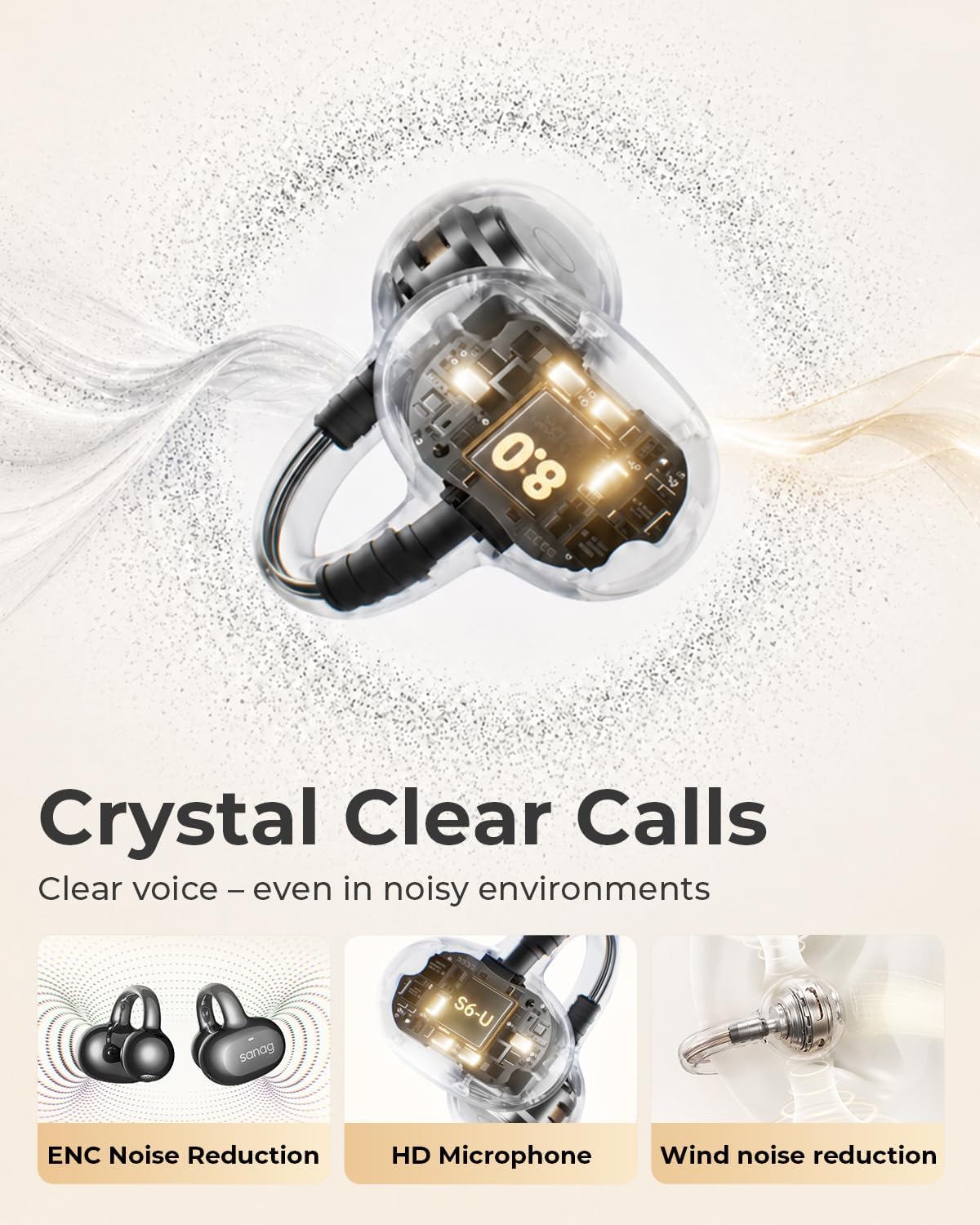
Image: Internal components and call clarity features of Sanag S6S Ultra.

Image: Sound profile of Sanag S6S Ultra earbuds.
Mantemento
Limpeza
Regular cleaning helps maintain the performance and hygiene of your earbuds. Use a soft, dry, lint-free cloth to wipe the earbuds and charging case. Avoid using abrasive materials, alcohol, or chemical cleaners. Do not allow liquids to enter any openings.
Resistencia á auga e ao po (IP67)
The Sanag S6S Ultra earbuds are rated IP67, meaning they are protected against dust ingress and can withstand immersion in water up to 1 meter for 30 minutes. This makes them suitable for use during workouts, in light rain, or dusty environments. However, they are not designed for swimming or prolonged submersion. Always ensure the charging port is dry before charging.
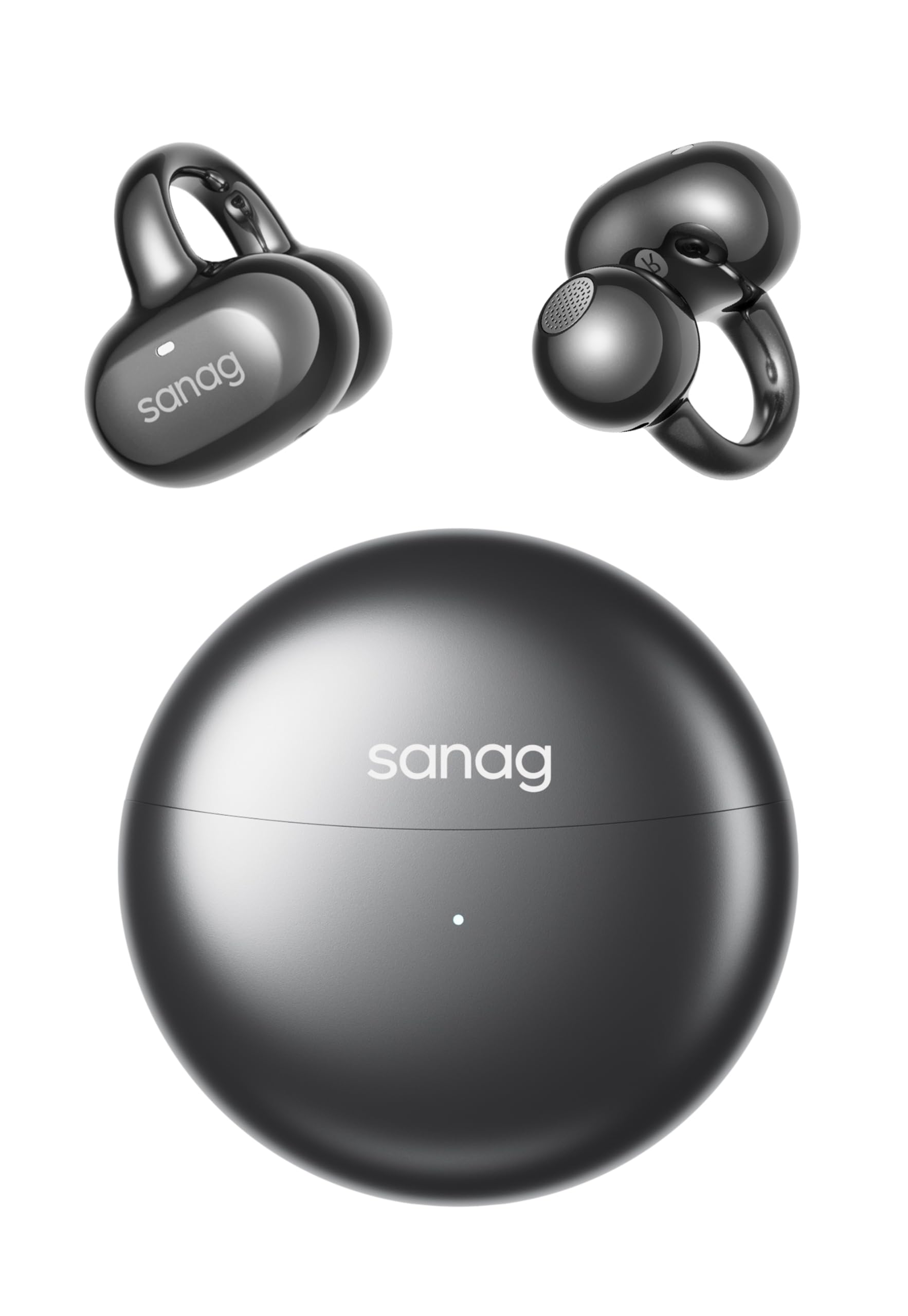
Image: Sanag S6S Ultra earbuds demonstrating IP67 water resistance.
Almacenamento
When not in use, store the earbuds in their charging case to protect them from dust, damage, and to keep them charged. Store the case in a cool, dry place away from direct sunlight and extreme temperatures.
Resolución de problemas
- Os auriculares non se emparellan nin se conectan:
- Asegúrate de que os dous auriculares estean cargados.
- Desactiva e activa o Bluetooth do teu dispositivo.
- Volva colocar os auriculares na funda, péchaa e ábrea de novo para volver entrar no modo de emparellamento.
- If issues persist, try forgetting "Sanag S6S Ultra" from your device's Bluetooth list and re-pairing.
- Non se escoita son dun ou dos dous auriculares:
- Comproba o nivel de volume no dispositivo conectado.
- Asegúrate de que os auriculares estean correctamente asentados nas orellas.
- Volve conectar os auriculares ao teu dispositivo.
- Problemas de carga:
- Verifica que o cable USB-C estea conectado correctamente tanto á carcasa como á fonte de alimentación.
- Proba cun cable USB-C ou adaptador de corrente diferente.
- Asegúrate de que os contactos de carga dos auriculares e do interior da funda estean limpos e libres de residuos.
- Os controis táctiles non responden:
- Asegúrate de que os dedos estean limpos e secos.
- Tenta reiniciar os auriculares colocándoos na funda e sacándoos de novo.
Especificacións
| Marca | Sanag |
| Nome do modelo | S6S Ultra |
| Colocación do oído | Orella aberta |
| Tecnoloxía de conectividade | Sen fíos (Bluetooth 6.0) |
| Alcance Bluetooth | 33 pés |
| Playtime per Earbud | 7 horas |
| Tempo total de reprodución coa funda | 42 horas |
| Carga rápida | 10 minutos de carga para 2 horas de reprodución |
| Nivel de resistencia á auga | IP67 (Dustproof, Moisture Resistant) |
| Peso dos auriculares | 4.5 g (cada un) |
| Tipo de control | Control táctil |
| Control de ruído | Cancelación pasiva de ruído (ENC para chamadas) |
| Tipo de controlador de audio | Driver dinámico |
| Rango de frecuencias | 20 Hz - 20,000 Hz |
| Material | Plástico |
Garantía e Soporte
The Sanag S6S Ultra Open Ear Earbuds come with a product warranty. For detailed warranty information, please refer to the warranty card included in your package or visit the official Sanag website. For any technical support, troubleshooting assistance, or warranty claims, please contact Sanag customer support through their official channels.
Podes atopar máis información e apoio en Sanag Official Store on Amazon.
Vídeos oficiais de produtos
Sanag S6S Ultra Open Ear Headphones Overview
Vídeo: Un funcionario acabouview of the Sanag S6S Ultra Open Ear Headphones, showcasino seu deseño e as súas características.
Ask a question about this manual
Ask about setup, troubleshooting, compatibility, parts, safety, or missing instructions. Manuals+ will review the question and use this page’s manual context to help answer it.