
Introdución
Thank you for choosing the J-TREK JX06se Bluetooth 5.4 Motorcycle Intercom. This device is designed to enhance your solo riding experience by providing clear audio for music, navigation, and phone calls. It features advanced Bluetooth 5.4 technology, robust noise cancellation, and a durable waterproof design. Please read this manual thoroughly before use to ensure proper installation and operation.
Important Note: The JX06se is designed exclusively for solo riders and does not support connection with other intercom devices.
Información de seguridade
- Always prioritize road safety. Do not operate the device in a way that distracts you from riding.
- Adjust volume to a level that allows you to hear ambient traffic sounds.
- Asegúrate de que o dispositivo estea ben montado no casco antes de montar en bicicleta.
- Non intente desmontar nin modificar o dispositivo.
- Manteña o dispositivo lonxe de temperaturas extremas e da luz solar directa.
Contido do paquete
Verifica que todos os elementos estean presentes no teu paquete:
- JX06se Main Unit x 1
- Jet Helmet Microphone x 1
- Full-Face Helmet Microphone x 1
- Magnetic Mount x 1
- Speakers x 1 pair
- Speaker Fixing Tape x 2
- Jet Helmet Microphone Fixing Tape x 1
- Full-Face Helmet Microphone Fixing Tape x 1
- Cable de carga USB tipo C x 1
- Mount Fixing Tape (Red) x 1 (for attachment)
- Clip-type Fixing Tape (White) x 1 (for mount attachment)
- Speaker Position Adjustment Pads x 2
- Manual de usuario x 1
- Mount Clip x 1

Características
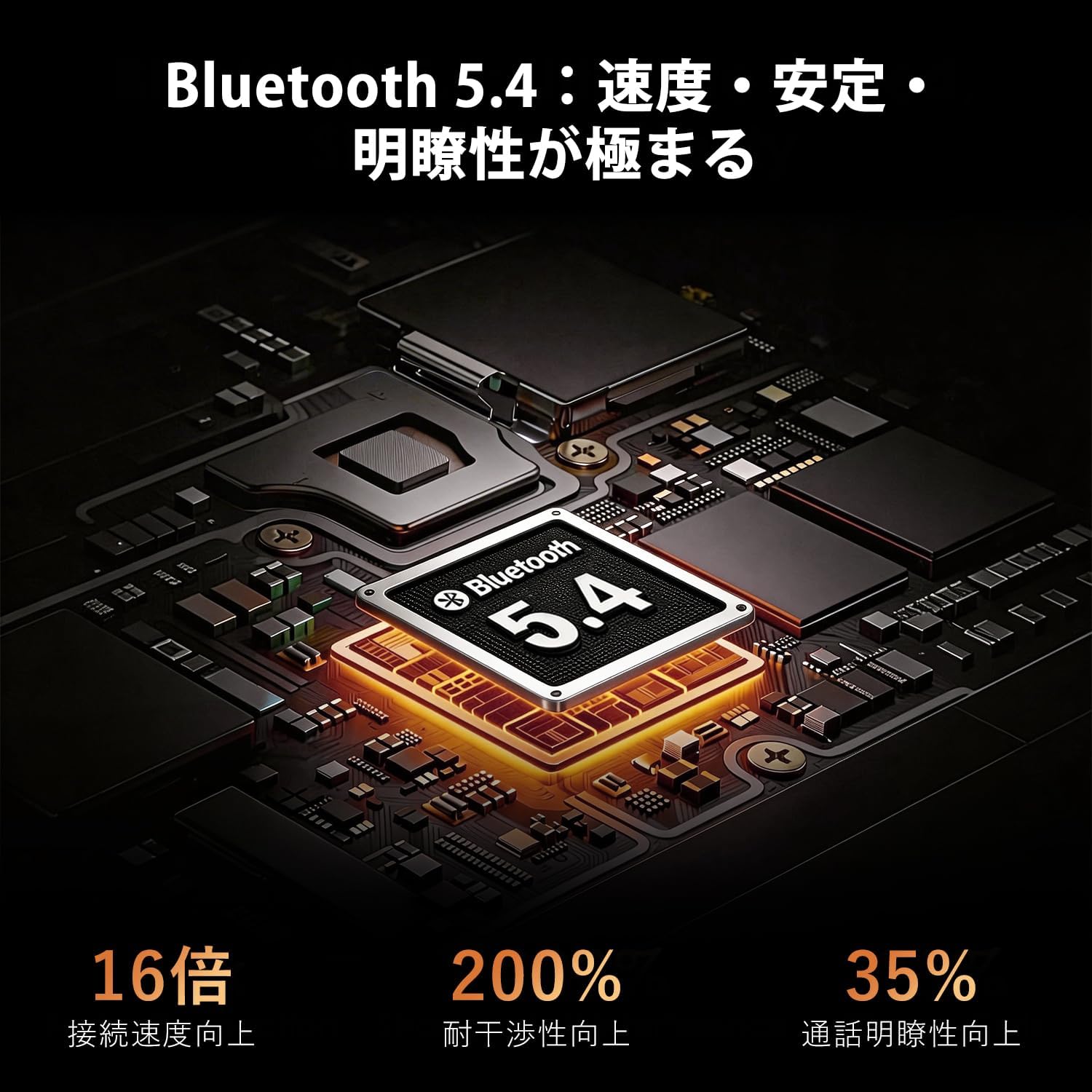
- Bluetooth avanzado 5.4: Ensures stable, low-latency connections for music, navigation, and calls.
- High-Quality Audio & Noise Cancellation: Features a high-quality driver unit and multi-layer noise canceling technology (ENC, DSP, CVC) to effectively suppress wind noise and engine sounds, providing clear audio even at high speeds.
- Radio FM integrada: Supports all Japanese domestic FM channels, allowing access to news, traffic information, and music without a smartphone.
- Magnetic Mount System: Offers quick and secure attachment/detachment to your helmet in approximately 1 second.
- RGB Multi-Color Lighting: Personalize your device and enhance visibility during night rides with customizable RGB lights.
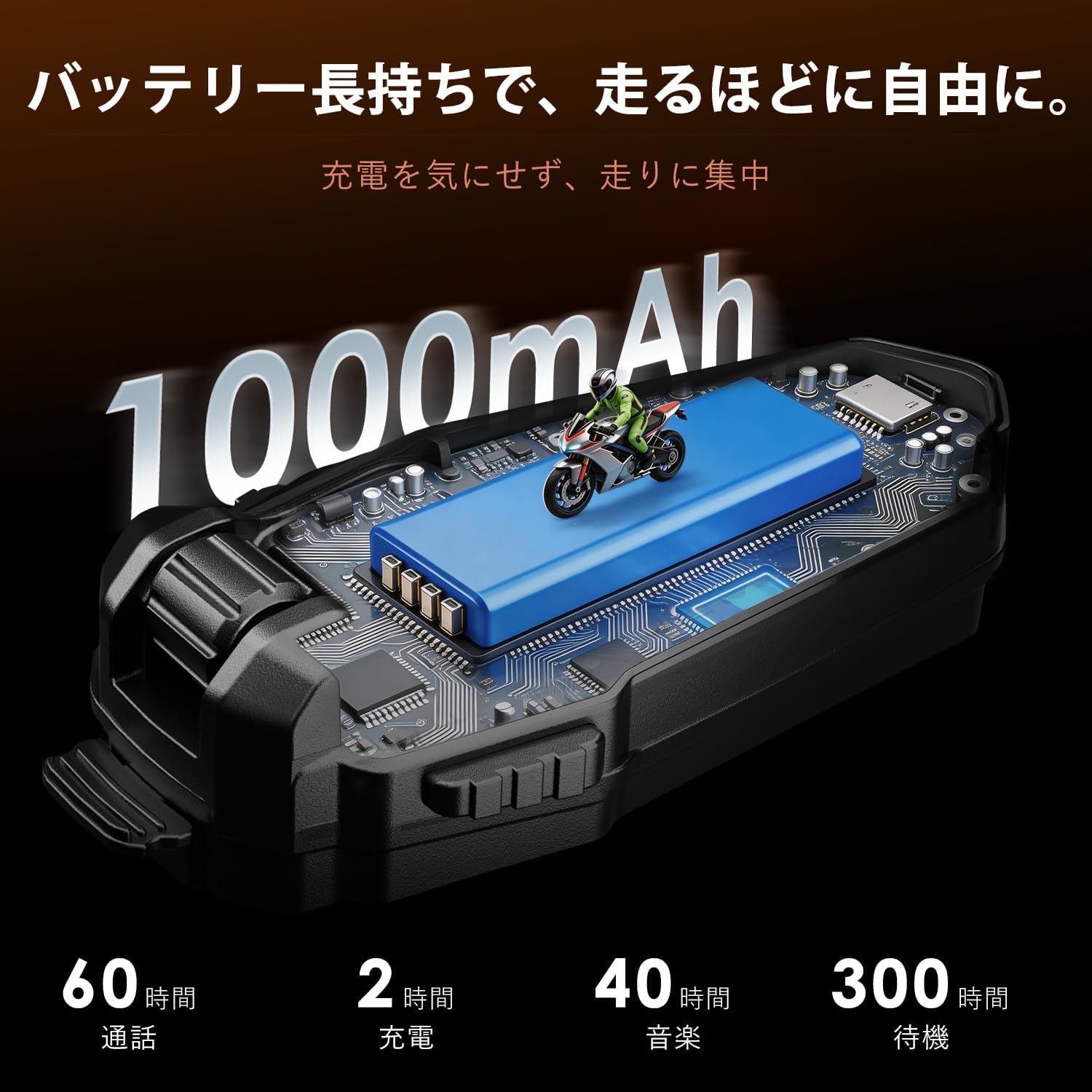
- Batería de longa duración de 1000 mAh: Provides extended usage for long-distance touring.
- IP67 a proba de auga e po: Designed to withstand harsh weather conditions, including heavy rain.
- Native Japanese Voice Guidance: All guidance is provided in clear Japanese voice prompts.
- Accurate Battery Level Detection: Announces battery percentage upon power-on and displays an icon on your smartphone.
Configuración
1. Installing the Intercom Unit
Choose between the magnetic mount or clip-type fixing tape for attaching the main unit to your helmet. The magnetic mount allows for quick attachment and removal.

2. Instalación de altofalantes e micrófono
Place the speakers inside your helmet's ear pockets. Use the provided speaker position adjustment pads if needed for optimal fit and sound. Select the appropriate microphone (jet helmet or full-face helmet type) and attach it near your mouth using the fixing tape.

3. Cargando o dispositivo
Before first use, fully charge the JX06se using the provided USB Type-C cable. Connect the cable to the charging port on the unit and a compatible USB power source. A full charge takes approximately 2 hours.
Instrucións de funcionamento
1. Acendido/apagado
- Encendido: Press and hold the Power button for 3 seconds. You will hear a Japanese voice prompt indicating the battery level.
- Apagado: Manteña premido o botón de acendido durante 3 segundos.
2. Emparellamento Bluetooth
To pair with your smartphone:
- With the device off, press and hold the Power button for 5-7 seconds until the LED indicator flashes red and blue, indicating pairing mode.
- On your smartphone, enable Bluetooth and search for "JX06se".
- Select "JX06se" to connect. Once connected, the LED will flash blue slowly.
3. Control de volume
- Aumentar o volume: Preme o botón Subir volume.
- Diminuír o volume: Prema o botón para baixar o volume.
4. Reprodución de música
- Reproducir/Pausa: Prema o botón multifunción unha vez.
- Próxima pista: Manteña premido o botón Subir volume.
- Pista anterior: Manteña premido o botón para baixar o volume.
5. Xestión de chamadas
- Responder chamada: The device will automatically answer incoming calls after 10 seconds.
- Finalizar a chamada: Prema o botón multifunción unha vez.
- Rexeitar a chamada: Manteña premido o botón multifunción durante 2 segundos.

6. Asistente de voz
Activate your smartphone's voice assistant (Siri/Google Assistant) by pressing the Voice Assistant button once. You can then issue commands for navigation, music, or other functions.

7. Radio FM
- Activar/desactivar a FM: Press and hold the FM button for 2 seconds.
- Escanear canles: Press the FM button once to scan for the next available station.

8. Iluminación RGB
The JX06se features RGB multi-color lights. Refer to the specific button on your device for changing light colors or modes. This feature enhances personal style and night visibility.

Mantemento
- Limpeza: Limpe a unidade cun d, suaveamp pano. Non use produtos químicos agresivos ou produtos de limpeza abrasivos.
- Almacenamento: Store the device in a cool, dry place when not in use. Avoid prolonged exposure to direct sunlight or extreme temperatures.
- Resistencia á auga: While IP67 rated, ensure the charging port cover is securely closed to maintain water and dust resistance.

Resolución de problemas
| Problema | Causa posible | Solución |
|---|---|---|
| O dispositivo non se acende | Batería baixa | Cargue o dispositivo completamente. |
| Non se pode emparellar co teléfono intelixente | Device not in pairing mode; Bluetooth off on phone | Ensure device is in pairing mode (flashing red/blue LED) and phone's Bluetooth is on. Forget previous pairings and try again. |
| Non hai son dos altofalantes | Volume too low; Speakers not connected properly | Increase volume. Check speaker connections to the main unit. |
| O micrófono non funciona | O micrófono non está conectado correctamente | Check microphone connection to the main unit. |
| Poor sound quality / Excessive noise | Speakers/microphone improperly positioned; Environmental interference | Adjust speaker and microphone position for optimal clarity. Ensure microphone is not obstructed. |
Especificacións
| Característica | Detalle |
|---|---|
| Nome do modelo | JX06se |
| Versión Bluetooth | 5.4 |
| Capacidade da batería | 1000 mAh |
| Tempo de carga | Aprox. 2 horas |
| Tempo de conversa | Ata 60 horas |
| Tempo de reprodución de música | Ata 40 horas |
| Tempo de espera | Ata 300 horas |
| Clasificación impermeable | IP67 |
| Cancelación de ruído | ENC, DSP, CVC |
| Radio FM | Supported (Japanese domestic channels) |
| Asistente de voz | Supported (Siri/Google Assistant) |
| Tipo de montaxe | Magnético |
| País de Orixe | China |
Garantía e soporte
The J-TREK JX06se comes with a 1 anos de garantía do produto. During this period, we offer free repair or replacement for any manufacturing defects.

For questions, technical assistance, or warranty claims, please contact our support team:
Correo electrónico: support@j-trek.com
We are committed to providing excellent support for your J-TREK product.