
1. Rematadoview
This manual provides essential information for setting up, operating, maintaining, and troubleshooting your INSIGNIA 85-inch Class QF Series QLED 4K UHD Smart Fire TV. This television offers a high-quality viewing experience with 4K UltraHD resolution, Quantum Dot Technology for enhanced color, and Direct LED Backlight for uniform brightness. It integrates the Fire TV Smart OS, providing access to various streaming services and features like the Voice Remote with Alexa. The design features a metal bezel-less display for a modern aesthetic.
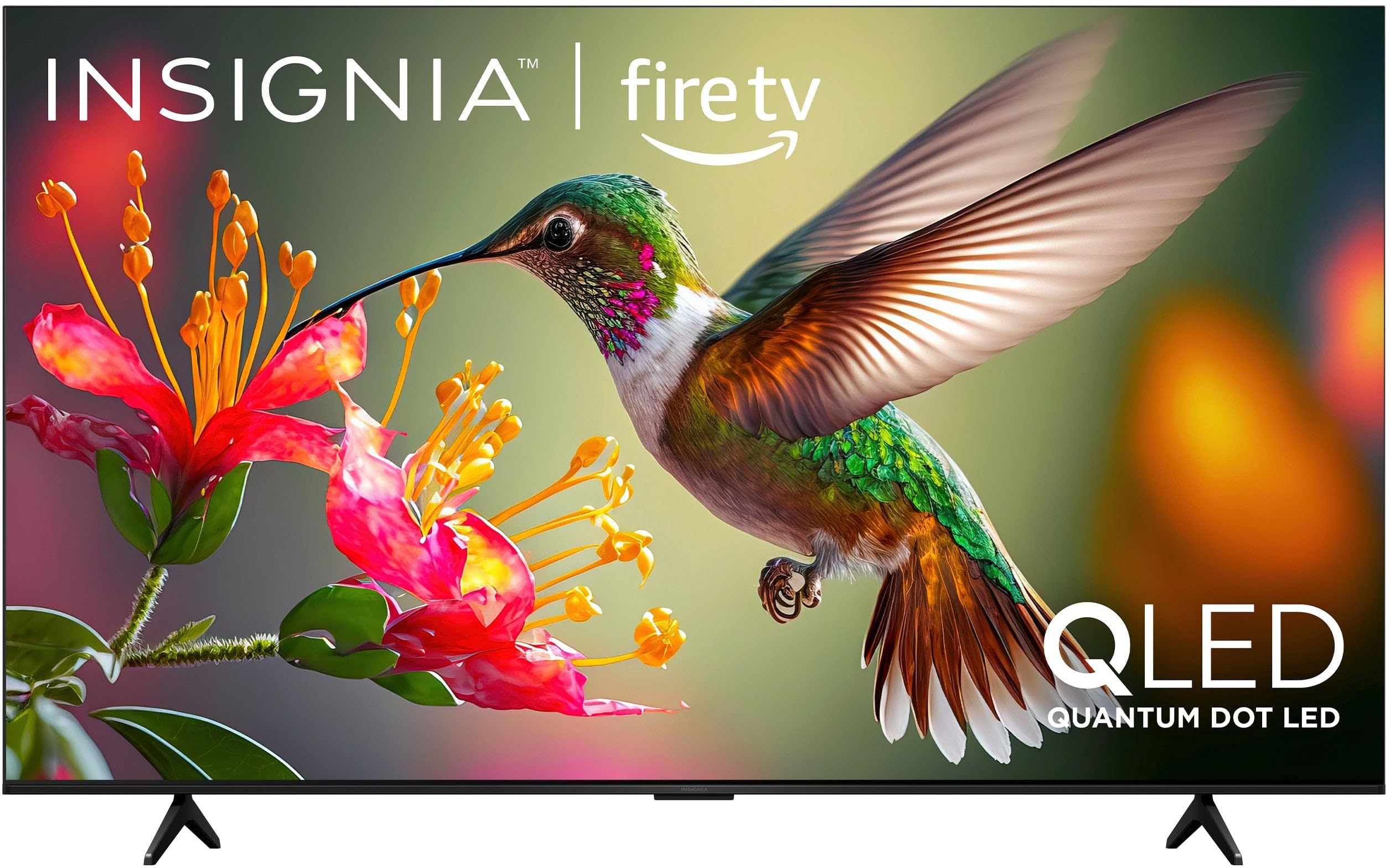
Imaxe 1.1: Fronte view of the INSIGNIA 85-inch QF Series QLED 4K UHD Smart Fire TV.
2. Que hai na caixa
Verifique que todos os compoñentes estean presentes antes de continuar coa configuración:
- INSIGNIA 85-inch QF Series QLED 4K UHD Smart Fire TV
- Control remoto de voz con Alexa
- Pilas para o control remoto (2 AAA)
- Soporte de TV
- Parafusos para a instalación do soporte
- Guía de configuración rápida (este documento)
3. Configuración
3.1. Instalación do soporte para TV
If you are not wall-mounting your TV, attach the included stand:
- Coloque con coidado o televisor boca abaixo sobre unha superficie suave e limpa para evitar danar a pantalla.
- Aliñe as patas do soporte cos orificios para os parafusos da parte inferior do televisor.
- Fixe as patas do soporte cos parafusos proporcionados. Asegúrese de que estean ben apertadas.
3.2. Acendido inicial e conexión de rede
- Conecte o cable de alimentación ao televisor e despois a unha toma de corrente.
- Prema o botón de acendido do televisor ou do mando a distancia para acender o televisor.
- Segue as instrucións en pantalla para seleccionar o teu idioma, conectarte á túa rede wifi e iniciar sesión na túa conta de Amazon.
3.3. Emparellamento remoto
Your Voice Remote with Alexa should pair automatically. If it does not, press and hold the Casa button on the remote for 10 seconds until the LED indicator flashes blue, then release. The remote will attempt to pair.

Image 3.1: The Voice Remote with Alexa, used for controlling the TV and accessing smart features.
4. Instrucións de funcionamento
4.1. Fire TV Smart OS Navigation
The Fire TV Smart OS provides a centralized hub for all your entertainment. Use the navigation buttons on your remote to browse:
- Pantalla de inicio: Access recommended content, recently used apps, and various streaming services.
- Aplicacións: Download and manage your favorite streaming applications.
- TV en directo: Integrate live TV channels from supported services or an antenna.
- Configuración: Adjust picture, sound, network, and device preferences.

Image 4.1: The Fire TV interface displaying a selection of streaming services and content.
4.2. Voice Remote with Alexa
Utilize the built-in Alexa voice assistant for hands-free control:
- Manteña premido o botón do micrófono no teu mando a distancia.
- Speak commands such as "Find action movies," "Launch Netflix," "Switch to HDMI 2," or "Show me the weather."
- Alexa can also control compatible smart home devices.
4.3. Conectando Dispositivos Externos
Your TV is equipped with four HDMI inputs for connecting external devices:
- Connect gaming consoles, Blu-ray players, soundbars, or cable/satellite boxes to the HDMI ports.
- One HDMI port supports eARC for enhanced audio return channel functionality with compatible sound systems.
- Para cambiar as entradas, prema o botón Entrada button on your remote and select the desired source.

Image 4.2: Illustration of the TV's connectivity options, including HDMI ports.
4.4. Melloras de imaxe e son
This TV features advanced technologies for an immersive experience:
- QLED (Quantum Dot LED): Delivers vibrant, lifelike colors and improved brightness.
- Resolución 4K UltraHD: Provides four times the detail of Full HD TVs.
- Dolby Vision e Dolby Atmos: Supports advanced HDR for enhanced contrast and accurate colors, along with immersive spatial audio.

Image 4.3: Visual representation of Dolby Vision and Dolby Atmos features, highlighting cinematic picture and immersive sound.
5. Mantemento
5.1. Limpeza do televisor
To maintain the TV's appearance and performance:
- Desconecte sempre o televisor antes de limpalo.
- Usa un pano suave, seco e sen fiapos para limpar con coidado a pantalla e a carcasa.
- Para marcas difíciles na pantalla, lixeiramenteampEnxágüe o pano con auga ou cun limpador de pantallas especializado. Nunca pulverice líquido directamente sobre a pantalla.
- Evite o uso de limpadores abrasivos, ceras ou disolventes.
5.2. Actualizacións de software
Your Fire TV automatically receives software updates to improve performance and add new features. Ensure your TV is connected to the internet to receive these updates. You can manually check for updates in the Settings menu.
6 Solución de problemas
Se tes problemas co teu televisor, consulta as seguintes solucións habituais:
| Problema | Solución |
|---|---|
| Sen poder | Asegúrate de que o cable de alimentación estea conectado correctamente tanto ao televisor como a unha toma de corrente que funcione. Proba cunha toma diferente. |
| Sen imaxe, pero hai son | Comprobe a fonte de entrada. Prema o botón Entrada button on the remote to cycle through inputs. Verify external devices are powered on and connected correctly. |
| O control remoto non responde | Replace the AAA batteries in the remote. If the issue persists, re-pair the remote by holding the Casa botón durante 10 segundos. |
| Non se pode conectar á wifi | Ensure your Wi-Fi router is on and within range. Restart your router and TV. Check Wi-Fi settings in the TV's menu to ensure the correct network and password are entered. |
| Mala calidade de imaxe | Adjust picture settings (brightness, contrast, color) in the TV's menu. Ensure the content source is high-quality (e.g., 4K content for 4K resolution). |
| Sen son | Check the volume level and ensure the TV is not muted. Verify external audio devices (soundbar, receiver) are connected and configured correctly. |
7. Especificacións
| Característica | Detalle |
|---|---|
| Nome do modelo | NS85-UQFL27 |
| Tamaño da pantalla | 84.6 polgadas (clase de 85 polgadas) |
| Tecnoloxía de visualización | QLED (LED de punto cuántico) |
| Resolución | 4K Ultra HD (3840 x 2160) |
| Taxa de actualización | 60 Hz |
| Sistema Operativo | FireOS |
| Soporte HDR | Dolby Vision |
| Tecnoloxía de audio | Dolby Atmos |
| Conectividade | Wi-Fi |
| Entradas HDMI | 4 (incluíndo 1 eARC) |
| Características especiais | Voice Remote with Alexa, Apple Airplay |
| Dimensións do produto (P x A x A) | 2.5" D x 74.4" W x 42.8" H |
| Item Weight Without Stand | 64.6 libras |
| Compoñentes incluídos | Remote Control, Remote Control Battery, Screws, Stand |
| UPC | 600603325472 |
8. Garantía e soporte
8.1. Información da garantía
This INSIGNIA TV comes with a 1 ano de garantía. For specific terms and conditions, please refer to the warranty card included with your product or visit the official INSIGNIA support websitio.
8.2. Atención ao cliente
If you require further assistance or encounter issues not covered in this manual, please contact INSIGNIA customer support. Contact information can typically be found on the manufacturer's websitio web ou na embalaxe do produto.